

Learn how to improve website user experience with 12 proven tips. Boost engagement, reduce bounce rates, and optimize your site for better SEO and usability.
A great website is about how simple it is for users to engage with it, not only about its attractive design or helpful content. This is where user experience (UX) on a website is important.
The ease with which users may browse your website, locate the information they require, and carry out tasks like reading articles, registering, or making a purchase is referred to as the user experience.
When a website provides a good user experience, users may easily navigate between pages, grasp the layout, and access content without difficulty.
However, cluttered layouts, difficult navigation, and sluggish page loads sometimes turn visitors away before they have a chance to browse the content.
Enhancing a website’s user experience is crucial for both users and search engines. Websites that provide quick, mobile-friendly, and user-focused experiences are given priority by platforms like Google.
Over time, a well-optimized user experience can lower bounce rates, boost engagement, and raise search ranks.
You’ll learn 12 proven ways to optimize your website for a better user experience in this tutorial.
These tactics will make it easier for users to access information, stay on your website longer, and engage with your content more, all of which will increase user engagement and improve overall performance.
What Is Website User Experience (UX)?
The term “website user experience” (UX) describes how users feel while interacting with a website.
It encompasses everything that influences a visitor’s experience, from how fast the website loads to how simple it is for them to browse pages and comprehend the content.
When a website has a good user experience (UX), users may locate what they need fast and finish tasks without being confused or frustrated.
Usability, accessibility, and efficiency are fundamental components of user experience (UX). When users arrive at a website, they anticipate a seamless experience: menus should be simple to use, pages should load instantly, and content should be arranged logically.
Users are more likely to remain on the site and continue exploring if these components function effectively together.
Difference Between UX and UI
Although the terms are often used together, UX (User Experience) and UI (User Interface) are not the same.
- UX focuses on the overall experience of the user while interacting with a website. It includes navigation, performance, structure, and usability.
- UI focuses on the visual design elements such as colors, buttons, typography, and layout.
In simple terms, UI is how a website looks, while UX is how it works and feels for the user. A website can have beautiful design elements, but if navigation is confusing or pages load slowly, the overall user experience will still be poor.
How to Improve Website User Experience – 12 Proven Methods
A total redesign is not always necessary to improve the user experience of a website. Small, deliberate changes can often have a big impact on how users engage with your website.
Practical enhancements, like quicker page loads and easier navigation, make it easier for users to navigate your website and obtain information.
The following tactics concentrate on the key UX elements that affect usability, engagement, and general satisfaction.
Even a small number of these enhancements can improve the effectiveness, usability, and user experience of your website.
1. Improve Website Loading Speed
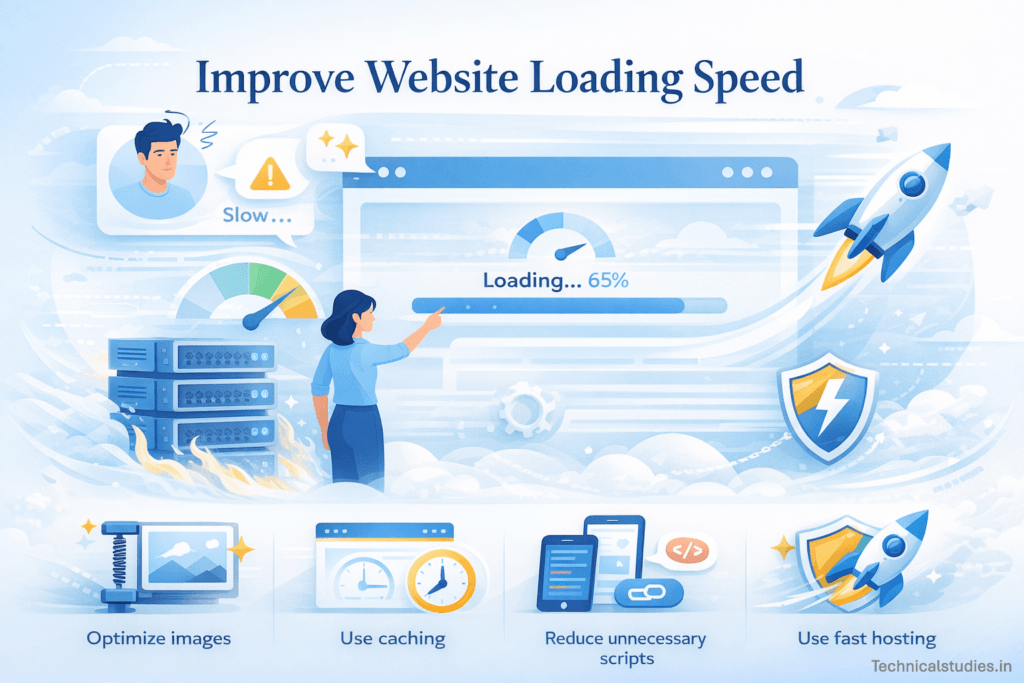
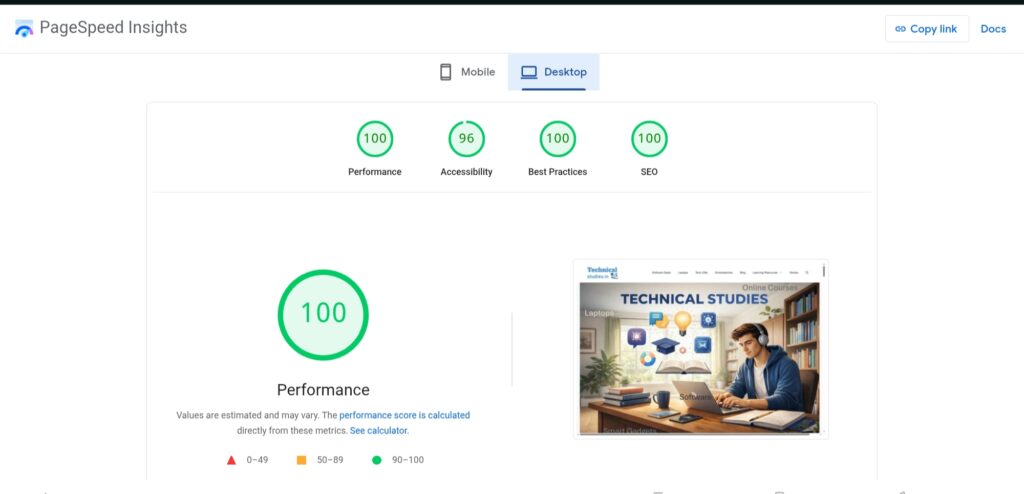
One of the most important components of a positive user experience is a website’s speed. Pages that take too long to load quickly irritate visitors, who may quit before they ever read your content.
Users frequently anticipate a page loading in a few seconds. If it doesn’t, they frequently switch to another website.
In addition to lowering user satisfaction, slow loading times can also lower engagement and conversion rates.
When a website loads swiftly and reacts smoothly, visitors are considerably more likely to explore it, read several pages, or finish an action.
There are several effective ways to improve website speed:
Optimize images.
One of the most frequent causes of websites loading slowly is large image files. Without compromising visual quality, new formats and image compression can drastically speed up page loads.
Use caching.
In order to speed up page loads for returning users, some website parts are cached. Performance is enhanced by the browser retrieving files from local storage rather than downloading them each time.
Reduce unnecessary scripts.
A website may be slowed down by excessive plugins, third-party scripts, or complex programming. Pages load more quickly when unnecessary scripts are removed, and code is reduced.
Use fast and reliable hosting.
Website performance is significantly influenced by your hosting provider. Loading speed can be significantly increased by selecting a top-notch hosting provider with quick server response times.
I recommend using Hostinger hosting. It is a budget-friendly, secure, and efficient hosting service for beginners as well as developers.
Hostinger offers various hosting types for personal blogs to business-oriented and e-commerce websites.
Also, there is an AI website builder from Hostinger to help you design outstanding websites with drag-and-drop elements. Check out the pricing of Hostinger hosting to see if it fits your budget.
2. Make Your Website Mobile-Friendly

These days, a significant amount of web traffic originates from smartphones and tablets. When a website doesn’t work well on mobile devices, users tend to quit quickly and search for other options.
Therefore, mobile optimization is crucial for ensuring that consumers can easily access your content from any device and for offering a seamless browsing experience.
A website that is optimized for mobile devices automatically modifies its functionality and layout to accommodate smaller screens. When this is done correctly, users don’t need to zoom in or scroll too far to read content, traverse menus, and interact with buttons.
Several key factors contribute to effective mobile optimization:
Responsive design.
A responsive website automatically adjusts its layout to fit various screen sizes. Whether a user is using a desktop computer, tablet, or smartphone, the site is still functional because of dynamic adjustments made to the text, images, and navigation elements.
Mobile readability.
On small screens, content should be easy to read. This involves using legible fonts, suitable text sizes, brief paragraphs, and enough space between paragraphs to allow readers to quickly scan content.
Touch-friendly buttons.
Instead of using a mouse to interact with websites on mobile devices, consumers utilize their fingers. To avoid unintentional clicks, buttons, menus, and links should be sufficiently large and appropriately spaced.
Mobile page speed.
In contrast to PC users, mobile users frequently depend on slower network connections. Mobile device loading performance can be greatly increased by optimizing photos, cutting down on complex scripts, and eliminating extraneous components.
Also Read: Best SEO Tools To Enhance Your Website Performance [Expert Picks]
3. Simplify Website Navigation
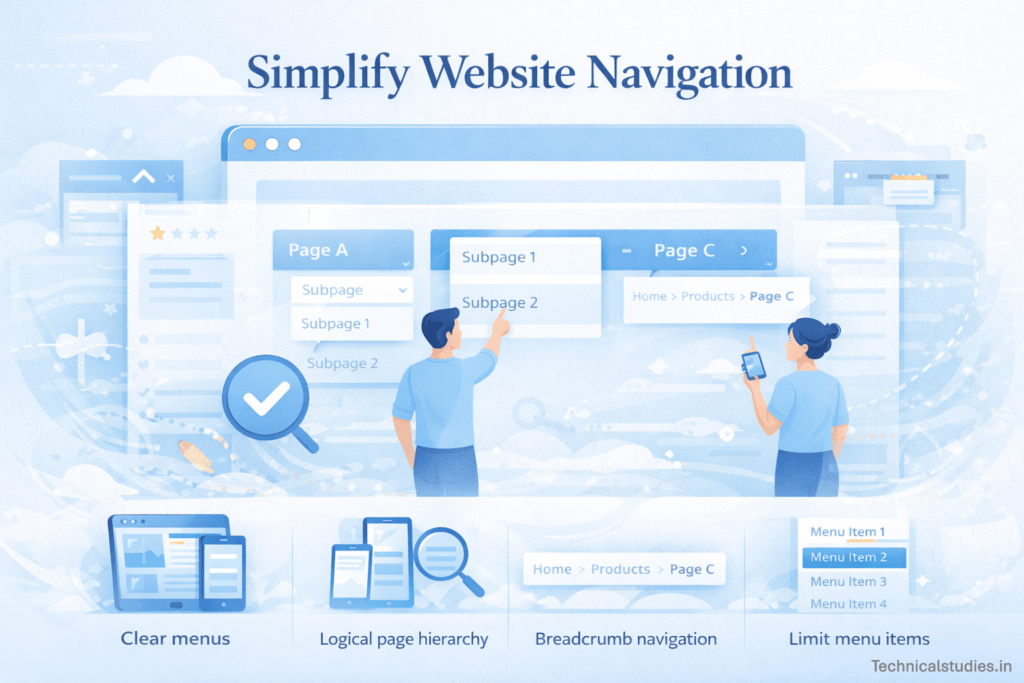
A website’s ease of use is greatly influenced by its navigation. Users should be able to locate the information they need and quickly grasp where they are on a page. Visitors may become frustrated and abandon the website if the navigation is unclear or cluttered.
Usability is enhanced by intuitive navigation, which makes the website easier for users to navigate. It makes it easier for users to browse between sites, find pertinent content, and finish tasks quickly.
Additionally, a well-organized navigation system lessens cognitive strain, enabling viewers to concentrate on the content rather than figuring out how the website operates.
Here are a few practical ways to simplify website navigation:
Use clear and descriptive menus.
What users will find on each page should be made evident via menu labels. Steer clear of ambiguous or imaginative labels that could mislead visitors. Navigation is more predictable when phrases like “Blog,” “Products,” “Guides,” or “Contact” are included.
Create a logical page hierarchy.
Users are better able to comprehend your website’s structure when content is arranged into clear categories. To make it easier for visitors to go from general subjects to more particular information, group related pages together.
Implement breadcrumb navigation.
Breadcrumbs let users know where they are in the structure of the website. A path such as Home > Blog > UX Tips, for instance, enables users to quickly return to earlier sections and helps them understand how they got to the page.
Limit the number of menu items.
Visitors may become overwhelmed by overcrowded menus, which might complicate navigation. Users can swiftly browse options and select the page they need if the main menu is kept simple.
4. Improve Content Readability
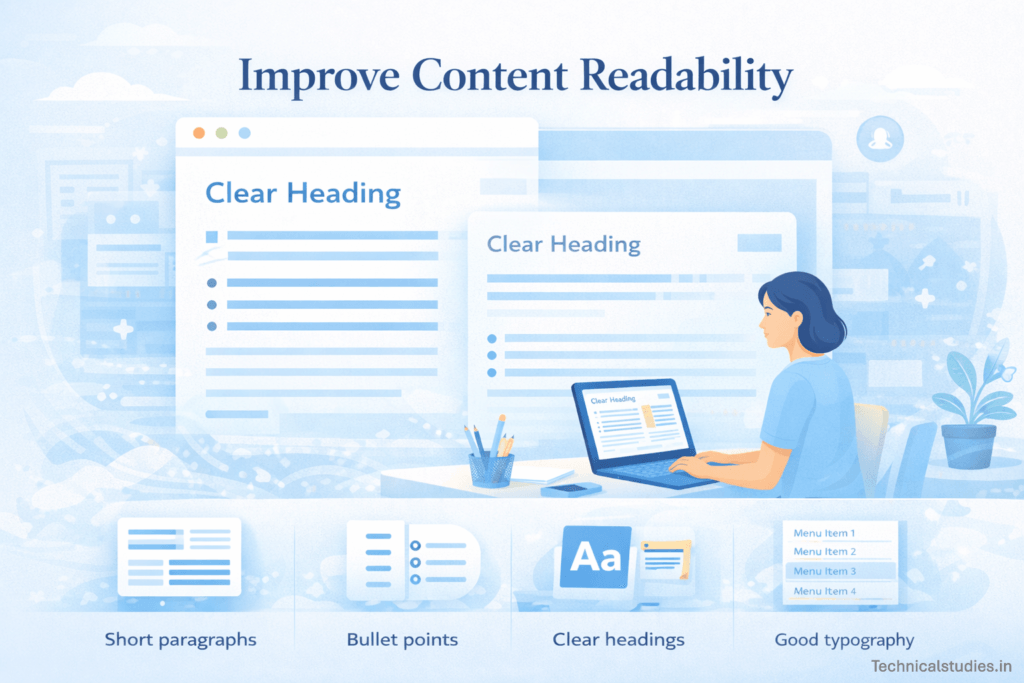
If visitors find it difficult to read, even the most useful content loses its impact. Rarely do internet users read every word on a website; instead, they swiftly skim text to find important information.
Many people will simply quit the page if the text is cluttered, dense, or badly organized. Users can comprehend the content more easily and remain interested for longer when it is easy to read.
Readable content facilitates quicker information processing and lessens browsing-related mental strain. Users can immediately identify the points that are most important to them when the language is visually appealing and well-structured.
Here are several ways to improve content readability:
Use short paragraphs.
Long text passages may be too much for readers to handle. Shorter paragraphs make it easier for people to skim the site and more easily assimilate information.
Use bullet points where appropriate.
Bullet lists make information easier to understand and highlight important concepts. They are particularly helpful for describing characteristics, procedures, or advice.
Add clear headings and subheadings.
Headings direct readers throughout the page and divide your information into sections. Additionally, they facilitate consumers’ rapid identification of the article’s most relevant sections.
Choose good typography.
The size and style of the font are important factors in readability. To keep text comfortable for extended reading sessions, use clear, readable typefaces with suitable line height and contrast.
Maintain adequate spacing.
White space between text, graphics, and headings keeps the page from appearing crowded. Proper spacing helps readers focus on the information and increases visual clarity.
5. Use Clear and Effective Calls to Action (CTAs)

A call to action (CTA) is a prompt on your website that asks users to do something. CTAs direct readers toward meaningful interactions, whether they be downloading a resource, reading another article, or subscribing to a newsletter.
In the absence of obvious calls to action, users may see content but abandon the website without completing the next action.
By eliminating confusion, effective CTAs enhance user experience. A strategically placed call to action (CTA) gives visitors specific direction and keeps them interested in your website rather than making them figure out what to do next.
Common examples of CTAs include:
- “Learn More” – encourages users to explore additional information
- “Download Now” – prompts visitors to access a guide, ebook, or resource
- “Get Started” – invites users to begin a process, such as signing up or trying a tool
To make CTAs more effective, consider the following best practices:
Use strong action words.
Language that is action-oriented and clear encourages users to click. Words that evoke a sense of movement and purpose include start, explore, download, discover, and try.
Place CTAs strategically.
When users naturally reach a choice point, such as at the conclusion of an article, following an explanation of a feature, or in a part where visitors would wish to learn more, CTAs should be placed.
Make buttons visually distinct.
CTAs ought to be distinct from the rest of the page. Users may readily identify where they need to click by using contrasting colors, distinct button forms, and adequate spacing.
6. Optimize Your Website Layout and Visual Hierarchy
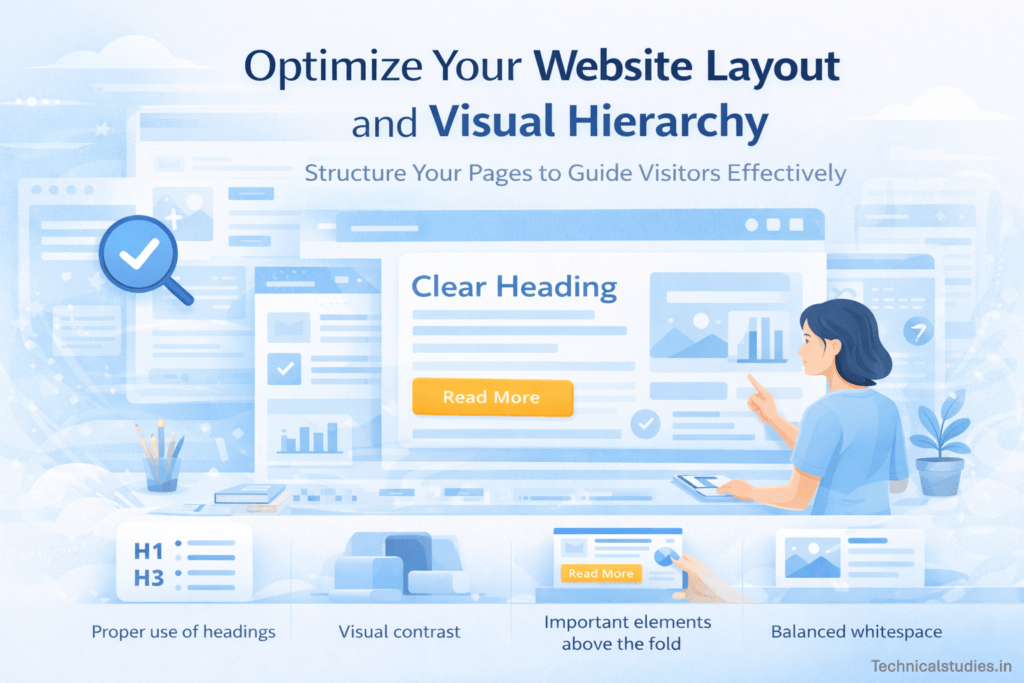
A website’s layout significantly affects how simple it is for users to comprehend and navigate its content. The majority of users quickly scan webpages to locate the content that is important to them rather than reading them line by line.
They are better able to focus on the most crucial components when there is a clear visual hierarchy and an organized layout.
The arrangement of design elements such that consumers naturally see the most crucial information first is known as visual hierarchy.
Visitors may immediately recognize headings, important points, and activities on a website with a logical structure without feeling overwhelmed.
Here are several ways to improve layout and visual hierarchy:
Use headings properly.
Headings assist readers in understanding the page’s structure by dividing text into distinct sections. Subheadings arrange supporting information beneath larger, bold headings that emphasize key points.
Create visual contrast.
Contrast makes key components shine out. Variations in font weight, color, or size can accomplish this. For instance, buttons, headlines, and important information should stand out from ordinary text so that readers can see them right away.
Place important elements above the fold.
When a user opens a page, the most important information should be displayed first, without the need to scroll. This could be the principal call to action, headline, or significant message.
7. Reduce Intrusive Pop-Ups
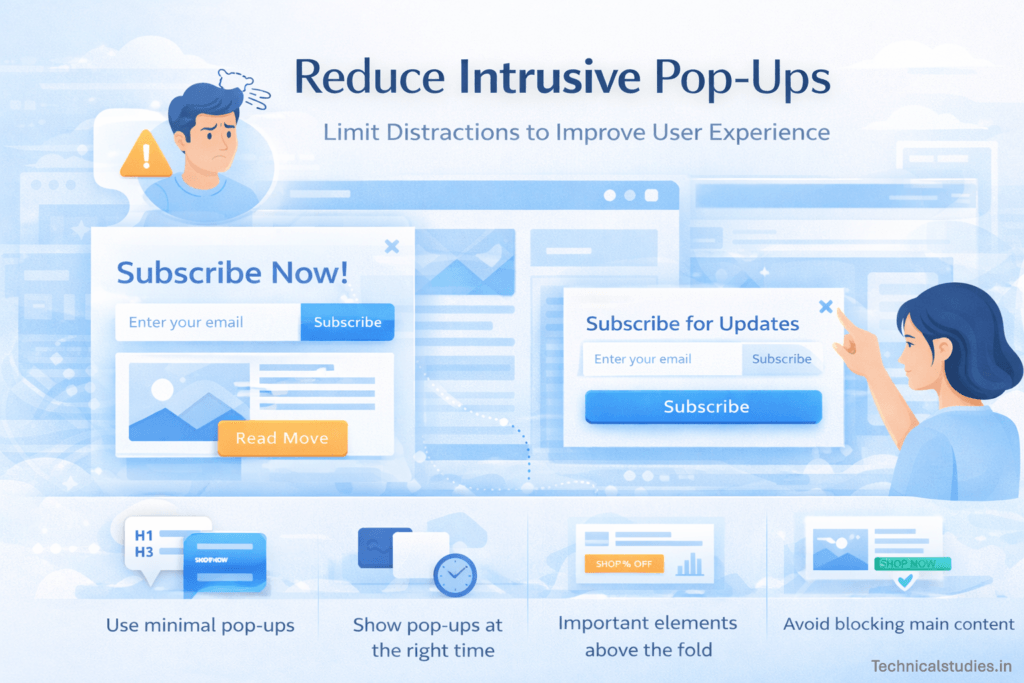
Pop-ups can help with lead generation, offer promotions, and newsletter sign-up encouragement. However, they can quickly annoy users and interfere with their browsing experience if they are used excessively or displayed at the wrong time.
Intrusive pop-ups irritate a lot of visitors, particularly when they show up right away after visiting a page or repeatedly disrupt the content.
When there are too many pop-ups, it becomes more difficult for users to concentrate on the content they are looking for. If a consumer feels that the page is busy or challenging to navigate, they may even completely leave the website. Accessible material and seamless interaction should take precedence over continuously demanding attention in a successful user experience.
To use pop-ups effectively without harming user experience, consider these best practices:
Use minimal pop-ups.
Don’t have too many pop-up windows on your website. Concentrate on one or two key cues that provide visitors with genuine value rather than presenting several messages.
Show pop-ups at the right time.
It’s all about timing. Instead of displaying a pop-up right away, think about making it appear after people have been on the page for a while or when they get to a specific section of the content. This strategy seems more appropriate and less obtrusive.
Also Read: Best AppSumo Lead Generation Tools for Small Businesses – Top Lifetime Deals You Shouldn’t Miss
8. Improve Internal Linking
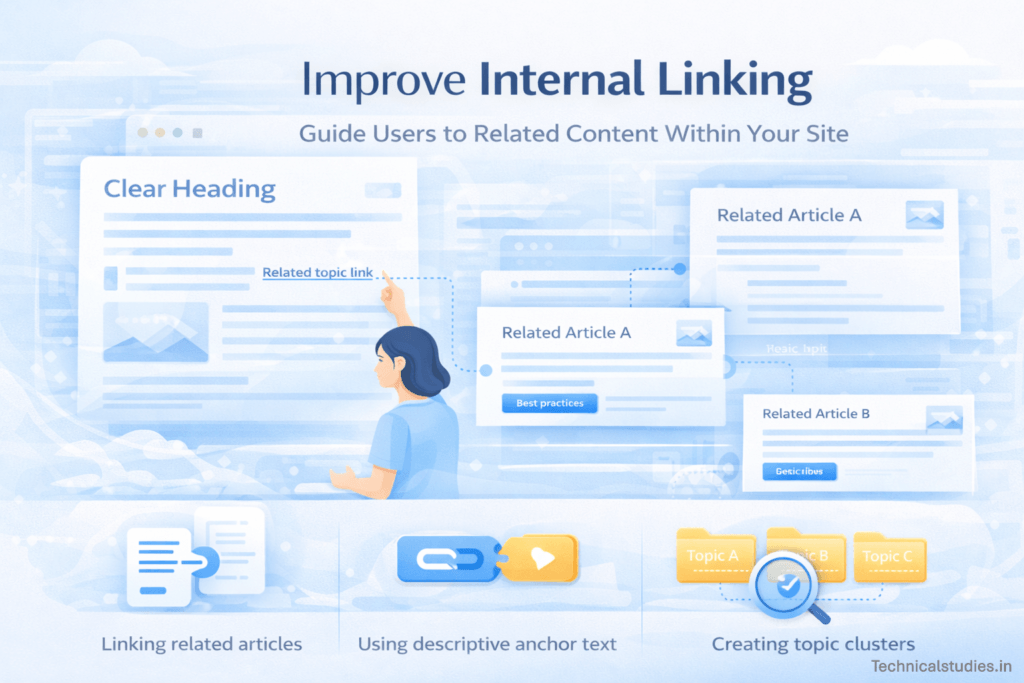
Internal linking is a straightforward yet effective method of enhancing content discoverability and website usability. Internal links allow users to navigate between pages on your website and discover relevant content without having to do a manual search.
When utilized properly, internal links direct readers through your content and entice them to stay on your website longer.
This seamless navigation improves the overall user experience and makes the website feel more organized and helpful.
For instance, if a reader is reading an article about website design and sees a link to a related guide on improving website speed, they can easily continue learning without leaving your website.
Here are a few ways to use internal linking effectively:
Link related articles.
Whenever feasible, link pages or articles that cover related subjects. This enables visitors to go more into topics they are already interested in and find more insightful content on your website.
Use descriptive anchor text.
A link’s clickable text should make it obvious what the connected page is about. Use useful information like “website speed optimization tips” or “UX design best practices” rather than ambiguous phrases like “click here.” This makes it easier for users to know where the link will lead.
Create topic clusters.
You can make it easier for users to explore your website by grouping material into topic clusters. A primary “pillar” article can provide links to several related lessons, resources, or guidelines, giving readers an organized learning route.
9. Optimize Images and Media
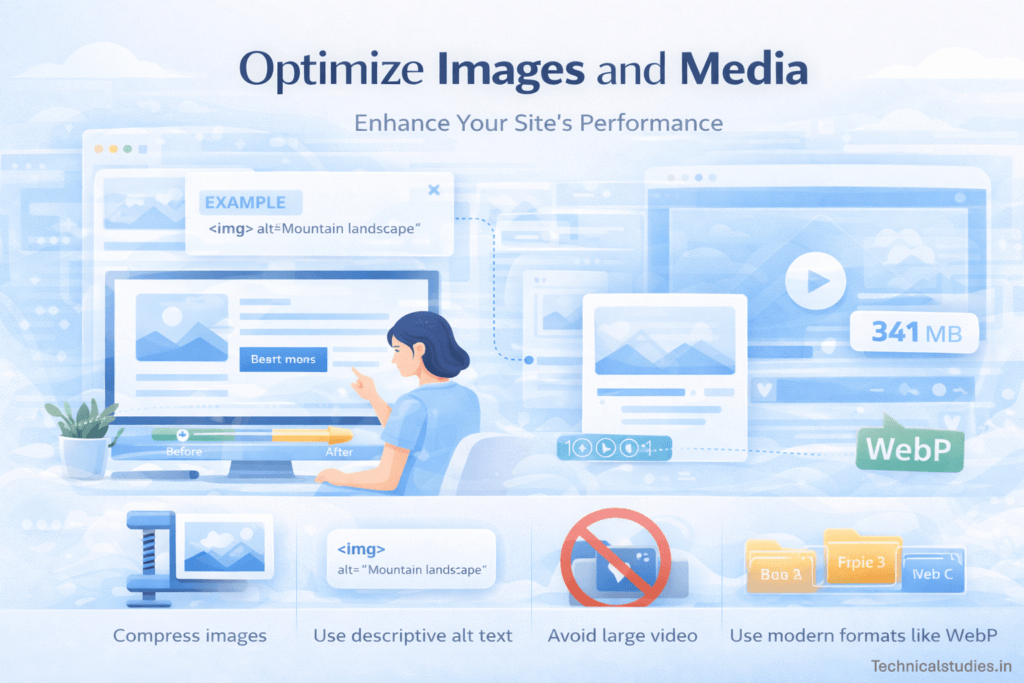
Images, graphics, and videos are examples of visual components that are crucial to making a website interesting and simple to comprehend.
Long passages of text can be broken up by well-placed images, which can also highlight important concepts and speed up visitors’ comprehension.
When utilized effectively, graphic material maintains customers’ attention and motivates them to stay on the page longer.
On the other hand, poorly optimized media and graphics might cause your website to load more slowly and significantly impact user experience.
Large files, lengthy videos, and poorly optimized media frequently cause pages to load more slowly, which irritates users. The objective is to employ images that improve content without sacrificing functionality.
Here are some practical ways to optimize images and media:
Compress images.
One of the most frequent causes of delayed website loading is large image files. Image compression helps pages load more quickly by reducing file size without sacrificing visual quality.
Use descriptive alt text.
For people who depend on screen readers, alt text provides a description of a picture and aids search engines in comprehending its context. In addition to increasing accessibility, clear alt text boosts SEO.
Use modern formats like WebP.
Compared to more conventional formats like JPEG or PNG, modern image formats like WebP offer good image quality with smaller file sizes. Without compromising visual clarity, this enhances performance.
Also Read: Best Website Builders for Beginners
10. Improve Website Accessibility
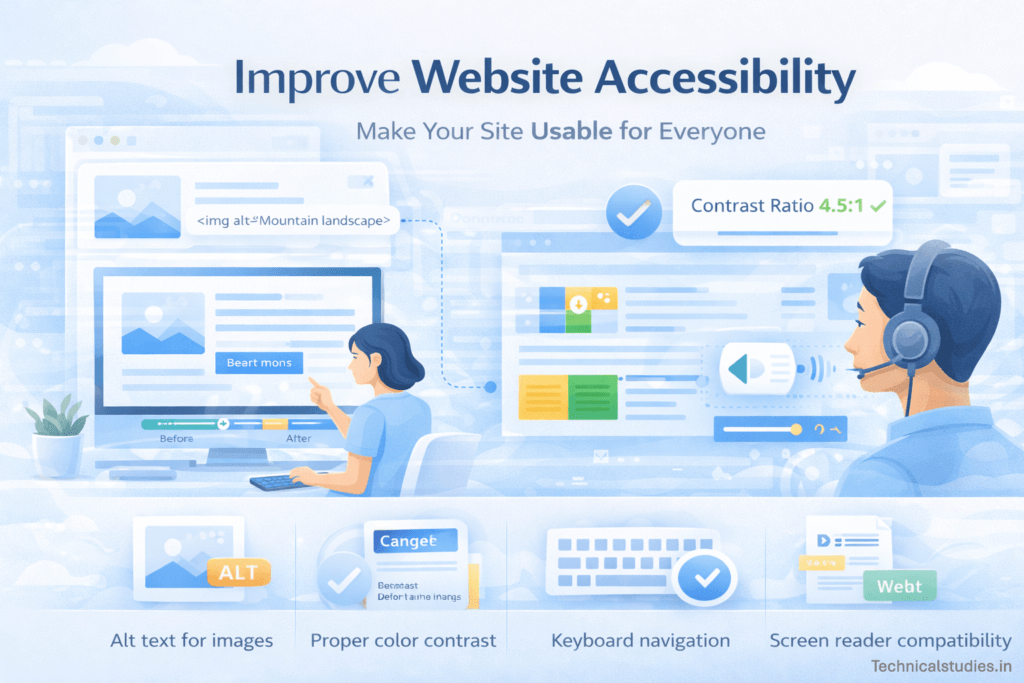
Website accessibility ensures that all users, regardless of visual, physical, or cognitive disabilities, may readily access and interact with your information. An accessible website removes barriers that may prohibit some users from browsing sites, reading content, or performing tasks.
The benefits of increasing accessibility extend beyond individuals with disabilities. It frequently results in improved usability, a clearer structure, and a cleaner design, all of which enhance the user experience for all.
More users can comfortably interact with the content on websites that are easy to read, browse, and use.
Here are several key practices that help improve website accessibility:
Add alt text for images.
For those who use screen readers, alternative text describes visuals. It guarantees that visitors with visual impairments can comprehend the meaning of the image even if they are unable to view it.
Use proper color contrast.
The text should be easily distinguishable from the background. For individuals with visual impairments in particular, low contrast between text and backdrop colors might make information challenging to read.
Enable keyboard navigation.
Some individuals must use keyboards to navigate webpages because they are unable to use a mouse. The website is made more inclusive by making sure that keyboard commands can be used to access menus, buttons, and links.
Ensure screen reader compatibility.
For visually handicapped people, screen readers translate digital text into spoken words. Clear headings, informative labels, and an appropriate HTML structure aid in the proper interpretation of website material by screen readers.
11. Use Analytics to Understand User Behavior

Understanding how users really interact with your website makes it much easier to improve the user experience.
Analytics tools give you useful information about what visitors do on your pages, including where they click, how long they remain, and where they depart.
By using actual user behavior rather than speculation, these insights assist you in identifying usability problems and optimizing your website.
You can identify trends that point to possible UX issues by examining visitor data. For instance, if a large number of people leave a page in a matter of seconds, it might be a sign of poor layout, slow loading speed, or unclear information.
By recognizing these problems, you can make focused adjustments that improve the whole experience.
Also Read: Best Web Analytics Tools To Improve Your Website
12. Continuously Test and Improve Your Website
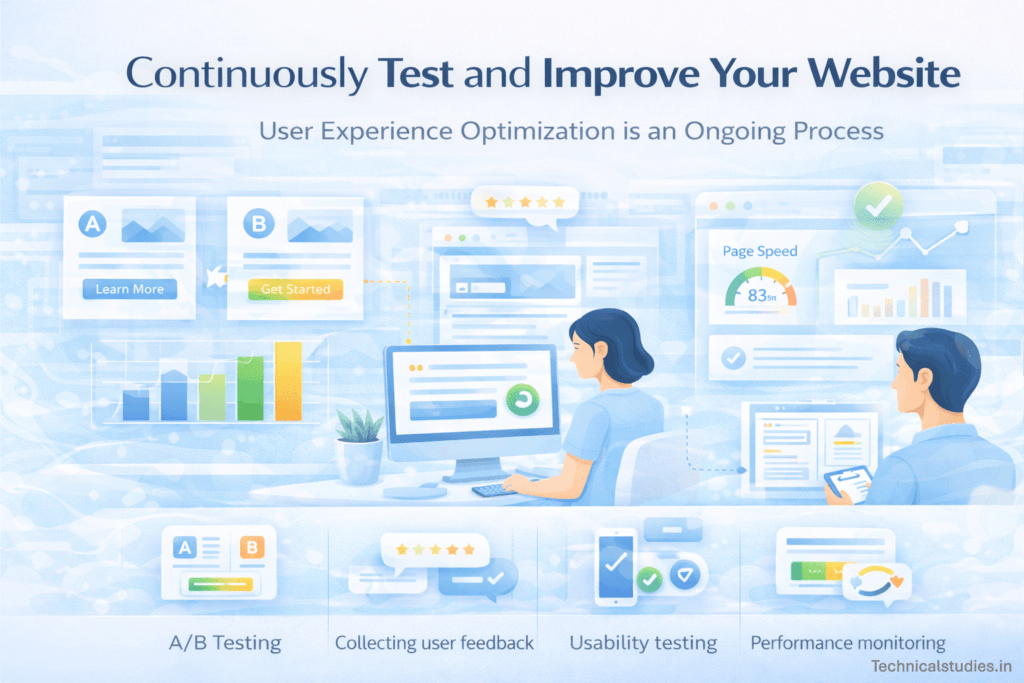
Enhancing the user experience on a website takes time. Websites require frequent updates and enhancements since user expectations, technological advancements, and design trends are always changing.
Continuous testing helps guarantee that your website will continue to be efficient, user-friendly, and relevant even if it is performing well right now.
UX optimization is most effective when it is a continuous process that involves performance measurement, modification testing, and experience refinement based on actual user behavior.
Data-driven enhancements enable you to make more informed choices regarding functionality, content, and design rather than depending on assumptions.
Also Read: Common Web Development Mistakes Developers Make And How To Avoid Them
FAQs About Website User Experience
What is the difference between UX and UI?
User Experience (UX) and User Interface (UI) are closely related but focus on different aspects of a website. UX refers to the overall experience a visitor has while interacting with a website, including navigation, usability, and performance. UI, on the other hand, focuses on the visual design elements such as colors, buttons, typography, and layout. In simple terms, UI controls how a website looks, while UX determines how easy and enjoyable it is to use.
How does user experience affect SEO?
User experience plays a significant role in search engine optimization. Search engines like Google prioritize websites that offer fast loading speeds, mobile-friendly layouts, and easy navigation. When users stay longer on a site, interact with multiple pages, and quickly find relevant information, it signals that the website provides value.
What are the most important UX factors?
Several factors strongly influence the quality of a website’s user experience. These include fast loading speed, mobile responsiveness, intuitive navigation, clear content structure, and readable design.
How can I test my website’s user experience?
Testing user experience involves observing how visitors interact with your website and identifying areas that cause friction. You can analyze user behavior through analytics tools, track clicks with heatmaps, and watch session recordings to understand navigation patterns.
Final Thoughts: Optimizing Your Website for Better User Experience
A well-designed website should provide users with a seamless, effective, and pleasurable experience in addition to being aesthetically pleasing.
Users are far more likely to stay on your site longer and participate with what you have to offer when they can quickly find information, traverse it with ease, and interact with content without becoming frustrated.
Spend some time reviewing your website from a visitor’s point of view. Identify locations where users may encounter challenges and begin making improvements incrementally.
With regular optimization, you can design a website that not only appears professional but also provides a smooth and enjoyable experience for all visitors.
Share Now

More Articles
A Beginner’s Guide to Creating Single Page Applications (SPAs)
Practical Web Development Projects For Beginners – Start Building Today
Front-End Vs Back-End Development: Roles, Skills & Career Differences Explained
Discover more from technicalstudies
Subscribe to get the latest posts sent to your email.