
Last updated on January 8th, 2026 at 10:21 am
One of the best things you can do right now is to study Android development if you want to create your own mobile apps or pursue a career in mobile development.
Millions of devices—phones, tablets, TVs, wearables—run Android, and there is a constant need for qualified developers.
What’s good? To get started, lengthy college courses or pricey boot camps are not necessary. You can learn everything from the beginning at your own pace with the best Android development courses on Udemy.
Because it provides reasonably priced, regularly updated, project-based courses taught by knowledgeable instructors, Udemy has emerged as a preferred venue for Android learners.
There are both beginner-friendly and expert classes that fit your objectives, regardless of whether you want to work with Kotlin, Java, Jetpack libraries, or tools like Android Studio.
For those who wish to create contemporary Android apps without feeling overwhelmed, including students, novices, career switchers, freelance developers, and others, this list has been carefully crafted.
You can practice, gain confidence, and get closer to becoming a professional Android developer with the help of these courses, which teach practical skills through practical projects.
Let’s look at the best Android Development courses on Udemy to get you started.
List of the Best Android Development Courses on Udemy
Here are my top choices for Android development courses on Udemy. Check out these courses and choose the right course that meets your current skill levels.
1. The Complete Android 15 Course [Part 1] – Master Java & Kotlin
![The Complete Android 15 Course [Part 1] - Master Java & Kotlin](https://technicalstudies.in/wp-content/uploads/2025/11/The-Complete-Android-15-Course-1024x445.jpg "The Complete Android 15 Course [Part 1] - Master Java & Kotlin")
The Complete Android 15 Course [Part 1] – Master Java & Kotlin course provides a good foundation if you want to start developing Android apps using both Java and Kotlin.
The goal of the course is to get you from having no programming knowledge to creating apps that are ready for publication.
The entire setup is covered, including setting up and configuring Android Studio, comprehending the structure of Android projects, and progressively progressing into creating actual apps.
The source material is especially well-suited for novices who desire a clear route because it implies that you will work through numerous practical projects, providing you with the experience required to reinforce the theory (for example: constructing apps, comprehending layouts, UI interactions, API calls).
Its scope is what makes it even more alluring: it includes both Java and Kotlin, so you’re not confined to just one language and can gain a more comprehensive understanding of the ecosystem.
According to reports, the course also focuses on contemporary Android design patterns like MVVM and incorporates elements like Firebase, Firestore, and more.
This means that you’re not only building basic user interfaces but also learning how apps interact with back-end services and manage data and workflow in the real world.
However, as the Android landscape is constantly changing, as with many “complete” courses, you’ll still want to augment your learning with one or more up-to-date modules that focus on the newest Android capabilities (such as Jetpack Compose or the oddities of the most recent Android version).
However, this course is a great choice for a comprehensive introduction, including project work.
Read Also: Best Android Development Courses and Certifications (Free & Paid)
2. The Complete Android 15 Course [Part 2] – Jetpack Compose
![The Complete Android 15 Course [Part 2] - Jetpack Compose](https://technicalstudies.in/wp-content/uploads/2025/11/The-Complete-Android-15-Course-2-1024x448.jpg "The Complete Android 15 Course [Part 2] - Jetpack Compose")
From a professional perspective, this course excels because it takes on the current Android ecosystem head-on, emphasizing architecture such as MVVM (Model-View-ViewModel) and Jetpack Compose, Google’s recommended UI toolkit for Android.
Key components, including Kotlin programming, UI composition, animations, navigation elements, Room Database, Retrofit for API interaction, and creating completely functional apps, are all covered.
This is a wise decision since, in today’s Android environment, it’s not enough to just know how to construct screens; you also need to know how to handle state, organize code, work with live data and persistence, and develop maintainable applications.
As a result, the project-based approach of the course closely resembles how professionals actually learn and work.
While this course will be very beneficial for beginners and intermediate developers, advanced learners who want to master the cutting edge (e.g., multi-module projects, advanced clean architecture, highly-custom animations, large-scale production apps) might need to supplement with other resources.
Continuous self-study is still crucial because, according to some recent evaluations of comparable Android courses, fresh libraries or patterns receive less attention as courses go on.
3. Flutter & Dart – The Complete Guide
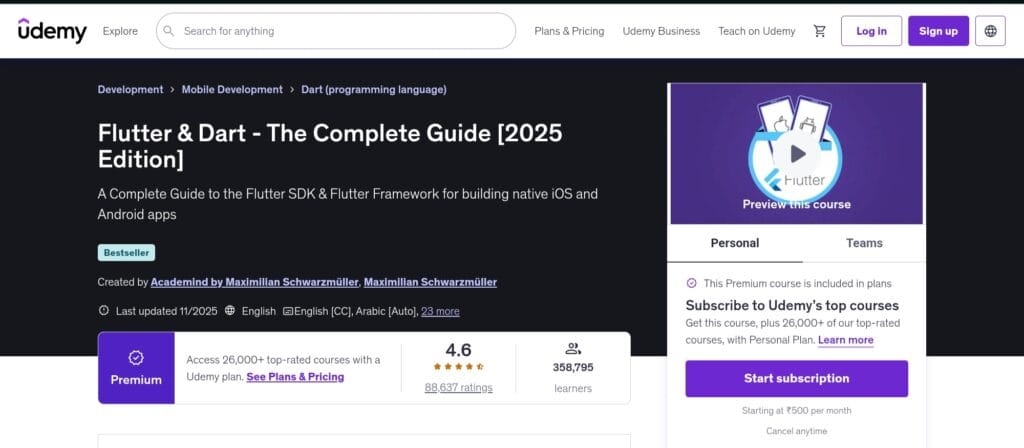
This Flutter & Dart course is one of the best places to start if you want to create apps for iOS and Android without learning two different languages.
It offers a very beginner-friendly approach, walking you through the process of configuring Flutter, comprehending the operation of widgets, and creating functional apps that function well on both platforms.
Learners can easily comprehend UI layouts, navigation, state management, API connections, and real-world mobile app workflows thanks to the instructor’s straightforward and engaging explanations of difficult subjects.
This course offers great value for someone looking for a single course that covers everything from the fundamentals to practical app development.
Experts believe that this course’s greatest asset is its practicality. You really create useful apps and comprehend how all the components work together—you don’t just learn Flutter principles or Dart syntax.
This is similar to how contemporary mobile developers create reusable parts, manage state, handle user interaction, and link apps to real-time data.
Additionally, it serves as an excellent introduction to Flutter’s quick development cycle, which contributes to the framework’s current popularity.
4. Full Android Development Masterclass – 14 Real Apps in 46 Hours
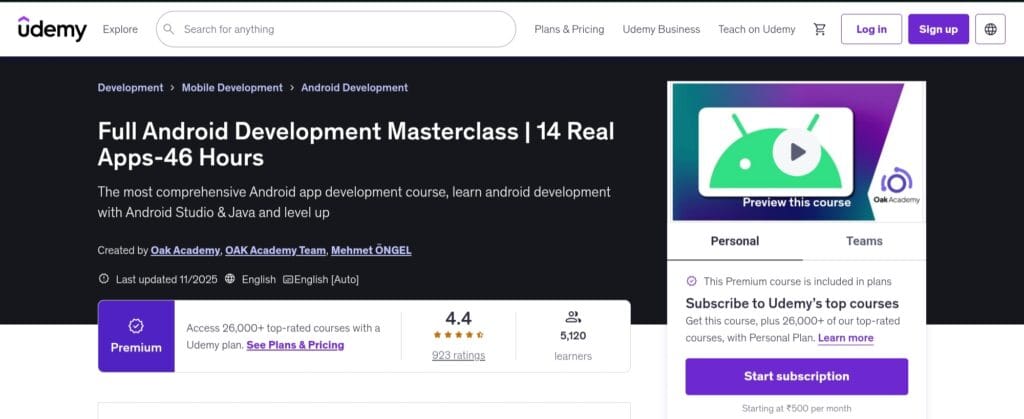
This course is ideal for you if you’re the type of learner who would rather perform than simply observe. Building 14 actual Android apps from the start will provide you with practical experience rather than just theoretical knowledge.
In order to publish your apps to the Play Store, you will need to set up Android Studio, learn how an Android project is organized, navigate UI layouts, manage user input, connect APIs, and store data in SQLite or other databases.
If your objective is to become an Android developer or make your own apps, this type of end-to-end process is a great starting point because it mimics what experienced Android developers do.
From the perspective of an expert, this course’s most valuable feature is its project-based structure, which helps with retention and provides context by having you create complete apps.
Not only will you learn how to create code, but you will also learn how the UI, data, architecture, and publishing all work together in actual mobile applications.
Additionally, working through 14 apps will expose you to a variety of issues and trends, which boosts confidence.
5. The Complete Android & Kotlin Development Masterclass
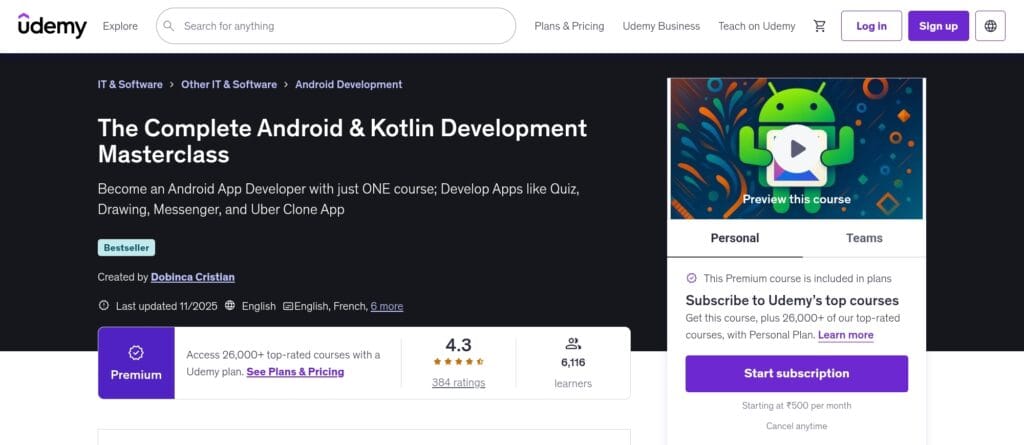
This course provides a solid basis for anyone who is serious about learning Kotlin, the language that powers contemporary Android development.
The fundamentals—variables, data types, control structures, and functions—are covered first, followed by object-oriented programming, higher-order functions, coroutines, generics, and more.
You will “master Kotlin from the ground up” and create practical projects that support your learning, according to the course description.
Because of this, it’s perfect for people who have never coded before or are switching from Java to Kotlin and need a straightforward, organized approach.
The course’s ability to connect language principles with real-world application is noteworthy.
It teaches more than simply “Kotlin syntax“; it demonstrates how to utilize Kotlin in the context of app development, including how to manage asynchronous processes and persist data, create apps, and architect modules.
This implies that by the time it’s all over, you’re not just at ease with programming, but also with creating applications. A key benefit is that it aligns with actual Android development.
Read Also: Best Java Courses For Beginners
6. Multi-Modular E-commerce App for Android & iOS
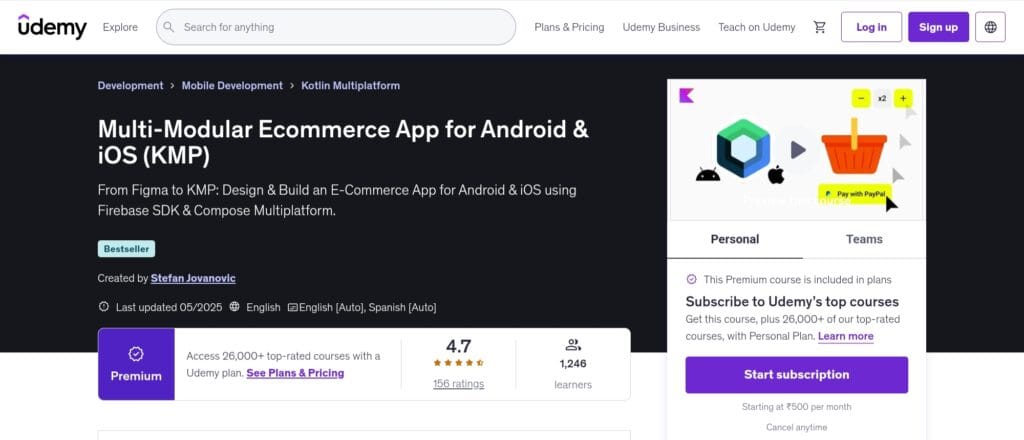
This course provides a powerful leap into modern mobile development from an industry standpoint, particularly if you want to create apps that use a shared codebase to run on both iOS and Android.
The emphasis is on Kotlin Multiplatform (KMP) with a multi-modular architecture, so you will learn how to create scalable applications, organize modules, use clean architecture, and keep production-ready.
Everything from UI design to deployment will be covered as you go, “From Figma Design project, to the actual Android and iOS application.” You are learning what actual mobile teams do because it makes use of real-world tools like Jetpack Compose (for user interface), backend services like Firebase (for database, authentication, and storage), and payment interfaces (PayPal, cart workflows).
7. Jetpack Compose – Android App Development Course with Jetpack
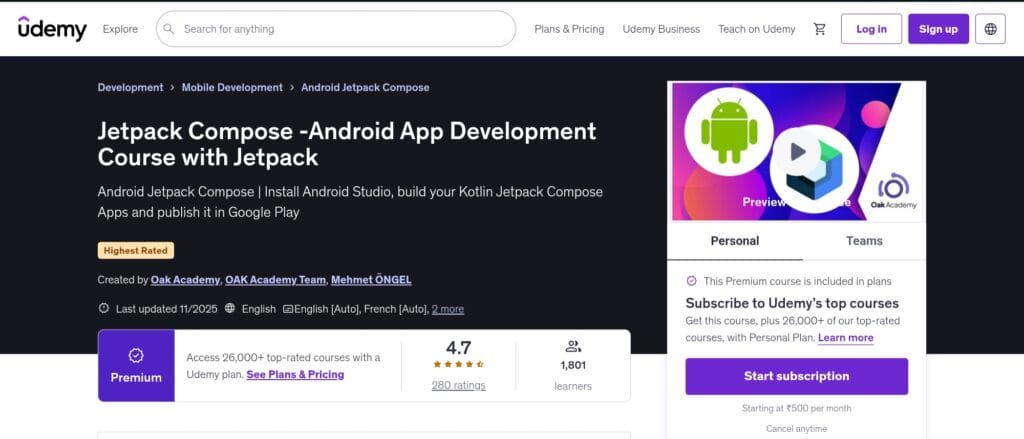
This course is an excellent starting point if you’re excited to create cutting-edge Android apps with Jetpack Compose’s most recent UI toolkit.
It begins by explaining the principles of Kotlin (if necessary) before delving into the core of Compose, which includes declarative UI construction, state and recomposition handling, layout, animation, and navigation.
This is important because many people believe that Jetpack Compose will replace many of the outdated XML-based methods in Android UI development in the future.
You learn by doing—exactly how experts pick up new frameworks—by seeing real apps and projects throughout the course.
The course’s compatibility with actual Android workflows is its strongest point, according to experts.
In addition to learning how to develop composable functions, you will also learn how to organize a Compose application by integrating view models, using coroutines, managing state flows, handling navigation, and integrating with databases or APIs (based on the version).
If you want to get from “I know syntax” to “I build apps that work,” that’s the kind of stuff you need.
8. Kotlin Multiplatform Masterclass – KMP, KMM, Android, iOS
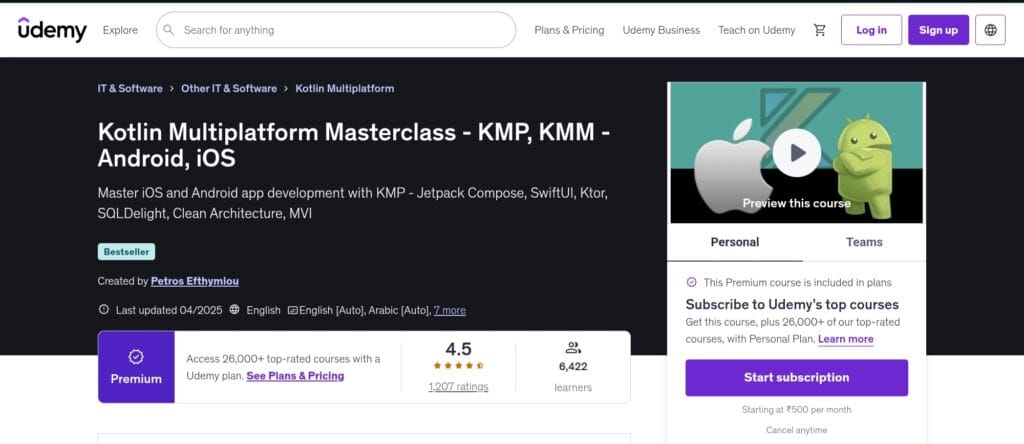
This course is a great option if you’re prepared to go beyond single-platform app development and create apps for both Android and iOS (and even more!), utilizing a single codebase.
It is based on the idea of Kotlin Multiplatform (KMP), which allows native UI implementation (e.g., utilizing iOS’s UI toolkit on iOS and Android’s on Android) while sharing business logic, networking, persistence, and other features across platforms.
You’ll discover how to integrate with dependency injection (Koin), state management (StateFlow), SQLDelight (database), Kotlin, Coroutines, and Ktor (networking) across platforms. You’ll also learn how to build for iOS and Android. Additionally, the instructor places a strong emphasis on real-application architecture (Clean Architecture, MVI), which goes well beyond simply “learning syntax” to “learn to build production-grade apps.”
This course’s greatest strength is its relevance to the future. When code reuse and multi-platform approaches are important in mobile development scenarios, KMP is being used more and more.
This course offers you a significant leap if you are familiar with Kotlin (or feel comfortable learning it) and wish to advance your abilities into cross-platform/native hybrid territory.
It gives you access to other options rather than only Android. That is uncommon for “Android only” courses.
Read Also: JavaScript Courses on Udemy
9. Java & Kotlin Android App Development with 10 Practical Apps
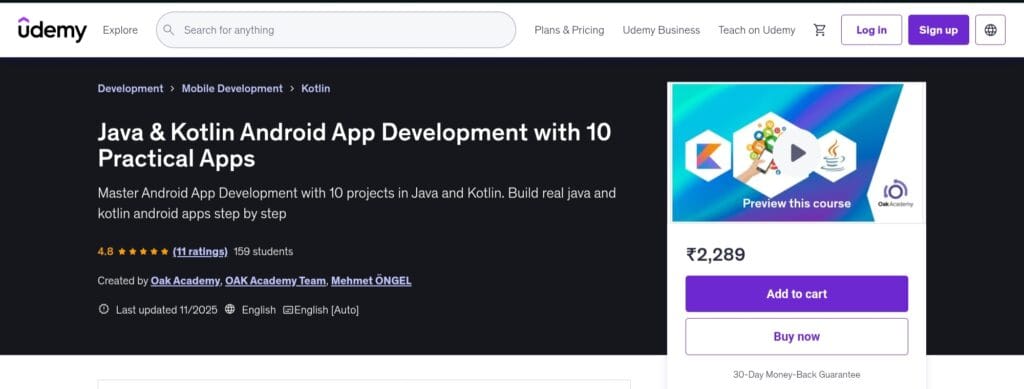
This course is a wise choice if you want to work with both Java and Kotlin and want to construct a solid Android development portfolio.
You will be taken through the development of about ten genuine apps, five in Java and five in Kotlin, covering a wide range of mobile-app abilities, including setting up Android Studio, UI design, event handling, data persistence, network calls, and publishing.
This implies that by the time it’s all over, you’ve created useful programs rather than merely knowing language grammar. Building, debugging, polishing, and delivering are how real developers learn, and this project-based approach aligns with that methodology.
The dual-language emphasis of this course is one of its greatest advantages. Many Android courses either teach Java (legacy) or Kotlin (the modern standard), but a course covering both allows you a choice.
This is especially useful if you might work on both new and ancient codebases (Kotlin and Java). Seeing practical applications instead of just lectures is also comforting.
This hands-on experience strengthens your learning and provides you with artifacts to display in a portfolio.
10. Android/iOS Mobile App Development in Python and Make Apps
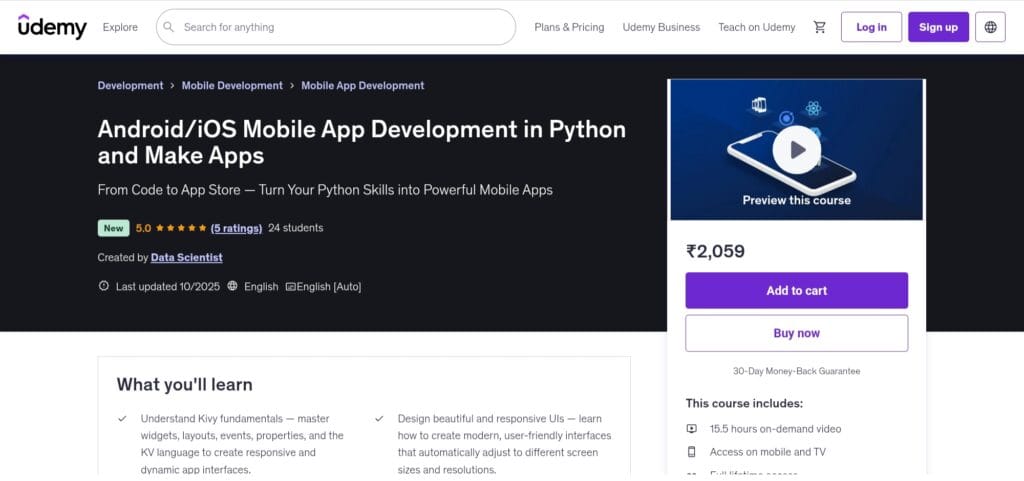
This course is an appealing shortcut for Python developers who have been thinking, “I’d love to build mobile apps but don’t want to dive into Java, Kotlin, or Swift just yet.”
It teaches you how to create apps that operate on both Android and iOS by using the Kivy framework, a cross-platform Python toolkit.
Setting up the environment (Kivy + Buildozer + Xcode), learning widgets and layouts (using the KV language), managing user interaction, creating responsive user interfaces, and packaging and releasing the apps are all covered in the course description.
This can be a highly efficient method for someone who is already familiar with Python to create genuine mobile apps without having to switch languages.
The course’s cross-platform emphasis and accessibility are its greatest assets. Expertise with the Android or iOS ecosystems is a prerequisite for many mobile apps.
Here, you learn how to build for two platforms while remaining in Python, a language that many people are comfortable with. This lowers the entry hurdle, particularly for learners who are first-time Python users.
Additionally, you get a distinct skill set that differs from the typical Java/Kotlin or Swift/Dart tracks because it makes use of Kivy, which is intended for multi-platform GUI apps.
Conclusion
Udemy is one of the greatest resources for novices and aspiring developers to learn Android development. Its courses are reasonably priced, often updated, and—most importantly—project-based, enabling students to create actual apps while comprehending how Android development functions in the real world.
The correct training can help you transition from “curious learner” to “confident app creator,” regardless of whether you’re beginning from scratch or honing your skills.
If you’ve been thinking about getting into mobile development, now is the perfect time. Begin learning Android development today and create apps that will reach millions of consumers worldwide.
FAQ
Is Udemy good for Android development?
Sure. Because it provides inexpensive, project-based courses taught by knowledgeable professors, Udemy is one of the greatest resources for Android development. It’s perfect for novices and career switchers because many courses contain real app-building, Kotlin + Java training, and hands-on practice.
Should I learn Kotlin or Java for Android development?
Kotlin is the recommended language by Google for contemporary Android programming. It is frequently employed in new projects and is safer and cleaner. Java is still useful, though, particularly if you want to work on older programs or comprehend legacy code. Both are taught in many Udemy Android courses, which is beneficial for novices.
Are Udemy certificates useful?
Yes, Udemy certificates attest to your completion of a course and acquisition of useful skills. Even though they might not be able to take the place of a formal degree, they are useful for resumes, portfolios, and demonstrating practical Android knowledge—especially when paired with actual projects.
Which Android course is best for beginners on Udemy?
The Complete Android 15 Developer Course: Mastering Android is the ideal option for novices. It is ideal for someone starting from scratch because it covers everything from Android Studio fundamentals to Kotlin, Java, layouts, API integration, and publishing apps.
Can I learn Android development without a programming background?
Definitely, a lot of Android courses on Udemy are intended for total novices. Even if you have no prior coding expertise, you can start by studying the fundamentals of Kotlin, follow project-based training, and progressively advance into creating real apps.
Share Now

More Articles
Best Golang Courses (Go Language) & Certifications Online
Best CSS Courses for Web Developers Online
Discover more from technicalstudies
Subscribe to get the latest posts sent to your email.