

Last updated on December 19th, 2025 at 03:16 pm
Swift is now the foundation of contemporary iOS development, supporting millions of apps on the iPhone, iPad, Mac, and Apple Watch, among other devices in Apple’s ecosystem.
Learning Swift is now required if you want to work in mobile development or create high-caliber iOS apps.
For this reason, a lot of students actively look for the best Swift programming courses on Coursera, a website that is renowned for providing organized, professionally applicable learning opportunities.
Apple’s official programming language ,Swift, is supposed to be quick, safe, and easy for novices to use while still having enough capability for projects intended for professionals.
Swift is essential to every phase of iOS app development, from creating user interfaces with SwiftUI to controlling app logic and performance.
Because it collaborates with top academic institutions and IT firms to provide courses that strike a mix between theory and practical application, Coursera stands out as a reliable learning platform.
Students get access to knowledgeable teachers, real-world projects, and internationally recognized certifications.
The best Swift courses on Coursera are listed below, along with advice to help novices, students, and working professionals select the best course for their educational objectives and professional aspirations.
Why Learn Swift Programming in 2026?
Many students have the legitimate question, “Is Swift Worth Learning in 2026?” because it remains one of the most useful programming languages for creating mobile apps.
If you want to work in the Apple ecosystem, the answer is definitely yes. Apple regularly improves Swift, the main programming language used to create apps for iOS, iPadOS, macOS, watchOS, and tvOS, to enhance developer productivity, security, and speed.
Swift’s primary benefit is that it is an Apple-first language. Swift smoothly integrates with Apple frameworks like SwiftUI, UIKit, Core Data, and Xcode, in contrast to cross-platform alternatives.
Developers can create visually stunning, highly optimized apps that satisfy Apple’s exacting quality standards thanks to this close cooperation.
Swift provides good career prospects in both Indian and international markets. Another typical question is, “Can I get a job after learning Swift?” Startups, product-based businesses, and international corporations actively hire iOS engineers.
Swift developers can apply for positions like iOS Developer, Mobile App Engineer, and Software Engineer with a solid portfolio and real-world project experience.
Swift’s elegant syntax, long-term support from Apple, and safety measures make it stand out from other mobile languages like Java, Kotlin, or Flutter.
You may also use our iOS development guide to efficiently arrange your learning path and gain a more comprehensive understanding of the mobile ecosystem.
How We Selected the Best Swift Programming Courses on Coursera
Selecting the appropriate Swift course can have a big impact on how well you learn iOS development.
We created a clear, learner-focused approach to evaluate each program in order to make sure this list only contains the most worthwhile and trustworthy options.
Based on quality, usefulness, and long-term career value, this method assists readers in identifying the best Swift programming courses on Coursera.
A key consideration in our decision was beginner friendliness. We gave top priority to courses that provide a clear explanation of Swift foundations, don’t require any prior iOS knowledge, and progressively move from simple syntax to the creation of practical applications.
They are therefore appropriate for novices, students, and people changing careers.
Additionally, crucial was instructor credibility. Strong teaching has a direct impact on learning outcomes, so courses taught by university-backed teachers, Apple ecosystem experts, or experienced educators were given consideration.
In order to make sure students could apply Swift principles through real-world exercises, app-building assignments, and actual iOS use cases, we also evaluated the depth of hands-on projects.
Recognition, shareability, and relevance for LinkedIn profiles and resumes were taken into consideration when determining the certification value.
Lastly, we took into account student ratings and reviews in addition to industry relevance to ensure that every Swift course is up to date, reliable, and compliant with the most recent iOS development standards.
Read Also: Best Android Development courses on Coursera
List of The Best Swift Programming Courses on Coursera
1. Meta iOS Developer Professional Certificate
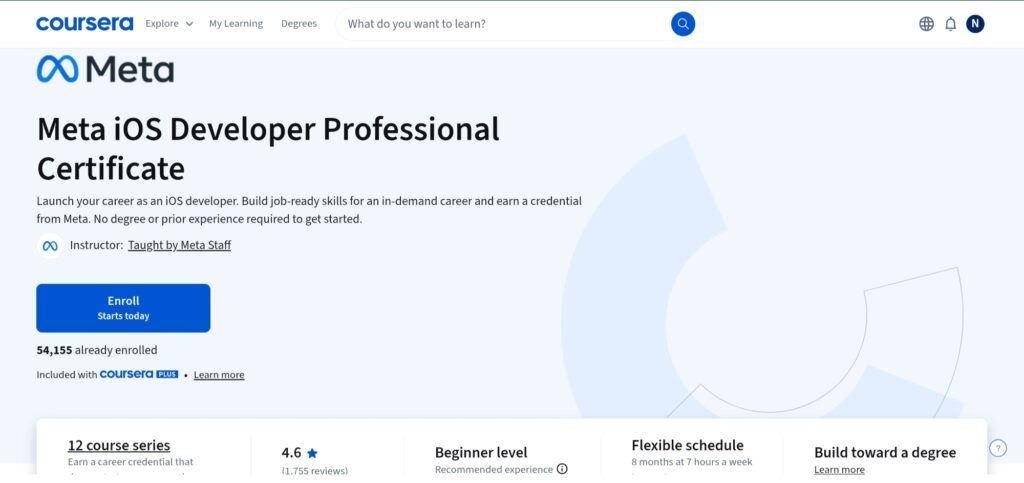
The Meta iOS Developer Professional Certificate is a thorough course that teaches iOS app development and Swift programming from the bottom up.
This course is perfect for students who wish to acquire employable skills while following a systematic path into Apple’s mobile ecosystem.
For beginners seeking a professional certification, it is frequently regarded as one of the best Swift programming courses on Coursera.
Key Skills You Will Learn
- Swift programming fundamentals
- iOS app development with SwiftUI
- User interface design for iOS
- Working with APIs and data handling
- Version control using Git
Concepts Covered
The fundamentals of Swift, object-oriented programming, SwiftUI for creating interfaces, navigation, data persistence, iOS app lifecycle management, and API integration are all covered in this course. Students also learn how to use Xcode to test and debug iOS apps.
Who Should Take This Course
This certificate will be especially helpful for professionals considering a career change into iOS development, students investigating mobile development, and beginners with no prior iOS experience.
Duration & Level
Approximately 6–8 months (self-paced)
Level: Beginner to Intermediate
Certificate
Yes, a shareable professional certificate from Meta on Coursera.
Pros & Cons
Pros
- Strong brand recognition from Meta
- An easy learning method for beginners
- Practical assignments and interactive projects
- Curriculum centered on careers
Cons
- For casual learners, the time commitment may be substantial.
2. iOS App Development with Swift Specialization
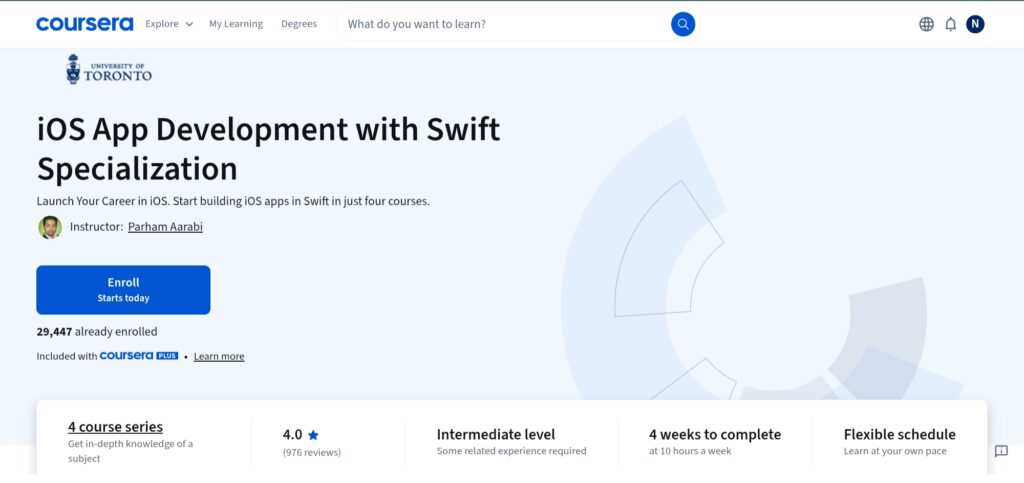
The iOS App Development with Swift Specialization is a structured learning route that focuses on utilizing Swift to create practical iOS applications.
This specialization, which is offered on Coursera, is intended for students who wish to go beyond simple syntax and comprehend the planning, development, and implementation of professional iOS apps.
For individuals looking for a Swift programming Coursera course that strikes a balance between foundational knowledge and practical development, this is an excellent option.
Key Skills You Will Learn
- Swift programming for iOS applications
- Building user interfaces with SwiftUI
- Managing app navigation and data flow
- Working with iOS frameworks and APIs
- Debugging and testing iOS apps in Xcode
Concepts Covered
Fundamentals of the Swift language, SwiftUI layouts, state management, iOS app lifecycle, data persistence, and interaction with device features are all covered in this specialization.
Students also study the best practices and principles of app architecture that are applied in contemporary iOS programming.
Who Should Take This Course
Beginners with a basic understanding of programming, students studying computer science, and professionals wishing to specialize in Swift-based iOS app development can all benefit greatly from this course.
Duration & Level
Approximately 4 weeks (self-paced)
Level: Beginner to Intermediate
Certificate
Yes, a specialization certificate upon completion.
Pros & Cons
Pros
- Easy transition from the fundamentals to app development
- Emphasize practical examples and experiential learning.
- Solid background with SwiftUI and contemporary iOS tools
Cons
- Little emphasis on complex iOS subjects
3. Meta iOS UI Development Specialization
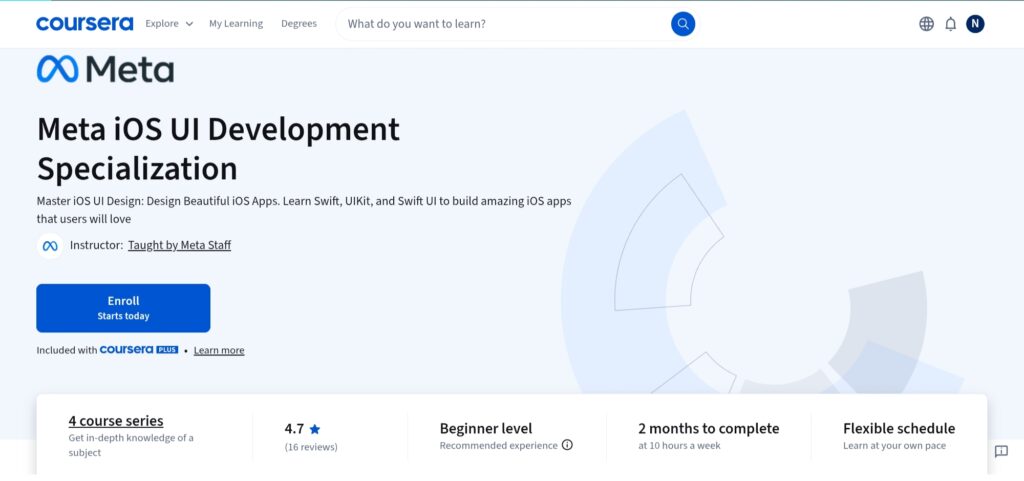
The Meta iOS UI Development Specialization focuses on leveraging Swift and SwiftUI to create cutting-edge, responsive, and intuitive iOS interfaces.
This program is designed for students who prefer to focus on the visual and interaction layer of iOS applications over full-stack mobile development.
For individuals looking for Swift programming courses on Coursera with a focus on UI design and implementation, it’s a useful choice.
Key Skills You Will Learn
- Swift programming for UI-focused development
- Building interfaces with SwiftUI
- Designing responsive and accessible iOS layouts
- Managing UI state and navigation
- Implementing animations and user interactions
Concepts Covered
This specialization teaches Swift basics for UI development, SwiftUI views and layouts, stacks and modifiers, state management, navigation components, and the iOS app lifecycle as it applies to user interface rendering. Students also learn about accessibility concepts and performance issues for iOS UI design.
Who Should Take This Course
Beginners interested in UI development, designers moving into iOS development, and professionals looking to improve their SwiftUI and front-end iOS abilities will find this course excellent.
Duration & Level
Approximately 2–3 months (self-paced)
Level: Beginner to Intermediate
Certificate
Yes, a specialization certificate from Meta on Coursera.
Pros & Cons
Pros
- High emphasis on SwiftUI and contemporary UI techniques
- Supported by Meta’s knowledge of the field
- Beginner-friendly and organized
Cons
- Insufficient coverage of sophisticated and backend app logic
- Not appropriate for students looking to develop iOS apps from start to finish.
4. iOS Development for Creative Entrepreneurs Specialization
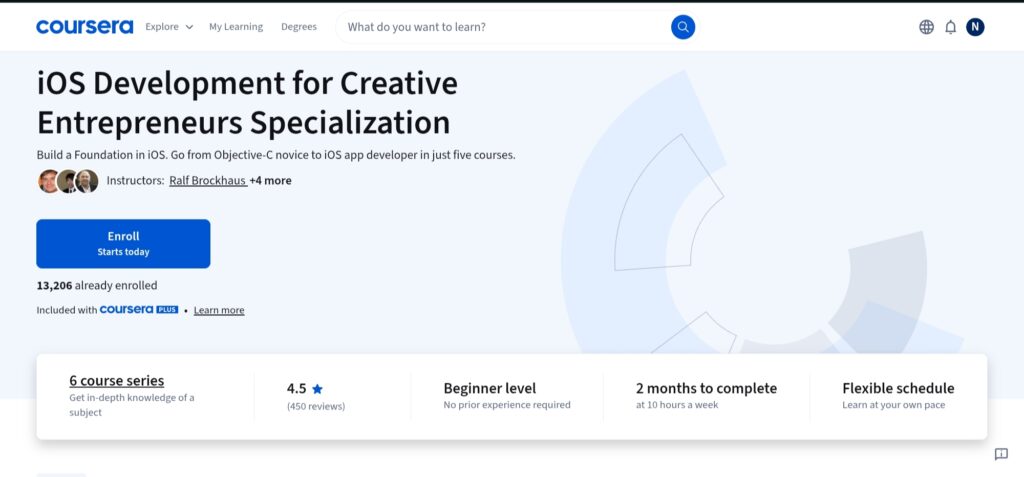
The iOS Development for Creative Entrepreneurs Specialization provides a solid foundation in iOS app development, covering both programming foundations and applied mobile app design.
This specialization, hosted on Coursera by the University of California, Irvine, gives insights into Swift as well as UI/UX design and interactive app development, making it an excellent alternative for students looking to gain practical experience in Apple’s mobile environment.
Key Skills You Will Learn
- Swift programming basics
- User interface design and UX strategy
- Mobile app interaction design
- Game and animation development
- iOS frameworks and app logic
Concepts Covered
Important topics covered by this specialization include Swift programming, UI elements, mobile app interaction, Core Data, responsive design, game development, graphics, and iOS sensor integration.
Additionally, learners will study the concepts of the app lifecycle and prototype development, which will assist them in taking apps from conception to completion.
Who Should Take This Course
This curriculum will help students who want to construct a diversified portfolio in iOS programming, as well as beginners and creative professionals interested in app design.
Duration & Level
Approximately 2 months (self-paced)
Level: Beginner to Intermediate
Certificate
Yes, a shareable specialization certificate from the University of California, Irvine on Coursera.
Pros & Cons
Pros
- Strong focus on UI/UX and interactive design
- Includes Swift programming fundamentals
- Portfolio-building capstone projects
Cons
- Not purely Swift-centric (covers broader iOS topics)
5. Mastering iOS Development: Swift, SwiftUI, and Beyond
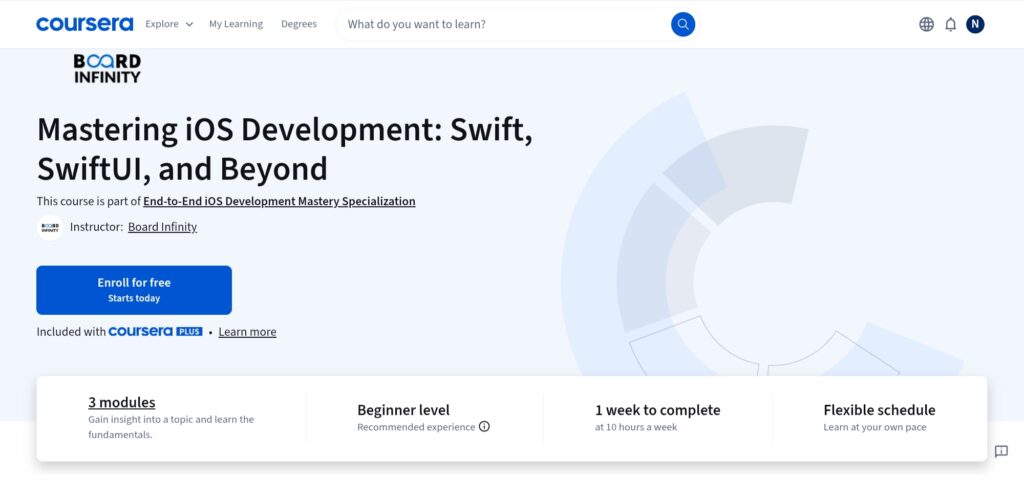
Mastering iOS Development: Swift, SwiftUI, and Beyond is a comprehensive Coursera course that aims to improve students’ practical Swift-based iOS development skills.
This course focuses on creating iOS applications that are ready for production using contemporary tools and industry best practices.
It is ideal for students who already have a firm grasp of the fundamentals and wish to improve their abilities through a Swift programming Coursera that focuses on developing practical applications.
Key Skills You Will Learn
- Advanced Swift programming techniques
- Building modern iOS interfaces with SwiftUI
- Managing app state and navigation
- Working with APIs and asynchronous data
- Debugging, testing, and optimizing iOS apps
Concepts Covered
The course thoroughly covers Swift language principles, SwiftUI layouts and components, state management, navigation patterns, the iOS app lifecycle, data handling, API integration, and performance considerations. Learners also study scalable app architecture and reusable UI components.
Who Should Take This Course
This course is suited for intermediate learners, junior iOS developers, and professionals who are already familiar with Swift fundamentals and want to master modern iOS development methods.
Duration & Level
Approximately 1–2 weeks (self-paced)
Level: Beginner
Certificate
Yes, a shareable course certificate from Coursera.
Pros & Cons
Pros
- A strong emphasis on SwiftUI and contemporary iOS techniques.
- Practical, skill-oriented approach.
- Suitable for learners seeking professional iOS positions.
Cons
- None so far.
Which Swift Course Should You Choose?
Your background, learning objectives, and career plans all play a significant role in choosing the best Swift course. To assist you in selecting the best Swift programming courses on Coursera, we’ve included decision-based advice below.
For Complete Beginners
The Meta iOS Developer Professional Certificate is the best option if you are new to programming or iOS development. Beginning with the fundamentals of Swift, it progressively teaches iOS ideas through guided, practical projects.
For those wondering, “Is Swift worth learning in 2026 with no prior experience?”, the planned learning route and beginner-friendly approach make it suitable.
For iOS App Development
Learners might think about iOS App Development with Swift Specialization if they wish to concentrate on creating useful iOS applications.
With its emphasis on SwiftUI, app lifecycle management, and real-world app workflows, it’s a great choice for honing useful iOS skills.
For Computer Science Students
Mastering iOS Development: Swift, SwiftUI, and Beyond is beneficial for computer science students who have a basic understanding of programming.
This course, which focuses on contemporary tools, architecture, and industry best practices, aids in bridging academic knowledge with practical iOS development.
For Career Switchers
When making the switch to mobile development, professionals should search for career-focused programs with accredited certifications.
The recurring question, “Can I get a job after learning Swift?” is addressed by the industry-aligned curriculum, practical experience, and certificates provided by the Meta iOS Developer Professional Certificate or the Meta iOS UI Development Specialization.
Read Also: Best Kotlin Courses and Certifications Online
Career Opportunities After Learning Swift
Studying Swift provides access to a variety of job options within the Apple ecosystem. Skilled Swift developers are still in high demand across startups, corporations, and product-based businesses as iOS use continues to rise worldwide.
iOS Developer
iOS developers use Swift and SwiftUI to create and manage applications for the iPhone, iPad, and other Apple devices.
Entry-level iOS developers in India might anticipate earning between ₹4 and 7 LPA, but international markets pay much more.
Employers demand familiarity with Xcode, APIs, app lifecycle management, and fundamental UI/UX concepts in addition to Swift.
Mobile App Developer
While focusing on iOS development, mobile app developers frequently work on other platforms. In this position, Swift engineers concentrate on user experience, performance, and backend service integration.
In India, entry-level pay usually starts at about ₹5 LPA. It is crucial to have abilities like version control, RESTful APIs, and cross-team cooperation.
Freelance iOS Developer
Additionally, Swift facilitates freelance options by enabling developers to create apps for independent projects, startups, and clients.
Depending on experience, freelancers with solid portfolios may be paid hourly or on a per-project basis.
Swift expertise is not enough to succeed as a freelancer; you also need to be aware of UI/UX design, integrate APIs, and communicate with clients.
Startup App Development
Swift developers are often used by startups to create MVPs and scalable iOS apps. Learning SwiftUI, backend integration, and basic product design is beneficial for developers in this field.
Long-term growth potential and employability are greatly enhanced by an understanding of deployment procedures, analytics, and user experience.
Conclusion
For anyone looking to create apps inside Apple’s ecosystem, Swift remains a potent and future-ready programming language.
While specialized courses like iOS App Development with Swift and Mastering iOS Development: Swift, SwiftUI, and Beyond are better suited for students who already have some programming experience, programs like the Meta iOS Developer Professional Certificate stand out among the best Swift programming courses on Coursera for beginners and career switchers.
Meta’s SwiftUI-centric specialties are also advantageous for UI-focused learners.
It’s crucial to match your course choices with your present skill level, learning style, and professional objectives rather than relying only on popularity.
While professionals and students might benefit more from advanced or specialty-based courses that stress real-world iOS programming, beginners should prefer structured, beginner-friendly programs.
Swift can open up promising employment options in iOS and mobile app development with regular practice, practical projects, and a defined learning roadmap. Start creating iOS apps right now by selecting a Swift course according to your present proficiency level.
FAQs – Swift Programming on Coursera
Is Swift easy to learn for beginners?
Swift’s concise syntax, readability, and safety features make it a beginner-friendly language. Many Swift programming courses on Coursera begin with the fundamentals and progressively incorporate iOS ideas, making it accessible to students and job changers who have never coded before.
Are Coursera Swift certificates worth it?
Because they are awarded by reputable colleges and business titans like Meta, Coursera Swift certificates are valuable. Certificates by themselves do not ensure employment, but when paired with practical projects, they enhance resumes, confirm systematic learning, and show dedication to iOS development.
Can I get a job after learning Swift?
Yes, if you develop useful abilities and a solid portfolio, studying Swift can help you land a job. iOS developers who can create actual apps, interact with APIs, and grasp UI/UX principles are sought after by employers. Courses offered by Coursera effectively lay this basis.
How long does it take to learn Swift?
It usually takes two to three months for novices to understand the fundamentals of Swift with regular practice. It could take four to six months to become proficient in iOS development, including SwiftUI and app lifecycle management, depending on the level of the course and the amount of work involved.
Is Swift better than Kotlin for app development?
While Kotlin is favored for Android apps, Swift is superior for developing apps for the Apple platform. Swift is the superior option if you want to create for iOS or macOS. Developers frequently assess both languages for cross-platform objectives based on project specifications.
Do Swift courses require a Mac?
Because Xcode, Apple’s official development environment, is exclusive to macOS, the majority of Swift and iOS development courses require a Mac. While practical app development necessitates macOS access, some courses permit theory learning without a Mac.
Share Now

More Articles
Best Java Courses For Beginners
Best Golang Courses (Go Language) & Certifications Online
Best Python Courses Online For Beginners
Discover more from technicalstudies
Subscribe to get the latest posts sent to your email.