

Last updated on January 8th, 2026 at 10:16 am
There has never been a better moment to pursue a career in Android development.
Around 70% of smartphones worldwide are powered by Android; in India, that percentage rises to about 95%, making Android expertise one of the most in-demand and future-proof skills in the tech sector.
The demand for qualified Android developers keeps growing, from startups and fintech businesses to e-commerce giants and enterprise apps.
This is made even more fascinating by how simple it is now to learn Android development, even if you’re a total beginner.
Top institutions and business titans like Google, Meta, and Vanderbilt University offer top-notch Android development courses right on your screen through platforms like Coursera.
These courses cover a wide range of topics, including UI design, app architecture, Kotlin + Java for Android development, and practical project construction.
Coursera provides an organized, encouraging learning environment for anyone considering a career change in technology, whether they are a student, a working professional, or both.
It is one of the greatest venues for Android app development for beginners and intermediate learners alike since you gain certificates, genuine project experience, and flexible schedules.
Based on factors including content quality, career value, practical training, learner feedback, and teacher expertise, we’ve hand-selected the top 10 Best Android Development courses on Coursera in this guide.
You can enter the field of app development with confidence thanks to the practical abilities that each course helps you develop.
Let’s explore the best Coursera Android courses you can take in 2026 to upgrade your skills and build apps that people love.
List of the Best Android Development Courses on Coursera
Here is my list of the top Coursera Android Courses that you can join now.
1. Meta Android Developer Professional Certificate
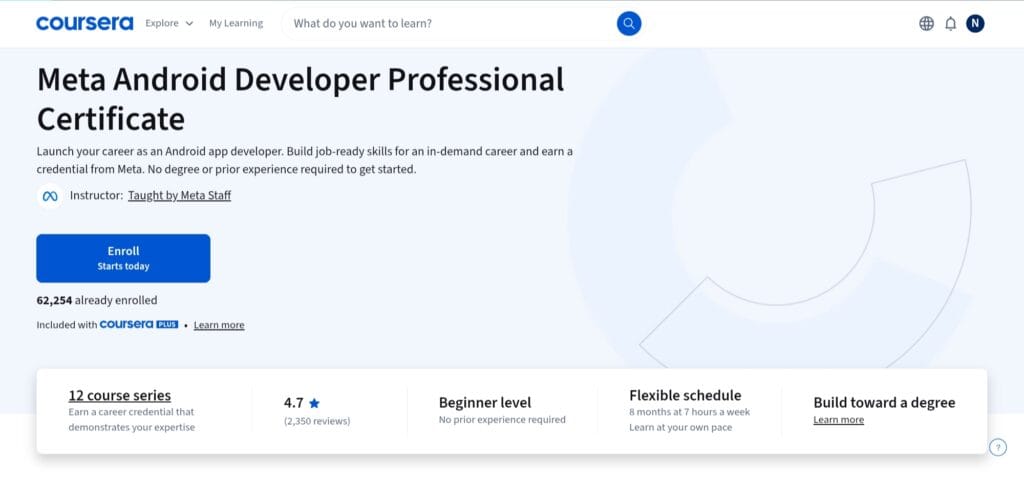
For those who wish to learn Android development thoroughly, the Meta Android Developer Professional Certificate is one of the best “start-from-zero” options.
No prior programming or mobile development knowledge is necessary for this 12-course series established by Meta, which is intended for complete beginners.
Learners progress from the fundamentals, understanding Android Studio, Kotlin foundations, and version control, to creating real-world mobile apps and a capstone project over the course of about eight months (assuming about seven hours per week).
The curriculum’s depth and breadth are noteworthy. In addition to learning Android layouts and Kotlin syntax, you also master UI/UX design principles, data management, API integration, user interface building in Android Studio, and even the fundamentals of cross-platform development with React Native, which offers you versatility beyond native Android apps.
By allowing you to create a fully functional Android app, the capstone project at the end helps solidify all of these abilities and may be used as a portfolio item while looking for a job.
Whether you are a student in India or a self-learner elsewhere, this credential is a very solid starting point if you are serious about starting a career in Android programming.
It strikes a balance between practical experience, industry-relevant abilities, and learning flexibility, making it one of the most comprehensive and beginner-friendly Coursera Android courses available.
2. Android App Development Specialization
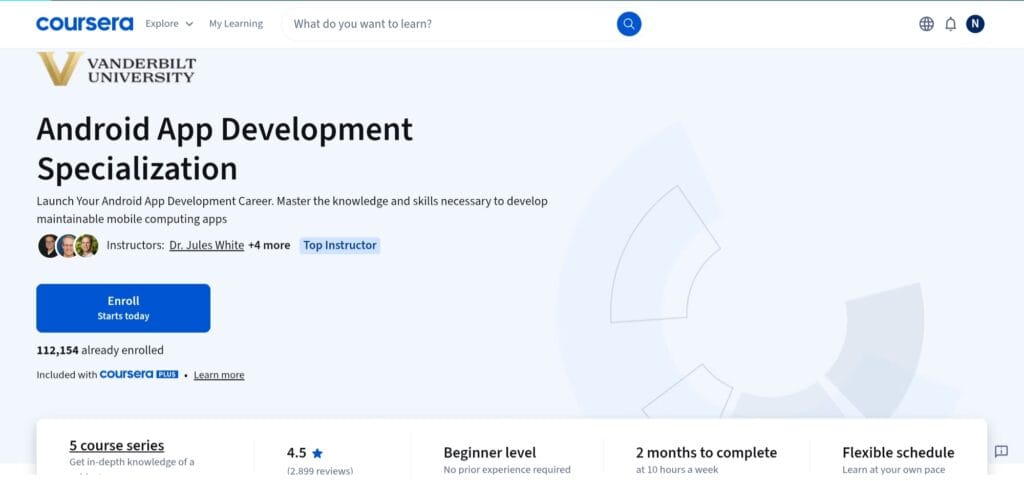
Even if you have no prior experience, the Android App Development Specialization provides a methodical, end-to-end approach for creating Android apps from the start. The five-course series is intended for novices.
Throughout the specialization, you begin with basic Java concepts (through the “Java for Android” module) and progressively advance to Android-specific elements such as background tasks, Activities, Intents, Services, and content providers.
By requiring you to create a comprehensive, maintainable Android app, the final capstone project reinforces what you’ve learned. This goes beyond theory and results in a tangible project that you can display in your portfolio.
This specialization is especially good because it focuses on software engineering best practices — not just “how to build an app,” but “how to build maintainable, production-quality apps.”
The “Engineering Maintainable Android Apps” course covers design patterns, unit testing (JUnit), integration testing, and app architecture techniques, which are often overlooked in starting courses.
As a result, when you finish, you won’t simply know the fundamentals of Android; you’ll be prepared to develop clear, testable, and sustainable code, which is what real-world Android jobs require.
The Android App Development Specialization by Vanderbilt University is the perfect choice for you if you are curious to learn Android development concepts like Java fundamentals and how to build robust and production-ready Android apps.
3. Meta Android UI Development Specialization
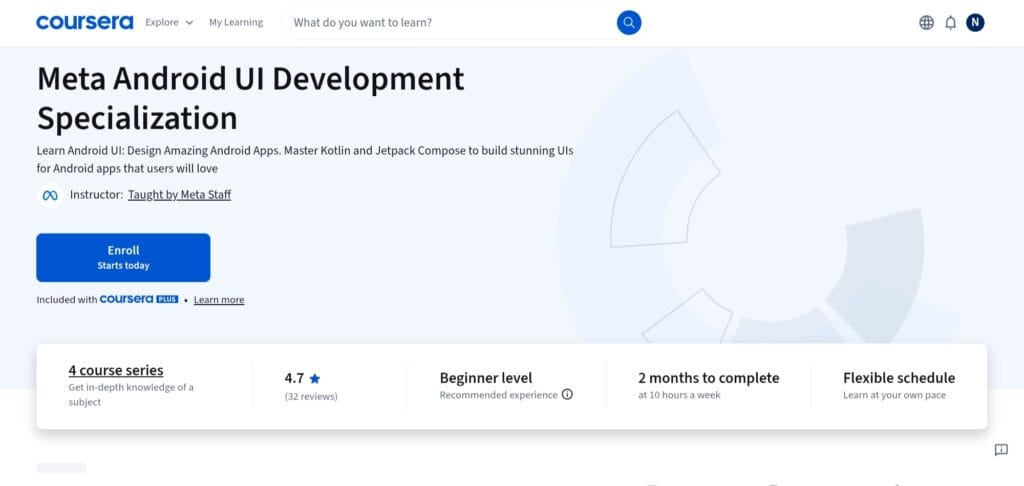
The Meta Android UI Development Specialization is a targeted, beginner-friendly program designed to teach you how to use contemporary Android tools and languages to create stunning, useful, and user-friendly interfaces for Android apps.
It’s a four-course series made even for people who have never used Android before; however, some basic programming expertise is helpful.
After learning the basics of Android mobile development and basic Kotlin programming, you will go on to create user interfaces in Android Studio using both traditional layouts and the cutting-edge Jetpack Compose UI toolkit.
The practical UI/UX focus of this specialization is what makes it unique. Building responsive layouts, applying themes and styles, managing UI state, dealing with animations, and creating clean UI code that complies with Android design best practices are all examples of what users actually see and interact with, rather than just teaching Kotlin syntax or backend logic.
This makes it particularly helpful for developers who want to create apps that not only function but also feel contemporary and captivating, as well as for those who care about app design, user experience, and front-end polish.
The Meta Android UI Development Specialization provides a clear, organized, and current route if your objective is to become an expert in Android UI/UX and front-end design rather than merely backend logic.
It’s an excellent option for novices who want to create aesthetically pleasing, production-ready Android apps or for seasoned developers who want to hone their UI abilities using Kotlin and Jetpack Compose.
Read Also: Best Kotlin Courses and Certifications Online
4. IBM iOS and Android Mobile App Developer Professional Certificate
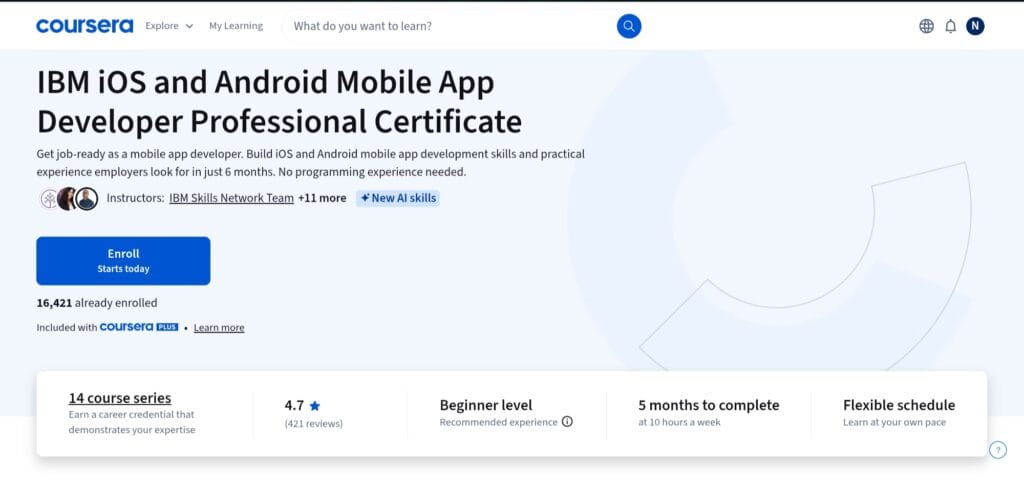
If you desire flexibility beyond Android programming, the IBM Mobile App Developer Professional Certificate is a great option. It is a thorough, full-stack + cross-platform course that seeks to make you job-ready for both iOS and Android.
Even if you have no prior programming expertise, the 12-course curriculum promises to help you gain in-demand mobile app development abilities in about 5–6 months (assuming ~10 hours per week).
The scope of this certificate is what sets it apart. In addition to learning Android, you also learn about iOS development (Swift + Xcode), cross-platform frameworks like Flutter/Dart and React Native/JavaScript, and important principles like UI/UX design concepts, version control (Git & GitHub), web fundamentals (HTML/CSS/JS), and software-engineering essentials.
This implies that at completion of the program, you will have a portfolio of native and cross-platform apps and a varied skill set, which is something that employers frequently seek in candidates for mobile app development positions.
5. Build Your First Android App (Project-Centered Course)
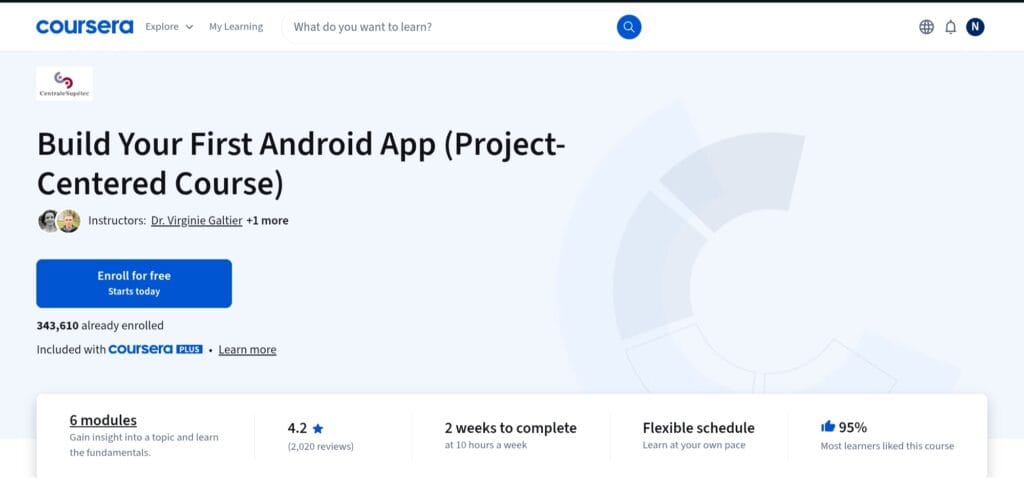
For complete beginners who wish to get their hands dirty right away, this course is a project-centered bootstrapping route into Android development.
You learn how to set up Android Studio, deal with UI layouts, combine logic with user interfaces, and produce a functional app as you progress from creating a basic “Hello World” app to designing, storyboarding, and implementing a fully customized Android app over the course of six sessions.
This course’s practical, learn-by-doing methodology makes it stand out. You’re developing actual apps step-by-step in place of lengthy theoretical lectures—a process that greatly improves learning for novices.
Because you create and implement your own app concept (using storyboarding), you gain hands-on experience that is similar to the actual Android development process: ideation → UI design → coding → testing.
This course is an excellent place to start if you’re new to Android and want a gentle but practical introduction that doesn’t overwhelm you with complicated architecture or advanced concepts.
You gain self-assurance, a functional app, and a foundational understanding of Android tools and workflow, all of which you may expand upon as you progress to more in-depth courses in the future.
6. Advanced App Development in Android Specialization
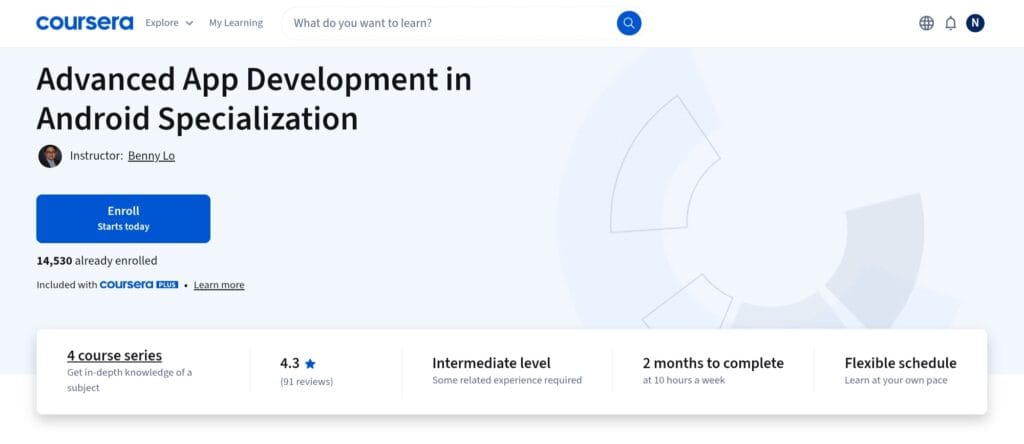
Imperial College London offers a four-course program called the Advanced App Development in Android Specialization that focuses on graphics, 3D rendering, and even virtual reality (VR) for Android.
This specialization teaches you how to create graphically rich and engaging applications, such as 2D sketching, OpenGL ES-based 3D graphics, and motion- and sensor-based VR/3D experiences, in contrast to standard Android courses that cover UI, data storage, or API integration.
The learning path begins with basic Android graphics (drawing with Canvas, 2D rendering), progresses to 3D graphics using OpenGL ES, and then expands to sensor-based VR and immersive interaction, enabling you to create apps or games that go beyond typical mobile user interfaces. You can combine all of these abilities in your final capstone project, such as creating an interactive 3D/VR virtual gallery application.
This specialization is best suited for developers who already have some basic Android experience.
For example, you may have created simple apps or taken classes that taught Java/Kotlin + Android Studio. Now, you want to focus on Android graphics, game-like apps, visualizations, or VR/AR.
This course is a great fit if your goal is to create games, 3D graphic apps, visualization tools, or immersive VR/AR experiences for Android.
It is uncommon for entry-level Android courses to include OpenGL ES, 3D graphics pipeline, sensor input, and VR rendering; mastering these topics could provide you with a competitive advantage, particularly in the gaming, educational, or creative/AR-VR domains.
7. Flutter and Dart: Developing iOS, Android, and Mobile Apps
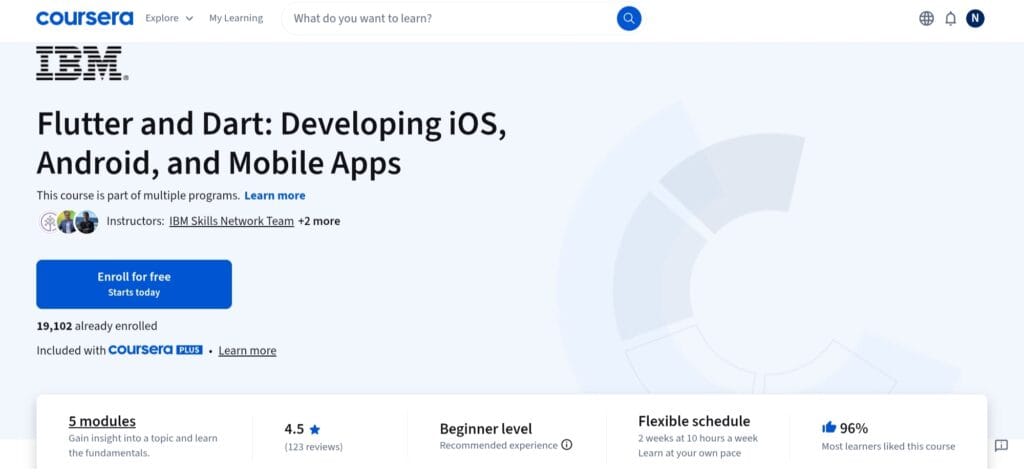
The course provides a strong and approachable starting point for developing mobile apps for iOS and Android.
You master the basics throughout five sessions, including how to set up the Flutter framework, comprehend the syntax, libraries, and tooling of the Dart language, and use Flutter’s widget-based user interface system to create actual, functional mobile apps.
Additionally, you will learn about state management, data persistence, dealing with APIs, and navigation (routing between screens), all of which are crucial for practical, production-ready programs.
This course’s practical, hands-on approach and cross-platform value are what really set it apart. Because it makes use of Flutter, a well-known open-source UI toolkit from Google, you can create a single codebase that is compatible with both iOS and Android.
This is a huge benefit for anyone looking to maximize reach and prevent repeating effort for several platforms.
By the conclusion, you’ll have developed cross-platform apps, mastered UI/UX best practices, and developed a practical understanding of contemporary mobile development procedures.
This course is a wise, future-proof option if you’re just starting out and want a single, effective way to create mobile apps for both iOS and Android instead of learning two distinct native stacks.
It’s perfect for novices, enthusiasts, or developers who want to work on cross-platform applications.
Read Also: Best Courses to learn Dart Programming for Developers
8. Developing Mobile Apps with Flutter Specialization
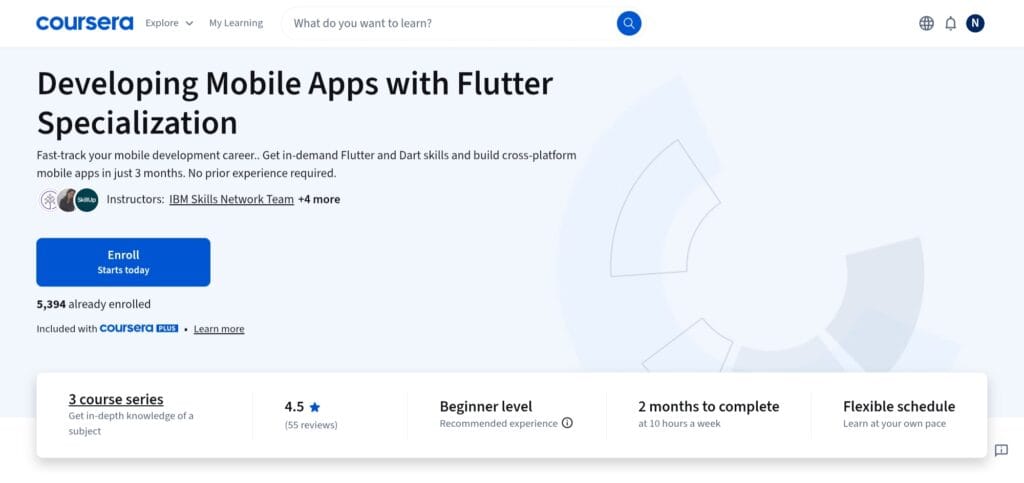
The three-course program, which is provided by IBM Skills Network, aims to teach you how to use Flutter and Dart to create actual, publishable mobile applications.
You start with a course that covers the foundations of Flutter + Dart, including the SDK, the fundamentals of Dart programming, UI development with Flutter widgets, screen navigation, and essential app-building techniques like state management, plugins, API calls, and data persistence.
Database integration, local storage, utilizing backend services, notifications, and getting apps ready for publication are among the more sophisticated mobile app capabilities covered in the next course.
Last but not least, a capstone project enables you to create a complete cross-platform mobile application with UI/UX design, cloud sync or persistent storage, API connectivity, and even deployment-ready packaging, providing a concrete, portfolio-worthy result.
This specialization is unique because of its practical focus and cross-platform value.
You are not restricted to a single ecosystem because Flutter supports both Android and iOS from a single codebase, which is a significant benefit if you want to reach customers across platforms and devices.
It’s more than just “toy-app” training because of the emphasis on real-world app features (database, alerts, storage, publishing); at the end, you’ll have created a solid, functional app that you can comfortably include in a developer portfolio or use as an example for freelancing or a job.
9. Generative AI for Mobile App Developers Specialization
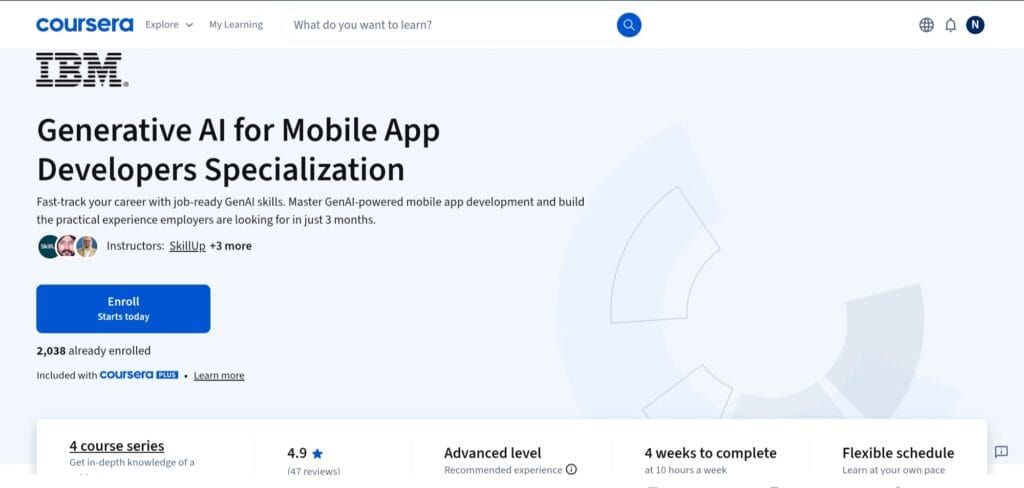
The four courses in the specialization are intended to educate you on how to incorporate Generative AI (GenAI) into mobile applications, whether they be for iOS, Android, or other platforms.
It covers a wide range of topics, beginning with a basic understanding of generative AI and its capabilities (text, image, code, audio, and video generation), progressing to prompt engineering (creating efficient prompts for various tasks), and finally concentrating on the use of GenAI to generate code, construct prototypes, optimize applications, and even address ethical and security issues of AI-driven development.
The last course focuses on using GenAI specifically for mobile, showing students how to employ AI tools (such as cloud-based AI services and LLM-powered assistants) to expedite mobile app design, development, testing, and even user experience customisation.
Its relevance to the future of mobile development is what distinguishes this specialization.
Knowing how to incorporate generative AI gives you a major advantage as AI features, such as chatbots, smart assistants, content creation, and customized user flows, become more and more integrated into programs.
This course adds an extremely useful skill, integrating AI into apps, for developers who already understand the fundamentals of Android/iOS development or intend to acquire them.
How to build smarter, AI-powered apps that can adapt, customize, and provide richer experiences is more important than simply how to build an app.
Additionally, it is appropriate for both developers looking to advance their skills and mobile-app designers interested in AI-driven possibilities due to the combination of AI basics, prompt engineering, and useful mobile-app prototyping.
10. Java for Android
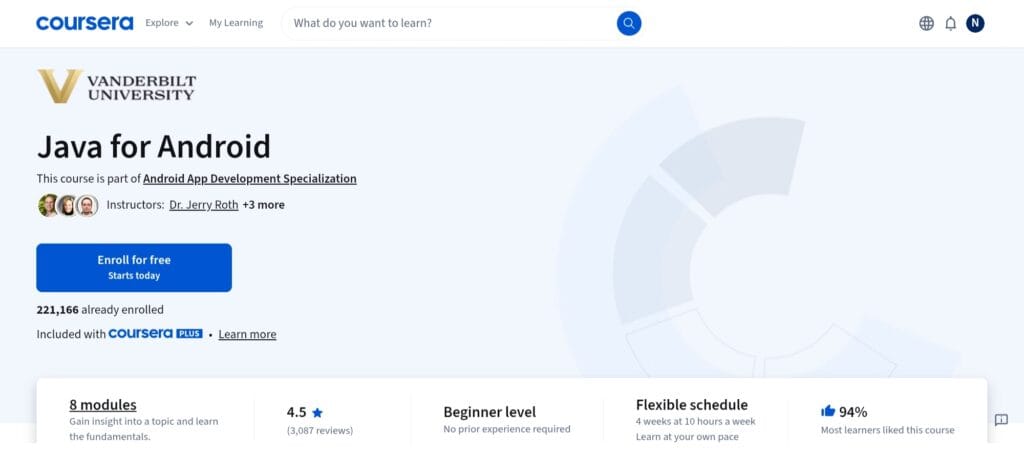
The Java for Android course leads you through how Java is utilized in practical Android app development while providing you with a strong foundation in core Java, the language that formed the basis of Android development.
Data types, control flow, arrays, collections like ArrayList/HashMap, and object-oriented programming principles are the first things you learn about Java.
After that, the course demonstrates how to set up and utilize Android Studio and leverage those Java fundamentals to create a basic Android app.
What distinguishes this course is its focus on fundamentals and fundamentals that matter: once you understand Java’s core structures and how they map to Android’s model (activities, UI rendering via Android Studio, Java-based app lifecycle), you’ll have a solid foundation for learning more advanced Android frameworks (Kotlin, Jetpack, Cross-Platform, etc.).
For complete beginners, especially those with little or no programming experience, this is a manageable approach to get started: you learn programming principles first, then go on to Android.
Here is your SEO-optimized Comparison Table based on all the courses you included.
I’ve kept it clean, scannable, and keyword-rich — perfect for featured snippets and long-click engagement.
Comparison Table – Best Android Courses on Coursera
| Course Name | Level | Duration | Best For | Key Skills You Learn |
|---|---|---|---|---|
| Meta Android Developer Professional Certificate | Beginner → Intermediate | 8 months | Students, career-switchers | Kotlin, Android Studio, UI/UX, debugging, app publishing |
| Android App Development Specialization (Vanderbilt University) | Beginner → Intermediate | 2 months | Developers who want strong fundamentals | Java, Android components, software architecture, maintainable code |
| Meta Android UI Development Specialization | Beginner | 2–3 months | Learners focused on UI/UX & front-end | Jetpack Compose, UI layouts, animations, UI state management |
| IBM iOS & Android Mobile App Developer Professional Certificate | Beginner | 5–6 months | Students who want cross-platform + dual-platform skills | Kotlin, Swift, Flutter, React Native, Git, UX fundamentals |
| Build Your First Android App (Project-Centered Course) | Beginner | 20–30 hours | Absolute beginners wanting hands-on experience | Android Studio basics, UI layouts, app logic, testing |
| Advanced App Development in Android Specialization | Intermediate | 2 months | Developers wanting graphics, 3D, VR/AR expertise | OpenGL ES, 3D rendering, sensors, VR interactions |
| Flutter & Dart: Developing iOS and Android Mobile Apps | Beginner | 1 month | Learners who want cross-platform development | Dart, Flutter widgets, state management, routing |
| Developing Mobile Apps With Flutter Specialization | Beginner → Intermediate | 2 months | Developers building real-world cross-platform apps | Flutter, API integration, data persistence, app publishing |
| Generative AI for Mobile App Developers Specialization | Advanced | 1 month | Developers wanting to add AI features to apps | GenAI basics, prompt engineering, AI-powered app prototyping |
| Java for Android | Beginner | ~40 hours | Beginners needing strong programming fundamentals | Java, OOP, Android Studio basics |
How to Choose the Best Android Development Course for You
The best option among the several Android development courses available on Coursera will rely on your desired career path, learning objectives, and existing skill level.
Here’s how to choose the best Android course for beginners or Android for professionals, regardless of your level of experience or desire to specialize.
Identify Your Level: Beginner vs. Intermediate
If you’re just getting started, pick a course that leads you through Android Studio step-by-step and teaches the basics of Java or Kotlin.
Because they develop solid foundations and require no prior expertise, beginner paths such as Java for Android or Meta Android Developer are ideal.
Intermediate learners can broaden their toolset and work on large, production-ready apps by enrolling in more specialized courses like Advanced App Development in Android Specialization or Flutter-based courses.
This is especially true for individuals who have produced small apps or grasp the fundamentals of programming.
Pick Your Language Path: Java or Kotlin
Since Kotlin is safer, more efficient, and cleaner than other programming languages, it is currently the official language for Android development.
This is why it is emphasized in contemporary courses. Choose Kotlin-focused courses if you wish to pursue a modern Android career path.
However, Java-based courses like Java for Android are still beneficial if you would rather learn about the origins of Android or desire a more conventional programming background.
They aid in your understanding of older codebases, which are still used by many businesses.
Decide Between a Certificate vs. a Career-Focused Program
A single course certificate is sufficient if you’re learning for personal development.
However, pick a professional certificate or specialization if you’re searching for a Coursera certificate that truly makes you stand out to companies.
University vs. Industry-Created Courses
Each has advantages.
Courses developed by universities (such as Imperial College London or Vanderbilt) emphasize theory, foundations, and organized learning.
Programs developed by the industry (Meta, IBM, Google) use contemporary tools and procedures to educate skills that are directly in line with current industry requirements.
Industry-created certifications provide a more modern, useful skill set for the quickest Android career path. University-led specializations are great if you’re looking for a stronger conceptual foundation.
Look for Capstone Projects (Very Important for Portfolios)
Employers in mobile development are interested in what you’ve created, not just what you have studied.
Select a course that involves practical assignments, code reviews, peer-graded tasks, real-world app development, and a final project.
A major advantage in the Android job market is that capstone projects enable you to develop apps that you can highlight on GitHub, LinkedIn, or your resume.
Final Thoughts
Knowing your objectives and starting point is key to choosing the best Android development course on Coursera.
The Meta Android Developer Professional Certificate is the most comprehensive choice if you’re a total novice; it guides you step-by-step through Kotlin, Android Studio, UI/UX, and actual app development.
The IBM iOS & Android Mobile App Developer Certificate provides the ideal combination of cross-platform abilities, industry tools, and portfolio-ready projects for career switchers seeking a structured, job-focused path with wide exposure.
The Android App Development Specialization from Vanderbilt University or the Flutter Specialization offers the best project-driven experience if creating actual apps and learning via practical experience are your top priorities.
These courses have a strong emphasis on real-world tasks, capstone projects, and production-ready abilities that immediately improve employability.
Finally, your optimal course will be determined by your learning style, background, and desired professional path. Choose a course that matches your current skill level and begin your Android development journey now.
FAQ
What is the best Android development course on Coursera?
The Meta Android Developer Professional Certificate is the finest overall course since it covers Kotlin, Android Studio, UI/UX, debugging, and real-world app development in an organized, beginner-friendly approach. It also contains portfolio projects and an industry-recognized certificate to assist students’ progress towards job-ready Android abilities.
Are Coursera certificates useful for Android development?
Yes. Coursera certifications are provided by reputable institutions and businesses such as Meta, Google, IBM, and Vanderbilt, making them extremely valuable on resumes and LinkedIn. While they do not replace experience, they do help to authenticate your talents, demonstrate devotion, and boost your chances during screening and job applications.
Can beginners learn Android development on Coursera?
Definitely. Beginner-focused courses on Coursera begin from scratch, walk through tools step-by-step, and offer practical experience. For students without any prior programming or mobile app development experience, courses like Meta’s Android Developer Certificate or “Build Your First Android App” are ideal entry points.
Should I learn Kotlin or Java first?
Due to its modernity, conciseness, and official Google support, Kotlin is currently the suggested language. Java is still helpful, nevertheless, for developing solid programming foundations and comprehending older Android codebases. Start with Kotlin if you’re fresh; Java is a great place to start if you want a more thorough foundation.
Which Coursera Android course has the best projects?
Some of the best and most useful projects are available in Vanderbilt University’s Android App Development Specialization, including a complete capstone app. Multiple portfolio-ready builds are also included with Meta’s Professional Certificate. You can create work samples that employers genuinely want to see by taking these project-based courses.
Share Now

More Articles
Best Java Courses For Beginners
Best React Native Courses Web Developers Can Join
Best Golang Courses (Go Language) & Certifications Online
TechnicalStudies was started by Neeladrinath with one simple idea — give Indian students a reliable place to figure out what’s actually worth their time and money. Every recommendation here is backed by careful research, real student feedback, and honest analysis. We cover online courses, laptops, smartwatches, software deals, and learning resources — all looked at from a student’s perspective, so you can spend less time guessing and more time learning.