

Last updated on July 7th, 2026 at 02:04 pm
Carrying a smartphone is no longer the only thing you need when traveling today. Many necessary travel tools are instantly accessible when you wear an Apple Watch, eliminating the need to search through your baggage or take out your phone in congested areas.
When you’re standing at a local market, a simple look at your watch can help you navigate new streets, alert you to flight updates, translate a foreign phrase, or even exchange currencies.
This ease of use makes a big difference for contemporary travelers. Subtle haptic directions on your wrist make navigation easier, travel updates arrive immediately, and important information remains available even when your hands are occupied discovering a new location.
With the correct apps, your Apple Watch may become a portable travel companion.
With features like flight tracking, translation, currency conversion, and itinerary management, these applications keep you informed and organized when traveling without requiring you to reach for your phone all the time.
Let’s explore the best Apple Watch apps for travelers that will make your every trip easier.
10 Best Apple Watch Apps for Travelers
- Apple Maps – Best for Real-Time Navigation
- Google Maps – Best for Accurate Local Navigation
- Citymapper – Best for Public Transport Navigation
- TripIt – Best for Travel Itinerary Management
- Flighty – Best for Flight Tracking
- Google Translate – Best for Language Translation
- XE Currency – Best for Currency Conversion
- CARROT Weather – Best for Smart Weather Forecasts
- Things 3 – Best for Travel Planning and Task Management
- Apple Wallet – Best for Payments and Travel Tickets
1. Apple Maps – Best for Real-Time Navigation
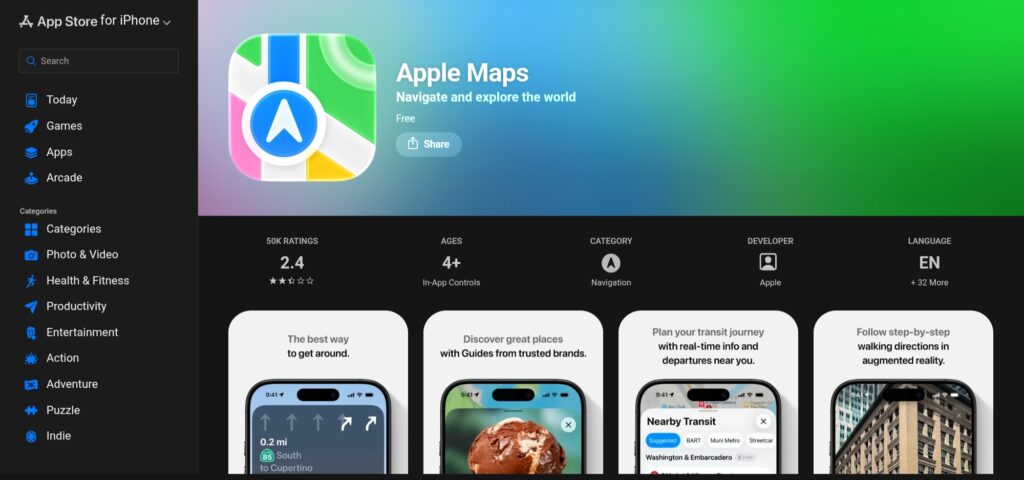
Pulling out your phone all the time when navigating a new city can be annoying, particularly in congested areas or busy transit hubs. This is resolved with Apple Maps on Apple Watch, which puts real-time navigation right on your wrist.
Rather than having you stare at a screen, the watch gently directs you with faint haptic vibrations that indicate when it’s time to turn left or right.
This wrist-based navigation is especially helpful when walking in cities. Sightseeing feels more organic and less reliant on technology when you can maintain your eyes on the surroundings while glancing at the watch for the next step.
Additionally, Apple Maps offers transit information, enabling users to swiftly examine bus routes, public transportation schedules, and nearby metro stations.
The software even provides offline map functionality in supported areas, so you may continue to navigate even in situations where network availability is spotty.
Key Features
- Turn-by-turn navigation directly on Apple Watch
- Haptic vibration alerts for upcoming turns
- Walking and transit directions for city travel
- Offline map support in select regions
- Convenient wrist-based navigation for quick guidance
2. Google Maps – Best for Accurate Local Navigation
Accuracy is important when visiting new places. Many tourists already rely on Google Maps for reliable navigation on their smartphones, and the Apple Watch offers the same feature.
With the watch version, you may check routes without repeatedly unlocking your phone because it concentrates on providing vital directions fast.
You can see the next turn in your route, anticipated travel time, and step-by-step navigation updates with just a quick look at your wrist.
This is particularly useful while navigating crowded tourist destinations or bustling city streets, when it can be cumbersome to constantly bring out a phone.
Navigating public transportation is another area where Google Maps shines. Travelers may easily see local transit routes, look for bus or rail choices, and calculate how long it will take to get from one place to another.
Access to saved locations is another helpful tool that lets you quickly browse to areas you’ve bookmarked, such as hotels, restaurants, or tourist destinations.
Key Features
- Highly reliable turn-by-turn directions
- Public transport routes and travel time estimates
- Access to saved locations like hotels and landmarks
- Quick route checking directly from Apple Watch
Also Read: Best Premium Smartwatches In India [Options for Everyone]
3. Citymapper – Best for Public Transport Navigation

In big cities, navigating public transportation might quickly turn stressful due to the numerous subway lines, bus routes, and transfer locations that frequently complicate straightforward trips.
This experience is made easier with Citymapper on Apple Watch, which transforms complicated transit systems into straightforward, step-by-step instructions that are sent right to your wrist.
In order to help travelers avoid delays and select the quickest routes, Citymapper was created especially for large metropolitan areas. It incorporates local transport networks and offers real-time transit updates.
The software automatically modifies routes according to current conditions, whether you’re switching between buses and trains or using the subway in a busy metropolis.
Vibration signals for impending stops, which let you know when it’s time to disembark, are among its best features.
When you’re distracted by the surroundings or don’t know the path, this is extremely helpful. Your Apple Watch silently keeps you on course rather than always checking maps.
Key Features
- Optimized for navigating complex metro transit systems
- Real-time updates for trains, buses, and metro lines
- Smart route planning across multiple transport modes
- Vibration alerts when your stop is approaching
4. TripIt – Best for Travel Itinerary Management

During a trip, managing several reservations, such as flights, lodging, vehicle rentals, and activity tickets, can easily get out of control.
This is made easier by TripIt, which arranges all of your trip plans into a single, well-organized schedule that you can easily access from your Apple Watch.
TripIt automatically gathers all of your reservations into one location, saving you the trouble of looking through confirmation emails.
Travelers can easily monitor scheduled events, hotel check-ins, and travel timetables right from their wrist. Because of this, it’s especially handy when you’re traveling, checking into lodging, or organizing your day’s activities.
With timely notifications and reminders, the Apple Watch connection offers an additional degree of convenience. Instead of continually checking your phone, you can get alerts for reservation times, gate changes, and forthcoming flights.
TripIt functions as a personal travel assistant that silently manages your itinerary in the background for tourists who prefer to keep things orderly.
Key Features
- Consolidates flights, hotels, and activities into one itinerary
- Automatic organization of travel bookings
- Real-time reminders and notifications on Apple Watch
- Quick access to travel plans without opening your phone
Also Read: Best Smartwatches For Gifting In India [Options for Every Occasion]
5. Flighty – Best for Flight Tracking
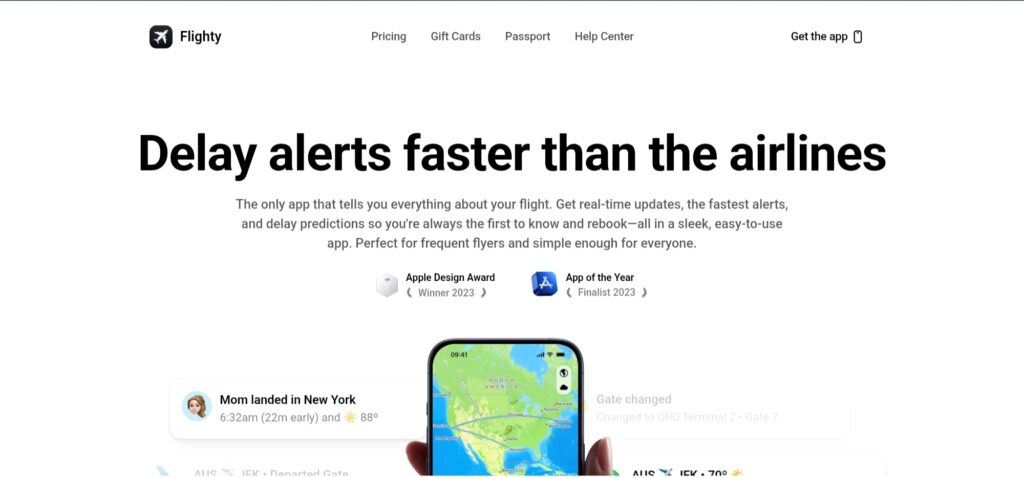
Schedule modifications, gate updates, and boarding announcements are frequently a part of air travel. By providing real-time flight information straight to their Apple Watch, Flighty helps travelers stay informed by eliminating the need to constantly check airline applications or airport screens.
You can get real-time flight notifications with Flighty, such as boarding alerts, gate changes, and departure delays. Because of this, it is especially helpful for navigating crowded airports where information can change rapidly.
Quick access to crucial flight information, including departure times, terminal data, and live flight status, is made possible via the Apple Watch connection.
When passing through security, shopping at the airport, or making their way to their gate, travelers can keep an eye on their watch.
Flighty serves as a dependable flight companion that makes crucial information easily accessible for frequent flyers and foreign visitors.
Key Features
- Real-time flight status updates
- Instant alerts for gate changes and delays
- Boarding notifications on Apple Watch
- Quick access to flight details from your wrist
6. Google Translate – Best for Language Translation
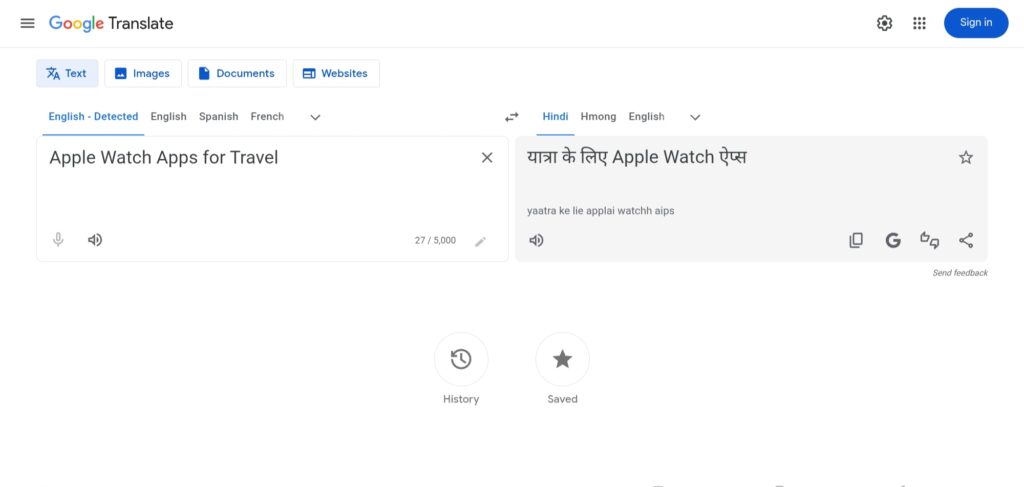
One of the most frequent problems encountered by tourists is language barriers, particularly when traveling to nations where English is not widely spoken. Google Translate on the Apple Watch facilitates rapid conversation by offering real-time translations right from your wrist.
Raising your watch allows you to quickly translate brief phrases without taking out your phone during a conversation.
This is especially useful when communicating with local vendors in new locations, placing food orders, or requesting directions. Wrist-based access facilitates seamless and less awkward interactions.
Voice translation is another feature of the program that lets you pronounce a sentence and see its translated version right away.
This feature can be unexpectedly useful for tourists who want to interact with locals, take public transportation, or explore other places.
Google Translate makes regular travel interactions much more pleasant by bridging language barriers, whether you’re exploring foreign markets, restaurants, or transit systems.
Key Features
- Quick phrase translations on Apple Watch
- Voice translation for real-time conversations
- Supports numerous global languages
- Useful for communication in foreign countries
7. XE Currency – Best for Currency Conversion
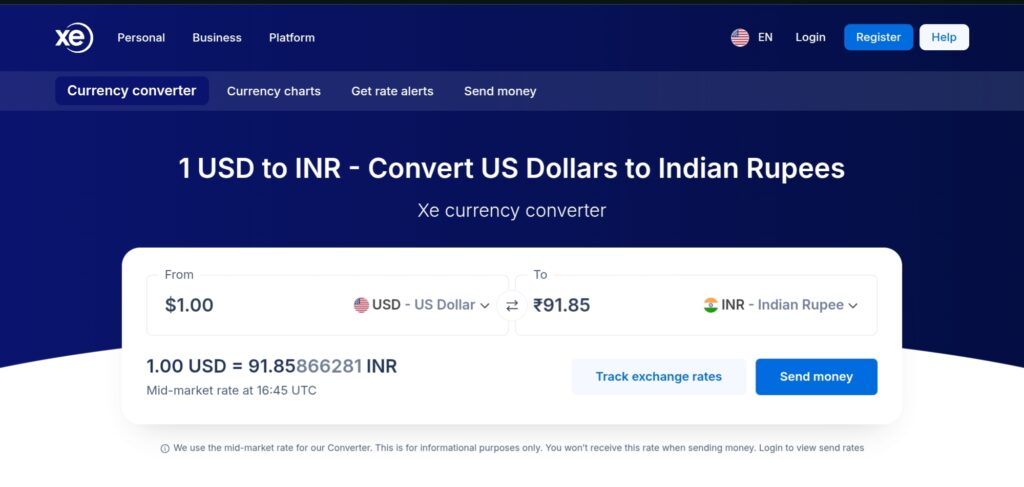
Making quick mental calculations to convert pricing, check exchange rates, and ensure you’re not overspending in a foreign currency are all common tasks when managing money abroad.
By providing travelers with fast access to trustworthy exchange rates straight from their Apple Watch, XE Currency streamlines this procedure.
You can quickly convert currencies from your wrist instead of opening a phone and looking for conversion tools.
This is especially helpful when paying for transportation, shopping in local markets, or comparing prices when going abroad. You can quickly determine how much something costs in your local currency with a short glance.
Additionally, the app offers real-time currency exchange rates, guaranteeing that the conversions accurately represent market prices.
XE Currency becomes a crucial tool for international tourists visiting several nations in order to maintain financial awareness and prevent expensive conversion errors.
Key Features
- Real-time global currency exchange rates
- Fast currency conversions on Apple Watch
- Supports a wide range of international currencies
- Helpful for budgeting and spending while traveling abroad
Also Read: Best AMOLED Smartwatches Under ₹10000 in India
8. CARROT Weather – Best for Smart Weather Forecasts

During a trip, the weather might change quickly, particularly when visiting new places. By providing extremely precise predictions and weather notifications straight on their Apple Watch, CARROT Weather assists travelers in being ready.
You can easily look at your wrist to see the current weather conditions instead of constantly checking your phone.
The software is helpful for organizing outdoor activities like sightseeing, hiking, and city walks because of its accurate weather data and real-time updates.
Before leaving for the day, travelers can check the temperature, the likelihood of precipitation, and hourly forecasts.
In order to help users avoid unexpected rain or storms while traveling, CARROT Weather also offers radar maps and severe weather notifications.
The app makes it easy and convenient to track the weather while traveling, thanks to its attractive Apple Watch interface.
Key Features
- Accurate real-time weather forecasts
- Radar maps and severe weather alerts
- Hourly and daily weather insights
- Quick weather updates on Apple Watch
9. Things 3 – Best for Travel Planning and Task Management
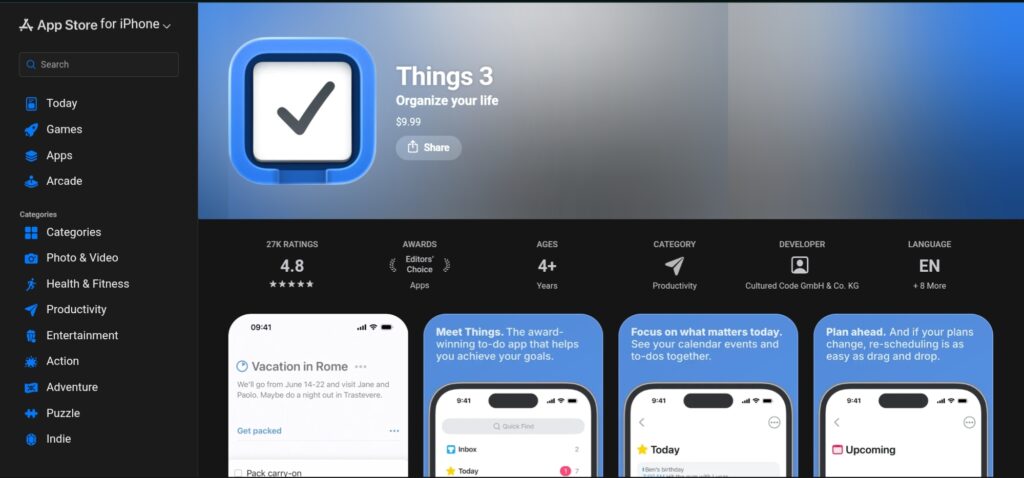
Traveling frequently requires balancing a number of tiny duties, such as packing necessities, making reservations, organizing daily activities, or keeping track of crucial documents.
Things 3 transforms these disorganized facts into a manageable task list that can be accessed straight from the Apple Watch, assisting travelers in maintaining organization.
Things 3’s simple, minimalistic design lets you instantly evaluate daily plans, trip checklists, and reminders with a short look at your wrist.
The app keeps everything organized and simple to use, whether you’re planning your daily activities or keeping track of pre-departure preparations.
For quick reminders and task updates while on the go, the Apple Watch connectivity is very useful. Without opening their phones, travelers may examine forthcoming plans, set new reminders, and cross off tasks.
Things 3 serves as a trustworthy digital checklist for tourists who prefer methodical planning, keeping journeys planned from start to finish.
Key Features
- Simple task and checklist management
- Quick access to travel plans on Apple Watch
- Create and complete tasks directly from the watch
- Ideal for packing lists and travel planning
10. Apple Wallet – Best for Payments and Travel Tickets
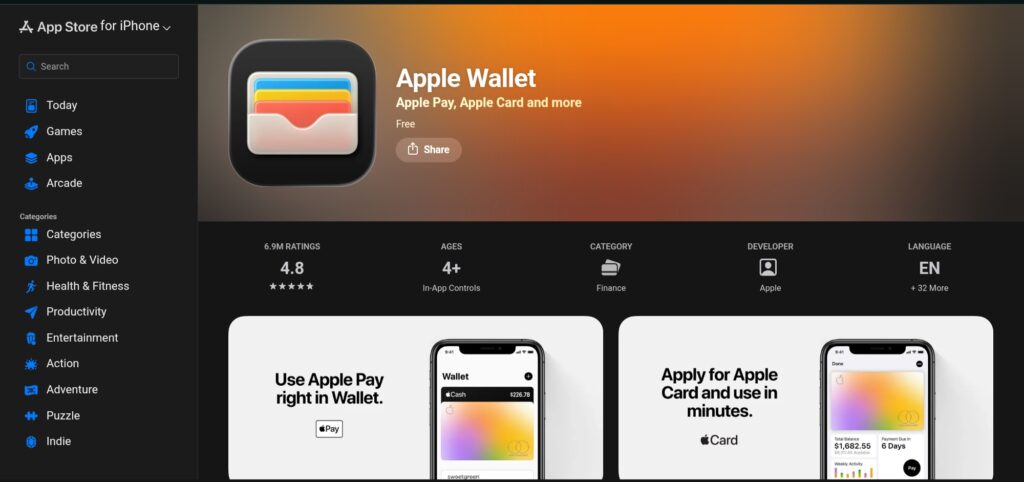
Contactless payments and digital documentation are becoming more and more important in modern travel.
Travelers can save boarding passes, tickets, and credit cards straight on their Apple Watch thanks to Apple Wallet, which makes handling these necessities exceedingly convenient.
When you require boarding passes, transit cards, or event tickets, you can access them by just raising your wrist rather than looking for printed documents or accessing several apps.
This is especially useful at boarding gates, airport security checks, and public transportation systems, where prompt access saves time.
Additionally, Apple Wallet is compatible with Apple Pay, allowing travelers to safely make contactless purchases at stores, eateries, and train stations worldwide.
Travelers can navigate airports and cities with fewer tangible objects to handle when everything is securely kept on the watch.
Apple Wallet becomes an easy-to-use yet effective tool for frequent travelers, keeping necessary travel documents and payments close at hand.
Key Features
- Store boarding passes, tickets, and transit cards
- Contactless payments using Apple Pay
- Quick access from Apple Watch for travel documents
- Secure and convenient digital wallet for travelers
FAQs – Best Apple Watch Apps for Travelers
What are the best Apple Watch apps for travel?
Some of the most useful travel apps for Apple Watch include Apple Maps, Google Maps, TripIt, Apple Wallet, and XE Currency.
Can the Apple Watch be used for navigation while traveling?
Yes, the Apple Watch can be very useful for navigation during travel. Apps like Apple Maps and Google Maps provide turn-by-turn directions directly on the watch.
Are there offline travel apps for Apple Watch?
Yes, some travel apps support offline functionality when paired with an iPhone. Navigation apps like Apple Maps allow certain map data to remain accessible without a constant internet connection.
Is Apple Maps or Google Maps better for the Apple Watch?
Both Apple Maps and Google Maps work well on the Apple Watch. Apple Maps integrates more seamlessly with the watch and offers smooth haptic navigation alerts. Google Maps, however, is often preferred for its extensive global mapping data and accurate public transport routes, especially in large international cities.
Do travel apps drain the Apple Watch battery?
Travel apps can consume battery power, particularly when using GPS navigation or real-time updates. However, most apps are optimized to work efficiently on the Apple Watch.
Final Verdict – Which Apple Watch Apps Should Travelers Use?
By selecting the appropriate apps, you can turn your Apple Watch from a basic wearable into a useful travel companion.
Travelers can rapidly access crucial information without continuously checking their phones with the correct combination of navigation, travel management, and utility features.
Travel apps for watchOS facilitate wrist-based city navigation, flight tracking, itinerary planning, and expense management.
In the end, integrating navigation, flight monitoring, and travel planning apps is the optimal configuration.
When combined, these features transform your Apple Watch into a portable travel command center that allows you to access vital information from any location.
More Articles
Best Wear OS Apps for Office Use [Finest Choices]
Best Smartwatch Apps For Health and Fitness
Best Smartwatch Apps For Mindfulness
Best Smartwatch Apps For Entertainment You Should Try

Kanha is a electronics engineer, tech enthusiast, and writer at technicalstudies.in. His experience in tech, coupled with excellent writing skills, makes the text easy to understand and helps the reader make the correct decision. Outside of writing, Kanha is passionate about exploring new gadgets and gaming.