
Last updated on July 4th, 2026 at 02:01 pm
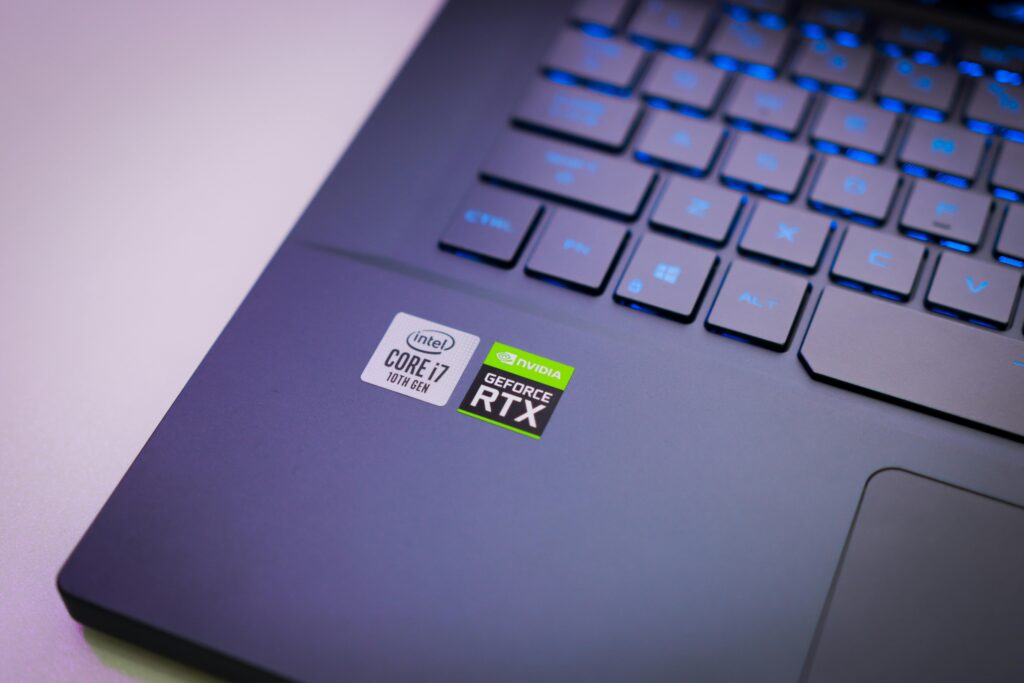
I’ve seen people spend ₹80,000–₹1,20,000 on a laptop just because it had an “i7” sticker, and then complain about heating, poor battery, or lag after a few months.
Not because they don’t research, but because they focus on the wrong things.
After comparing and using multiple laptops, here is the uncomfortable truth I have learned.
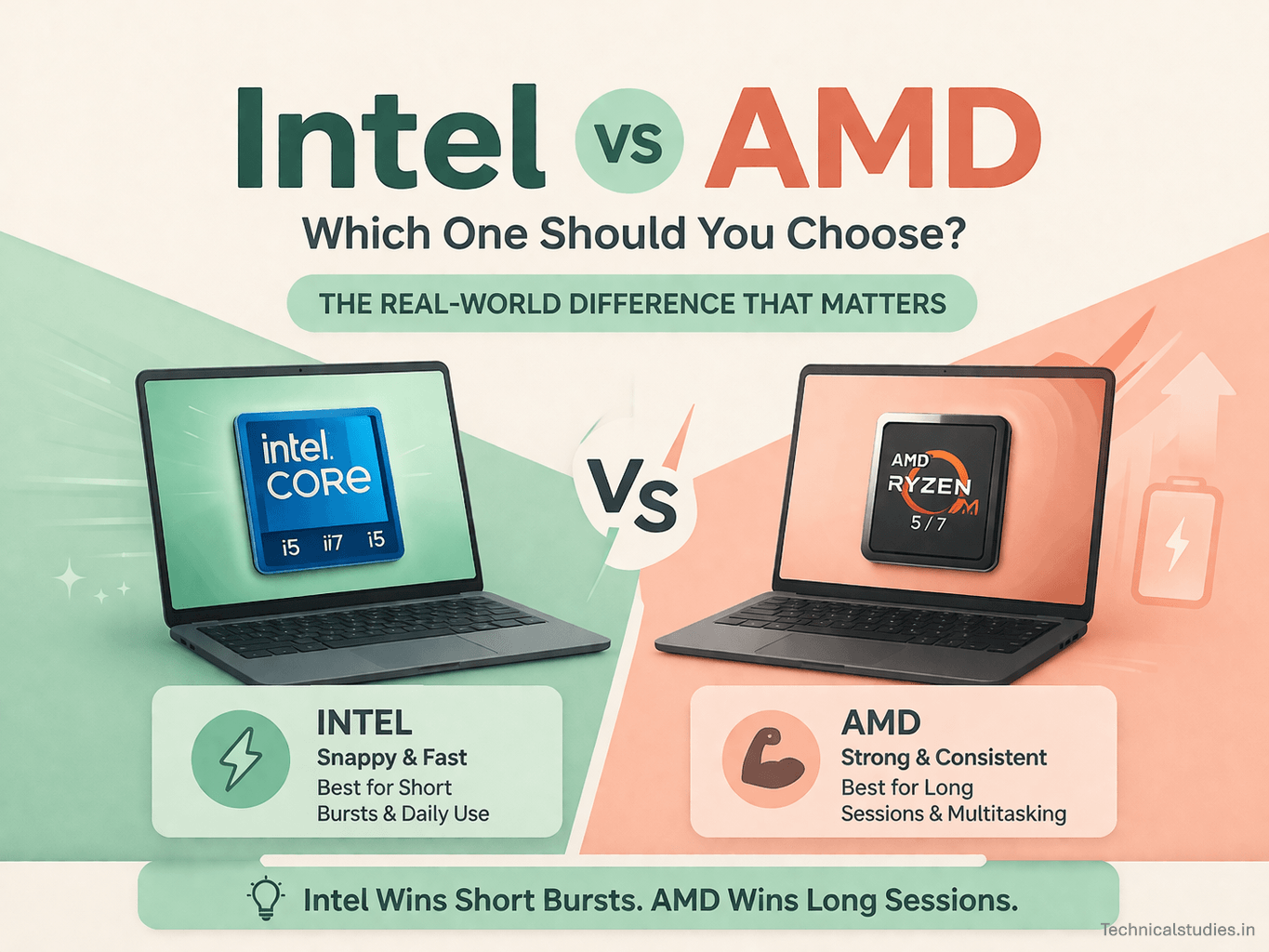
Intel feels faster, but AMD often performs better long-term.
And no, this isn’t about brand loyalty. It’s about how these machines behave in real life; when you have 20 Chrome tabs open, a Zoom call running, and your laptop is unplugged.
Another common myth that needs to go:
Battery life is NOT determined by Intel vs AMD alone.
I’ve used AMD laptops that lasted all day, and Intel ones that died in 4–5 hours. And I’ve also seen the opposite. The difference? Not the processor, the laptop design.
Which brings me to the biggest mistake people make:
They choose the CPU instead of choosing the laptop.
That’s where everything goes wrong.
Because a well-optimized AMD laptop can easily outperform a poorly designed Intel one, and vice versa.
Now, you might be thinking, Is Intel better than AMD? Which one should I buy in 2026?
This is what I will discuss in this blog post. Here we will discover what really matters and the real insights of Intel vs AMD you need to know before buying a laptop.
The Simple Answer
If you don’t want to overthink this, here’s exactly how I would decide in seconds
- If I want instant speed and responsiveness → I go with Intel
- If I want maximum value for my money → I choose AMD
- If I care about battery life and efficiency → I lean towards AMD (most of the time)
- If I’m buying a premium, thin, polished ultrabook → I pick Intel
- If I’m doing heavy multitasking or long work sessions → I trust AMD
That’s the quick answer.
But making these decisions is not as easy as they look. Because which one lasts longer, which one feels fast, and which one is worth your money are three different things. Let’s break down these in simple words.
Intel vs AMD – Side by Side Comparison
| Factor | Intel | AMD |
|---|---|---|
| Everyday Speed (Snappiness) | Feels faster in quick tasks | Slightly less snappy |
| Sustained Performance | Can drop under long load | More consistent over time |
| Battery Life | Good (depends on laptop) | Usually better (but not always) |
| Heat Management | Can run hotter in thin laptops | More stable under load |
| Multitasking | Good | Better for heavy multitasking |
| Integrated Graphics | Improving (Intel Arc) | Stronger in most cases |
| Price-to-Performance | Slightly expensive | Better value |
| Premium Experience | More polished ultrabooks | Limited but improving |
| Best For | Office, premium users | Students, creators, value buyers |
Intel vs AMD — What Actually Matters (Not Specs)
Let me say this upfront: I’ve stopped caring about cores, threads, and benchmark scores. Because in real life, that’s not what you feel.
What you actually notice is how fast your laptop responds, how it behaves after using it for 30 to 40 minutes, and whether it runs smoothly or struggles after some time of use.
And here is the real difference I noticed.
Snappiness – Intel
When I use an Intel laptop, the first thing I notice is how quick everything feels.
Apps open instantly, switching tabs feels fast, and small tasks respond faster.
This gives a feel of snappiness, or we can say it is a fluid performance.
Sustained Performance – AMD
When using an AMD laptop for 30 to 40 minutes for real work with multiple tabs open, background apps running, and doing some editing or coding tasks, AMD holds its performance.
It doesn’t struggle; it stays sustained. Intel can start slowing down, but AMD keeps going.
Heat & Throttling — The Silent Killer

In real use cases, understanding thermal throttling is important. This is what decides how your experience will be.
I have used laptops with amazing specs on paper, but they start to struggle because of heat.
Whether it is an Intel laptop or an AMD laptop, proper cooling is essential for outstanding performance.
A well-cooled Intel laptop can outperform a poorly cooled AMD laptop and vice versa.
Also Read: Stop Laptop Overheating: Expert Solutions That Actually Work
Efficiency Under Load
This is the part most buyers ignore
When you use your laptop for prolonged sessions for heavy multitasking, rendering, meetings, editing, etc., AMD laptops consume power efficiently and maintain consistency in performance.
On the other hand, Intel delivers quick power and can spike and drop depending on the workload.
These instances led me to this conclusion – Intel wins short bursts. AMD wins long sessions.

Battery Life Truth (Most Misleading Factor)
Battery life is where most buyers get completely misled.
I used to think the same. “AMD gives better battery” or “Intel is more optimized.”
But after using multiple laptops back-to-back, I realized this.
The processor is only a small part of the battery story.
Also Read: Battery Life in Gaming Laptops: Myths, Facts & Real Numbers
Why AMD Often Lasts Longer
In many use cases, AMD laptops give better battery life, as per my experience. For example, during multitasking, long work sessions, or heavy usage.
The reason behind this is that AMD chips are more power-efficient under sustained load. So the battery drains consistently instead of in spikes.
That’s why AMD laptops often feel more reliable when you’re working unplugged for hours.
Why Intel Sometimes Feels Better
Now here’s where it gets interesting.
In light uses like watching videos, browsing, or basic office work, Intel laptops feel better.
This is because these are short tasks, the system goes idle quickly, and power drops immediately after.
So even if total battery life isn’t always higher, the experience feels smoother and more efficient.
What Actually Controls Battery Life
So here the question is, what actually controls battery life? Although most people ignore this, this is what helps in decision-making.
1. Laptop Optimization
Two laptops with the same processor can have completely different battery life.
The reasons behind this are power profiles, background processes, and software tuning. A well-optimized system can easily add 2–3 extra hours.
2. Battery Size (Massive Factor)
This is obvious, but people still ignore it.
- A 70Wh battery vs a 50Wh battery = huge difference
- No processor can compensate for a small battery
3. Display (Biggest Hidden Drain)
High refresh rate screens, brightness, and panel quality matter more than you think. Here are the facts.
- 120Hz / 144Hz → drains faster
- OLED → looks amazing, but consumes more
- Brightness → silent battery killer
An important thing most people won’t tell you is that your laptop’s brand matters more than the processor for battery life.
An AMD laptop can have a poor battery, and an Intel laptop can have an amazing battery, and vice versa.
The real thing that affects battery life is battery capacity, optimization, and engineering.
Performance by Use Case (What I’d Actually Choose)
This is where things finally get practical. You are not buying a processor; you are buying a laptop for your work.
So your choice depends on how you are going to use it. Here is what I believe about it.
Students → I’d Pick AMD.
If I am a student, I will need long battery life, smooth multitasking, and maximum value for money. So an AMD laptop is a good choice for me.
Office / Business Users → I Lean Intel.
If I work in the office or do some business tasks, I would prefer an Intel laptop. These laptops offer better responsiveness, stability during calls, and a smooth everyday experience.
Content Creators → I Prefer AMD.
If I am a content creator who works with heavy files, edits videos, or designs graphics, I would choose an AMD laptop. This is because I need consistency, and AMD handles workloads better.
Gamers → It Depends (But Here’s the Truth)
Gaming requires more GPU power than CPU. If you are going for a dedicated GPU, choose an AMD laptop because they have a stronger dedicated GPU.
But if you are going for an RTX laptop, CPU choice doesn’t matter the most.

Price vs Value
When deciding the price of the laptop, you are not just choosing only performance; you are balancing budget, features, and long-term value.
And honestly, this is where I see the biggest difference between Intel and AMD.
₹40K – ₹70K → AMD Clearly Wins
In this range, I don’t even overthink.
AMD laptops consistently give better overall performance, stronger integrated graphics, and more usable power for multitasking.
On the other hand, Intel laptops feel slightly overpriced or underpowered for the same price.
₹70K – ₹1L → This Is Where It Gets Interesting
Now this is the “confusing zone.”
Both AMD and Intel have amazing machines in this price range. So your decision should be based on what you need.
AMD laptops offer better specs for this price, while Intel laptops offer a better overall experience.
At this point, I stop thinking “brand” and start looking at Build quality, Cooling, Battery, and Real reviews.
₹1L+ → Intel Feels More Premium
In the premium segment, choices shift. Laptops in this range are properly optimized, have superior build quality, and feel more refined overall. This is where Intel shines.
They offer a smoother experience, better thermals, and a more polished ecosystem.
AMD laptops in this price range offer great performance, but Intel options are more complete here.
Also Read: Best OLED Laptops Under ₹1 Lakh in India (Top Picks)
The Biggest Mistakes People Make When Buying Laptops
This is the part where most people mess up, and I’m including my past self in this.
I have made some of these mistakes. I have seen friends make worse ones. And almost every time, it leads to the same result: A laptop that looks great on paper, but feels disappointing in real life.
Let me save you from that.
Mistake 1: Choosing CPU Over GPU
This is the most common trap.
People usually get obsessed with CPU numbers like i5, i7, Ryzen 5, or Ryzen 7. But they ignore the GPU completely.
The reality is that the GPU is important for gaming, editing, and creative work.
Also Read: What Makes a Laptop Really Fast? – CPU, GPU, RAM, or Storage
Mistake 2: Ignoring Thermals
This one is silent, but deadly. Bad cooling can kill a powerful CPU.
I’ve used laptops where performance dropped after 15–20 minutes, fans went crazy, and the system slowed down under load.
This happens because of poor thermal design. A powerful processor means nothing if the laptop can’t handle the heat.
Also Read: How Do You Keep Your Gaming Laptop Cool? 10 Best cooling solutions to follow
Mistake 3: Falling for Brand Bias
“Intel is always better.”
“AMD is always better.”
I have heard both, and both are wrong. Every generation changes things. Every laptop is different. Blind loyalty leads to bad decisions.
Mistake 4: Not Checking the Laptop Model
This is where most people lose money.
They decide “I’ll buy Intel” or “I’ll buy AMD”.
But never check the specific laptop model, real user reviews, thermal performance, and battery tests.
The reality is that two laptops with the same processor can feel completely different.
Mistake 5: Assuming All Intel/AMD Laptops Are the Same
This is the biggest misconception.
People think all i5 laptops perform the same, and all Ryzen 5 laptops behave the same.
That’s just not true. An i5 laptop can outperform an i7 if optimized better.
I’ve literally seen this happen.
Final Verdict (What I’d Actually Recommend)
Alright, let me make this simple. The way I would decide if I were buying today.
If I am confused and don’t want to overthink, I simply choose AMD. AMD laptops offer better value and reliable performance without any regrets later.
AMD is also a better option if I have a tight budget because it offers value-for-money machines in the budget segment.
If I want to go to the premium laptop segment, I would choose Intel. It provides better build quality, smoothness, and a better overall experience.
So if you are thinking whether to go with Intel or AMD, you are thinking in the wrong direction.
Instead, you should think about which laptop is designed for your budget and specific needs and choose the device accordingly.
FAQs
Is AMD better than Intel for long-term use?
From what I’ve seen, AMD often holds performance better over time, especially during heavy or continuous usage. It doesn’t slow down as quickly under load. But long-term experience depends more on cooling, build quality, and optimization than just the processor.
Do Intel laptops last longer than AMD laptops?
Not necessarily. Longevity depends on how well the laptop is built. I’ve seen both Intel and AMD laptops lasting years, and both failing early. If the thermals and build quality are good, either can last long.
Which is better for students in India — Intel or AMD?
If I had to pick one for most students, I’d go with AMD. You usually get better battery life, stronger multitasking, and more value for the price. Unless you’re buying a premium ultrabook, AMD is the safer choice.
Should I prioritize CPU or GPU when buying a laptop?
If your work involves gaming, editing, or design, always prioritize the GPU. I’ve seen laptops with powerful CPUs struggle because of weak GPUs. For basic use, CPU matters more, but for performance tasks, GPU wins.
Why do some Intel laptops feel faster than AMD?
Intel often feels faster in short tasks like opening apps, switching tabs, and quick actions. That “snappiness” creates the impression of better performance. But during long sessions, AMD often feels more stable and consistent.
More Articles
Best Laptops For Writers and Bloggers in India
Best Laptops For Work From Home Professionals In India
Laptops for Personal Use in India
Best Laptops for Traders in India: Top Picks for Stock Market & Intraday Trading

TechnicalStudies was started by Neeladrinath with one simple idea — give Indian students a reliable place to figure out what’s actually worth their time and money. Every recommendation here is backed by careful research, real student feedback, and honest analysis. We cover online courses, laptops, smartwatches, software deals, and learning resources — all looked at from a student’s perspective, so you can spend less time guessing and more time learning.