
Last updated on July 5th, 2026 at 03:11 pm
If you want to build apps for iPhone or iPad, learning Swift is one of the best places to start. Swift is a modern programming language created by Apple Inc. and is widely used to develop apps for platforms like iOS, macOS, and other Apple devices.
Its clean syntax and powerful features make it beginner-friendly while still being robust enough for professional app development.
As the Apple ecosystem continues to grow, the demand for skilled iOS developers is also increasing. Businesses, startups, and tech companies constantly look for developers who can build high-quality mobile apps.
Platforms like Udemy make learning Swift easier by offering practical courses with hands-on projects and step-by-step guidance.
In this article, we’ll explore the best Swift courses on Udemy that can help you learn Swift and start building real iOS applications.
List of the best Swift courses on Udemy
| Sl No. | Course | Best For | Duration | Level |
|---|---|---|---|---|
| 1 | The Complete iOS 26 Developer Course with Swift | Best for building real-world iOS apps | 55 Hours | Beginner |
| 2 | iOS Development Masterclass – SwiftUI, SwiftData & AI | Best for modern SwiftUI and Apple frameworks | 38 Hours | Beginner |
| 3 | SwiftUI Mastery – The Complete Developer Course | Best for learning SwiftUI interface development | 22 Hours | Beginner |
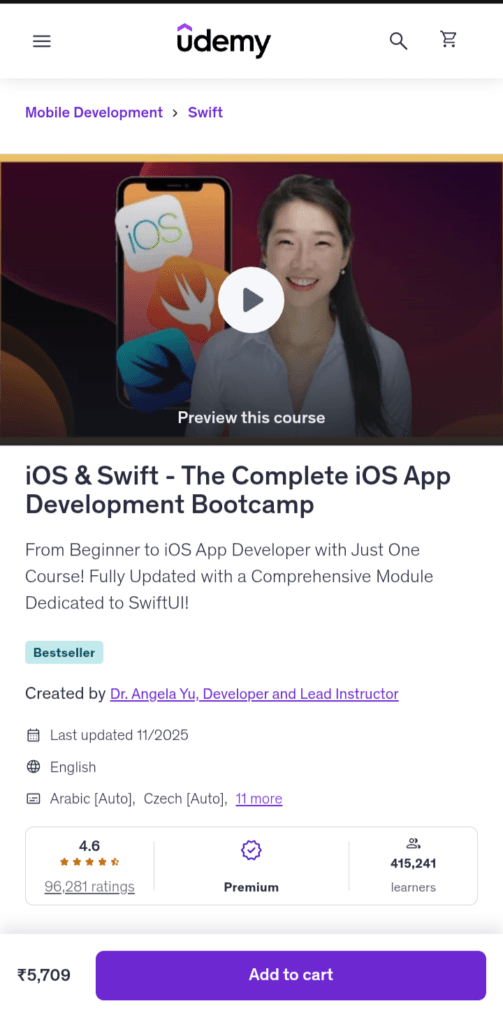
| 4 | iOS & Swift – The Complete iOS App Development Bootcamp | Best for beginners starting iOS development journey | 61 Hours | Beginner |
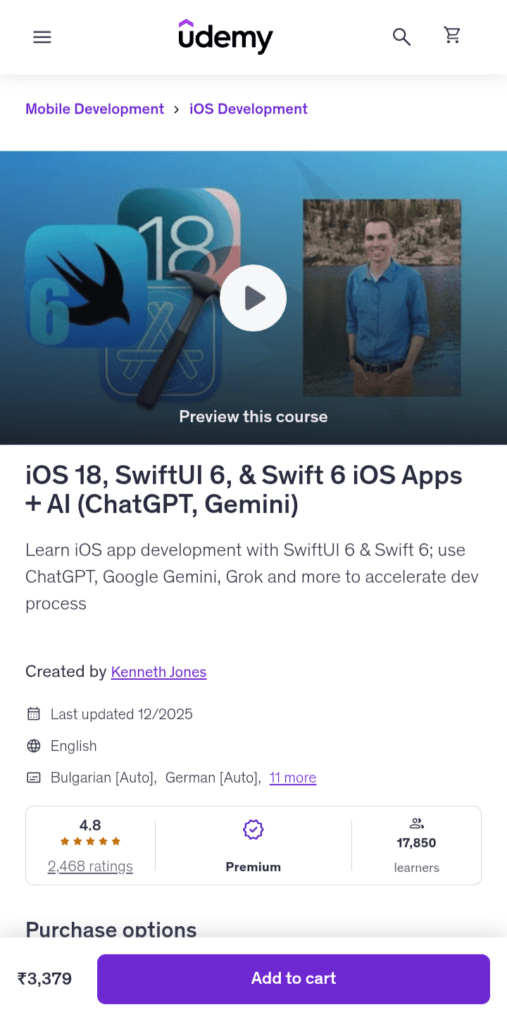
| 5 | iOS 18, SwiftUI 6 & Swift 6 – Build iOS Apps with AI | Best for learning latest iOS technologies | 48 Hours | Beginner |
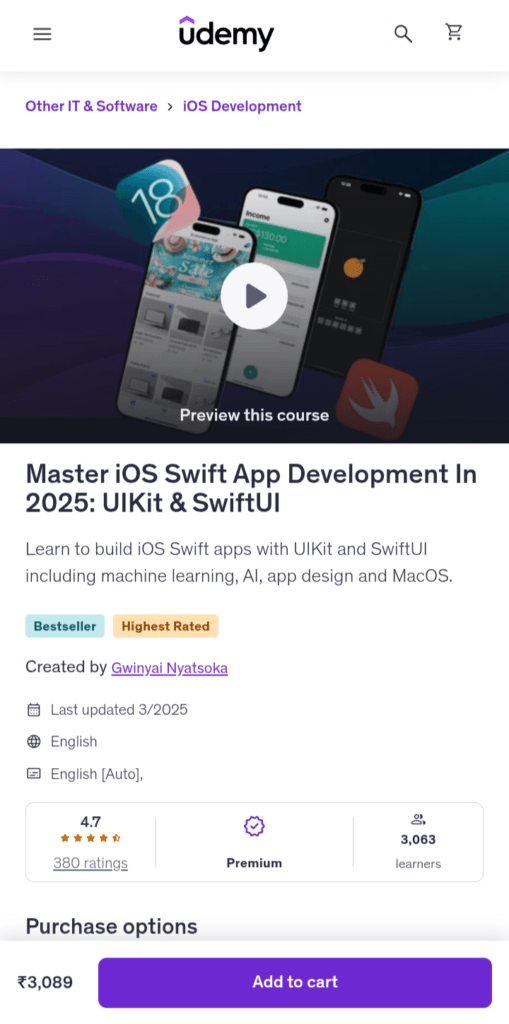
| 6 | Master iOS Swift App Development: UIKit & SwiftUI | Best for mastering UIKit and SwiftUI development | 117 Hours | Beginner |
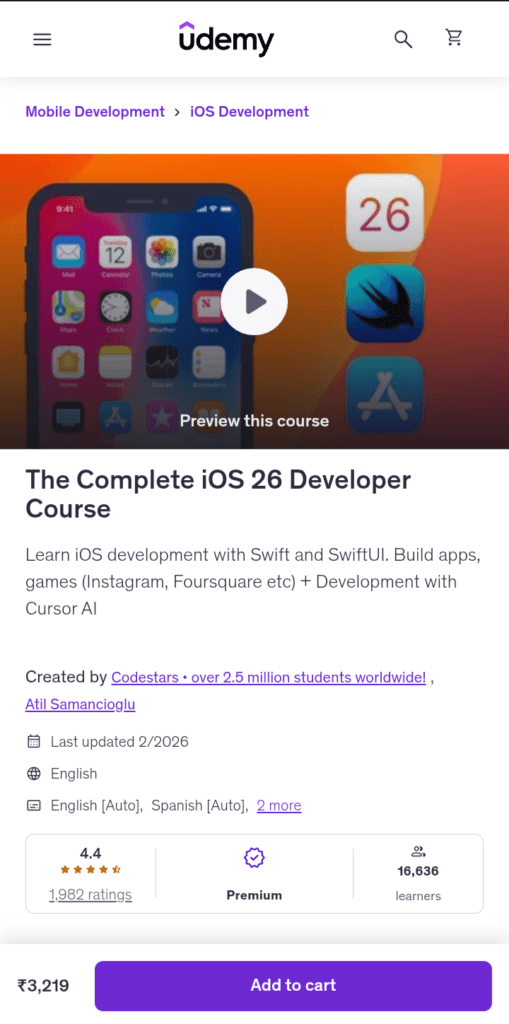
1. The Complete iOS 26 Developer Course with Swift
This course is designed to teach iOS development by building multiple real-world apps and projects. The curriculum includes 39 sections and more than 430 lectures, covering Swift programming, app architecture, and mobile UI design while guiding students through hands-on projects.
Key Skills Covered
- Swift programming fundamentals
- iOS app development using Xcode
- Building real iPhone and iPad apps
- Working with APIs and databases
- App design and deployment to the App Store
What You Will Learn
- Build real iOS apps and games from scratch
- Master Swift programming concepts
- Design app interfaces and navigation
- Create clones of popular apps like Instagram
- Work with databases and backend tools
- Publish apps to the Apple App Store
Why Take This Course
Beginners who want a practical and project-based introduction to iOS development can join this course. It gives a practical learning experience, enabling you to develop coding skills faster.
Aspiring developers who want to learn Swift programming and build a portfolio of iOS apps will find this course helpful.
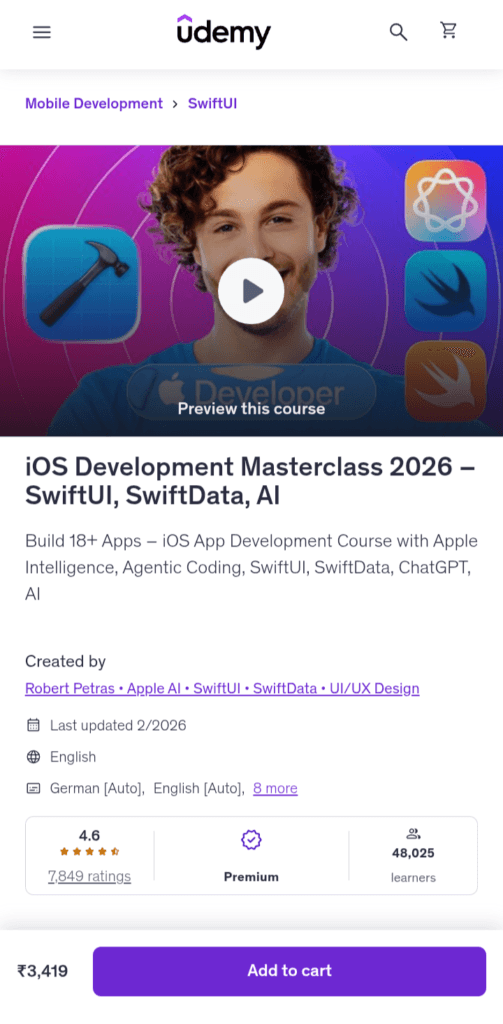
2. iOS Development Masterclass – SwiftUI, SwiftData & AI
The iOS Development Masterclass course focuses on building modern apps using Apple’s latest frameworks and tools. It guides students through multiple hands-on projects while teaching how to design and develop apps with SwiftUI and other Apple technologies.
In 26 sections and 230+ lectures, you will acquire practical skills and build 18+ apps.
Key Skills Covered
- Swift programming fundamentals
- Modern UI development with SwiftUI
- Data management using SwiftData
- Building iOS, iPadOS, macOS, and watchOS apps
- API integration and asynchronous programming
- App design, animations, and UI/UX principles
What You Will Learn
- Build real iOS apps using SwiftUI
- Create modern user interfaces and animations
- Work with JSON data and Web APIs
- Manage app data with SwiftData and Core Data
- Implement async/await and concurrency in Swift
- Design apps for iPhone, iPad, and Apple devices
Also Read: Best Android Development Courses On Udemy
Why Take This Course
This Udemy course is a strong choice for learners who want to learn modern iOS development with SwiftUI instead of older UI frameworks. Because of its project-driven learning structure, you will use modern Apple frameworks and build real apps.
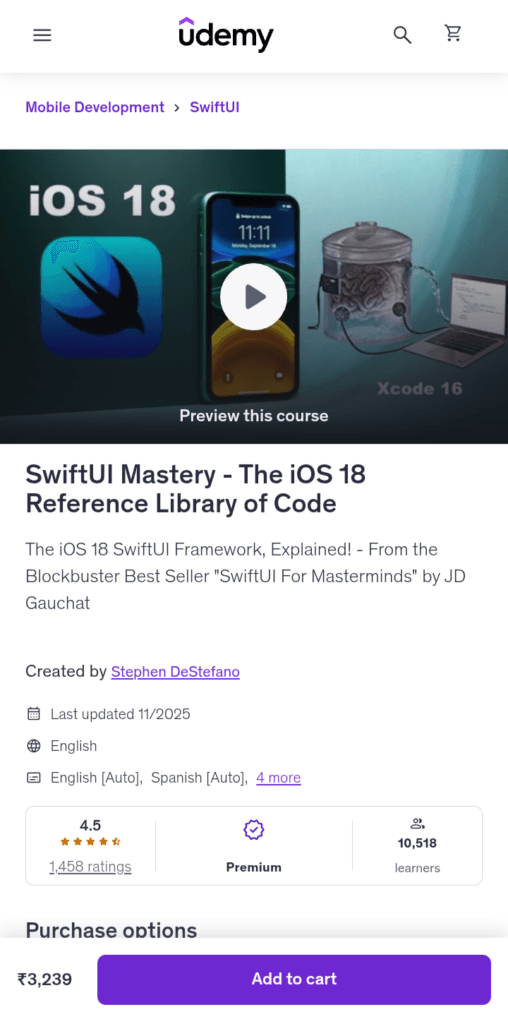
3. SwiftUI Mastery – The Complete Developer Course
This course focuses on Apple’s modern UI framework, SwiftUI, which is becoming the preferred way to design iOS app interfaces.
Through hands-on coding, students learn how to build apps such as a WhatsApp clone and interactive games, while exploring SwiftUI views, layouts, and state management concepts. The course is 22 hours long and contains 260+ lectures.
Key Skills Covered
- Building modern app interfaces with SwiftUI
- UI components like Text, Image, Button, and Navigation
- State management and data binding in SwiftUI
- Firebase integration with SwiftUI apps
- UIKit integration with SwiftUI
- Creating real-world iOS applications
What You Will Learn
- Build iOS apps using SwiftUI
- Design modern user interfaces with SwiftUI components
- Work with data using State, Binding, and EnvironmentObject
- Integrate Firebase into SwiftUI apps
- Implement gestures, timers, and animations
- Combine SwiftUI with UIKit when needed
Also Check: Best Swift Programming Courses on Coursera
Why Take This Course
Developers who know the Swift basics and want to understand SwiftUI, the modern framework of Apple, will find this course helpful. This course will teach you how to build visually rich applications using the modern development tools of Apple.
4. iOS & Swift – The Complete iOS App Development Bootcamp
This is one of the most popular iOS development courses on Udemy. The course includes 60+ hours of video lessons and teaches Swift while guiding learners through building multiple real-world apps for iPhone and iPad.
It covers a broad curriculum where you will learn everything needed for an iOS developer. You will build 25+ real apps that use machine learning and augmented reality.
Key Skills Covered
- Swift programming fundamentals
- Building iOS apps using Xcode
- App UI design and navigation
- Working with APIs and databases
- Publishing apps to the App Store
What You Will Learn
- Write clean and efficient Swift code
- Build real iOS apps from scratch
- Design modern mobile user interfaces
- Work with APIs, JSON data, and networking
- Create app clones inspired by apps like WhatsApp
- Publish your own app to the Apple App Store
Why Take This Course
Complete beginners who are looking for a structured learning path for iOS development should enroll in this Udemy course. It is a practical iOS app development course that helps learners build real projects while mastering Swift and the iOS development workflow.
5. iOS 18, SwiftUI 6 & Swift 6 – Build iOS Apps with AI
This Udemy course teaches iOS development using modern Apple technologies like SwiftUI 6 and iOS 18 frameworks. The instructor walks students through building several real-world apps while demonstrating how new tools and features introduced in recent Apple updates improve app development workflows.
This course helps students build complete iOS apps from scratch. Even people with no programming experience can join this course.
Key Skills Covered
- Swift programming fundamentals
- Building modern iOS apps with SwiftUI 6
- iOS 18 app development features
- Using AI tools like ChatGPT and Gemini in development
- App UI design and animations
- App publishing workflow
What You Will Learn
- Build modern iOS apps using SwiftUI 6
- Use Swift 6 to write clean and efficient code
- Design interactive UI layouts and animations
- Integrate APIs and data into iOS applications
- Use AI tools to speed up development workflows
- Build and publish real apps to the App Store
Related: Best Courses to learn Dart Programming for Developers
Why Take This Course
Learners who want to develop modern iOS apps using the latest Apple technologies like iOS 18 and SwiftUI 6 can join this course.
It is designed for people who want to publish their own apps on the App Store or showcase their skills to potential employers for job opportunities.
Also Read: Best Java Courses for Beginners and Students
6. Master iOS Swift App Development: UIKit & SwiftUI
This comprehensive course focuses on building production-ready iOS applications using both UIKit and SwiftUI, Apple’s main frameworks for developing modern apps. Students create multiple real-world projects, including apps with e-commerce features, AI capabilities, and social networking functionality.
The course includes 78 sections, 600+ lectures, and over 117 hours of content, making it one of the most in-depth Swift courses available on Udemy.
Key Skills Covered
- Swift programming and iOS development
- Building apps with UIKit and SwiftUI
- AI and machine learning integration in apps
- UI/UX design and animations
- Multi-platform development for iPhone, iPad, and macOS
What You Will Learn
- Build real-world iOS apps using Swift
- Create modern interfaces using SwiftUI and UIKit
- Develop apps that integrate machine learning with CoreML
- Build AI-powered apps using modern APIs
- Design visually appealing apps with animation and typography
- Create a portfolio of multiple production-grade applications
Why Take This Course
Students and interested learners who want a deep and practical understanding of iOS development can consider this course. It is a comprehensive program that guides you to build real apps that work on multiple platforms such as iPhone, iPad, and macOS.
Career Opportunities After Learning Swift
Learning Swift can open the door to several exciting career paths in mobile and software development. Because Swift is widely used to build apps for Apple platforms, developers with Swift skills are highly valued in the tech industry.
iOS Developer
An iOS developer uses Apple programming tools and Swift to create apps for the iPhone and iPad. These developers create user interfaces, write code for apps, and integrate APIs. Depending on location and expertise, the typical annual income for an iOS developer in India is between ₹5 lakh and ₹13 lakh.
Mobile App Developer
Mobile app developers make apps for tablets and smartphones. While some focus on iOS, others create cross-platform applications. In big software hubs like Bengaluru, seasoned iOS engineers can make between ₹10 lakh and ₹26 lakh a year, demonstrating great earning potential as expertise increases.
Apple Ecosystem Developer
Swift developers can also build applications for multiple Apple platforms, such as iPhone, iPad, Mac, Apple Watch, and Apple TV. These developers often work on complex applications that integrate across the Apple ecosystem.
Freelance App Developer
Many Swift developers work as freelancers, building apps for startups, businesses, or independent clients. Freelancing allows developers to work remotely and choose their own projects.
FAQs About Swift Courses on Udemy
Which Swift course on Udemy is best for beginners with no programming experience?
Beginners should look for courses that start with Swift fundamentals and basic programming concepts before moving into iOS development. Courses that include step-by-step projects and explain tools like Xcode are especially helpful. Bootcamp-style courses are often the best choice for learning Swift from scratch.
How long does it take to learn Swift and build your first iOS app?
Most learners can understand basic Swift programming in a few weeks with consistent practice. However, building complete iOS apps typically takes a few months of learning and project work.
Do Udemy Swift courses teach modern iOS development with SwiftUI?
Many modern Swift courses now include SwiftUI, Apple’s declarative UI framework for building interfaces across iPhone, iPad, and Mac devices.
Do I need a MacBook to take Swift courses on Udemy?
Yes, most Swift courses require a Mac because iOS apps are developed using Xcode, Apple’s official development environment that runs only on macOS.
Are Udemy Swift courses enough to become an iOS developer?
Udemy courses provide a strong foundation in Swift and iOS development. However, becoming a professional developer usually requires building multiple projects, understanding app architecture, and practicing regularly.
Can I publish an iPhone app after completing a Swift course?
Yes, many courses guide learners through the process of submitting apps to the Apple App Store. After learning Swift and completing app projects, developers can create their own applications and publish them once they enroll in the Apple Developer Program.
Final Thoughts
Swift has become the primary programming language for building apps in the Apple ecosystem, powering applications across iOS, macOS, and other Apple platforms.
For anyone interested in mobile development, learning Swift is a valuable step toward building modern iPhone and iPad applications.
The above Udemy courses will guide you through real iOS app projects while teaching essential Swift skills.
I hope this article has become valuable to you. You can share this with your friends who want to pursue a career in iOS app development.
More Articles
AI Code Generation Explained: Opportunities and Limitations You Must Know
AI in Programming: 7 Game-Changing AI Coding Tools You Should Try
Best React Native Courses Web Developers Can Join
Is Kotlin Worth Learning in 2026? (Jobs, Salary, vs Python & Java)

TechnicalStudies was started by Neeladrinath with one simple idea — give Indian students a reliable place to figure out what’s actually worth their time and money. Every recommendation here is backed by careful research, real student feedback, and honest analysis. We cover online courses, laptops, smartwatches, software deals, and learning resources — all looked at from a student’s perspective, so you can spend less time guessing and more time learning.