
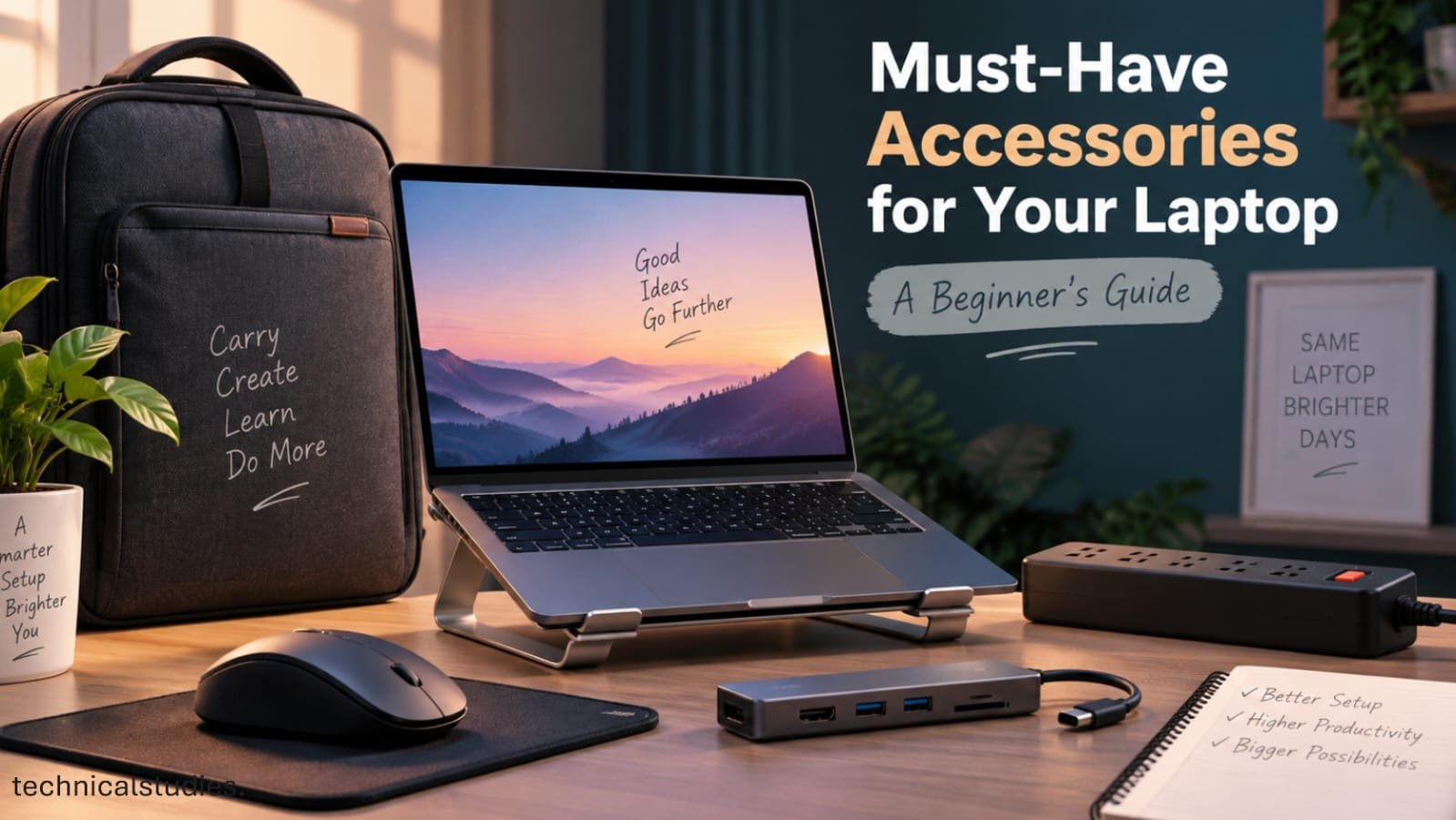
So you just bought a laptop – congrats! But here’s the thing nobody tells you at checkout: the laptop itself is only half the setup. The right accessories can make daily use smoother, safer, and a lot more comfortable.
Now, before you go down a rabbit hole of “best laptop accessories” lists with 30+ items, take a breath. As a beginner, you don’t need to buy everything the internet recommends. Most of it is noise.
What you actually need is a handful of essentials that solve real, everyday problems like protecting your device, improving comfort, and boosting productivity.
In this guide, we’ll walk you through five must-have laptop accessories that genuinely earn their spot in your bag or on your desk.
We’ll also point out which ones are non-negotiable essentials versus nice-to-have upgrades, so you can spend wisely instead of impulsively.
Must-Have Accessories for Your Laptop
1. Laptop Bag or Protective Sleeve
Your laptop travels with you to college, work, cafés, and every trip means bumps, scratches, and the occasional careless setdown. That’s why protection tops this list.
So, bag or sleeve? A sleeve is a slim, padded cover that shields your laptop from scratches and minor knocks. This is perfect if you already use a backpack and just want internal protection.
A laptop bag, on the other hand, is a standalone carrier with padding, compartments for chargers and cables, and often water resistance. This is better if you’re commuting daily or need dedicated storage.
When picking one, prioritize the correct size (too loose defeats the purpose), decent padding, and water-resistant material, especially for India’s unpredictable weather.
For daily commuters juggling books, chargers, or gym gear, a backpack wins on practicality; a shoulder bag suits minimal, laptop-only trips.
If your laptop already stays inside a padded backpack, a sleeve alone works fine.
My Recommendations
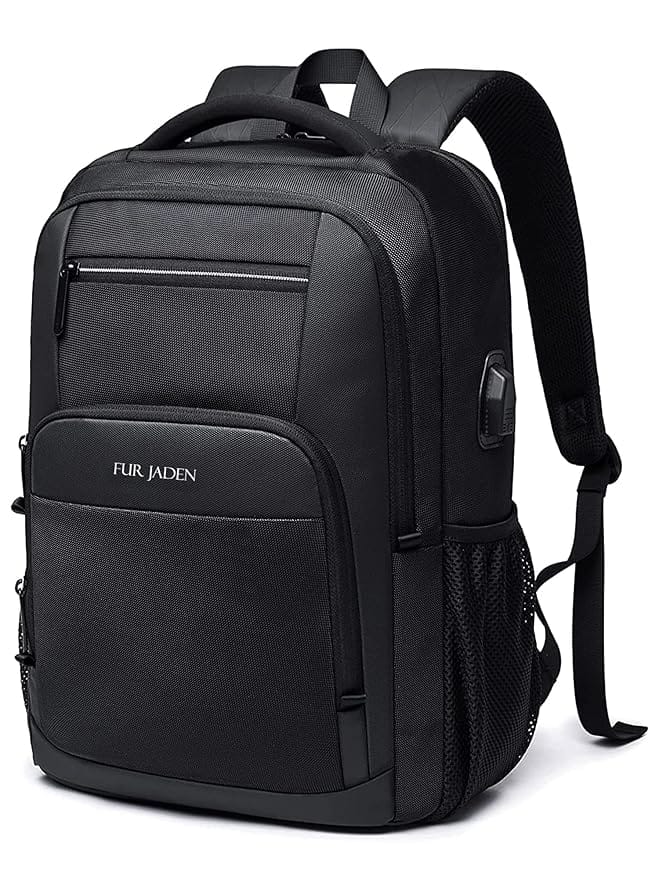
FUR JADEN Anti Theft Number Lock Backpack Bag with 15.6 Inch Laptop Compartment
2. Wireless Mouse
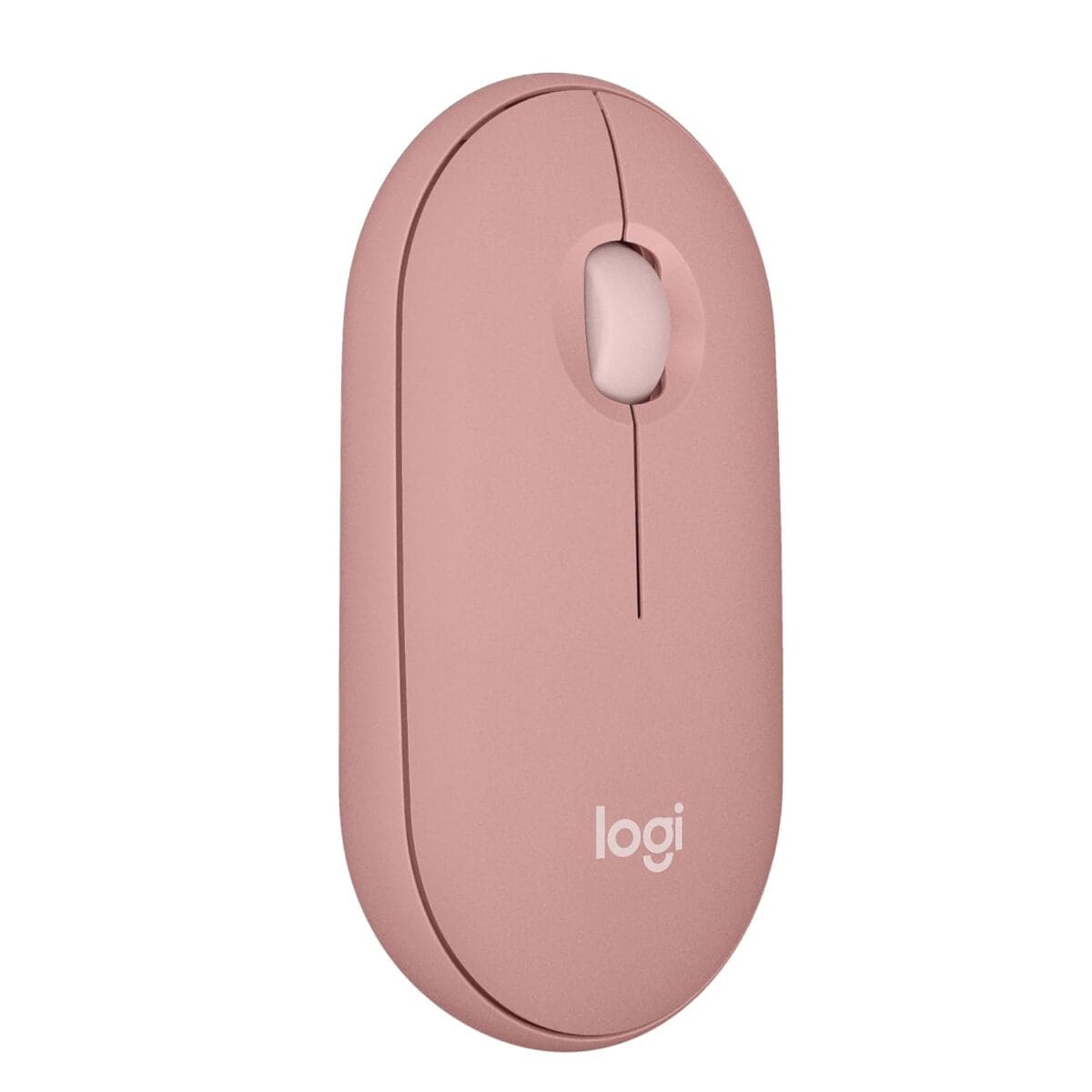
Touchpads are fine for scrolling and basic navigation, but try working on a spreadsheet, editing images, or multitasking across tabs, and you’ll quickly feel the limits.
A mouse gives you faster, more precise control, especially for office work, browsing, design tasks, or anything involving a lot of clicking and dragging.
Should you go wireless or wired? For most beginners, wireless wins: no tangled cables, easy portability, and enough range to work comfortably from a couch or desk.
Also Check: 10 Must-Have Laptop Accessories For Students In India
Within wireless, you’ll choose between Bluetooth (no dongle, pairs directly) and a USB receiver (plug-and-play, no pairing hassles, but takes up a port).
When buying, focus on comfort (does it fit your hand size?), battery life, tracking accuracy on different surfaces, and portability if you carry it around often.
My recommendations
Logitech M186 Wireless Mouse, 2.4GHz with USB Mini Receiver
Portronics Toad 23 Wireless Optical Mouse with 2.4GHz
ZEBRONICS ZEB-JAGUAR Wireless Mouse, 2.4GHz with USB Nano Receiver
Dell WM118 Wireless Mouse, 1000DPI, 2.4 Ghz with USB Nano Receiver
3. USB-C Hub or Multiport Adapter
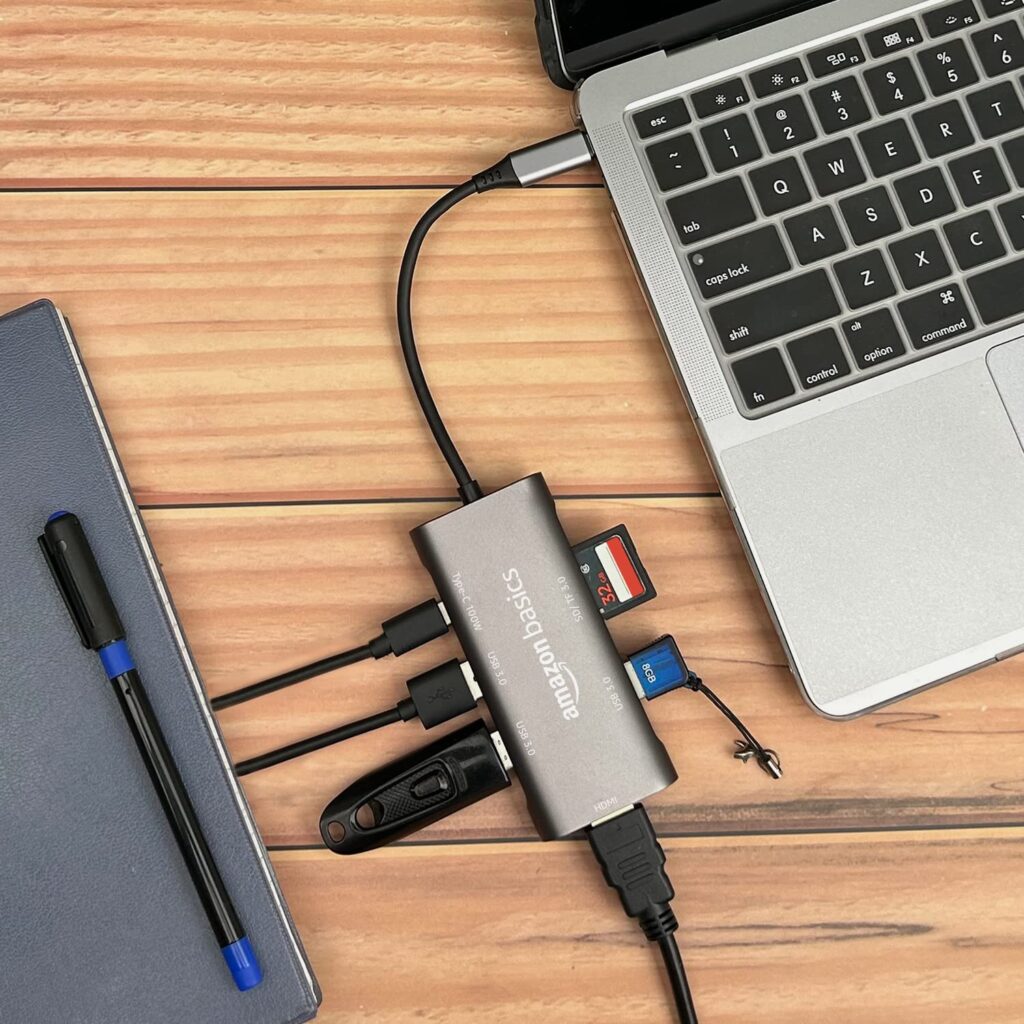
Ever notice how newer, slimmer laptops come with just one or two USB-C ports and nothing else? That’s the trade-off for that sleek design, and it means you can’t always plug in a pen drive, external monitor, and charger at the same time.
A USB-C hub solves this by giving you multiple ports in one small adapter, including HDMI for displays, USB-A for older devices, SD card slots for cameras, and even Ethernet for stable internet.
Don’t buy blindly. First, check what ports your laptop actually has and what devices you regularly connect.
If you mostly plug in a mouse and pen drive, a simple USB-C to USB-A adapter might do. If you need HDMI, Ethernet, and card readers too, go for a full multiport hub.
Focus on the ports you’ll genuinely use, not every port available.
My Recommendations
pibox India USB C Hub Dock 8 in 1 HDCP Aluminum Type C Adapter
Honeywell Newly Launched 7-in-1 TypeC Docking Station
Portronics Mport 31 Pro USB 3.0 Hub (4-in-1) with Type-C & USB Dual Plugs
4. Laptop Stand
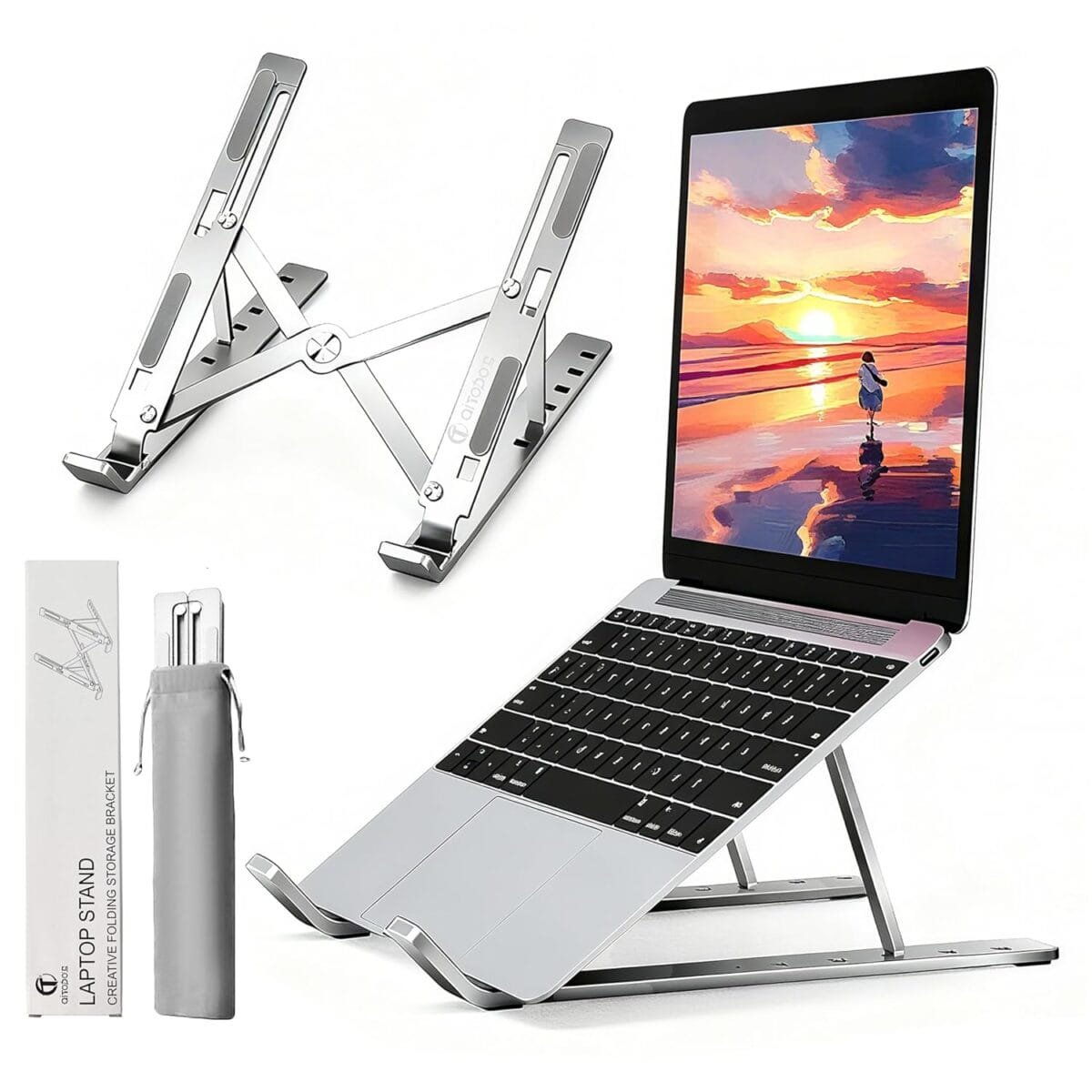
Placing your laptop flat on a desk feels normal until your neck starts aching from constantly looking down. That’s the real problem a laptop stand solves: it raises your screen closer to eye level, so you’re not hunched over for hours.
This matters most if you study or work at a desk daily. Long sessions without proper posture lead to neck and back strain over time, and a stand is a simple fix.
Also Check: Top 5 Tech Gadgets Every Student Needs for Back to School
You’ll find foldable, portable stands (great if you shift locations often) and fixed, sturdier stands (better for a permanent desk setup).
Look for adjustable height and angle options so you can fine-tune it to your seating position. Also, avoid stands with solid, enclosed bases. They can block airflow and cause overheating.
My Recommendations
Portronics My Buddy K Lite Foldable Laptop Stand
Zebronics-NS1500 Laptop Stand Featuring Foldable Design
Portronics My Buddy K11 Metal Laptop Stand with 360° Rotation
Dyazo 6 Angles Adjustable Aluminum Ergonomic Foldable Portable Tabletop Laptop Stand
5. Surge Protector / Quality Power Strip
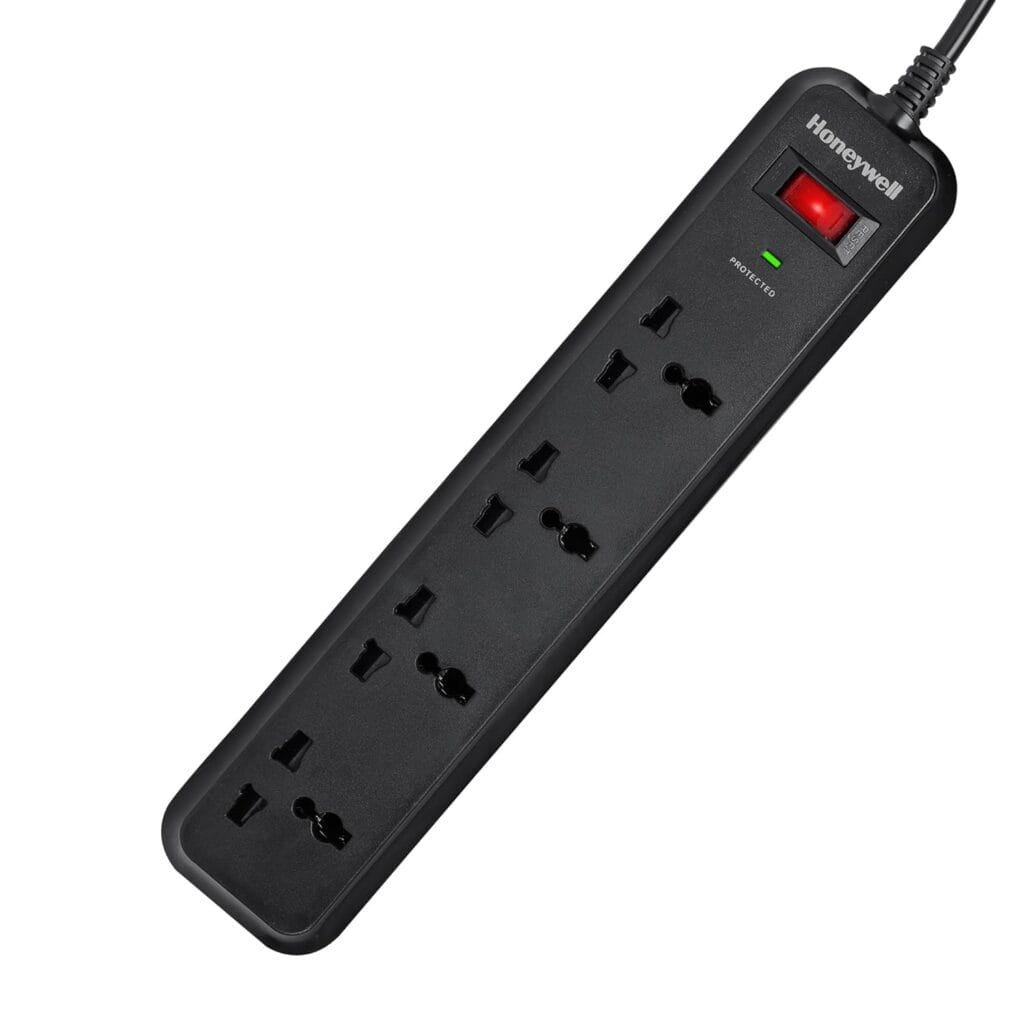
It’s easy to overlook, but your charging setup deserves as much attention as the laptop itself. Voltage fluctuations, sudden surges, or a shaky extension board can affect your charger or, over time, your battery’s health.
That’s where a proper surge protector comes in; unlike an ordinary extension board, it actively regulates voltage spikes before they reach your devices.
This isn’t about scaring you into thinking your laptop will fail without one; it’s simply a sensible upgrade, especially if you’re plugging in a laptop, monitor, router, and phone charger all into the same outlet.
For Indian users, check for socket quality, overload protection, and ISI or similar safety certifications; cheap strips often skip these. Also consider the number of sockets and spacing, since bulky adapters need extra room.
If power cuts are frequent in your area, a UPS is worth considering too, giving you backup time to save work safely.
My Recommendations
GM 3060 Extension Board 10Amp Output 250 Volts with 2 Mtr Extension Cord & Surge Protector
Belkin 4-Socket Extention Board with Surge Protector Universal Socket
Honeywell Surge Protector, 4 Universal Sockets,15000Amp, 2 Meter Cord
What About a Laptop Cooling Pad?
Here’s a myth worth busting: not every laptop needs a cooling pad. It’s one of the most impulse-bought accessories out there, often added to carts simply because it “sounds” useful.
For ordinary browsing, office work, streaming, or studying, most modern laptops manage heat just fine on their own.
That’s what their internal fans and vents are designed for. Adding a cooling pad here doesn’t fix a real problem; it just fixes an imagined one.
So when does it actually make sense? Consider one only if your laptop runs noticeably hot during sustained heavy use (gaming, video editing, rendering), if its vents are getting blocked by soft surfaces like beds or cushions, if the manufacturer specifically recommends extra cooling, or if you’re dealing with a genuine thermal or performance issue.
This is really the point of this whole guide. We’re not here to help you fill a shopping cart. We’re helping you buy what you actually need, and skip what you don’t.
My Recommendations for Laptop Cooling Pads
Zebronics, ZEB-NC3300 USB Powered Laptop Cooling Pad with Dual Fan
EvoFox Frost Laptop Cooling Pad with 125mm Silent Fans
Cosmic Byte Meteoroid RGB Laptop Cooling Pad with 6 Fan
Amazon Basics Laptop Cooling Pad with LED Lighting Effect
Zebronics NC5500D Powerful Laptop Cooler with Dual 125mm Fans
What You Don’t Need to Buy Immediately
Not every accessory on the internet’s “top laptop accessories” list deserves a spot in your cart right away. Some are genuinely useful, but only for specific needs, not everyday beginners. Here’s what you can safely skip for now.
- External webcam: only needed if your built-in camera is poor quality or you do frequent video calls professionally
- Portable monitor: great for multitaskers or remote workers, not essential for casual use
- Laptop cooling pad: as covered above, only for specific heating issues
- External SSD: useful once you’re low on storage or handling large files, not a day-one purchase
- Mechanical keyboard: a preference upgrade for typing feel, not a functional necessity
- Docking station: helpful for elaborate multi-monitor desk setups, overkill for basic use
- Laptop privacy screen: valuable if you work in public spaces with sensitive data, not a universal need
- USB desk fan: a minor comfort add-on, not a laptop necessity
- Fancy RGB accessories: purely aesthetic, zero functional benefit
These aren’t “bad” purchases; they’re just situational. Buy them when a specific need arises, not because a list told you to.
Read: SSD vs HDD Laptops: Speed, Price & Real-World Comparison
Final Verdict: Start With What Solves a Real Problem
You don’t need a pile of accessories to get started with your laptop. You need the right five. A bag or sleeve protects it, a mouse makes everyday tasks easier, a USB-C hub solves connectivity gaps, a stand improves your posture, and a good power strip protects your setup.
That’s it. Everything else can wait until a specific need shows up.
Buy what solves a real problem, skip what just sounds impressive, and your laptop setup will genuinely work for you, not just look good on a desk.
Related Articles
Top 9 Features of the Lenovo IdeaPad Slim 3 for Everyday Users
Why is the Asus Vivobook 15 a Solid Choice for Freelancers and Remote Workers?
Best Laptops For Writers and Bloggers in India
Best Laptops For Work From Home Professionals In India

Kanha is a electronics engineer, tech enthusiast, and writer at technicalstudies.in. His experience in tech, coupled with excellent writing skills, makes the text easy to understand and helps the reader make the correct decision. Outside of writing, Kanha is passionate about exploring new gadgets and gaming.