
If you’ve decided to build Android apps, Kotlin is the right place to start. Google has made it the preferred language for Android development, which means most modern tutorials, documentation, and job listings are built around it.
It’s also cleaner and more forgiving than older options like Java, so you spend less time fighting syntax and more time building things that actually run on your phone.
Now, the question most beginners quietly worry about: do I need to know programming before learning Kotlin?
No, you don’t. Kotlin is a friendly first language, and plenty of people start with zero coding background.
The catch is that your starting point shapes which course will work for you. Someone who has never written a line of code needs a very different pace than someone coming from Python or Java.
That’s why this guide doesn’t just rank courses by star ratings or popularity. A course with a million students can still be the wrong fit if it moves too fast, skips fundamentals, or doesn’t match what you want to build.
Instead, we’ll match courses to your level and your Android goal, so you can pick one and start with confidence.
Let’s get started with the best Kotlin courses available online.
What Should a Beginner Learn Before Starting Kotlin?
Less than you think. Here’s what actually matters.
Computer basics. If you can install software, manage files, and use a browser comfortably, you’re ready. No technical background needed.
Programming concepts. None are required, but knowing what variables, conditions, and loops are will make early lessons feel familiar. Good beginner courses teach these anyway, so treat it as a bonus, not a gate.
Java. Not necessary. Kotlin stands on its own, and learning Java first can add confusion rather than clarity.
Android Studio. You don’t need it yet. Start with Kotlin basics in a browser-based playground, then install Android Studio once you’re ready to build screens and apps.
Math. Basic arithmetic and simple logic cover almost everything. Algebra or calculus only matters for specialized areas like graphics or game physics.
How much experience is enough? Zero. If you’re curious, can follow instructions, and are willing to practice a little each day, you can start today.
Read: Is Kotlin Worth Learning in 2026? (Jobs, Salary, vs Python & Java)
Best Kotlin Courses for Beginners to Start Android Development
Kotlin Courses at a Glance
| # | Course | Platform / Instructor | Level | Covers Android? | Certificate |
|---|---|---|---|---|---|
| 1 | Programming Fundamentals in Kotlin | Coursera / Meta | Beginner | No (fundamentals only) | Yes (paid option) |
| 2 | Kotlin for Java Developers | Coursera / JetBrains | Intermediate (Java needed) | No | Yes (paid option) |
| 3 | Apply Kotlin to Build Real-World Android Apps | Coursera / EDUCBA | Beginner | Yes | Yes |
| 4 | Complete Kotlin Development Masterclass | Udemy / Catalin Stefan | Beginner | No (language-focused) | Yes |
| 5 | The Complete Android 16 Course [Part 1] | Udemy / Abbass Masri | Beginner | Yes (Java and Kotlin) | Yes |
| 6 | Android App Development with Kotlin | Udemy / Oak Academy | Beginner | Yes | Yes |
| 7 | Kotlin for Java Developers | Udemy / Tim Buchalka | Intermediate (Java needed) | No | Yes |
| 8 | The Complete Kotlin & Android Developer Course | Udemy / Fahd Sheraz | Beginner | Yes (may be dated) | Yes |
| 9 | Kotlin Coroutines and Flow for Android Development | Udemy / Lukas Lechner | Intermediate | Yes | Yes |
| 10 | Complete Kotlin Coroutines Development Course | Udemy / Catalin Stefan | Intermediate | Yes | Yes |
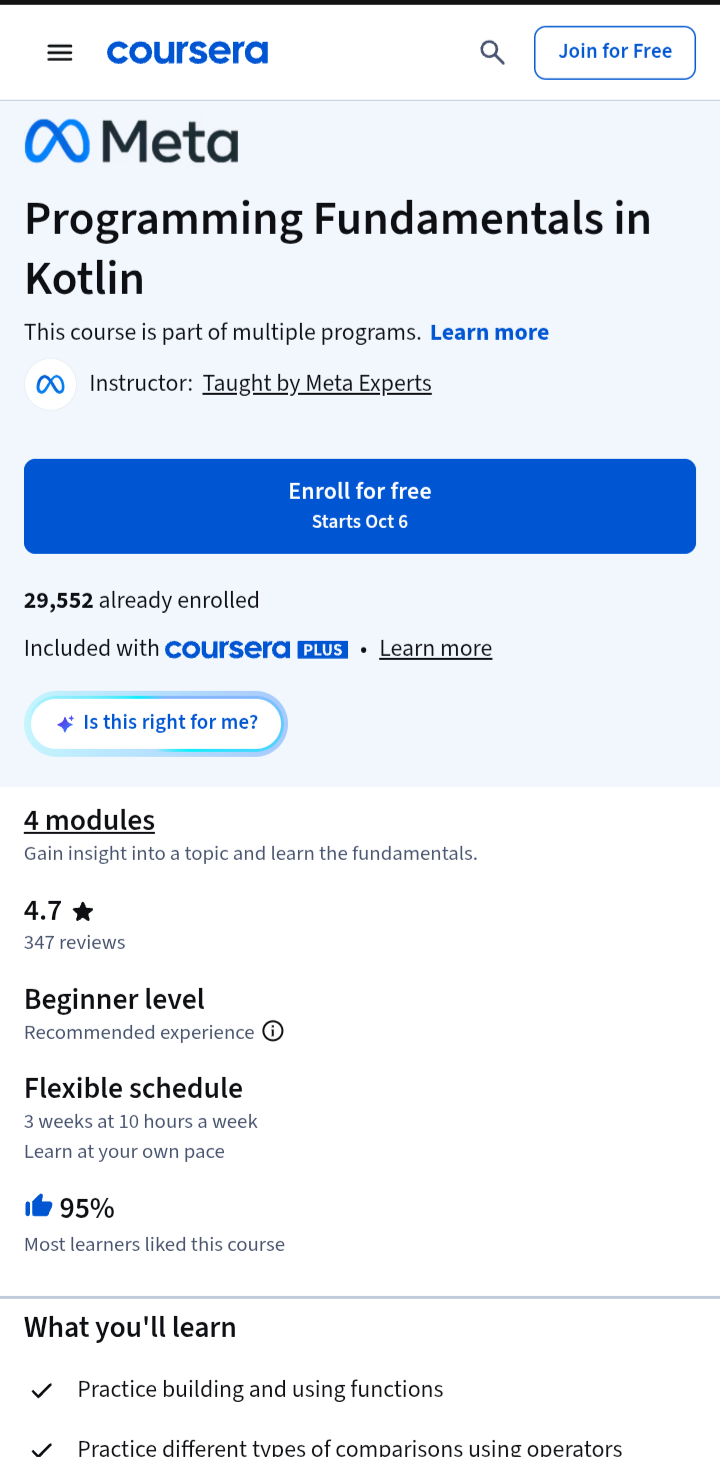
1. Programming Fundamentals in Kotlin (Meta, Coursera)
Best for
Absolute beginners who want a structured, university-style start before moving into Android.
What you’ll learn
The core building blocks of programming through Kotlin: variables and types, conditionals, loops, functions, classes, interfaces, nullability, and collections like List, Set, and Map.
You’ll also learn how Kotlin handles things like data classes and enum classes, which show up constantly in real Android code.
Why it works for beginners
It’s built by Meta and assumes you’re starting from scratch. Lessons are broken into short videos, followed by readings and quizzes that let you check yourself before moving on.
One reviewer coming from Java found it easy to follow, which suggests it also works as a quick refresher.
Projects and practical exercises
Each module includes practice exercises with solutions, and 29 assignments keep you from just watching passively. The course ends with a Bank Account project, built in three parts, where you combine everything you’ve learned.
Prerequisites
None. You only need basic internet skills and the willingness to start coding. You’ll write code in Kotlin Playgrounds and IntelliJ, so you don’t need Android Studio yet.
Course length
About 3 weeks at 10 hours a week, across four modules, all self-paced.
Certificate
Yes, a shareable certificate you can add to LinkedIn. Coursera requires you to purchase the certificate option to access graded work and earn it, though eligible learners may get a free trial first. Check the current options on the enrollment page.
One thing to know
This is a programming fundamentals course, not an Android course. You won’t build screens or apps here. Think of it as the foundation you take into your next course, which is exactly what many beginners need first.
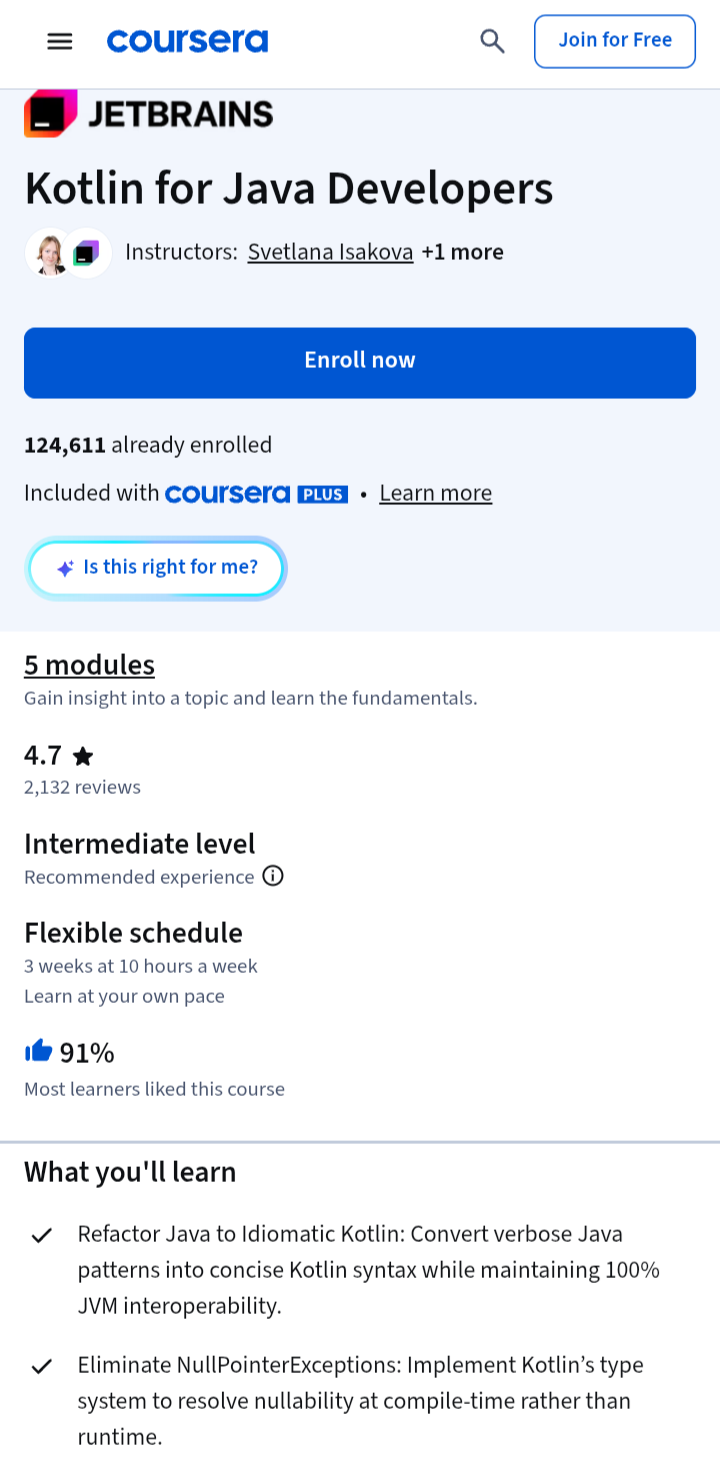
2. Kotlin for Java Developers (JetBrains, Coursera)
Best for
Learners with Java experience who want to switch to Kotlin for Android or backend work.
What you’ll learn
How to move from Java to idiomatic Kotlin. You’ll cover core syntax, extension functions, null safety, lambdas, and higher-order functions, then data classes, properties, and generics.
Later modules go into sequences and lambdas with receivers, the foundation of Kotlin’s DSLs. Much of this is the Kotlin you’ll meet daily in Android projects.
Why it works for learners with Java experience
The course is made by JetBrains, the company behind Kotlin. It keeps comparing Kotlin with Java, so you aren’t relearning basics, just upgrading how you write them. The null safety lessons are especially useful, since they show how Kotlin catches errors that would crash a Java app at runtime.
Also Read: 10 Best Android Development courses on Coursera
Projects and practical exercises
This is where it stands out. You work directly in the IDE on real programming tasks, including Mastermind, Taxi Park, Rationals, and a Board exercise. The final module has you build Game 2048 and Game of Fifteen.
Prerequisites
Listed as intermediate level, and the course is aimed at experienced developers. If you’ve never coded, this isn’t your starting point. One reviewer expected a basic course and found it harder than expected, though they meant that as a compliment.
Course length
About 3 weeks at 10 hours a week, across five modules, at your own pace.
Certificate
Yes, a shareable certificate for LinkedIn. As with other Coursera courses, graded assignments and the certificate require purchasing the certificate option, though a free trial may be available.
Quick take
Complete beginners should start with a fundamentals course first. If you already know Java, this is the faster route into Kotlin.
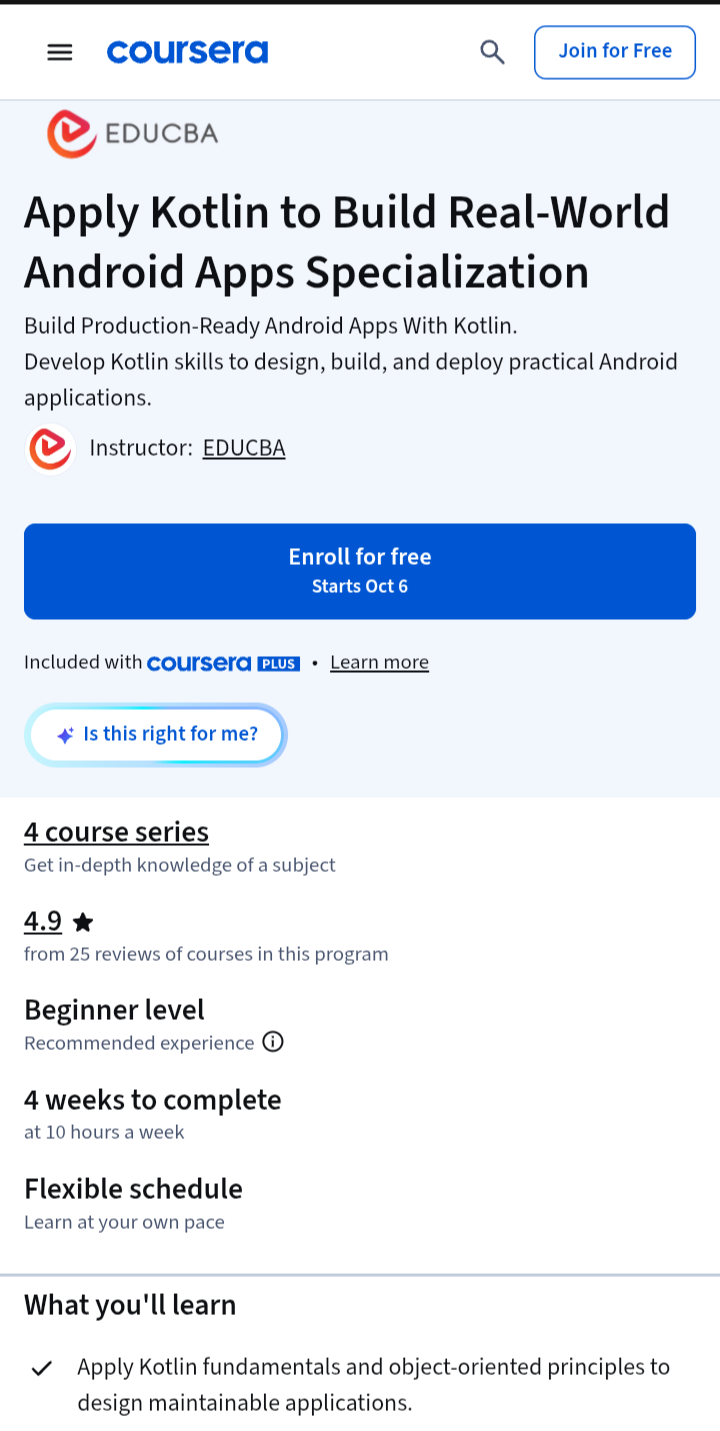
3. Apply Kotlin to Build Real-World Android Apps Specialization (EDUCBA, Coursera)
Best for
Aspiring Android developers who want one guided path from Kotlin basics to working apps.
What you’ll learn
The specialization has four courses, taken in order. You start with Kotlin fundamentals and object-oriented programming, covering classes, inheritance, interfaces, collections, and exception handling.
Then you move into Android: UI design, navigation, dialogs, menus, WebView, database integration, and layout optimization using Android Studio. The other two courses are a calculator app and a doctor appointment system.
Why it works for beginners
Most courses here teach only the language. This one takes you from “what is a variable?” to “I built an app” in a single sequence. No prior programming is needed, only basic computer literacy and interest.
Projects and practical exercises
You build an Android calculator app, handling Activities, user input, and calculation logic. You also build a doctor appointment system with full CRUD operations (create, read, update, delete), though that one runs as a console project, not an Android app.
Prerequisites
None. The courses must be taken in order.
Course length
The listed course hours add up to roughly 23 hours: 6, 8, 4, and 5. The header says 4 weeks at 10 hours a week, self-paced.
Certificate
Yes, a shareable career certificate from EDUCBA.
Worth knowing
EDUCBA courses tend to be shorter and lighter than university or JetBrains offerings, so this suits getting started and building confidence. You’ll likely want a deeper Android course afterward.
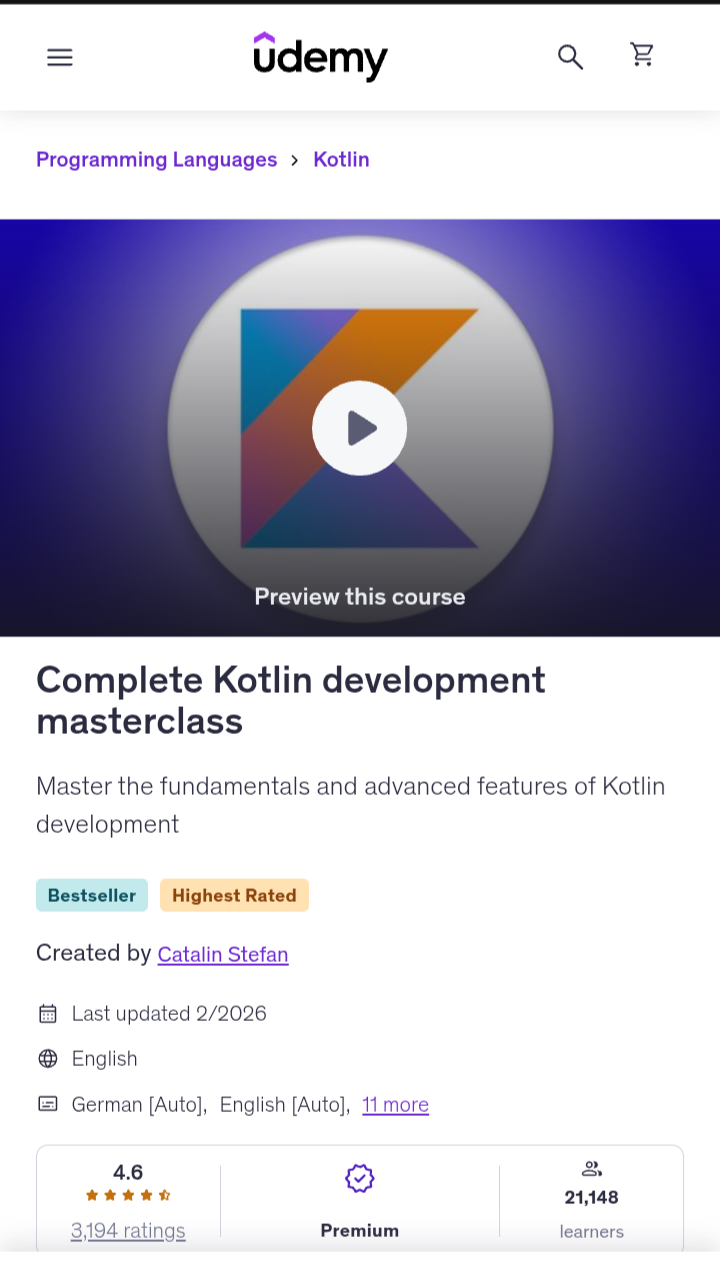
4. Complete Kotlin Development Masterclass (Udemy, Catalin Stefan)
Best for
Absolute beginners who want a deep, language-first foundation in Kotlin before touching Android.
What you’ll learn
Kotlin as a language, from fundamentals through to the topics that make Android code easier to read and maintain.
That includes object-oriented and functional programming, extensions, generics, and coroutines, which handle background work in modern Android apps.
The course also covers general software development principles, so you learn how to think like a developer as well as how to write Kotlin.
Why it works for beginners
The instructor positions it as a path from complete beginner to advanced, in a single course. It’s a good fit if you’d rather go deep once than stitch together several short courses.
Read: Best React Native Courses Web Developers Can Join
Projects and practical exercises
Each concept is put into code and practiced straight away, rather than saving exercises for the end. The instructor describes the course as full of exercises, challenges, and projects. I couldn’t confirm specific project names.
Prerequisites
None. It starts from a beginner level, and you code in JetBrains’ IDE rather than Android Studio.
Course length
31 hours approx.
Certificate
Udemy courses typically include a certificate of completion.
Quick take
This is a Kotlin course, not an Android app course. Pair it with an Android-specific course afterward.
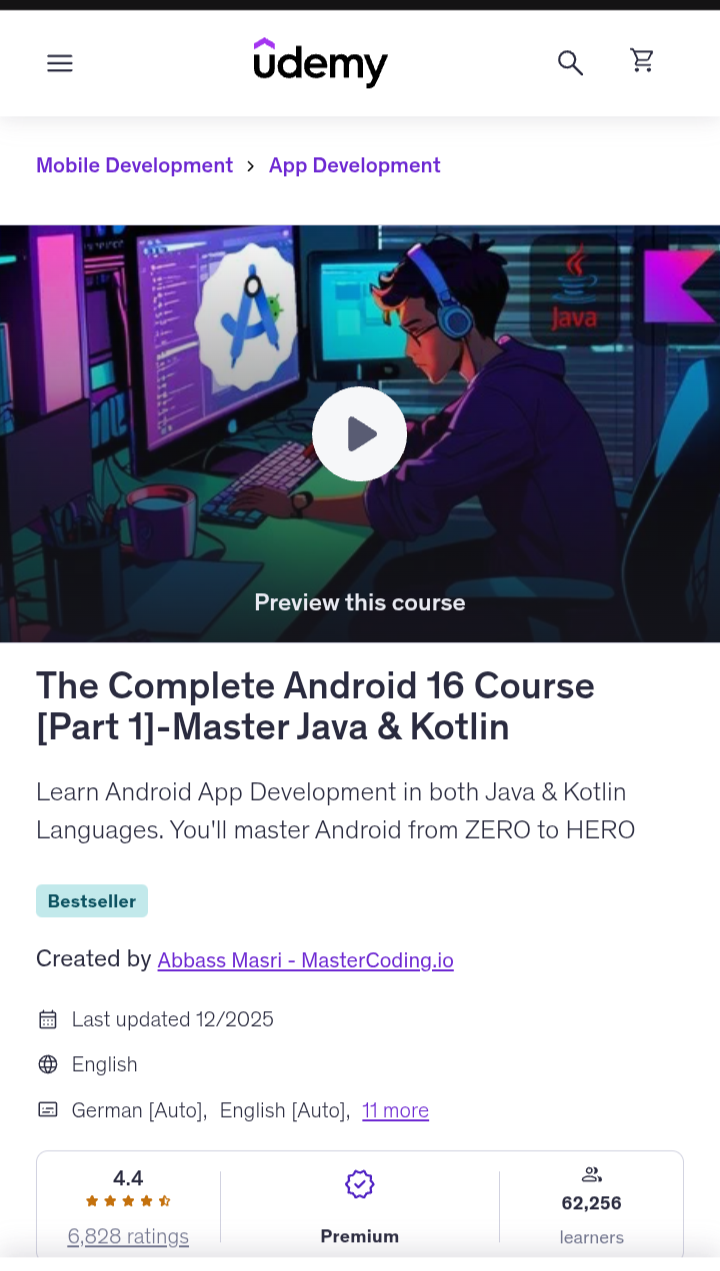
5. The Complete Android 16 Course [Part 1] – Master Java & Kotlin (Udemy, Abbass Masri)
Best for
Aspiring Android developers who want to learn Android from zero and are happy to learn both Java and Kotlin.
What you’ll learn
Android app development in both Java and Kotlin. The course starts with Android Studio setup and project structure, then teaches Java fundamentals and object-oriented programming, with 10 Java coding exercises.
It then moves into Android development itself and introduces the MVVM architecture pattern, which is widely used in modern apps.
Why it works for beginners
It’s built for people starting from zero, and the course walks you through installing the Java JDK and Android Studio, so you don’t need to prepare anything first. The course is the first of a series (Part 2 covers Jetpack Compose), so there’s a clear next step once you finish.
Projects and practical exercises
The Java section includes hands-on coding exercises, and the course is built around creating Android apps.
Prerequisites
None. You’ll install the required tools during the course.
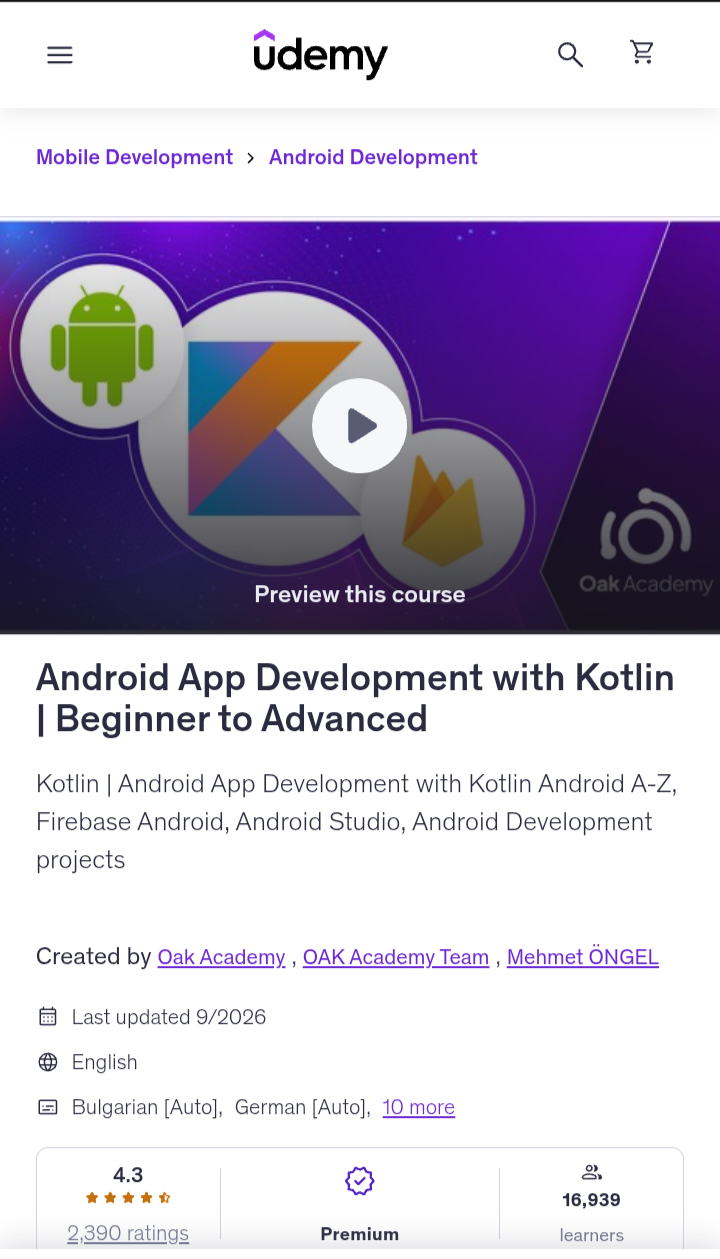
6. Android App Development with Kotlin | Beginner to Advanced (Udemy, Oak Academy and Mehmet ÖNGEL)
Best for
Aspiring Android developers who want Kotlin and Android taught together, in one course, from scratch.
What you’ll learn
Kotlin first, then Android. The course teaches the language from beginner to advanced level, covering variables, operators, loops, and object-oriented programming, and then applies it to Android app development in Android Studio.
The description also mentions Firebase, the backend service that handles things like user logins and cloud data, along with Android projects and game development.
Why it works for beginners
The course follows a sensible order: you learn the language before building apps with it, which avoids the common trap of copying Android code you don’t understand yet. It’s also Kotlin-only, unlike courses that split time with Java.
Oak Academy is a large course publisher, with a catalog of over 1,000 hours of video, so the material is polished and updated regularly. The instructor team doesn’t assume you’re an experienced programmer: the course promises to take you from beginner to advanced.
Read: 10 Best Android Development Courses On Udemy
Projects and practical exercises
The course is project-based, with hands-on Android projects built in Android Studio.
Prerequisites
The course starts from scratch, so no previous experience is needed.
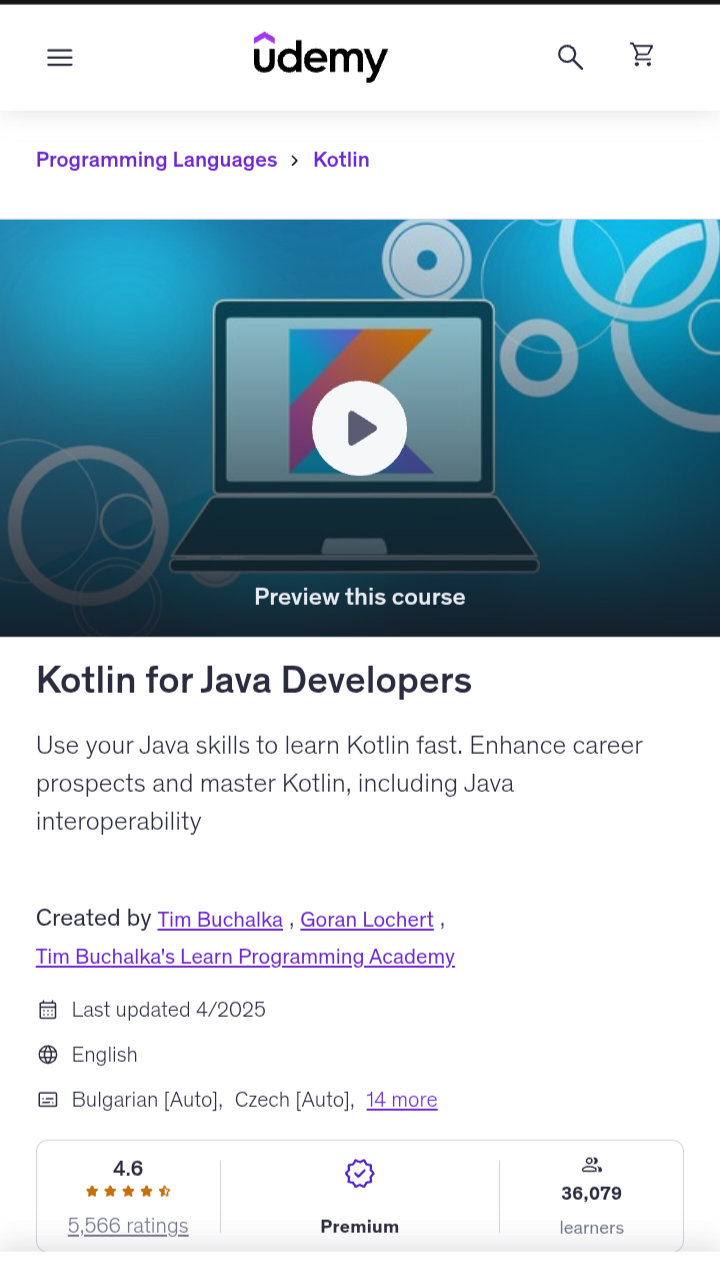
7. Kotlin for Java Developers (Udemy, Tim Buchalka and Goran Lochert)
Best for
Learners with Java experience who want to pick up Kotlin quickly.
What you’ll learn
How Kotlin differs from Java and how to write it the Kotlin way. You’ll cover core syntax, classes, interfaces, inheritance, companion objects (Kotlin’s replacement for static members), and when as the replacement for Java’s switch.
You’ll also work through file input and output. A full section covers Java interoperability, meaning how to mix Java and Kotlin code in one project, which is useful because many Android codebases still contain both.
Why it works for Java developers
The course teaches by comparison. Topics are shown in Java first, then converted to Kotlin, and you learn to use IntelliJ’s built-in Java-to-Kotlin converter as a starting point. The instructors say plainly that the converter’s output can be verbose and needs refining.
Certificate
Udemy issues a certificate of completion for paid courses.
Important to know
The course description says outright that you won’t learn Android app development here. It’s a Kotlin language course. If your goal is to build Android apps, treat it as step one and follow it with an Android-specific course.
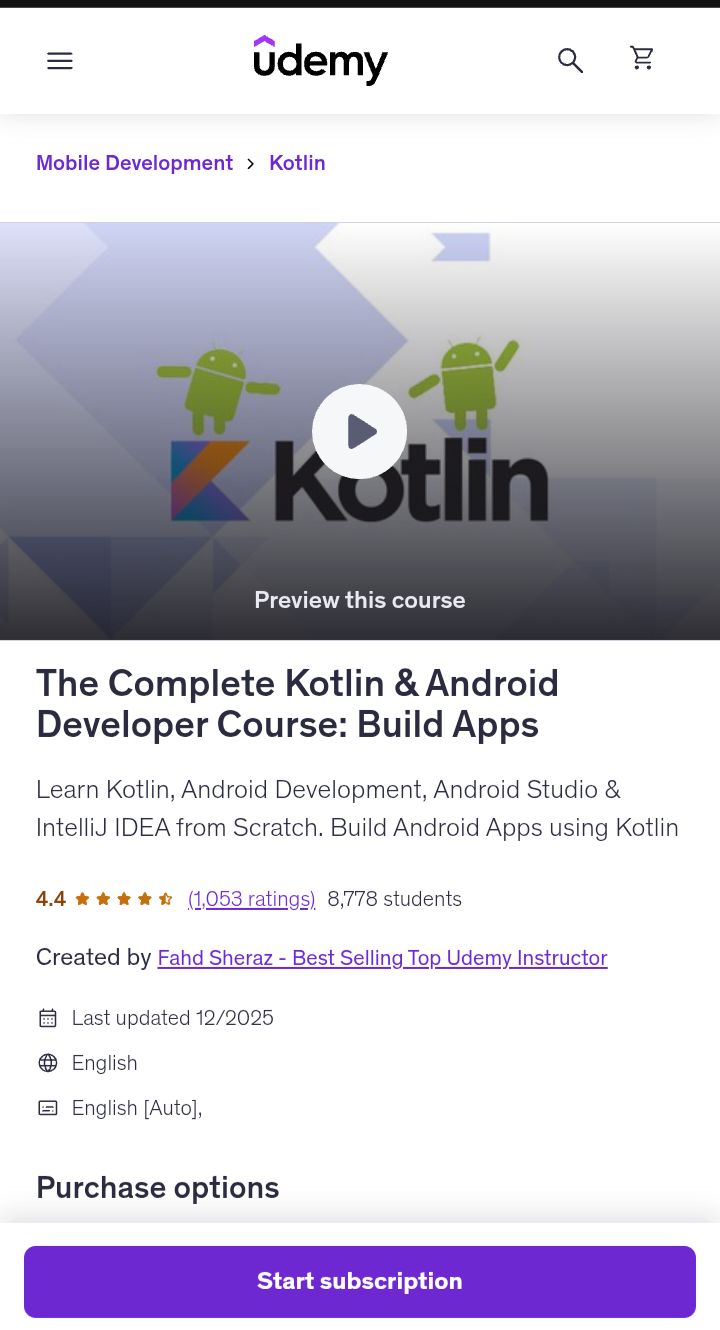
8. The Complete Kotlin & Android Developer Course: Build Apps (Udemy, Fahd Sheraz)
Best for
Complete beginners who learn best by building lots of small apps.
What you’ll learn
Kotlin and Android development together, from scratch. You’ll set up Android Studio and IntelliJ IDEA, learn the Kotlin fundamentals used in Android apps, including object-oriented programming, and then build user interfaces and complete apps.
The course also covers how apps get to the Play Store and how developers make money from them with ads.
Read Also: Best Swift Programming Courses on Coursera
Why it works for beginners
It assumes you know nothing about Android, and the pitch is simple: learn by building. The instructor promises you’ll go from zero to building solid apps in about five weeks. Treat that as a motivational target, not a guarantee, since progress depends on how much time you put in.
Projects and practical exercises
This is the course’s main strength. Listings mention a Sound Box app and a developer portfolio app near the end.
Prerequisites: None.
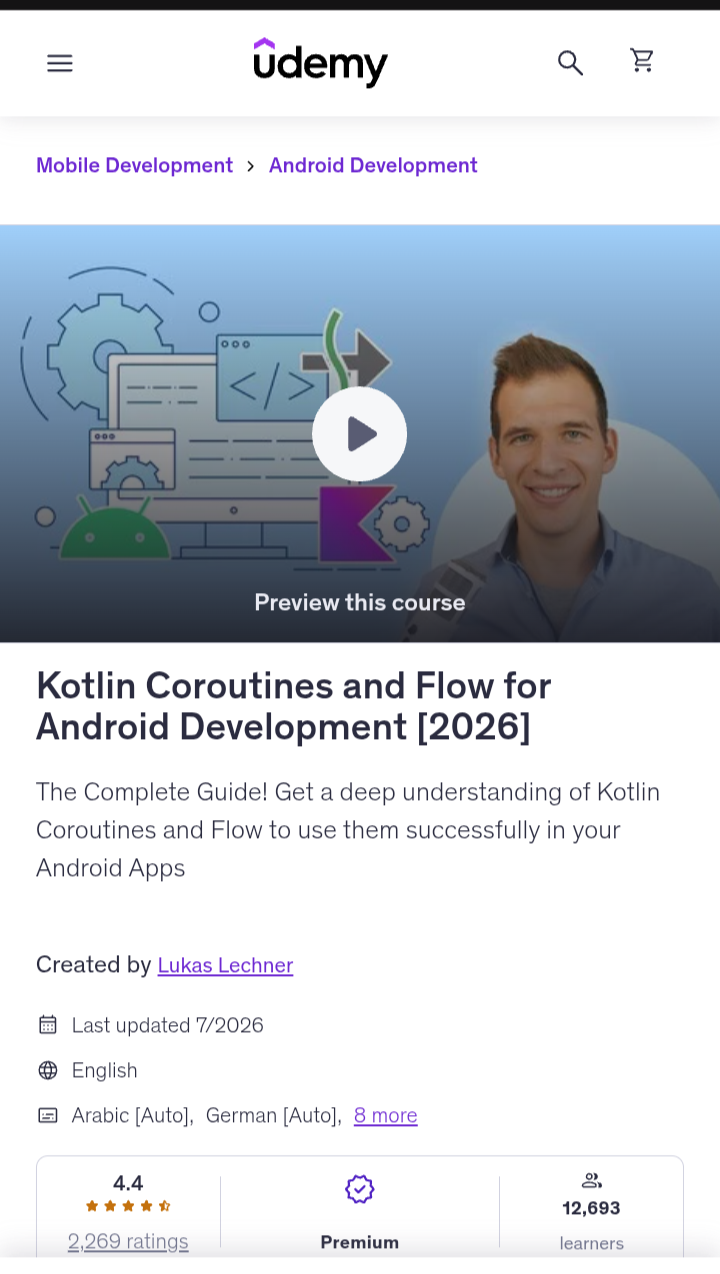
9. Kotlin Coroutines and Flow for Android Development [2026] (Udemy, Lukas Lechner)
Best for
Learners who’ve finished the basics and want to move from beginner to job-ready Android skills.
What you’ll learn
How to handle background work in Android apps using Kotlin Coroutines and Flow, which Google recommends for asynchronous programming on Android. In plain terms, this is how apps load data, talk to servers, and stay responsive without freezing.
The course has two parts. The Coroutines part covers multithreading, cancellation, using Room (Android’s database library) with Coroutines, and background processing.
The Flow part covers flow builders, operators, exception handling, cancellation, hot and cold flows, SharedFlow and StateFlow, and Channels.
Why it works
It teaches by building real use cases, not by lecturing on theory. The instructor, a freelance Android developer from Austria, also publishes sample implementations with unit tests on GitHub.
Projects and practical exercises
You implement the most common Android use cases for Coroutines and Flow, with unit tests included.
Prerequisites
No prior knowledge of Coroutines or Flow is needed. You should, however, know Kotlin and Android basics, some Jetpack components (ViewModels, LiveData, Room), and Retrofit.
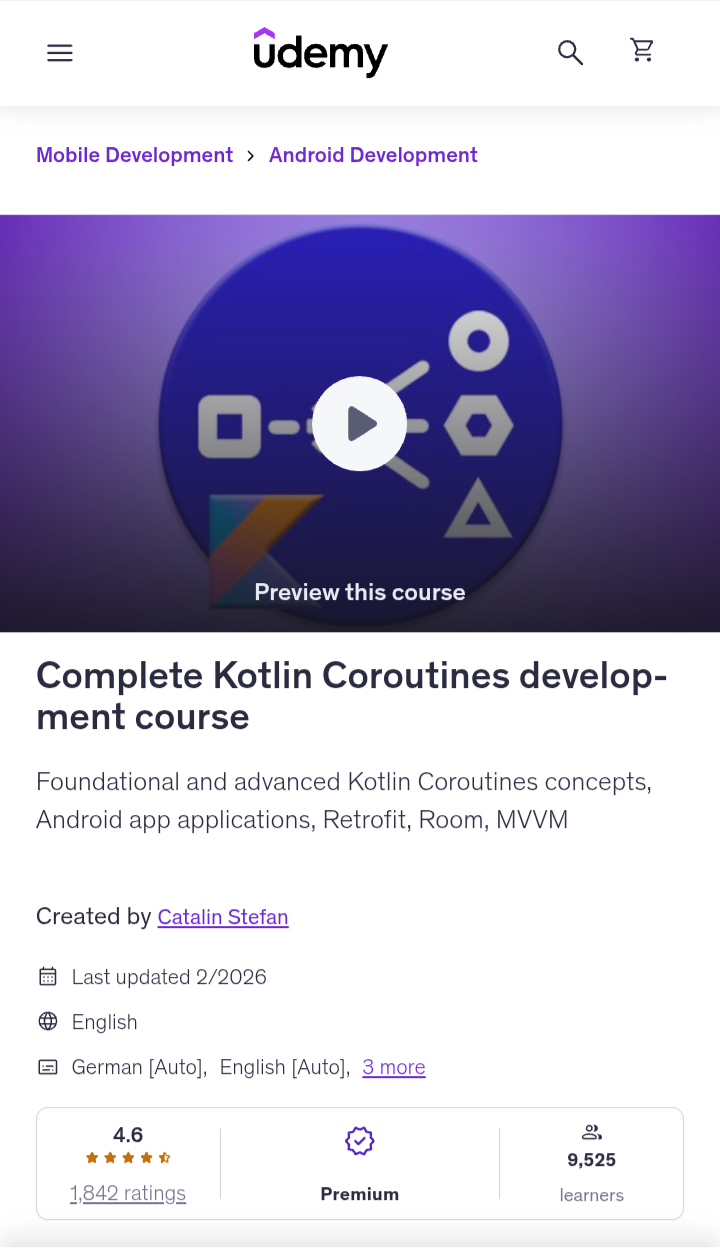
10. Complete Kotlin Coroutines Development Course (Udemy, Catalin Stefan)
Best for
Learners who know basic Kotlin and want to learn Coroutines by building small Android projects.
What you’ll learn
Kotlin Coroutines, the tool Android developers use to run work in the background without freezing the screen. The course starts with the basics, then covers asynchronous Flow, Channels, and concurrency with shared state.
Several sections apply the concepts directly in Android: background image processing, Coroutines with Retrofit (for network requests), and Coroutines with Room (for local databases). It also introduces MVVM, a common way to organize Android app code.
Why it works
The instructor takes each concept step by step, explains it, then applies it in a practical project. That rhythm keeps the topic from feeling abstract. One reviewer called it a solid overview for beginners, though they felt it mostly covered the basics rather than advanced topics.
Projects and practical exercises
You build a network communications app using Coroutines, Retrofit, and MVVM. You also build a Room database app, an image-processing app, and a Flow-based news ticker.
Prerequisites
The course assumes you can read Kotlin and have some Android familiarity, so finish a beginner course first.
Which Kotlin Course Should You Choose?
Forget “best overall.” The right course depends on who you are today. Find the row below that sounds most like you, then check the courses that fit.
| If you are… | Look for… | Courses worth a look |
|---|---|---|
| Completely new to programming | Kotlin + programming fundamentals | Programming Fundamentals in Kotlin (Meta); Complete Kotlin Development Masterclass (Catalin Stefan) |
| New to Kotlin but know Java | Kotlin-specific fundamentals, taught by comparison with Java | Kotlin for Java Developers (JetBrains); Kotlin for Java Developers (Tim Buchalka) |
| Mainly interested in Android | Kotlin + Android projects in one path | Apply Kotlin to Build Real-World Android Apps (EDUCBA); Android App Development with Kotlin (Oak Academy) |
| A visual learner | Video demonstrations + coding exercises | JetBrains’ course (video lessons plus in-IDE tasks) or any of the Udemy picks. Meta’s course leans more on readings and quizzes. |
| A project-based learner | Courses with multiple Android projects | The Complete Kotlin & Android Developer Course (Fahd Sheraz); Oak Academy; EDUCBA |
| Looking for a free option | A free, structured Kotlin curriculum | None of these ten is fully free (see below) |
| Preparing for professional Android development | Kotlin + Jetpack + modern Android | Coroutines and Flow (Lukas Lechner); Complete Kotlin Coroutines (Catalin Stefan); Android 16 Course Part 2 (Jetpack Compose) after Part 1 |
Can You Learn Kotlin Without Learning Java First?
Yes. Go straight to Kotlin.
For beginners, Kotlin is the easier starting point. It’s more concise, so you write less code to do the same job, and it catches common mistakes, like null errors, before your app ever runs.
That means fewer confusing crashes while you’re still learning the basics. Google also treats Kotlin as the preferred language for Android, so most modern tutorials teach it first.
Java knowledge isn’t required. Kotlin is a complete language, and courses like Meta’s start from zero.
Java becomes useful later. Many older Android apps and company codebases still contain Java, and Kotlin works alongside it, so you may need to read it on the job. Even then, you can learn Java in a few weeks once Kotlin makes sense.
So don’t learn Java first. Learn Kotlin, build a few apps, and pick up Java only when a project demands it.
Frequently Asked Questions About Learning Kotlin
Is Kotlin easy for complete beginners?
Yes, it’s one of the friendlier first languages. Its readable syntax and built-in safety checks mean fewer confusing errors, so you can focus on learning concepts instead of fighting the language.
Can I learn Kotlin without knowing Java?
Yes. Kotlin is a complete language, and beginner courses start from zero. Java only matters later if you work on older Android codebases that still use it.
Is Kotlin enough to become an Android developer?
Not alone. You’ll also need Android Studio, UI building (ideally Jetpack Compose), app architecture, and working with data and APIs. Kotlin is the foundation, not the whole skill set.
Should I learn Kotlin or Java for Android development?
Choose Kotlin. Google prefers it, modern tutorials teach it first, and it’s more concise. Learn Java later only if a job or project requires it.
Do I need Android Studio to learn Kotlin?
No. Start with a browser-based playground or IntelliJ IDEA to learn the language. Install Android Studio once you’re ready to build screens and apps.
Is Kotlin still worth learning for Android development?
Yes. It’s Google’s preferred Android language and the standard in modern Android tooling, including Jetpack Compose. It also works beyond Android, in backend development, which widens your options.
Final Thoughts: Choosing the Right Kotlin Course
No single course is perfect for everyone, and that’s fine. The best one is the one you’ll actually finish.
If you’re brand new, start with a fundamentals course. If you know Java, take a shortcut. If you want Android, pick a path with real projects. Then level up with Jetpack and coroutines when you’re ready.
Don’t spend another week comparing. Pick one course from the list above, enroll today, and complete your first lesson before bedtime. Your first working app is closer than you think.
Related Articles
Best Java Courses for Beginners and Students
Best JavaScript Courses for Beginners (Start Coding From Scratch)
Best Python Courses for Beginners (Start Coding from Zero)
Best Golang Courses (Go Language) & Certifications Online

TechnicalStudies was started by Neeladrinath with one simple idea — give Indian students a reliable place to figure out what’s actually worth their time and money. Every recommendation here is backed by careful research, real student feedback, and honest analysis. We cover online courses, laptops, smartwatches, software deals, and learning resources — all looked at from a student’s perspective, so you can spend less time guessing and more time learning.