

Discover the best AppSumo hidden gems that deliver exceptional value. Explore surprisingly good lifetime deals, underrated software, and tools worth buying for entrepreneurs, creators, and small businesses.
Everyone rushes to grab AppSumo’s featured deals and bestsellers. But here’s something most buyers don’t talk about. Some of the best purchases I’ve ever made on AppSumo weren’t the ones plastered on the homepage.
The real hidden gems are buried a little deeper. They don’t always have thousands of reviews or flashy launch campaigns.
But they quietly solve real problems, save serious money, and sometimes outperform tools that cost ten times more on a monthly subscription.
This list is built around one simple question: which AppSumo deals actually surprised me with how good they were?
To put this together, I evaluated tools based on four things: how well they solve a specific business problem, how much they’d cost you elsewhere, how actively the founder team supports and updates the product, and how quickly they deliver real, measurable value.
Whether you’re a solopreneur watching every dollar, a freelancer building your stack on a budget, or someone who’s just discovered AppSumo and doesn’t want to waste money on the wrong tools, this guide is for you.
Let’s get into the ones worth your attention.
What Makes an AppSumo Deal a Hidden Gem?
Not every discounted tool deserves a place in your workflow. Before diving into the list, here’s exactly what separates a genuine hidden gem from just another cheap software deal.
Solves a Real Business Problem
A good deal means nothing if the tool doesn’t fix something you’re actually struggling with. Every pick on this list addresses a specific, recurring pain point – saving time, cutting costs, or removing friction from everyday tasks.
Excellent Lifetime Value
The whole point of an AppSumo lifetime deal is to pay once and benefit for years. The tools here offer features that would otherwise cost you hundreds of dollars annually on competing platforms.
Consistently Updated by Developers
A lifetime deal on abandoned software is just money wasted. The gems on this list have developers who actively push updates, respond to user feedback, and continue improving the product long after the AppSumo campaign ends.
Positive Long-Term Customer Feedback
Launch-week reviews can be misleading. What matters more is what users say six months or a year later. These tools hold up well over time, and that says a lot.
Less Hype, More Usefulness
Some of the best tools never trend on social media or top the AppSumo leaderboard. They just work. These are tools that quietly earn a permanent spot in people’s tech stacks without needing a big marketing push.
Suitable for Everyday Workflows
A tool you use once a month isn’t a gem; it’s a novelty. Everything on this list is practical enough to fit into your regular workflow, whether you’re managing clients, creating content, or running campaigns.
With that foundation set, let’s get into the tools themselves.
Also Check: How to Pick the Best AppSumo Deals (Avoid Wasting Money)
Quick Comparison of Best AppSumo Hidden Gems
| # | Tool | Category | Price | Gem Score | Best For |
|---|---|---|---|---|---|
| 1 | TidyCal | Scheduling | $29 lifetime | ⭐ 9.4 | Coaches, consultants, freelancers |
| 2 | DM Champ | Sales & outreach | From $59 lifetime | ⭐ 9.2 | Marketing agencies, solopreneurs |
| 3 | SendFox | Email marketing | $29 lifetime | ⭐ 9.1 | Bloggers, newsletter writers |
| 4 | Letterly | Productivity | $89 lifetime | ⭐ 9.2 | Content creators, marketers |
| 5 | Amical | Productivity | From $49 lifetime | ⭐ 9.2 | Privacy-conscious professionals |
| 6 | Prompt Architects | AI tools | $39 lifetime | ⭐ 8.9 | Marketers, content creators |
| 7 | Reoon Email Verifier | Email marketing | From $79 lifetime | ⭐ 9.2 | Marketers, agencies |
| 8 | Hedy AI | AI tools | $179 lifetime | ⭐ 9.2 | Consultants, remote teams |
| 9 | SalesBlink | Sales & outreach | From $79 lifetime | ⭐ 8.7 | Sales teams, agencies |
| 10 | Viloud | Video | From $99 lifetime | ⭐ 9.0 | Content creators, brands |
| 11 | GoBrunch | Video | From $89 lifetime | ⭐ 9.0 | Course creators, coaches |
| 12 | Castmagic | AI tools | From $69 lifetime | ⭐ 9.2 | Podcasters, content creators |
| 13 | Katteb | AI tools | From $39 lifetime | ⭐ 9.0 | Bloggers, marketing agencies |
| 14 | SiteGuru | SEO | From $79 lifetime | ⭐ 9.3 | Bloggers, web designers |
| 15 | INBOX | Email marketing | From $99 lifetime | ⭐ 9.0 | Small businesses, ecommerce |
| 16 | FlexClip | Video | From $99 lifetime | ⭐ 9.2 | Marketers, small businesses |
| 17 | Formly | Forms & surveys | From $99 lifetime | ⭐ 9.1 | Marketers, agencies |
| 18 | Screpy | SEO | From $59 lifetime | ⭐ 9.0 | Developers, agencies |
| 19 | Writecream | SEO | From $59 lifetime | ⭐ 9.1 | Bloggers, copywriters |
| 20 | TextSniper | Productivity | $6.49 lifetime | ⭐ 8.9 | Mac users, content creators |
Best AppSumo Hidden Gems Worth Buying
1. TidyCal – The $29 Calendly Killer You Probably Overlooked
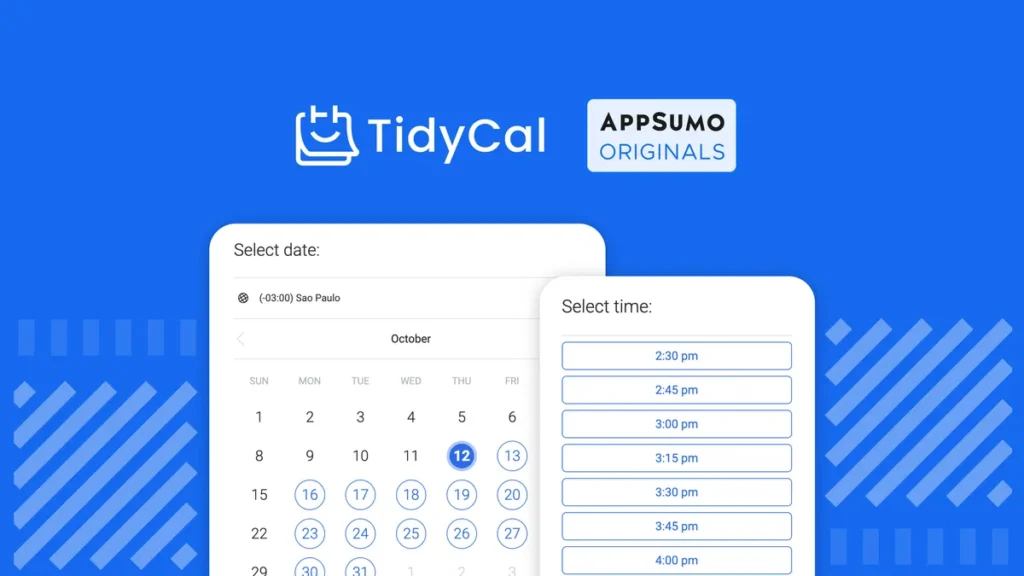
Most people hear “scheduling tool” and immediately think Calendly. That’s exactly why TidyCal flies under the radar, and why it belongs on this list.
TidyCal is a scheduling and booking tool built by AppSumo Originals, the in-house product team at AppSumo.
It lets you create unlimited booking types, accept payments via Stripe and PayPal, sell session packages, collect client reviews, and send branded confirmation emails from one clean, no-fuss dashboard.
What it actually does: You set up your availability, create booking pages for different session types (one-on-one calls, group workshops, recurring meetings), and share a link. Clients pick a time, pay if needed, and get automatic confirmations. No back-and-forth emails, no chasing invoices.
Why it’s surprisingly good: Calendly charges around $10–$16 per month just for basic paid booking features. TidyCal gives you all of that, plus packages, subscriptions, coupon codes, and team-based booking, for a one-time $29 lifetime deal.
The development team pushes updates consistently; they’ve shipped nearly 200 improvements in the first half of 2025 alone. Over 500,000 users have made more than 3.7 million bookings on the platform, which speaks for itself.
The interface is refreshingly simple without feeling stripped-down. It covers 80% of what Calendly does at roughly 2% of the long-term cost.
Best for: Coaches, consultants, freelancers, and solopreneurs who want a professional booking experience without paying a monthly Calendly tax forever.
2. DM Champ – An AI Sales Agent That Actually Closes Deals (Not Just Chats)
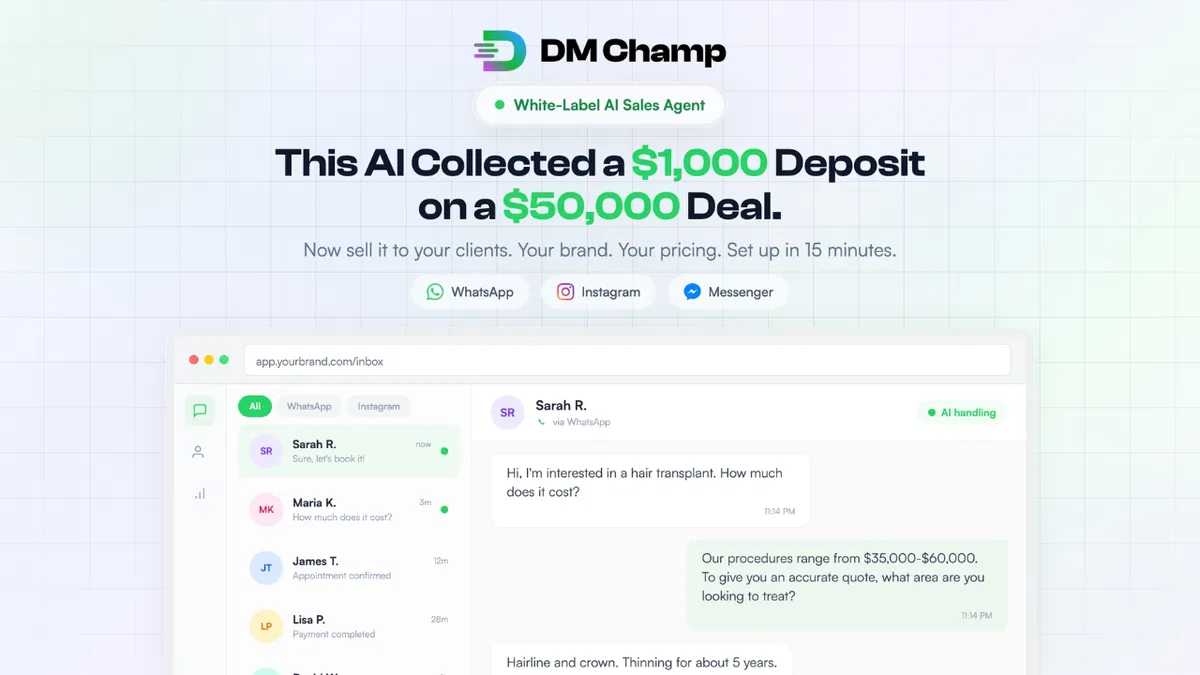
Most chatbot tools are glorified FAQ bots. They answer “what are your hours?” and call it a day. DM Champ is built to do something fundamentally different; it sells.
DM Champ is an AI-powered messaging agent that handles lead conversations on WhatsApp, Instagram, Facebook Messenger, and SMS, all from one unified inbox.
You train it on your business in plain English, no flowcharts, no decision trees, and it engages, qualifies, handles objections, books appointments, and collects deposits entirely on its own, around the clock.
What it actually does: Point the AI at your website, and it builds a knowledge base automatically. From there, it runs real sales conversations, responding to “that’s too expensive” or “I need to think about it” the way a trained sales rep would.
It’s reportedly averaging a 15% inbox close rate across 500+ businesses, including deals worth $50,000 or more.
Why it’s surprisingly good: The white-label angle is what makes this a genuine hidden gem. Starting from Plan 2, you can resell DM Champ under your own brand, set your own pricing, and keep 100% of the profit.
For freelancers or marketing agencies, this is a full SaaS product you can offer clients without building anything from scratch.
The founder, Sohaib Ahmad, ships at a relentless pace: Telegram, iMessage, email channel support, MCP integrations, and a proprietary AI model that runs at a fraction of the typical cost have all landed recently.
The entry plan starts at just $59, which is a fraction of what comparable tools like Intercom charge monthly.
Best for: Marketing agencies, freelancers, and solopreneurs who want to offer AI-powered sales automation as a service, or simply automate their own lead follow-up without hiring extra help.
3. SendFox – The $29 Email Marketing Tool That Does the Job Without the Monthly Bill
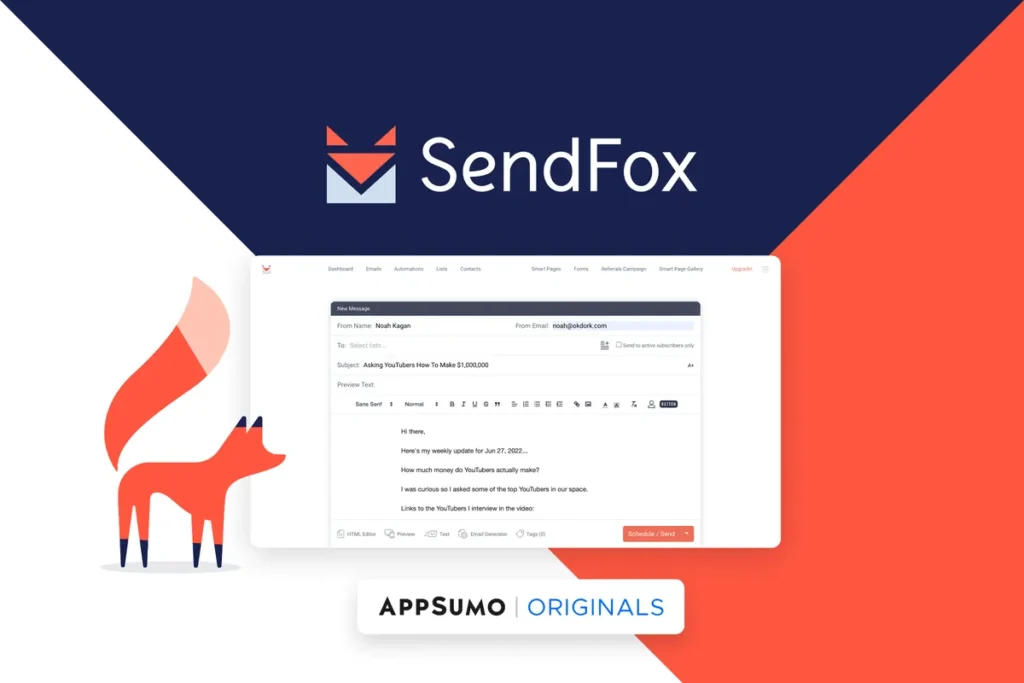
Email marketing tools have a sneaky pricing model: the more your audience grows, the more you pay. Mailchimp, ConvertKit, Klaviyo – they all charge based on contact count. SendFox flips that entirely with a one-time $29 lifetime deal, and it’s been quietly serving over 195,000 creators for years.
SendFox is a stripped-down, no-nonsense email marketing platform built specifically for content creators, including bloggers, podcasters, YouTubers, and newsletter writers who need the essentials without a bloated feature set they’ll never use.
You get email scheduling, automated sequences, landing pages, embeddable opt-in forms, a referral widget, and a built-in Smart Campaigns feature that can automatically turn your new blog posts into newsletters via RSS.
What it actually does: You import or grow your list, segment contacts, write campaigns, set up welcome or drip sequences, and track open rates and click rates.
It uses its own high-deliverability sending server, so there’s no need to configure a separate SMTP setup.
Over 35 million emails go out through SendFox every month, and the platform maintains a “High” deliverability rating across all sending IPs.
Related: Best Email Marketing Software You Should Use [Top AppSumo Lifetime Deals Included]
Why it’s surprisingly good: The team has shipped 147 updates in the last six months alone, including A/B testing in automations, AI subject line suggestions, a template gallery, and API access that connects with tools like Claude and ChatGPT.
For $29 lifetime, that’s a feature roadmap most monthly tools don’t match. The honest caveat: it’s not built for cold outreach or heavy affiliate sending; it’s purpose-built for creators who genuinely own their audience.
Best for: Bloggers, newsletter writers, podcasters, and solopreneurs who want a reliable, zero-monthly-cost way to stay in touch with their audience.
4. Letterly – The Voice-to-Text Tool That Goes Way Beyond Transcription
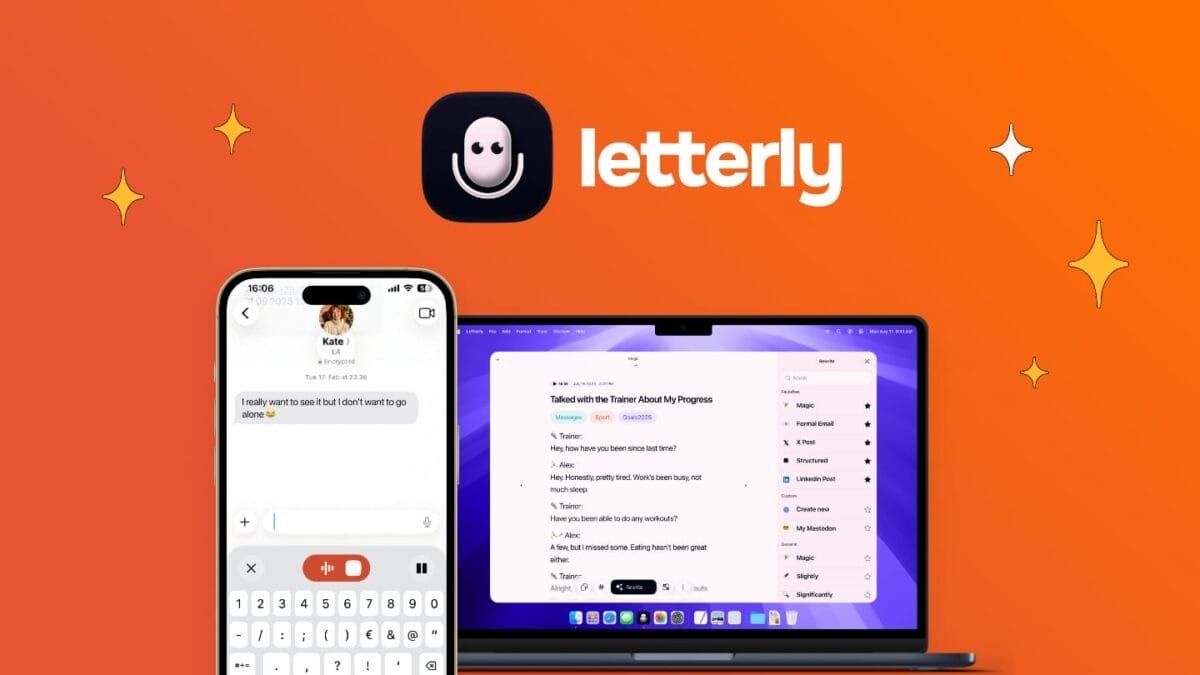
Most people think of speech-to-text as a simple dictation feature: you speak, it types, done. Letterly starts there and then goes considerably further.
Letterly is a cross-platform voice-to-text app that works across iPhone, Android, Mac, Windows, iPad, Apple Watch, and Web.
Its core promise is simple: press a key anywhere on your device, speak, and the text lands directly wherever your cursor is, whether it is inside emails, Slack messages, AI prompts, code editors, forms, or any other app. No copy-pasting, no switching windows.
What it actually does: Beyond live dictation, Letterly lets you record meetings, lectures, ideas, and journal entries, then converts them into polished, structured notes automatically.
It strips out filler words and typos in real time, rewrites in your preferred tone or style, supports over 90 languages with automatic detection, and now connects directly with Claude, ChatGPT, and other AI tools via MCP integration.
Why it’s surprisingly good: What started as a basic mobile notes app in 2023 has evolved into a full voice productivity suite, with Windows support, device sync, custom rewrite styles, meeting mode, offline mode, Zapier integration, and MCP connections.
Otter.ai, its closest comparable alternative, runs $16.99 per month. Letterly is $89 once, for life.
The honest caveat: some users have noted occasional language detection hiccups in multilingual environments. But for pure dictation speed and daily workflow integration, the value is hard to argue with.
Best for: Content creators, marketers, executives, and anyone who thinks faster than they type and wants to capture ideas without friction on any device, anywhere.
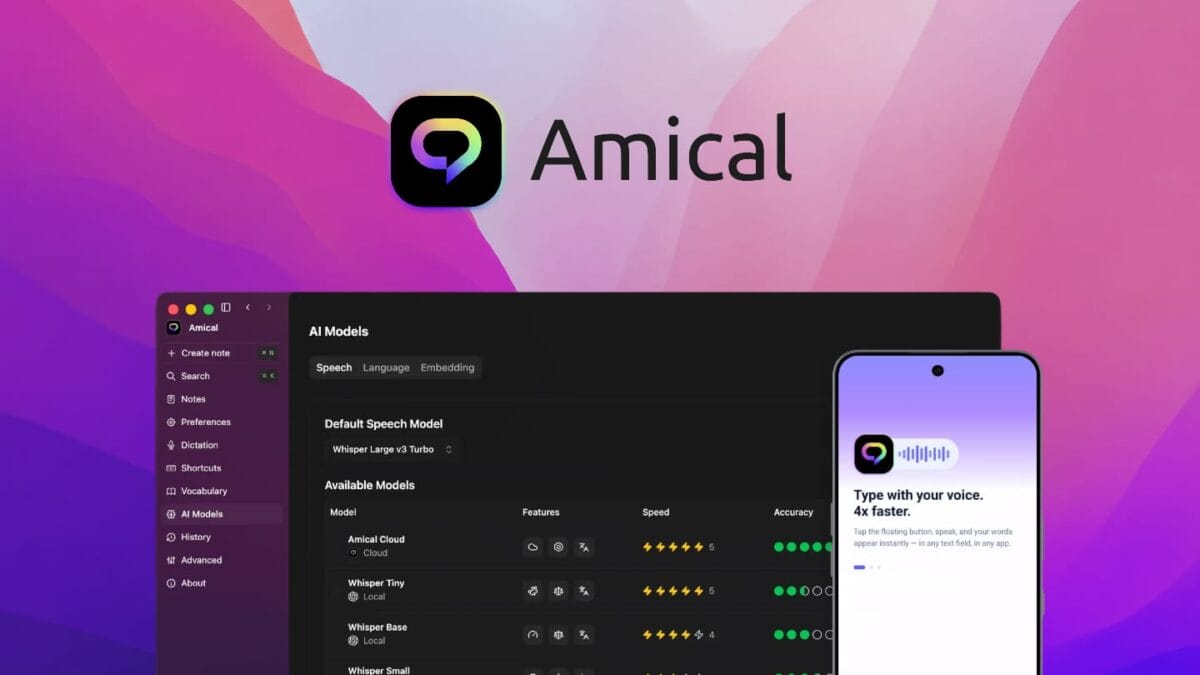
5. Amical – The Privacy-First Dictation Tool That Builds Its Own AI (Not Someone Else’s)
You might notice that Amical and Letterly both sit in the voice-to-text space. So why include both?
Because they solve the same problem in meaningfully different ways, and the type of user who should pick Amical is very specific: someone who takes data privacy seriously and doesn’t want their audio touching an external server.
Amical is an AI dictation tool for Mac, Windows, iOS, and Android that lets you speak directly into any app and get clean, context-aware text right where your cursor lands. What makes it stand apart from most competitors is the local-first architecture.
You can run transcription entirely on your device using Whisper models; no internet required, no audio ever sent to a cloud, no data retained. If you’re handling client conversations, sensitive business information, or just have personal privacy preferences, this is the one.
What it actually does: One hotkey triggers dictation anywhere on your system. Amical detects the context of the app you’re in and auto-formats accordingly: a casual tone for WhatsApp, a professional one for Gmail, without you doing anything extra.
It supports 100+ languages with mixed-language dictation in the same session, lets you build a custom vocabulary for industry-specific terms, and adapts to your personal writing style over time.
Why it’s surprisingly good: Unlike most speech-to-text tools that are just wrappers around third-party APIs, Amical’s team has spent nearly a year building and training their own AI engine and transcription pipeline.
The result is a near-instant transcription that has already processed over a billion words. It’s also fully open-source, which means you can audit it or fork it. Starting at $49 lifetime, it undercuts WisprFlow significantly, which runs $12–$17 per month.
Best for: Privacy-conscious solopreneurs, remote teams handling sensitive data, developers, and power users who want fast, offline-capable dictation they can fully trust.
6. Prompt Architects – The Tool That Fixes the Real Problem With Your AI Results

Most people get mediocre results from ChatGPT, Claude, or Gemini not because the AI is bad, but because their prompts are vague. Prompt Architects exists to solve exactly that gap, and it does it without requiring you to learn “prompt engineering” as a skill.
Prompt Architects is a one-click prompt enhancement tool. You write a rough idea the way you normally would, choose your target model – ChatGPT, Claude, Gemini, or auto-select – and it transforms your input into a fully structured instruction with a defined role, task, format, constraints, and tone, tailored to how that specific model performs best.
What it actually does: Beyond one-click enhancement, it gives you a side-by-side comparison of your original versus improved prompt so you actually learn what changed and why it works better.
There’s also a searchable template library with hundreds of ready-made prompts for content, copywriting, SEO, and code, plus dedicated libraries for image prompts (optimized for Midjourney, DALL-E, Stable Diffusion) and video prompts (built for Sora, RunwayML, Kling).
Why it’s surprisingly good: Most AI productivity tools focus on output generation. This one focuses on the input.
The Chrome extension works directly inside ChatGPT, Claude, Gemini, and even newer tools like v0 and Lovable, so it fits into your existing workflow rather than forcing a new one.
At $39 lifetime, it’s a fraction of what Jasper or Copy.ai charge monthly for similar prompt-assistance features.
Best for: Marketers, content creators, and solopreneurs who use AI daily but want noticeably better output without manually rewriting prompts every time.
7. Reoon Email Verifier – The Unattractive Tool That Saves Your Sender Reputation
Nobody gets excited about email verification. It’s not flashy, it doesn’t generate content, and it won’t make a good screenshot for a “tools I love” post.
But if you send marketing or sales emails regularly, this is one of those tools that quietly prevents a disaster you don’t even know is coming.
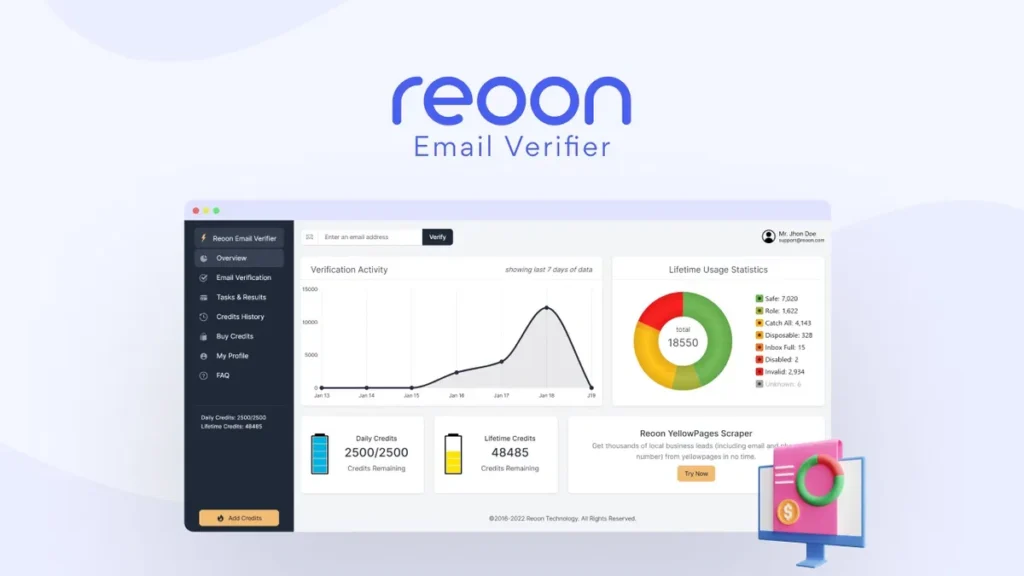
Reoon Email Verifier is a bulk and single email validation service with an excellent rating on AppSumo. It checks email addresses for validity without ever sending a message, catching invalid, temporary, disposable, and risky addresses before they ever touch your sending list.
What it actually does: You upload a list or connect via API, and Reoon runs deep validation checks including MX records, SMTP, MTA, individual inbox status, and role-account detection.
Each result comes with a clear condition report so you know exactly why an email was flagged. It can even catch tricky soft bounces, like a Gmail inbox that’s full, something most competing tools miss entirely.
Why it’s surprisingly good: A single bad email blast full of invalid addresses can tank your domain’s sender reputation and land future campaigns straight in spam, costing you far more than the tool itself.
Reoon’s API can validate an email in real time during sign-up in under half a second, making it genuinely useful beyond list cleaning.
At $79 lifetime versus ZeroBounce’s per-credit pricing that adds up fast at scale, the math heavily favors Reoon for anyone sending regular volume. It integrates with Zapier, Pabbly Connect, and WordPress, so it slots into existing workflows without friction.
Best for: Marketers, marketing agencies, and small businesses running email campaigns who want to protect deliverability and avoid silently bleeding money on bounced sends.
8. Hedy AI – A Real-Time Meeting Coach Whispering in Your Ear
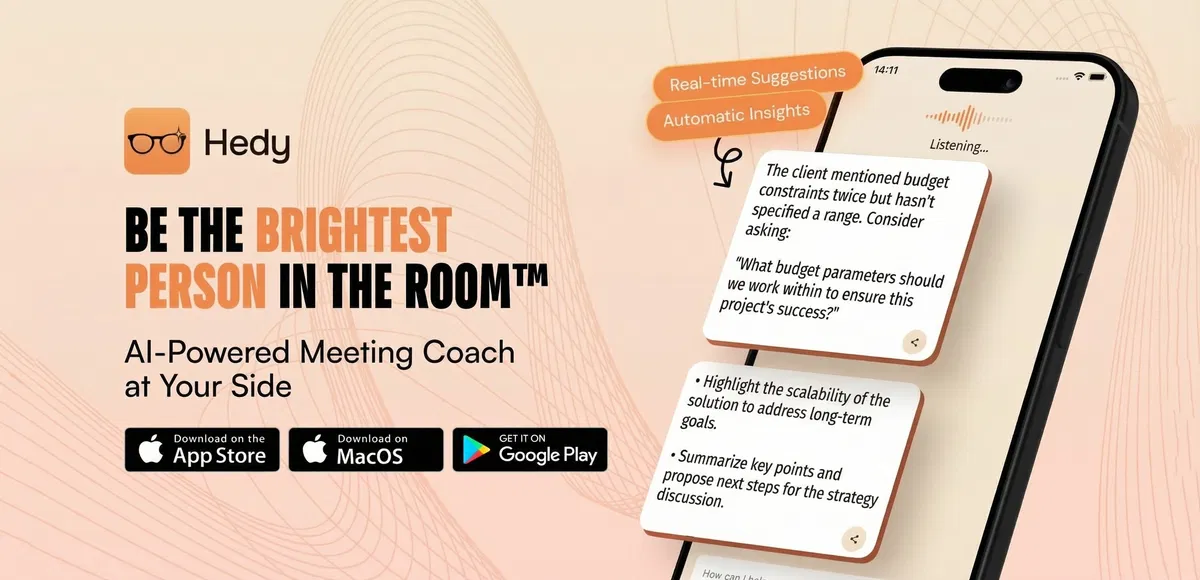
Most meeting tools record, transcribe, and summarize after the fact. Hedy AI does something most people don’t expect from this category: it actually helps you during the conversation, while it’s happening, like a brilliant colleague feeding you the right question at exactly the right moment.
Hedy AI is a real-time AI conversation coach that listens to live meetings, calls, interviews, or negotiations and proactively surfaces suggestions, insights, and smart responses without you having to ask.
Pro users get 120 minutes of automatic suggestions per session, and it supports 11 specialized modes including business meetings, negotiations, job interviews, coaching, and even journalism.
What it actually does: During a live conversation, Hedy listens and offers contextual coaching in real time, things like a sharp follow-up question you might’ve missed or an insight worth raising.
After the session, it auto-generates prep notes, summaries, and action items, and its newer “Topics” feature lets you group related sessions and chat across all of them, so asking “what did we promise this client last month?” actually pulls the right answer from the right meeting.
Why it’s surprisingly good: What started as a mobile-only app has expanded dramatically. Native Mac and Windows apps, an Apple Watch companion, system audio capture for virtual meetings, and EU data residency for privacy-conscious users have all shipped within the past year, alongside MCP Server integration that connects Hedy directly to Claude and other AI tools.
The founder has published detailed monthly changelogs and ships updates weekly, a level of transparency that’s rare even among funded startups.
At $179 lifetime, this replaces what would otherwise be an ongoing subscription to a category of tool that barely existed two years ago.
Best for: Consultants, recruiters, project managers, non-native English speakers in professional settings, and remote teams who want to walk into every meeting more prepared and contribute more confidently in real time.
9. SalesBlink – Cold Email Outreach That Actually Lands in the Inbox
Cold email has a reputation problem, mostly because most people do it badly: generic templates, no warm-up, identical copy blasted to thousands of addresses that land straight in spam.
SalesBlink tackles the actual hard part of cold outreach: deliverability, not just the writing part, which is what separates it from most “AI email generator” tools.
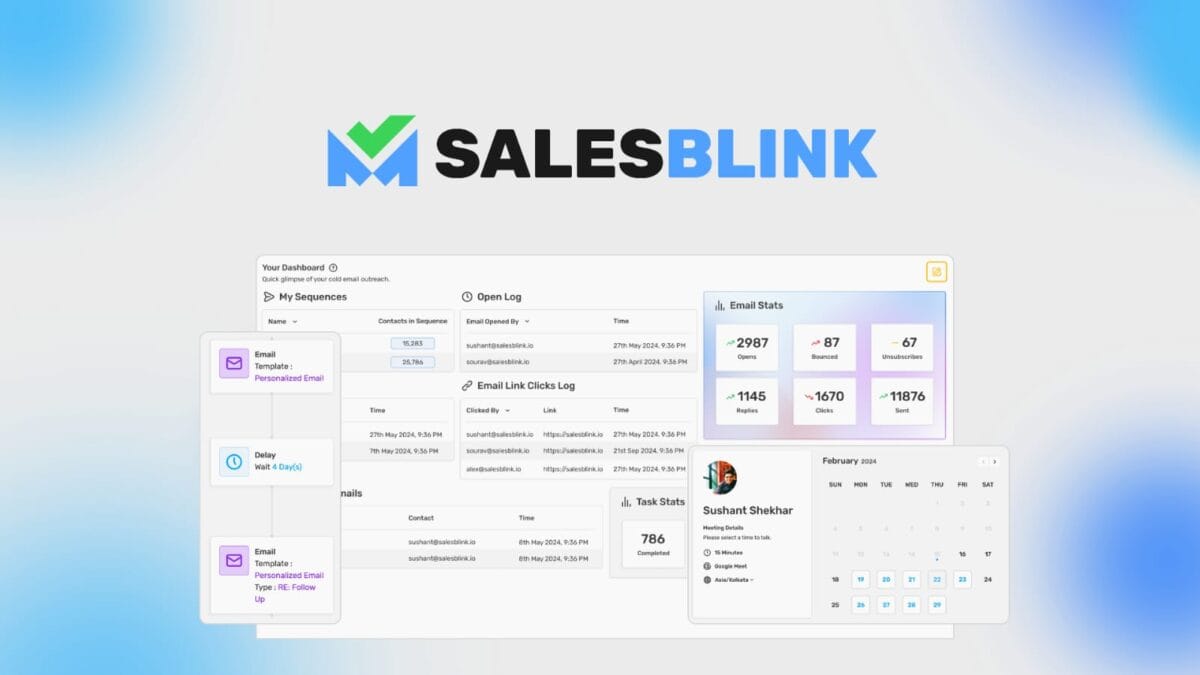
SalesBlink is an AI-powered cold email platform built around BlinkGPT AI, a model fine-tuned specifically on millions of cold emails that generated real replies, opens, and clicks.
You describe your offer, and it drafts full email sequences with automatic follow-ups tailored to your business.
What it actually does: Beyond AI-generated sequences, SalesBlink runs your campaign through a serious deliverability toolkit, things like DKIM, SPF, and DMARC authentication checks, automatic email warmup using a 30,000-address pool, sender rotation to avoid triggering spam limits, and AI spintax that varies your copy so filters don’t flag identical messages.
There’s also a unified inbox for managing replies, a built-in meeting scheduler, and an AI Reply Agent that can carry conversations forward and book meetings on autopilot.
Why it’s surprisingly good: Most cold email tools either handle the writing or the deliverability, rarely both well.
SalesBlink does both, and recently added MCP integration so you can run entire outreach workflows directly from Claude or other AI agents without logging into the dashboard at all.
At $79 lifetime for up to 50,000 sends, compared to Lemlist or Outreach charging $50-100+ monthly per user, the savings compound fast for anyone running consistently outbound.
Best for: Sales teams, marketing agencies, and small businesses running cold outreach who want AI-assisted writing paired with genuine deliverability infrastructure, not just another templated email generator.
10. Viloud – Build Your Own Branded TV Channel Without a Broadcasting Budget
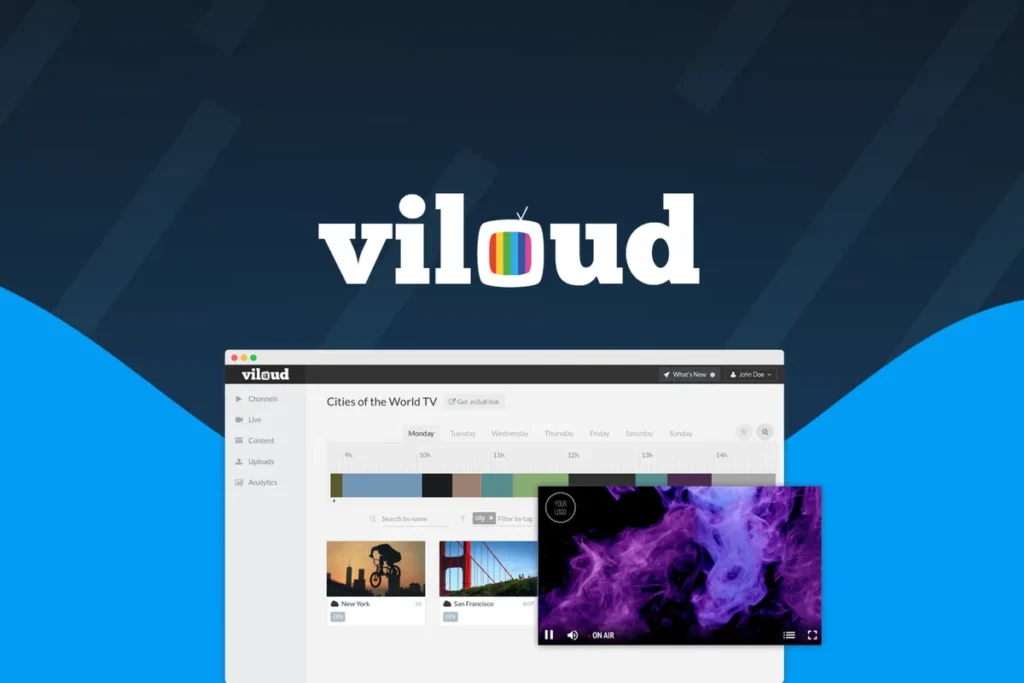
This is probably the most unexpected entry on this list. Most people don’t think “I should start my own TV channel,” but if you’ve got a library of video content sitting idle, Viloud turns that content into a 24/7 branded broadcast, and that’s a genuinely different content strategy than just posting to YouTube.
Viloud is a TV channel creation platform founded back in 2015 by creators who previously ran an online music channel featured by brands like Google and LG.
It lets you build linear, on-demand, or FAST channels (the same format used by Pluto TV, Roku Channel, and Tubi) without writing a single line of code.
What it actually does: You upload videos or pull content from YouTube, then use a drag-and-drop scheduler to build a 24/7 programming grid, just like traditional TV, where everyone watching sees the same thing at the same time.
You can embed a fully branded player on your own website, generate an M3U8 link to push your channel into third-party apps and OTT platforms like Roku or Apple TV, and go live whenever you want, with Viloud automatically switching the channel back to on-demand once your stream ends.
Why it’s surprisingly good: The monetization piece is what elevates this from a nice-to-have to a genuine business tool.
Viloud supports all major video ad standards out of the box (VAST, VPAID, VMAP) and connects directly to ad providers like Google AdSense, so your content can start generating revenue without any custom development.
Recent updates have added FAST channel support with SCTE-35 ad markers and EPG guides, the exact infrastructure needed to get listed on platforms like Pluto TV.
At $99 lifetime for 5 channels and 10,000 monthly streaming minutes, this replaces what would otherwise require expensive OTT platform subscriptions or custom development work.
Best for: Content creators, educators, and brands with an existing video library who want to build a dedicated, monetizable channel rather than relying entirely on third-party platforms like YouTube.
11. GoBrunch – The Antidote to Zoom Fatigue

Anyone who’s hosted virtual workshops, courses, or networking events knows the problem: people show up, mute themselves, turn off cameras, and mentally check out.
GoBrunch was built specifically to fight that disengagement, and it does so with an interface unlike anything else on this list, one designed to actually mimic the feeling of being in a physical room.
GoBrunch is a virtual events and meeting platform. Instead of the standard grid of video tiles, it places attendees in circular “tables” within a customizable virtual space, closer to how an in-person event actually feels, complete with breakout rooms, networking zones, and branded environments you design yourself.
What it actually does: Hosts get full control over mics, cameras, and screens for every attendee, can run multiple simultaneous breakout rooms with different facilitators, and can move people between rooms the way you would at a real conference.
No downloads are required for attendees, sessions can be recorded and stored for up to 180 days, and a newer Community Membership feature lets you collect Stripe payments and gate access to specific rooms, turning GoBrunch into a platform for paid workshops or recurring communities, not just one-off meetings.
Also Read: 75+ Best AppSumo Lifetime Deals for Marketers [Top Software Picks by Category]
Why it’s surprisingly good: This isn’t a startup chasing a trend. GoBrunch was founded in 2017 and has been refining this format for years, with the founder posting detailed update logs covering everything from mobile redesigns to Picture-in-Picture support to custom room backgrounds.
At $89 lifetime for 200 participants and 40GB of video storage, it directly replaces tools like ON24 or Zoom Webinar, which charge ongoing monthly fees that scale with attendee count.
Users have repurposed it for surprisingly varied use cases: virtual offices, podcast studios, and paid membership communities, well beyond its original webinar framing.
Best for: Course creators, event organizers, coaches, and small businesses running recurring workshops or communities who want virtual sessions that feel less like a Zoom call and more like a real room.
12. Castmagic – Turn One Podcast Episode Into a Week of Content
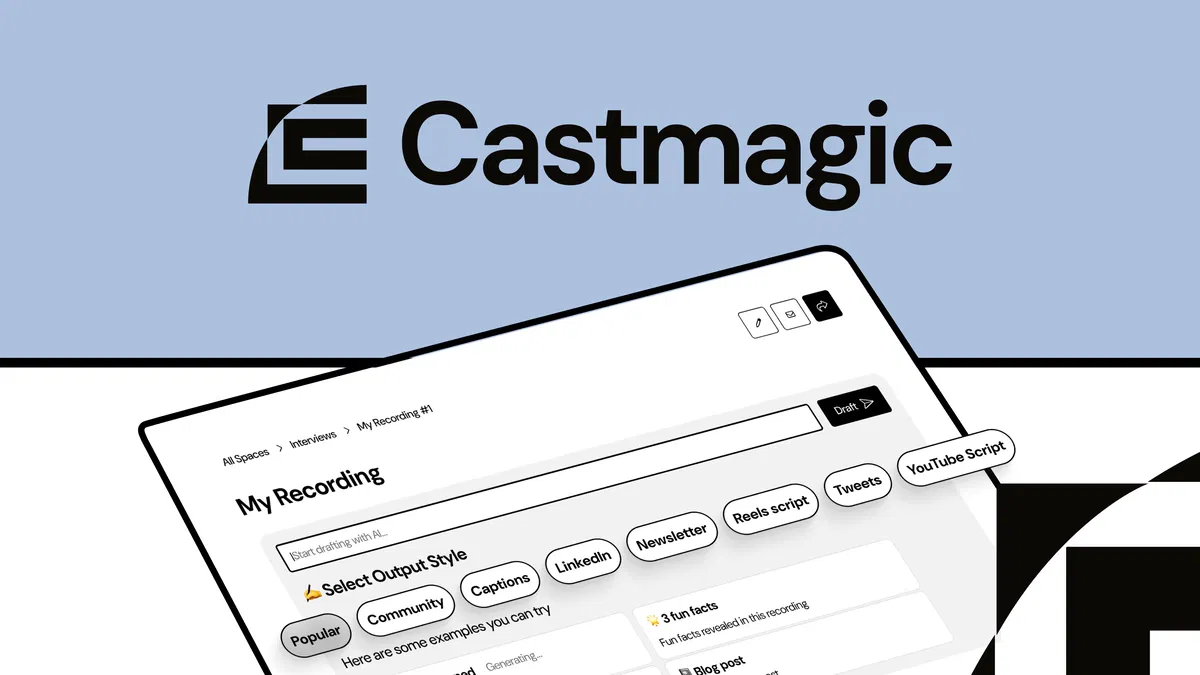
Every podcaster and content creator knows the real bottleneck isn’t recording; it’s everything that comes after. Castmagic exists specifically to kill that bottleneck.
It is an AI content repurposing platform. You upload a podcast episode, sales call, coaching session, or webinar recording, and it transcribes the content, then uses AI prompts to generate blog posts, key takeaways, social captions, and more, all formatted and ready to publish.
What it actually does: Beyond standard transcription, Castmagic lets you set recurring prompts that automatically run on every new file you upload, so a podcast network or agency can build a consistent repurposing pipeline without manually prompting each time.
You can train the AI on a specific client’s voice and tone by uploading writing samples, generate audiograms and captioned video clips for Instagram, LinkedIn, and TikTok directly from the source media, and use Magic Chat to ask questions across one or even multiple recordings at once.
Why it’s surprisingly good: Founded by a working podcaster who built the tool to solve his own repurposing headache, Castmagic has scaled to nearly $2M in annual revenue and gone through a full product relaunch with a redesigned interface and upgraded transcription models.
The founder posts unusually transparent updates, including openly addressing a YouTube import removal due to platform Terms of Service changes rather than quietly dropping the feature.
Compared to Descript’s $24+/month per seat for similar repurposing features, Castmagic’s lifetime tiers offer real long-term savings for anyone producing recurring long-form content.
Best for: Podcasters, online coaches, and content creators who record long-form audio or video and want to multiply that single recording into a week’s worth of platform-ready content without manual editing.
13. Katteb – AI Writing Built for the Era of Google AI Overviews
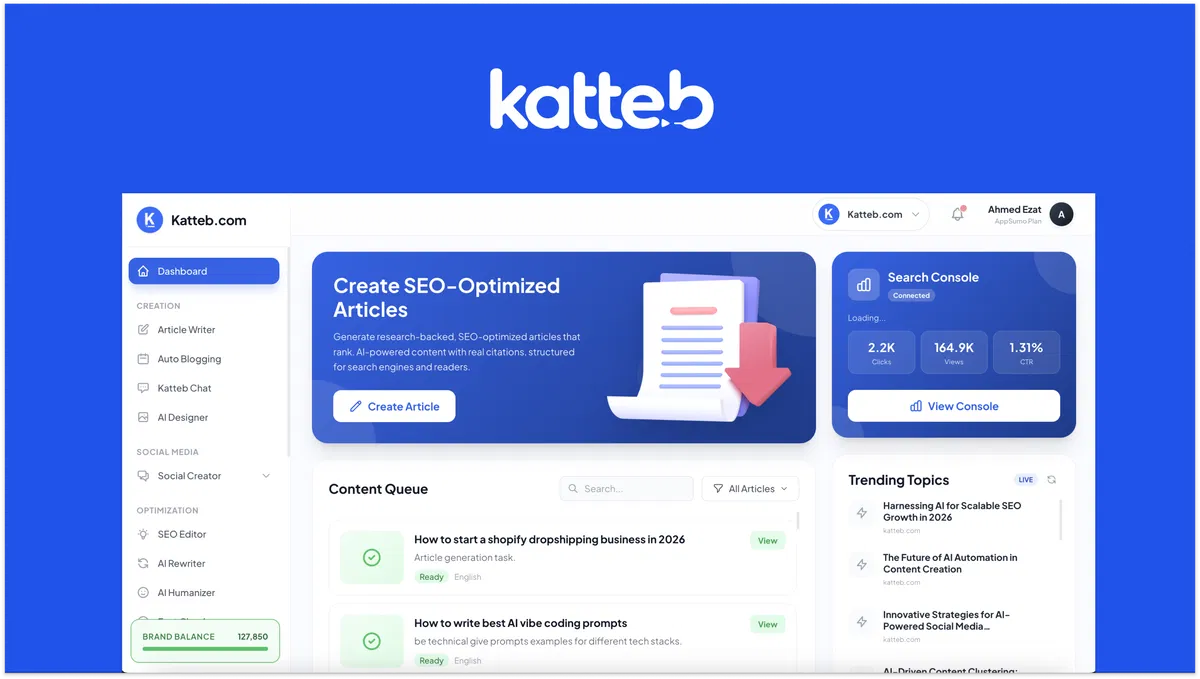
Most AI writing tools were built for a search landscape that no longer fully exists, one where ranking meant beating ten blue links.
Katteb stands out because its founding team rebuilt the entire product specifically for how content gets discovered today, through Google AI Overviews and ChatGPT answers, not just traditional SERPs.
Katteb is an AI content platform founded by a former digital marketing agency owner who spent eight years watching businesses struggle to produce reliable, on-brand content at scale.
It writes SEO-optimized articles that clone your actual writing style, then auto-publishes them to WordPress on a schedule.
What it actually does: Beyond standard article generation, Katteb analyzes your existing website to learn your voice and lets you save multiple writing styles for different brands or clients.
Its AutoBlogging feature lets you plan and schedule a full month of content in advance and publish it automatically.
The built-in AI SEO Assistant gives you a live optimization score as you write, compares your draft against the actual top 10 ranking pages for missing entities and topics, and can add citations, expert quotes, and patent references to make articles feel genuinely citation-worthy rather than generic AI output.
Why it’s surprisingly good: The founder’s recent rebuild specifically targets how AI search engines evaluate content, sentiment, entities, and topical coverage, rather than chasing outdated keyword-density tactics.
A newly launched public API now lets agencies and developers automate the entire workflow programmatically, with rate limits that scale based on how many AppSumo codes you’ve stacked.
At $39 lifetime for 15,000 monthly credits, compared to Copy.ai’s ongoing subscription tiers, the savings compound significantly for anyone publishing regularly.
Best for: Bloggers, marketing agencies, and copywriters managing multiple client brands who want consistent, on-voice content that’s actually built to perform in today’s AI-driven search results, not yesterday’s.
14. SiteGuru – SEO Audits That Tell You What to Actually Fix First

SEO tools have a notorious problem: they dump hundreds of issues on you with zero sense of priority, leaving you more overwhelmed than when you started. SiteGuru’s entire premise is fixing that exact pain point.
SiteGuru is a website SEO audit and tracking platform built by a developer-turned-SEO-consultant who got tired of digging through messy spreadsheets for client work.
It crawls your site, flags technical and on-page issues, then turns them into a single prioritized to-do list, so instead of facing 200 unranked problems, you know exactly what to fix first and why it matters.
What it actually does: Beyond the audit and to-do list, SiteGuru connects directly to Google Search Console and Google Analytics so you can track rankings, traffic sources, and top-performing pages from one dashboard instead of juggling three tools.
It checks meta descriptions, page titles, broken links, load speeds, canonical URLs, and hreflang tags, and can use AI to generate optimized titles and meta descriptions targeting specific keywords.
A newer AI Visibility Report even shows what share of your traffic is coming from AI tools like ChatGPT, Perplexity, and Gemini, a metric most SEO platforms haven’t caught up to yet.
Why it’s surprisingly good: This isn’t a tool chasing a trend; the founder has been refining it for roughly eight years and has grown SiteGuru to 4,500 active monthly users through consistent, transparent shipping, including a full UI rebuild specifically to stay “the easiest-to-use SEO tool on the market.”
At $79 lifetime for one site and 500 pages, it directly undercuts Ahrefs or SEMrush, both of which run well over $100/month for comparable audit and tracking features. Unlimited user invites mean agencies can loop in clients without per-seat fees eating into the savings.
Best for: Bloggers, marketers, and web design agencies who want a clear, prioritized path to better rankings without becoming SEO experts themselves or paying enterprise-tool prices.
15. INBOX – Built From Scratch Since 2014
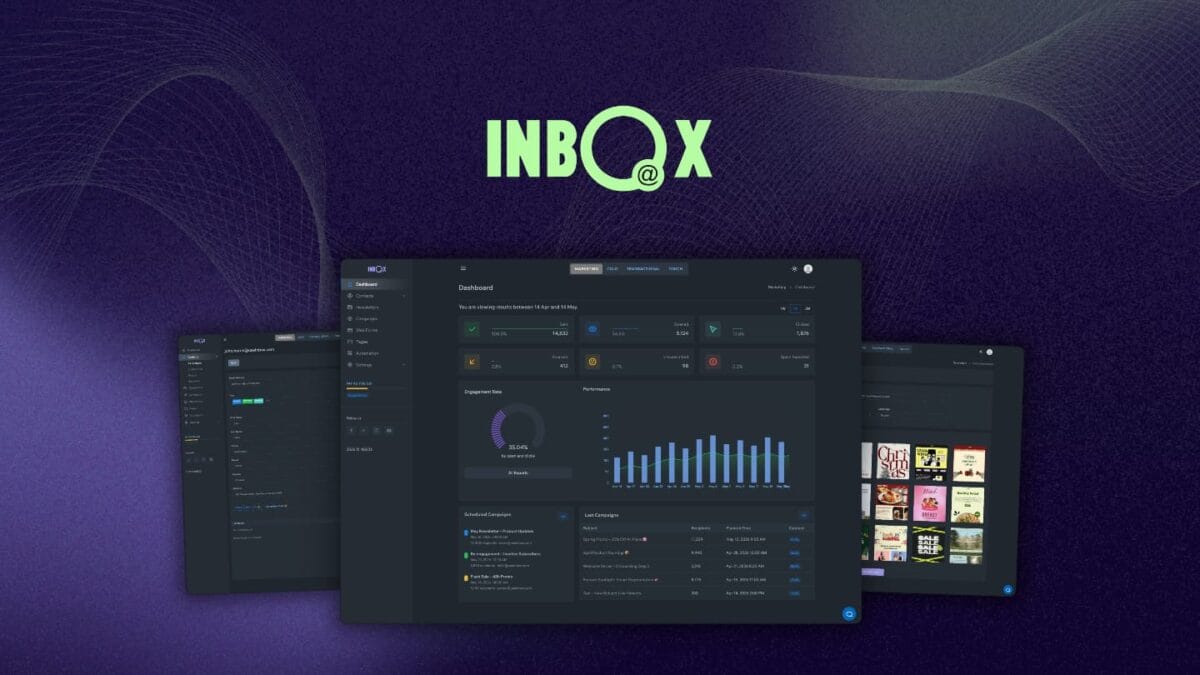
There’s something to be said for software companies that have quietly survived over a decade without venture funding, building their own infrastructure rather than stitching together third-party tools.
INBOX is exactly that kind of company, and it shows how complete the platform feels for a tool at this price point.
INBOX is an email marketing and automation platform founded in 2014 and built entirely in-house, including its own sending infrastructure and delivery engine, without any outside investment.
It combines newsletters, automation, segmentation, and analytics into a single workspace rather than requiring you to bolt on separate tools for each function.
What it actually does: You get a drag-and-drop email builder with hundreds of templates organized by industry and campaign type, automated welcome and drip sequences, A/B split testing with auto-resend to underperforming segments, and custom contact fields that let you capture and segment by tags, behavior, or any attribute relevant to your business.
INBOX also auto-scores contacts based on engagement, so you always know who’s actually paying attention versus who’s gone cold, and it tracks opens, clicks, bounces, and unsubscribes in real time.
Why it’s surprisingly good: Most lifetime email deals come from young startups testing the waters.
INBOX has been operational since 2014 and serves businesses across 48 countries, which means the deliverability infrastructure and feature set have had over a decade to mature rather than being rushed for an AppSumo launch.
Built-in compliance with GDPR, CASL, and CCPA from a single account removes a genuine headache for businesses operating across regions.
At $99 lifetime for 2,500 contacts, compared to Mailchimp or ActiveCampaign’s monthly per-contact pricing that climbs steadily as your list grows, the savings become significant within the first year alone.
Best for: Small businesses, ecommerce brands, and web design agencies who want a complete, compliant email marketing stack without paying ballooning monthly fees as their contact list grows.
16. FlexClip – Two Decades of Video Editing Experience, Not Another AI Wrapper
A lot of AI video tools launched in the past two years feel rushed, thin layers slapped over basic editing.
FlexClip is different because the company behind it has been building video software since 2006, long before AI editing was even a category, and that depth shows in how complete the feature set actually is.
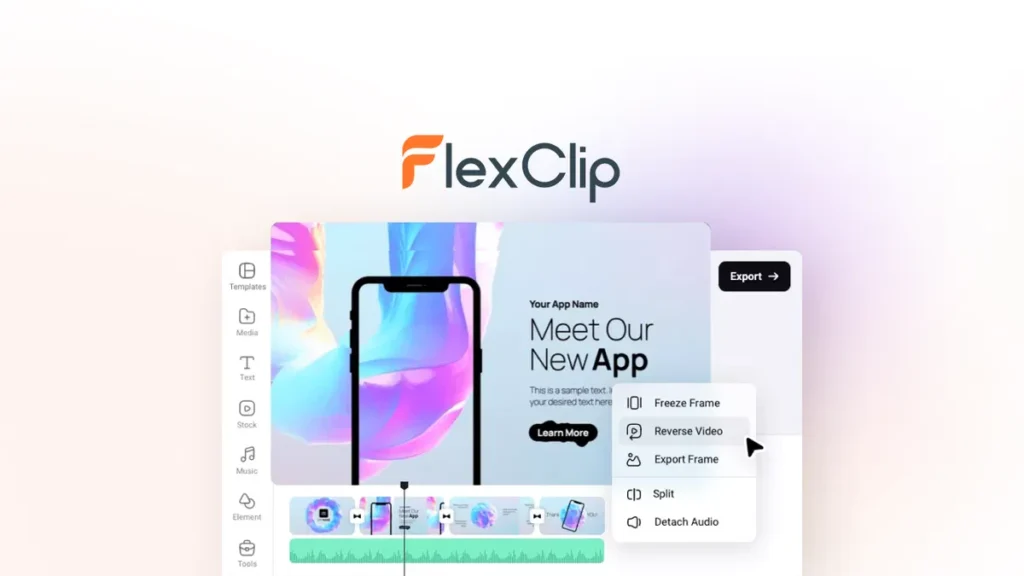
FlexClip is a browser-based video editor, combining templates, AI tools, screen recording, and access to over 4 million royalty-free stock assets in one platform.
You don’t need any prior editing experience to produce something that looks professionally made.
What it actually does: Beyond thousands of customizable templates spanning marketing, education, and real estate, FlexClip includes built-in AI tools for text-to-video conversion, AI image generation, and automatic subtitle generation.
You can record your screen and webcam simultaneously, access over 1,000 text animations and transitions, and a newer PPT-to-Video feature turns existing presentations into full videos with auto-generated scripts in seconds, a genuinely useful shortcut for anyone repurposing slide decks into video content.
Why it’s surprisingly good: The recent feature rollout is unusually substantial for a tool already this mature: AI Recreate for animated logo intros, a Brand Kit for keeping every project on-brand automatically, voice cloning, background removal, and a watermark remover have all shipped in a single update cycle.
At $99 lifetime for 1080p exports, 3,000 AI credits, and unlimited video length, the math compares favorably against Adobe Premiere’s ongoing Creative Cloud subscription or Kapwing’s tiered monthly plans, especially for users who don’t need professional-grade color grading but do need to produce consistent marketing or social content.
Best for: Content creators, marketers, and small businesses who need to produce polished marketing or social videos regularly without learning a professional editing suite or paying for one.
17. Formly – Forms and Quizzes That Generate Their Own Charts

Most form builders treat the response data as an afterthought, something you export to a spreadsheet and analyze separately.
Formly bakes visualization directly into the respondent experience itself, which is the kind of detail that turns a basic lead-gen form into something people actually want to engage with.
Formly is an AI-powered form, survey, and quiz builder positioned as an alternative to Typeform and SurveyMonkey but priced as a one-time purchase rather than an ongoing subscription.
You can build full-page or conversational-style forms, style them to match your brand without touching code, and support a global audience with 25+ languages, including right-to-left script support.
What it actually does: Beyond standard form building, Formly lets you add conditional logic and branching so respondents only see questions relevant to their previous answers, which is especially useful for personality quizzes, risk assessments, or scored evaluations.
A standout feature is Formly Charts: respondents get an instantly generated, personalized chart, bar, donut, radar, or gauge, showing their results the moment they finish, the kind of immediate visual payoff that boosts completion rates and shareability.
You can also collect Stripe payments directly through forms and route responses automatically into Google Sheets, Mailchimp, Slack, or HubSpot.
Also Read: Best Form Builders for WordPress (Expert Guide)
Why it’s surprisingly good: The founding team has shipped consistently since 2020, including a full Formly 2.0 rebuild, webhooks, category-wise quiz scoring for personality assessments, and the charts feature, each rolled out with detailed changelogs rather than silent updates.
At $99 lifetime for unlimited forms and 10,000 monthly responses, it undercuts Typeform’s response-based pricing tiers significantly, especially for agencies running multiple client forms simultaneously.
Unlimited responses with no hard caps remove a common pain point with budget form tools that throttle you right when a campaign starts performing.
Best for: Marketers and agencies building lead-gen quizzes, scored assessments, or branded surveys who want visual, shareable results without paying Typeform’s per-response subscription costs.
18. Screpy – Five SEO Tools’ Worth of Functionality for the Price of One

By the time you’ve subscribed to a site audit tool, an uptime monitor, a keyword tracker, and a content writer separately, you’re easily paying $150+ per month across four different dashboards.
Screpy’s entire pitch is consolidation. It’s clearly delivering on that promise at scale.
Screpy is an all-in-one website optimization platform combining technical SEO audits, performance monitoring, keyword tracking, competitor analysis, and AI content generation into a single dashboard.
It’s positioned as an alternative to Ahrefs and SEMrush, but instead of focusing purely on keyword research, it covers the full health of your website.
What it actually does: The audit engine checks DOM size, redirections, robots.txt, sitemap.xml, meta tags, SSL, canonical tags, and runs a full Google Lighthouse report, then auto-generates a task list for every issue it finds, similar in spirit to SiteGuru’s prioritization approach but bundled with far more monitoring tools.
Beyond the audit, Screpy includes uptime monitoring, page speed analysis, competitor keyword tracking, and direct Google Search Console integration showing clicks, impressions, CTR, and newly gained or lost keywords.
An AI article writer rounds things out, generating SEO-targeted content directly tied to the keyword data you’re already tracking.
Why it’s surprisingly good: Most tools at this price point pick one lane – technical SEO, content, or monitoring – and stay there.
Screpy genuinely spans all three, with unlimited websites and unlimited team members even on the entry tier, a generous structure for agencies managing multiple client sites.
At $59 lifetime for 8,000 monthly credits, the value compounds quickly once you account for what Ahrefs or SEMrush would charge monthly for comparable audit and tracking depth alone, before even factoring in the uptime monitoring or content writer.
Best for: Developers, marketing agencies, and small businesses who want technical SEO, competitor tracking, uptime monitoring, and content generation in one dashboard instead of paying for four separate subscriptions.
19. Writecream – The Hands-Free Backlink Builder Nobody Saw Coming
Backlink building is the part of SEO everyone hates: endless cold outreach, low response rates, and hours spent for maybe one usable link.
Writecream’s Backlink Autopilot feature flips that entirely, and it’s the single most surprising thing about this tool, genuinely unlike anything else on this list.
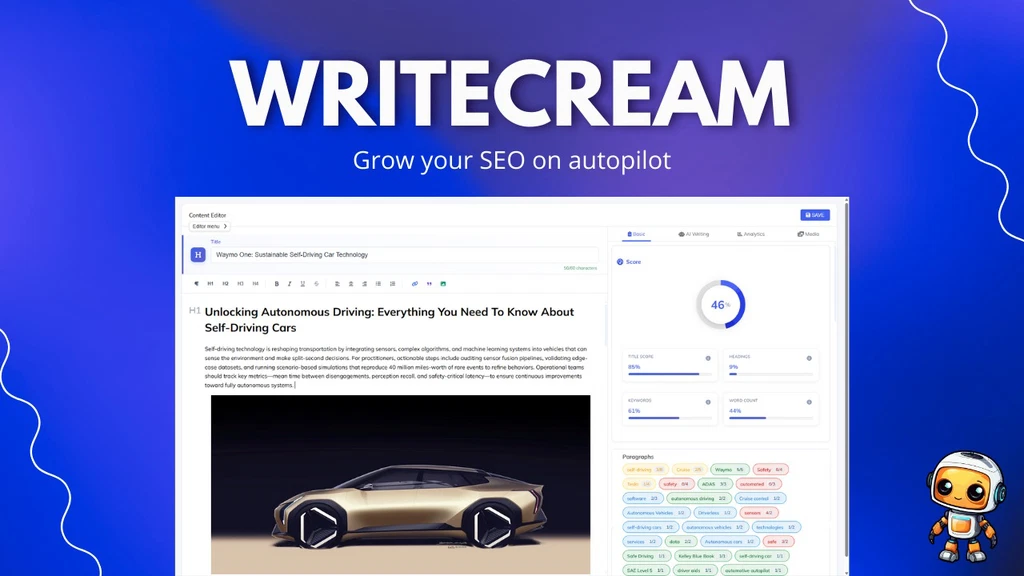
Writecream is a four-year-old AI content and SEO platform with over a million users worldwide. What started as a copywriting tool has evolved into a full SEO agent that handles competitor research, content briefs, article writing, and link building from one dashboard.
What it actually does: When you join the network, Writecream’s AI automatically identifies relevant opportunities to insert backlinks to your website while generating content for its other million-plus users, hands-free, ongoing link building with zero outreach required.
Beyond that standout feature, it deconstructs top-ranking competitor pages to extract structure, headings, and word counts, generates data-backed content briefs, and can take you from a single keyword to a fully written, 2,000+ word SEO-optimized article with royalty-free images in under five minutes.
It also supports 75+ languages, includes an AI humanizer and plagiarism checker, and recently added AI Search Optimization aimed at getting your content cited inside ChatGPT, Gemini, Claude, and other AI assistants, not just traditional Google results.
Why it’s surprisingly good: This product has been actively developed since 2021, scaling from an early-access tool to over a million users, and the founder’s changelog shows consistent, substantial feature additions rather than cosmetic tweaks.
The backlink autopilot alone replaces what agencies typically pay outreach platforms like Pitchbox or Snov.io to do manually.
At $59 lifetime, it’s positioned to replace a genuinely large stack: Ahrefs or SEMrush for competitor research, SurferSEO or Jasper for content optimization, and a backlink outreach tool, all at once.
Best for: Bloggers, copywriters, and marketers who want competitor research, content generation, and ongoing backlink building handled in one place, especially if manual outreach has always been the part of SEO they’ve dreaded most.
20. TextSniper – A $6.49 Tool That Quietly Eliminates Hours of Retyping
Some of the best hidden gems aren’t ambitious all-in-one platforms; they’re tiny, single-purpose tools that do one thing so well you wonder how you lived without them.
TextSniper is exactly that: a Mac-only OCR app priced under the cost of a coffee, which is nearly unheard of for something this inexpensive.
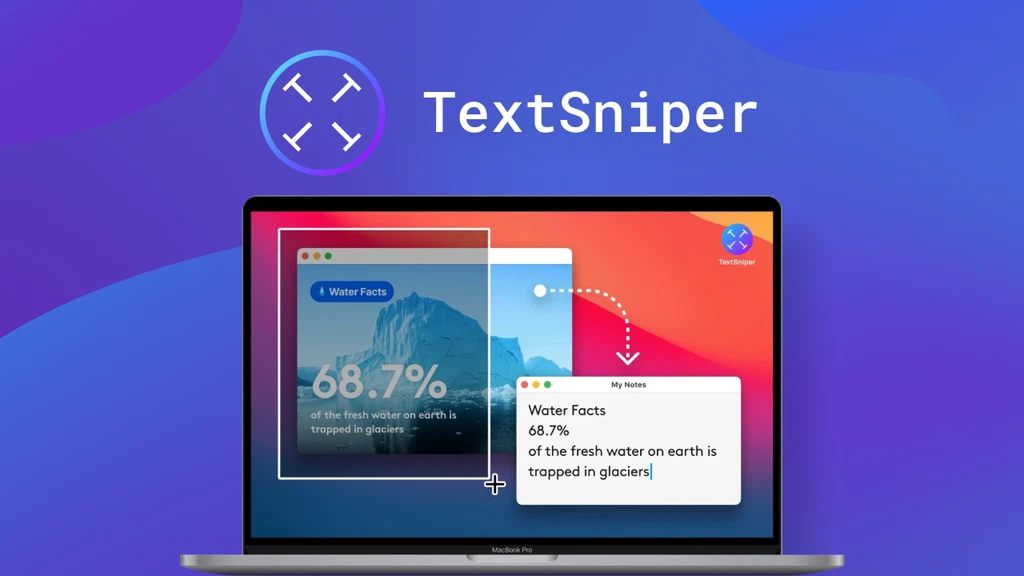
TextSniper is a simple, privacy-focused OCR (optical character recognition) tool for Mac that extracts text from literally anything on your screen: images, PDFs, slide decks, Zoom calls, even YouTube videos.
You hit a keyboard shortcut, select an area of your screen, and the text gets recognized and copied straight to your clipboard.
What it actually does: Beyond basic text extraction, TextSniper can scan QR codes and barcodes, convert recognized text to speech automatically, and supports multiple languages including German, French, Spanish, Portuguese, Italian, and Chinese.
All processing happens locally on your Mac, meaning it works completely offline and never sends your data anywhere, a meaningful privacy advantage over cloud-based OCR alternatives. The interface lives quietly in your menu bar rather than cluttering your dock.
Why it’s surprisingly good: This is the kind of tool you don’t think you need until you’re stuck retyping text from a screenshot, a PDF that won’t let you copy, or a slide someone shared in a meeting.
At $6.49 one-time for a license covering 3 Macs, it solves a recurring annoyance that would otherwise eat minutes of manual retyping dozens of times a month.
The offline, privacy-first processing also makes it a safer choice than browser-based OCR tools for anyone handling sensitive documents or screenshots.
Best for: Bloggers, content creators, and customer support teams who frequently need to pull text out of images, PDFs, or video calls without manually retyping everything by hand.
Frequently Asked Questions
What is an AppSumo hidden gem?
A hidden gem is a deal with low visibility but high real-world utility, usually buried past page one, lacking marketing buzz, yet solving a genuine problem better than its review count suggests.
Are hidden AppSumo deals safe to buy?
Yes, every deal carries AppSumo’s 60-day money-back guarantee regardless of popularity. The real risk isn’t safety; it’s picking a tool with an inactive founder who stops shipping updates after launch.
Do hidden gems receive regular updates?
The good ones do. Check the “From the founders” tab for dated posts; tools with monthly or quarterly changelogs are actively maintained, while silence since launch is a red flag worth noting.
How often does AppSumo release hidden gems?
There’s no fixed schedule, but Select and Launchpad collections regularly surface newer, less-marketed tools. Checking these collections weekly catches gems before they accumulate enough reviews to trend.
What should I check before buying a lifetime deal?
Founder engagement, update frequency, the pricing tier breakdown, and one- and two-star reviews. Together, these reveal whether you’re buying an evolving product or an abandoned one.
Final Thoughts
The biggest mistake AppSumo shoppers make is chasing whatever sits at the top of the homepage.
The real value is often one scroll deeper, in tools built by founders who actually ship, listen, and stick around long after the launch hype fades.
Every deal on this list earned its spot the same way: it solved a real problem better than its price tag suggested it would.
That’s the pattern worth remembering long after this list goes stale. Use the evaluation framework above, check the roadmap, read the critical reviews, and you’ll keep finding gems long after these particular deals are gone.
Related Articles
Best AppSumo Deals Under $100 for Bloggers, Marketers & Creators
Best AppSumo Deals for Beginners (No Tech Skills Required)
Best Appsumo Deals For Startups Every Founder Should Consider in
Best AppSumo Lead Generation Tools for Small Businesses – Top Lifetime Deals You Shouldn’t Miss

TechnicalStudies was started by Neeladrinath with one simple idea — give Indian students a reliable place to figure out what’s actually worth their time and money. Every recommendation here is backed by careful research, real student feedback, and honest analysis. We cover online courses, laptops, smartwatches, software deals, and learning resources — all looked at from a student’s perspective, so you can spend less time guessing and more time learning.