
Most percentage calculators give you a number and ask you to trust it. This one shows the arithmetic behind every answer, so you can check it, learn from it, or copy it into an assignment.
Choose a mode, type your numbers, and the result updates as you type. There is no Calculate button, and nothing you enter leaves your browser.
Percentage Calculator
Recent calculations
Explore All Free Tools
Try our other tools – Photo & Signature Resizer | Gadgets EMI Calculator | CGPA/SGPA Calculators | Free Image Compressor | Free QR Code Generator | Age Calculator by DOB
Pick the mode that matches your question
The tabs are worded the way people actually ask the question. Eleven modes cover everyday maths, school and college, and shopping or billing in India.
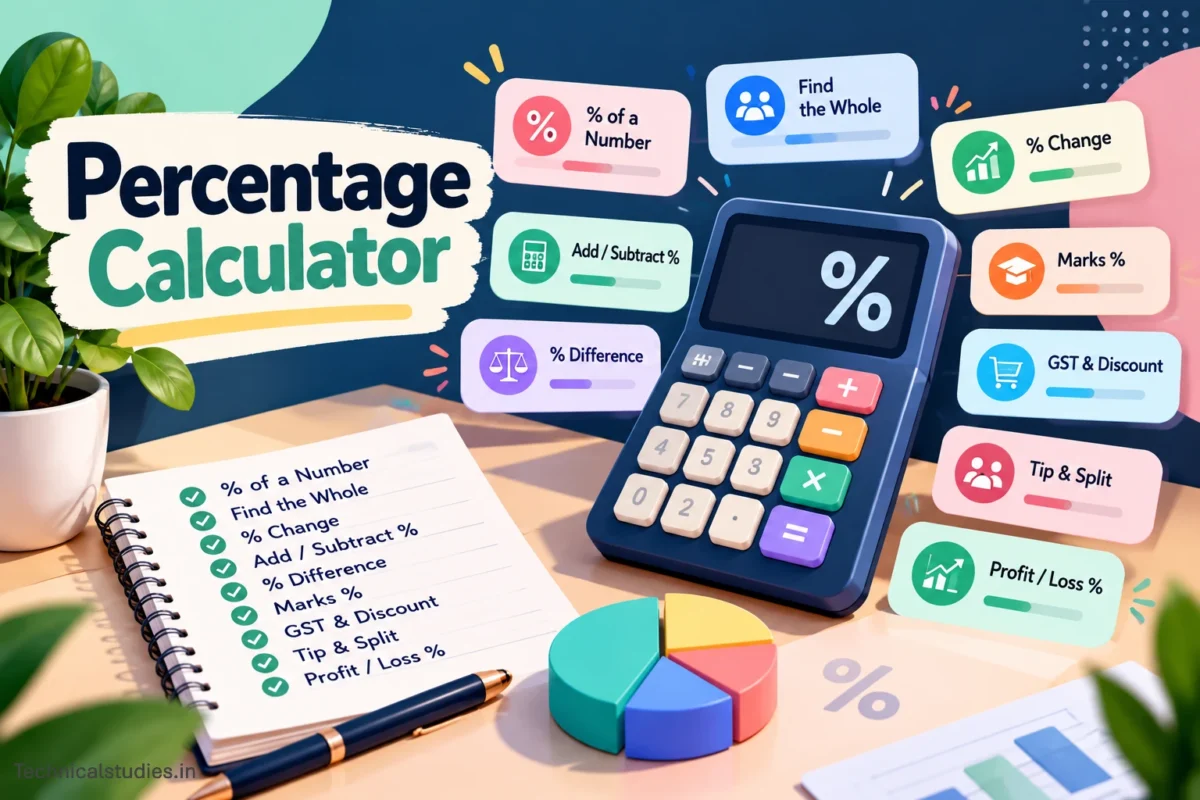
The six core calculations
% of a number. What is 15% of 2,400? The answer is 360: divide the percentage by 100, then multiply by the number. Use it for commissions, a share of a budget, or interest on a small sum.
X is what % of Y. Thirty correct answers out of 120 questions is 25%. This is the mode for any part-and-whole question, such as attendance, conversion rates, or the share of your salary that goes to rent.
Find the whole. Sometimes you know the part and its percentage but not the total. If ₹45 is 15% of something, that something is ₹300. It helps when you know a deposit or a tax amount and want to recover the original figure.
% change. Going from 800 to 1,000 is a 25% increase. Going back from 1,000 to 800 is a 20% decrease, not 25%, because the base is always the starting value. The calculator labels the result as an increase or a decrease, so you never have to guess the sign, and it also shows the raw difference.
Add or subtract a percentage. 5,000 plus 18% is 5,900. 5,000 minus 18% is 4,100. The dropdown inside the sentence switches between plus and minus.
% difference. Use this when neither number is the original, such as two shop prices or two students’ scores. For 40 and 60, the gap is 20, and the average is 50, so the difference is 40%. Treat the same pair as a change from 40 to 60, and you get 50%. Both are right. They answer different questions, and the tool lets you pick the one you mean.
Built for Indian use
Marks %. Enter marks obtained and total marks. 432 out of 500 gives 86.4%. Below that, you get the marks lost and an estimated CGPA using the CBSE rule of dividing the percentage by 9.5, which gives 9.09 here. Other boards and universities use their own conversions, so check your institution’s rule before writing the figure on a form.
If you want to calculate CGPA, you can visit our CGPA calculators to use your University’s formula and get the accurate result.
GST. This mode works in two directions, and the second is where most people slip.
Adding GST: ₹10,000 at 18% gives GST of ₹1,800 and a total of ₹11,800, split into ₹900 CGST and ₹900 SGST.
Removing GST: Suppose your bill is ₹11,800 and already includes 18%. Taking 18% off 11,800 gives ₹2,124, which is wrong. The correct base is 11,800 ÷ 1.18 = ₹10,000, so the GST is ₹1,800. Choose “GST included (remove)” and the tool does this for you. For interstate supplies, the tax is IGST, which equals the full GST line shown in the result.
The quick buttons offer 3%, 5%, 18% and 40%, the slabs in force when this page was written. If your invoice shows another rate, type it in. For a specific product or service, confirm the rate in the latest GST Council notification.
Discount. ₹2,499 at 30% off costs ₹1,749.30, and you save ₹749.70. The bar under the result shows how much of the original price the discount removes. Buttons for 10, 20, 30 and 50% save typing.
Tip and split. A ₹1,800 bill with a 10% tip, shared by four people, comes to ₹1,980 in total, or ₹495 each. Enter the number of people and the per-person amount appears with the rest.
Profit/loss %. Buy at ₹600 and sell at ₹750: the profit is ₹150, which is 25%. The percentage is measured on the cost price, the convention taught in Indian schools and used in most trading. If you want margin on the selling price instead, divide the profit by the selling price; for this example, that gives 20%.
Small details that save time
- Decimal and fraction equivalents. When a result is a percentage, it also shows the decimal and fraction form: 25% = 0.25 = 1/4.
- The bar. Where a part-and-whole relationship makes sense, a bar shows the share at a glance.
- Rounding. Choose 0 to 4 decimal places at the top. The working steps follow the same setting.
- Currency and number style. Switch between ₹, $, € and £. Amounts use Indian grouping, so you see 12,34,567 rather than 1,234,567.
- Copy result. One click copies a plain sentence such as “₹2,499 at 30% off = ₹1,749.30”, ready for a message or an invoice note.
- Recent calculations. The last five appear below the tool. Click one to reload it with the same inputs. They are cleared when you close the page.
Formulas at a glance
| Question | Formula |
|---|---|
| X% of Y | (X ÷ 100) × Y |
| A is what % of B | (A ÷ B) × 100 |
| Whole, given part and % | (Part ÷ %) × 100 |
| % change | ((New − Old) ÷ Old) × 100 |
| % difference | |A − B| ÷ ((A + B) ÷ 2) × 100 |
| Add X% | Number × (1 + X/100) |
| Subtract X% | Number × (1 − X/100) |
| GST removed | Price ÷ (1 + rate/100) |
| Profit % | (Selling − Cost) ÷ Cost × 100 |
Four mistakes this tool helps you avoid
Reversing a percentage by subtracting it. Add 18% to 5,000, and you get 5,900. Subtract 18% from 5,900, and you get 4,838, not 5,000. The two steps use different bases. Use GST remove mode, or find the whole, when you want the original.
Stacking discounts. A 20% discount followed by an extra 10% is not 30% off. ₹100 becomes ₹80, then ₹72, a total reduction of 28%. Run the discount twice, using the first result as the second price.
Mixing up percent and percentage points. If a loan rate moves from 6% to 8%, it has risen by 2 percentage points, but that is a 33.3% increase. Enter 6 and 8 in the % change mode to see the second figure.
Using the wrong base. “Up 25%, then down 25%” does not return you to the start. 100 becomes 125, then 93.75. Always ask which number the percentage is measured against.
Quick mental maths
Move the decimal one place left to get 10%. Halve that for 5%. Add the two for 15%. For 20%, double the 10% figure. And percentages swap: 8% of 50 equals 50% of 8, which is easier to do in your head. Use the calculator to confirm, and the working steps to see where a mental shortcut went wrong.
Frequently asked questions
Can a percentage be more than 100%?
Yes. A price rising from 50 to 150 is a 200% increase. A part can only exceed 100% of the whole when the comparison is to something smaller, such as 150 is 300% of 50.
Why do % change and % difference give different answers for the same two numbers?
% change treats the first value as the starting point. % difference uses the average of both values, because neither is the original.
How do I convert CGPA to percentage?
For CBSE, multiply CGPA by 9.5. A 9.1 CGPA is about 86.5%. Other boards and universities have their own formulas, so follow the one your institution publishes.
Is the GST rate always correct in this tool?
The calculator applies whatever rate you enter. The quick buttons reflect common slabs, but the right rate depends on the product or service, so check your invoice or the official notification.
Does the tool store my numbers?
No. Calculations run in your browser. Nothing is sent to a server, and the history disappears when you close the page.
Which mode should I use to compare two prices?
Use % difference if neither price is the original. Use % change if one is the old price and the other is the new price.