
Last updated on July 9th, 2026 at 04:50 pm
Discover the best Wear OS apps for office use. Stay organized with top productivity, calendar, task, and communication apps for professionals.
Wear OS smartwatches were previously viewed primarily as fitness companions—step counters, workout trackers, and heart rate monitors. However, this perception changed.
Today’s Wear OS watches are increasingly being utilized as silent work tools, particularly in business and professional settings where quick access is more important than spectacular capabilities.
On a typical workday, most professionals face the same frustrations: missed meetings because a reminder was buried, incessant phone distractions that disrupt focus, and forgotten projects or follow-ups that slip through the cracks during hectic hours.
Pulling out your phone every few minutes often makes matters worse, not better.
When utilized effectively, Wear OS can be beneficial in this regard. With the proper apps, your smartwatch may function as a glance-based assistant, keeping you updated without demanding your attention.
You receive timely reminders, essential alerts, and quick actions right on your wrist, without the need to open your phone or scroll through countless messages.
This article focuses solely on practical, office-friendly Wear OS apps—tools that aid in meetings, tasks, communication, and daily work routine.
Why Use Wear OS Apps for Office Work?
In an office setting, productivity is frequently measured by speed, focus, and timing, not by accomplishing more, but by doing things with less friction. Wear OS apps quietly surpass standard phone-only workflows here.
Quick glance at productivity over phone dependency
Checking your phone for a simple update is often a distraction. A brief glance at the time results in five minutes of scrolling.
Wear OS addresses this by providing glanceable information, upcoming meetings, task reminders, and vital alerts, right on your wrist. You can stay informed without having to unlock your phone or interrupt your attention.
Silent notifications during meetings
Meetings require focus and professionalism. Wear OS apps provide for modest haptic warnings rather than loud sounds or recurrent phone vibrations.
You can be notified when a meeting is about to begin, when a priority communication comes, or when a task reminder is triggered—all without disrupting the room or bringing attention to yourself.
Hands-free voice actions when you’re busy
Office work does not usually take place at a desk. Wear OS allows you to perform hands-free speech operations, whether walking between floors, commuting, or balancing several chores.
Voice commands enable you to add tasks, create reminders, and check your schedule, saving time and keeping your workflow flowing.
Also Check: Best Smartwatch Apps For Entertainment You Should Try
Better focus with fewer interruptions
When configured correctly, Wear OS reduces noise rather than adding to it. You may regulate the flow of information by allowing just crucial notifications on your watch and muting the rest.
This results in fewer interruptions, increased attention, and more deliberate phone use during work hours.
List of the Best Wear OS Apps for Office Use
These apps are selected based on daily office usability, reliability, and Wear OS optimization.
1. Todoist
Todoist is a popular task management tool for professionals, and its Wear OS integration makes it particularly handy for office processes.
You can access your task list on your watch, check off finished items, and see impending chores without having to take out your phone. It syncs smoothly with the mobile and online versions, so any changes you make while on the go are automatically reflected across all devices.
Todoist for Wear OS is especially useful for professionals in offices for quick task capture and checklist management: mark items completed as you finish calls, errands, or follow-ups, or review your priorities before heading into meetings.
The interface is simple and designed for small screens, making important operations quick and easy.
2. Google Keep
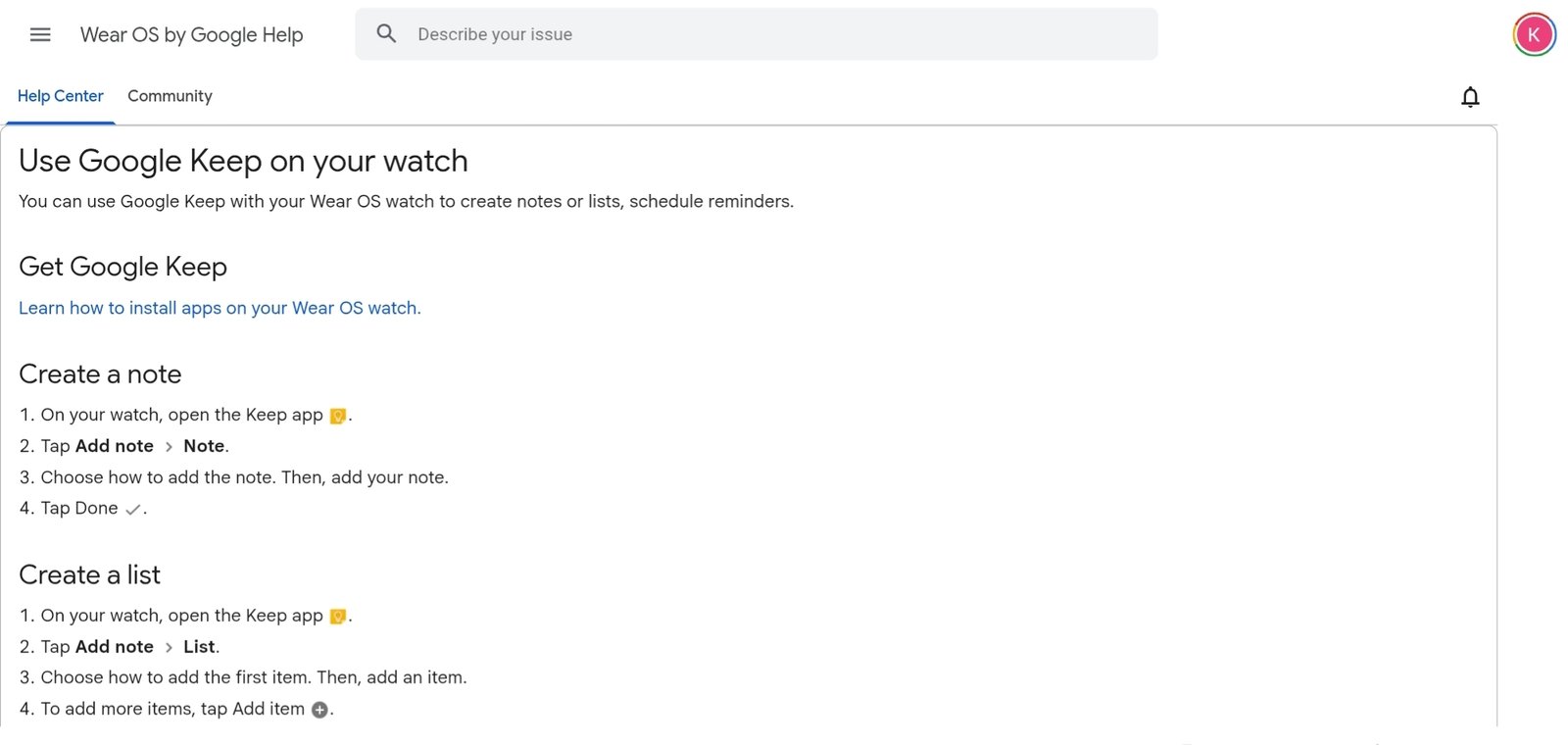
Google Keep is a simple, dependable note-taking tool that excels on Wear OS when you need quick ideas and reminders throughout a hectic workday.
You can compose voice notes, view pinned reminders, and check off checklist items on your watch without having to pull out your phone.
This makes Google Keep especially handy for office professionals who want to quickly capture thoughts or action items, whether they’re in a meeting, walking between meetings, or multitasking at their workstation.
The Wear OS experience concentrates on the fundamentals: simple voice entry, glanceable reminders, and straightforward checklist updates.
Notes sync in real time across your phone, tablet, and computer, so everything you write on your wrist is instantly available elsewhere.
Also Read: Best Smartwatches For Women In India [Women-Specific]
3. Outlook
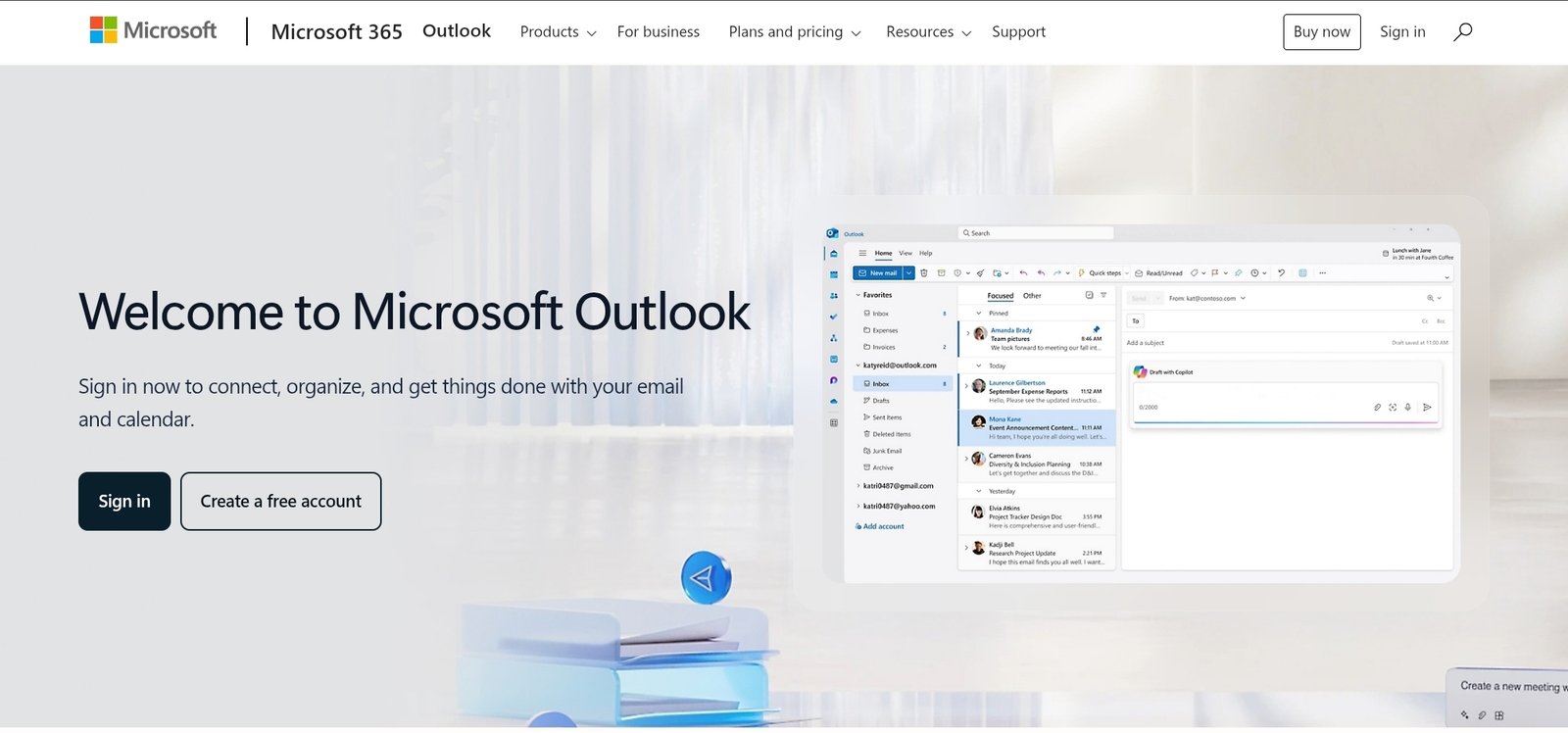
Outlook for Wear OS delivers a slice of your professional inbox and calendar to your wrist, allowing you to keep on top of email and schedule without continuously checking your phone.
The Wear OS app displays new message alerts, previews emails, and forthcoming calendar reminders using modest haptic feedback, making it suitable for hectic office settings when silence and focus are important.
For office professionals, this means you can quickly glance at essential messages and decide whether anything needs to be done right away or later.
Calendar reminders for meetings and appointments arrive quickly, lowering the risk of missed calls or late starts.
While you can’t compose whole emails on the watch, Outlook does offer fast replies and important actions like archive, delete, and mark as read, which helps with inbox triage during the workday.
4. WhatsApp
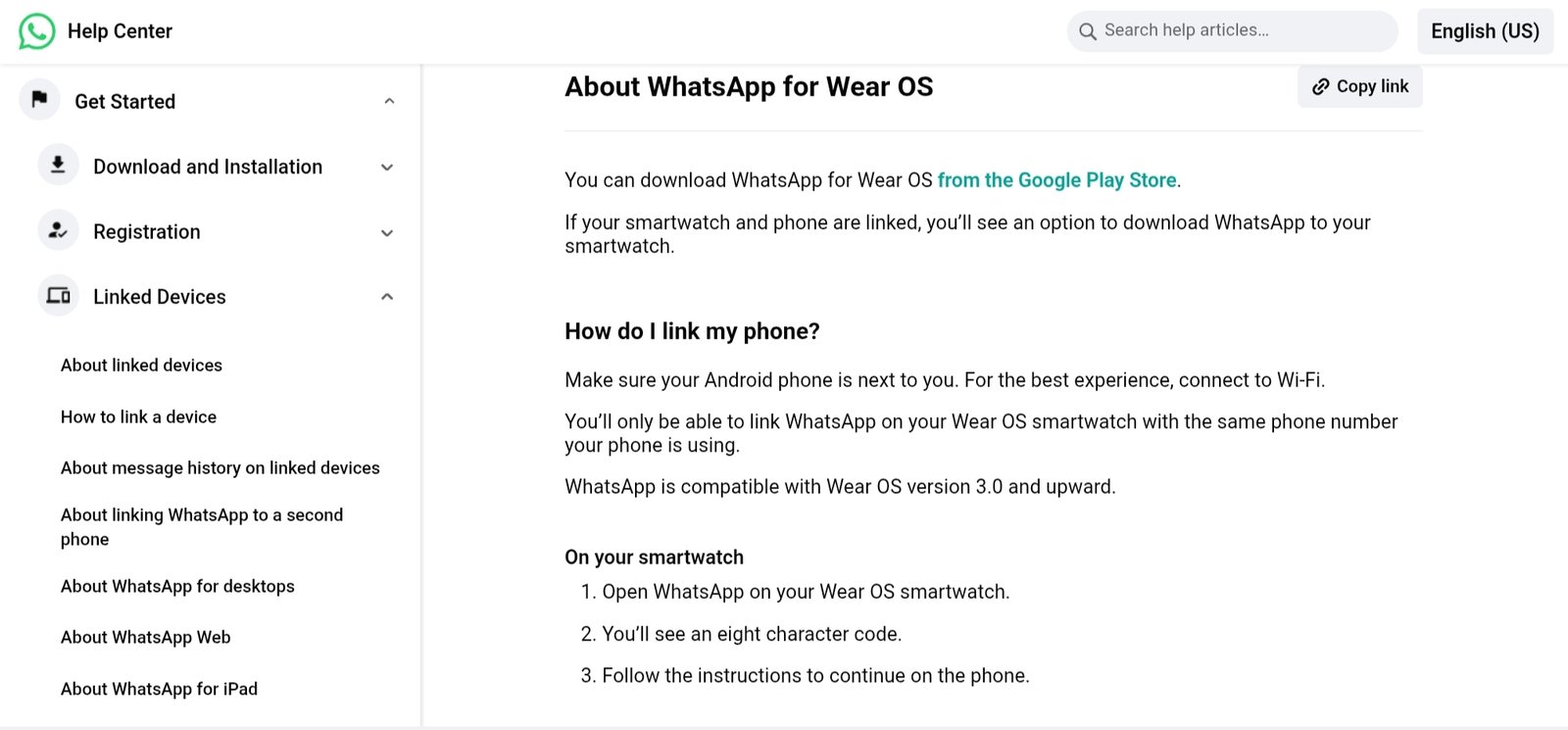
WhatsApp is one of the most popular messaging apps in professional and team settings, and its Wear OS integration makes it a useful communication tool in the workplace.
On a Wear OS wristwatch, you can receive message notifications, read incoming chats, and respond quickly without having to reach for your phone, which is very useful when you’re in meetings, walking between offices, or doing other chores.
For business use, the simplicity of seeing team messages and client updates at a glance allows you to keep informed without constantly checking your phone.
Prewritten replies, voice dictation, and emoji responses can all be used right from the watch, making it ideal for quick exchanges and confirmations.
Also Read: Best Smartwatches For Office Use In India [Professional & Stylish Picks]
5. Google Calendar
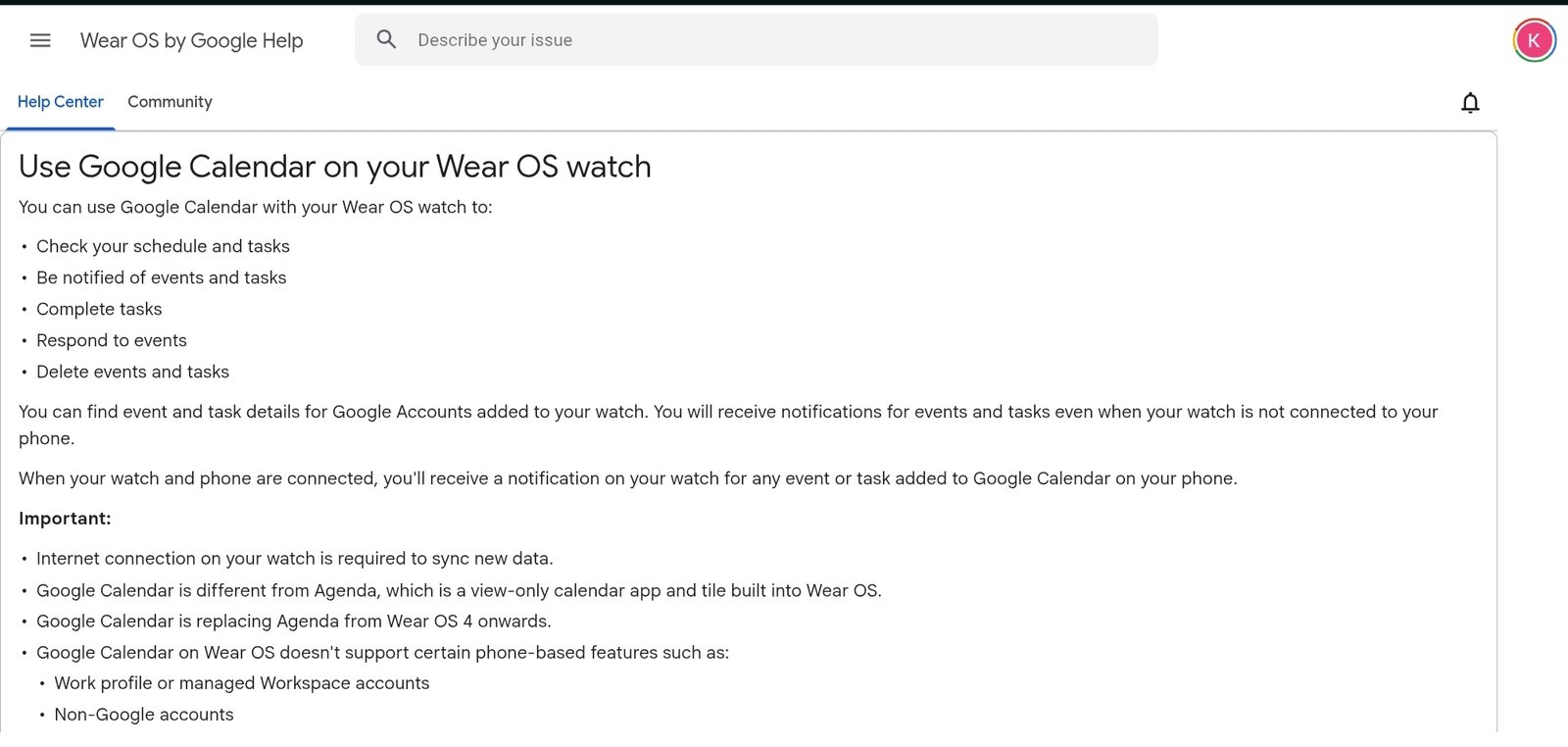
Google Calendar is one of the most useful Wear OS apps for professionals who need to manage meetings, deadlines, and daily schedules without having to continuously check their phones.
The software on Wear OS sends upcoming events, reminders, and schedule notifications directly to your wrist via mild vibrations and glanceable cards, ensuring you stay on time and prepared throughout the workday.
The most significant advantage for office use is instant visibility into your day – you can see what’s coming up, how much time you have before your next meeting, and whether there are any overlapping meetings, all without unlocking your phone.
Calendar alerts sync instantaneously with your Gmail and other calendars, so any updates from colleagues or postponed events display automatically.
6. Google Maps
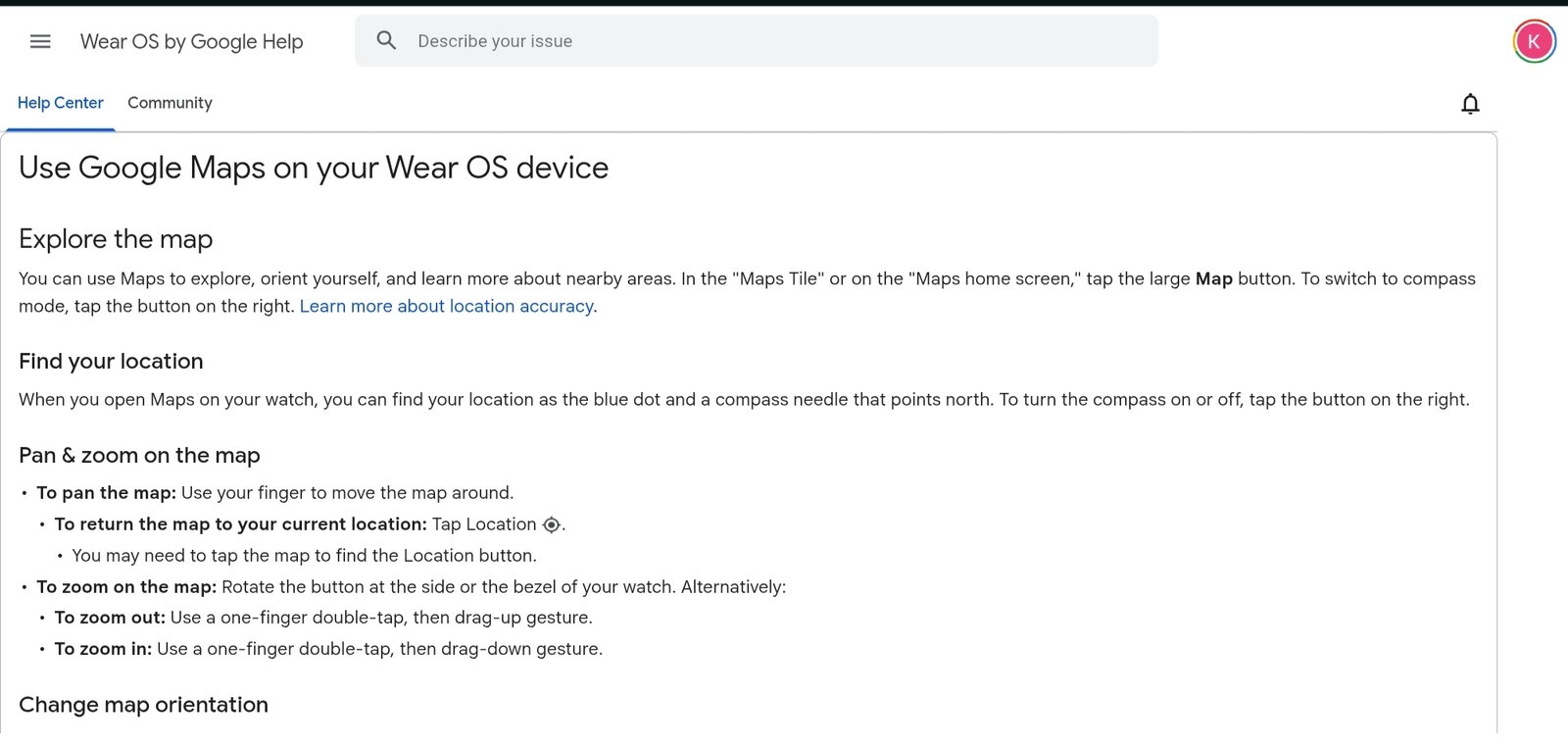
Google Maps on Wear OS provides practical navigation right to your wrist, which is especially beneficial for professionals who travel between meetings, client sites, and office locations throughout the day.
Instead of pulling out your phone while walking or commuting, your watch can provide turn-by-turn directions, anticipated arrival times, and route indications through gentle vibrations and glanceable updates.
In the workplace, this is more important than it appears: getting lost or delayed between appointments can interrupt your day, but quick, wrist-level navigation keeps you on track with minimal distraction.
The Wear OS interface concentrates on concise directions and next-step suggestions rather than complete maps, which is excellent for when you’re on the go and only need the basics.
Also Read: Best Premium Smartwatches In India [Options for Everyone]
7. Google Assistant (Gemini)
Google Assistant, powered by Gemini on newer Wear OS devices, is one of the most useful tools for hands-free productivity in the workplace.
It allows you to make reminders, add tasks, check your schedule, send brief messages, and get replies with easy voice commands—no phone involvement is required.
This is especially helpful for office workers when they are strolling between meetings, commuting, or multitasking at their workstation.
You may instantly provide orders like “remind me to follow up at 4 PM” or “what’s my next meeting?” and receive immediate results on your watch. This decreases friction and saves time during the day.
8. Slack (Wear OS Companion)
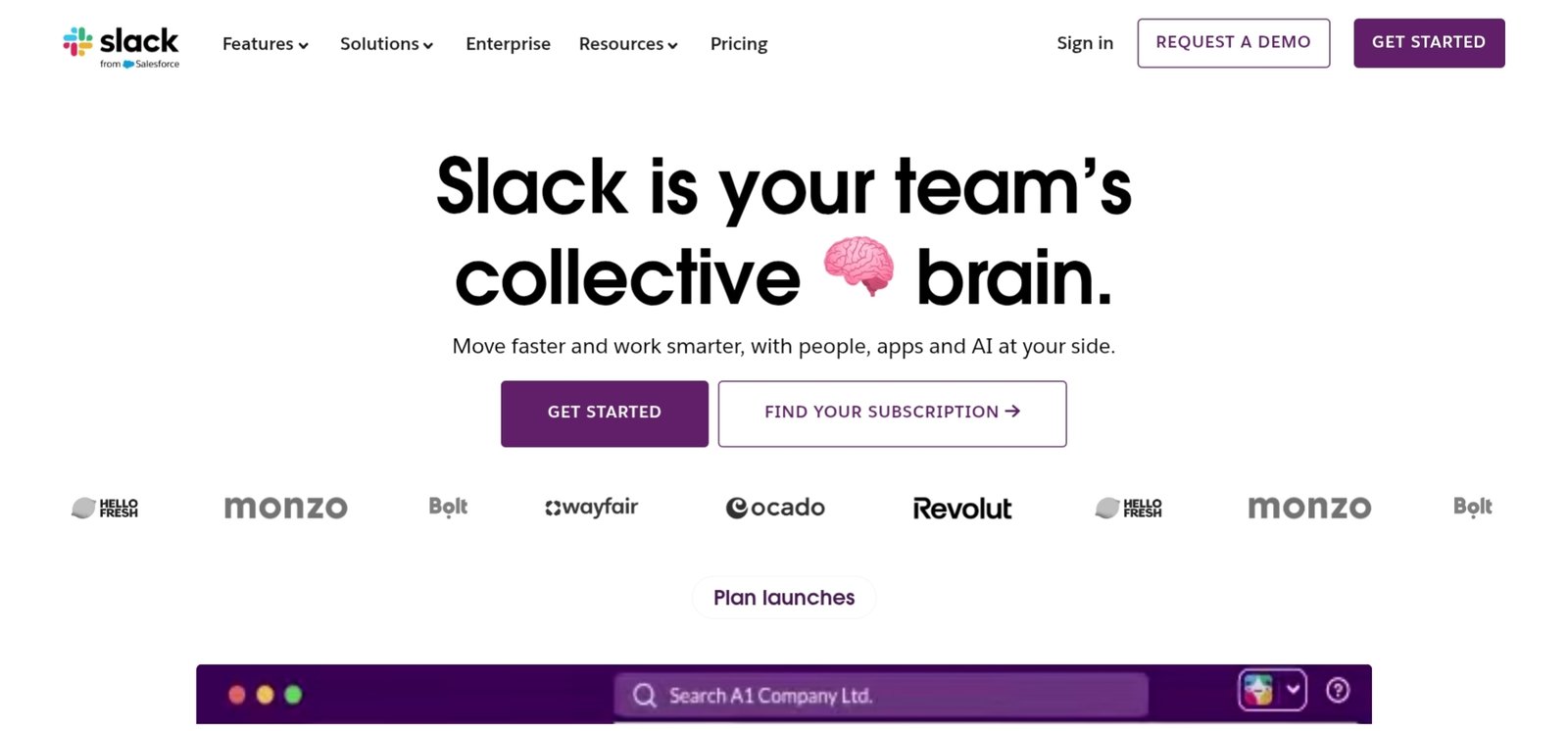
Slack is one of the most popular team communication networks in modern workplaces, and while it lacks a fully standalone Wear OS software, the Wear OS Companion connection still provides significant value to office professionals.
Wear OS alerts allow you to see incoming messages, thread replies, and short updates from the channels that matter most—right on your wrist.
This means that you can stay up to date on urgent team talks without continually checking your phone.
Important messages from project updates, mentions, and direct messages are displayed as glanceable notifications, and you can respond quickly from the watch using pre-set responses or voice dictation.
This allows you to stay on track without being distracted by your phone during meetings or intense work sessions.
Also Read: Best AMOLED Smartwatches Under ₹10000 in India
9. Voice Recorder / Wear Audio Recorder
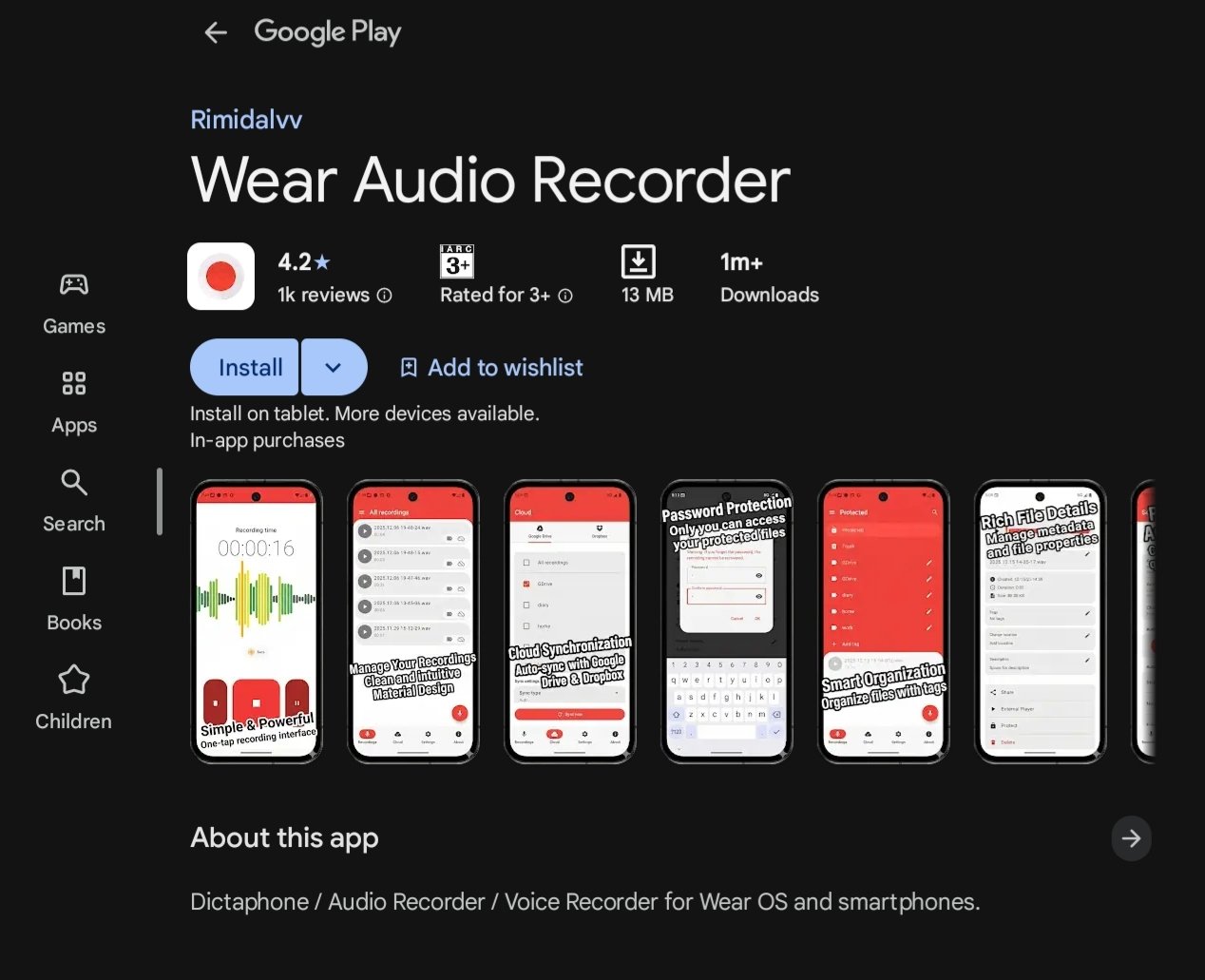
A Voice Recorder or Wear Audio Recorder app for Wear OS may not sound like a standard productivity tool, but it can be unexpectedly useful in the workplace.
With a single tap on your wrist, you may record brief voice memos, meeting highlights, thoughts, action items, or reminders without reaching for your phone or opening a notepad.
This is especially beneficial on fast-paced work days when thoughts arise between jobs or in settings where typing is impractical.
Voice notes are frequently used by office professionals to capture crucial points from spontaneous meetings, reminders for follow-up actions, client feedback, and inspiration while commuting.
10. Google Tasks
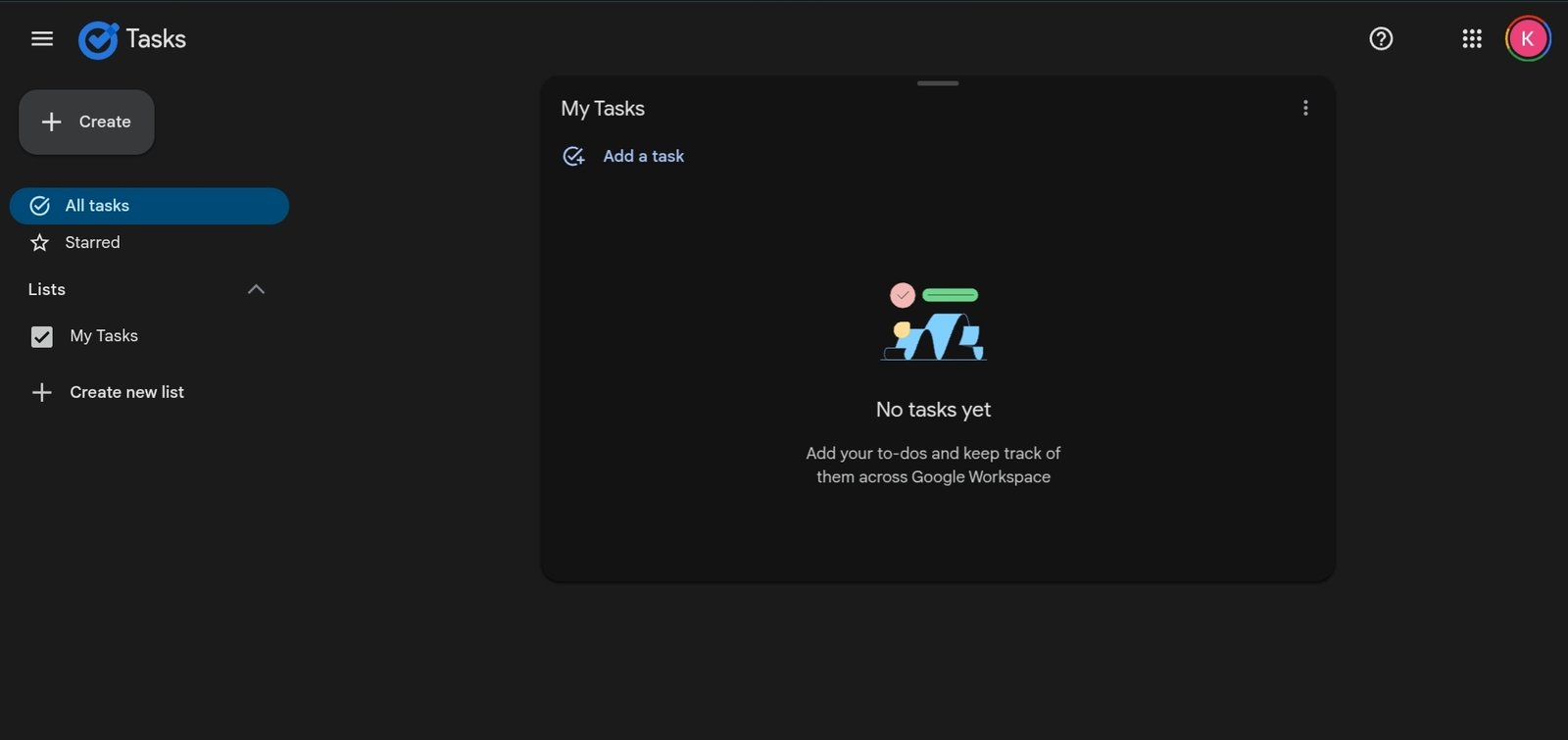
Google Tasks is a simple yet effective task manager that seamlessly interacts with Google Workspace, making it an excellent alternative for professionals who rely on Gmail and Google Calendar.
Wear OS focuses on easy access to your to-do list, allowing you to browse tasks, mark them off as you accomplish them, and keep on track with your plan throughout the day.
This Wear OS integration is ideal for office use because it allows you to quickly check your priorities without having to bring out your phone.
Whether you’re going to meetings, switching between work zones, or simply keeping track of your duties, having your task list on your wrist keeps you organized and intentional.
Also Read: How Smartwatches Are Revolutionizing Health Monitoring?
FAQs – Best Wear OS Apps for Office Use
Are Wear OS apps useful for office work?
Yes, when used with the right intent. Wear OS apps are most useful for quick, glance-based actions such as checking meeting reminders, viewing important messages, marking tasks complete, or setting reminders via voice.
Which Wear OS apps are best for professionals?
For office professionals, the most useful Wear OS apps fall into three categories: tasks, communication, and scheduling. Apps like task managers, note-taking tools, calendar apps, and messaging companions work best because they support real work scenarios.
Can Wear OS replace phone apps at work?
No, and it shouldn’t. Wear OS works best as a supporting layer, not a replacement.
Do Wear OS productivity apps drain battery?
Most office-focused Wear OS apps are lightweight and optimized for short interactions. Battery drain usually depends more on notification volume, screen usage, and background syncing than on the apps themselves.
Are Wear OS apps safe for office use?
Yes, reputable Wear OS apps from trusted developers follow Android security standards and rely on phone-level authentication and encryption.
Final Verdict – Are Wear OS Apps Worth Using for Office Work?
Wear OS apps are useful for office work, as long as expectations are explicit. They are support tools, not replacement phones or laptops.
Their true usefulness is in handling minor but frequent operations such as reminders, short checks, silent alarms, and hands-free instructions that keep your day flowing without losing attention.
More Articles
Top Smartwatch Apps You Didn’t Know You Needed
Best Smartwatches Under ₹2000 In India [Budget Picks]
Best Smartwatch Brands in India
Best Smartwatch Apps For Health and Fitness

Kanha is a electronics engineer, tech enthusiast, and writer at technicalstudies.in. His experience in tech, coupled with excellent writing skills, makes the text easy to understand and helps the reader make the correct decision. Outside of writing, Kanha is passionate about exploring new gadgets and gaming.