
Last updated on June 22nd, 2026 at 12:57 pm
Writing a YouTube script from scratch is time-consuming. You stare at a blank page, second-guess your hook, rewrite your intro three times, and somehow still feel like something’s missing.
That’s exactly why so many YouTube creators are turning to AI; not to replace their voice, but to get unstuck faster.
ChatGPT doesn’t write your script for you. It writes with you.
It helps you brainstorm ideas at 11 PM, structure your talking points before you’ve had coffee, and punch up a hook when your brain just isn’t cooperating.
The creativity still comes from you; ChatGPT removes the friction.
In this guide, I’ll discuss how to use ChatGPT for YouTube script writing, from a very first prompt to a fully structured, ready-to-record script.
You’ll also get 25 proven prompts you can copy, tweak, and use immediately, whether you’re running a personal channel or building a faceless YouTube channel content business.
So, let’s get started.
How Can ChatGPT Help YouTube Creators?
As we all know, when you give a prompt, a question, an instruction, or a piece of text to ChatGPT, it responds with human-like, contextually relevant content.
For YouTube content creation with AI, it’s less like a robot and more like a highly capable writing partner who’s always available and never runs out of ideas.
Understanding ChatGPT’s Role in Content Creation
Here’s where ChatGPT genuinely moves the needle for creators.
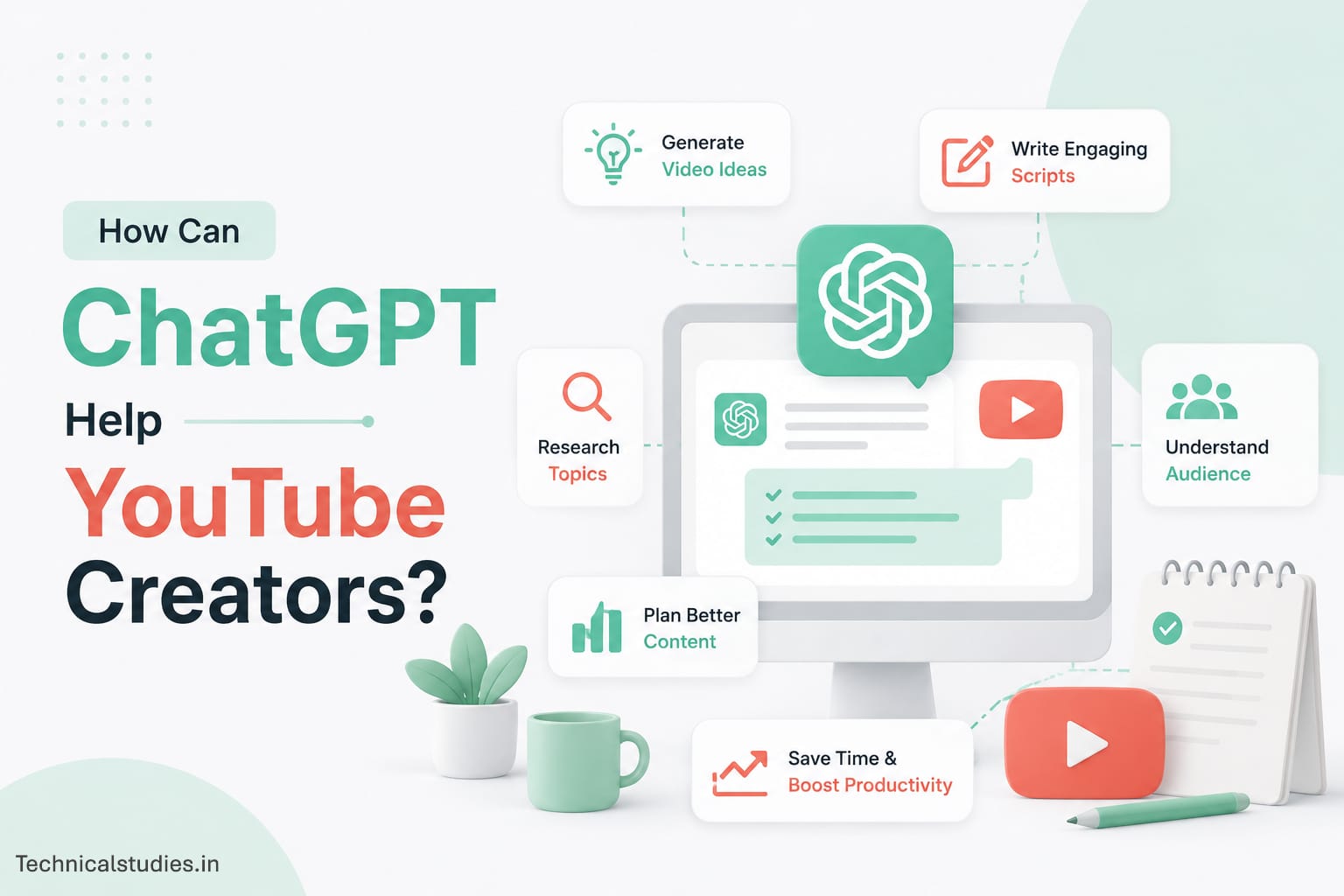
- Idea generation: Stuck on what to make next? Give ChatGPT your niche and audience, and it’ll generate dozens of video ideas in seconds.
- Research assistance: It can quickly summarize complex topics, giving you a solid starting point before you go deeper.
- Script outlining: Feed it your video topic, and it’ll build a logical, structured outline you can write from immediately.
- Hook creation: It can generate multiple hook variations so you’re not agonizing over your opening line.
- Content optimization: It can help you reframe points for clarity, tighten verbose sections, and match your tone to your audience.
What ChatGPT Can and Cannot Do
Strengths: ChatGPT is fast, tireless, and genuinely good at structure, variation, and ideation. It excels at giving you a strong first draft to work from, which is often the hardest part.
Limitations: It doesn’t know your audience the way you do. It can produce content that sounds generic, slightly off-brand, or factually outdated, especially on niche or time-sensitive topics.
The bottom line on editing: Every script ChatGPT helps you write needs your eyes on it before recording. Your personality, your experiences, your opinions – that’s what your audience actually subscribes for. ChatGPT sets the table. You bring the food.
Benefits of Using ChatGPT for YouTube Script Writing
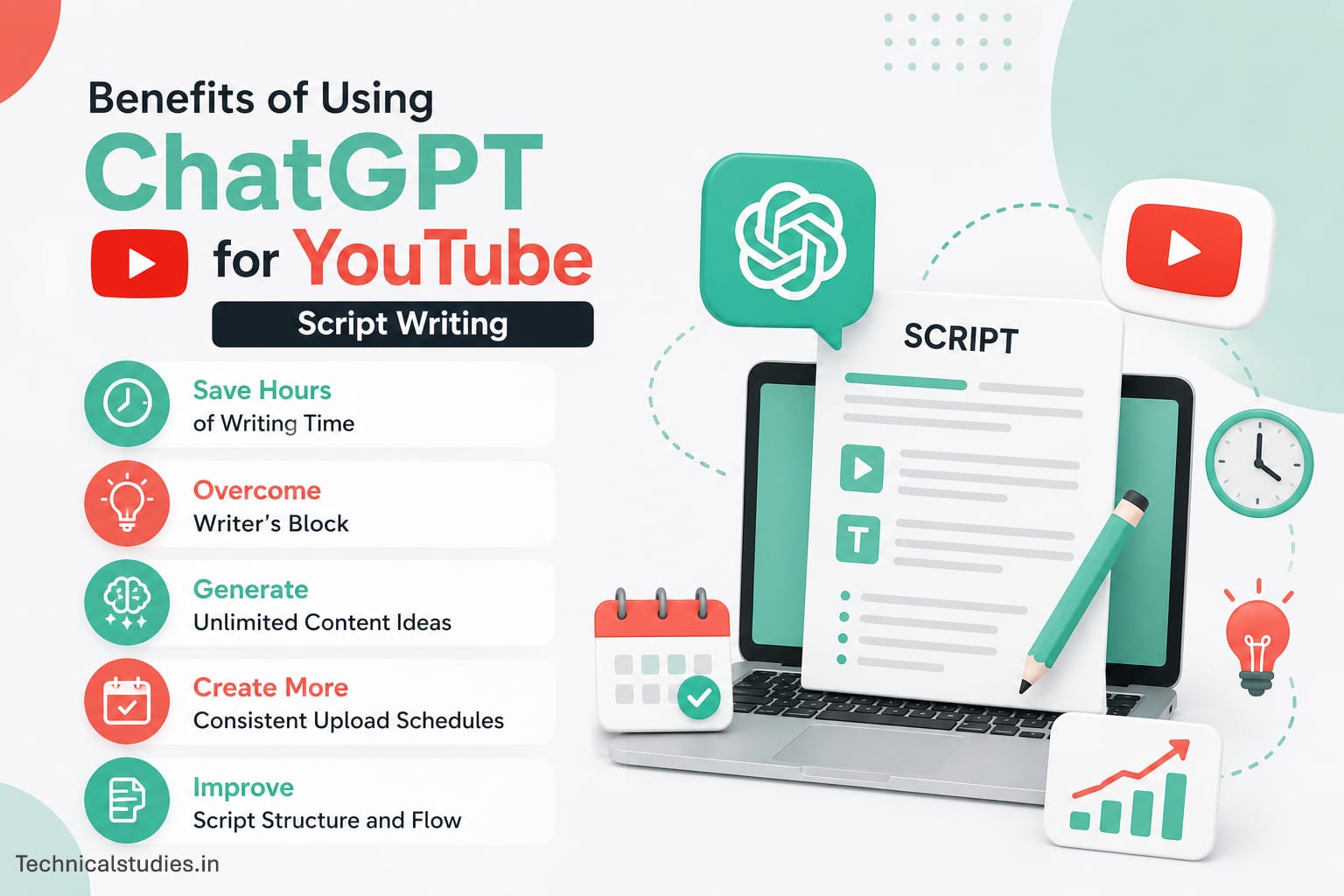
Save Hours of Writing Time
A script that used to take 3–4 hours can now take under an hour.
ChatGPT handles the heavy lifting of first drafts, outlines, and transitions, so you spend your time refining, not starting from zero.
For creators managing multiple videos a week, that time savings compounds fast.
Overcome Writer’s Block
You have a great video idea but no idea how to start. ChatGPT eliminates that paralysis.
Give it your topic and a little context about your audience, and it gives you something to react to immediately. Working from a rough draft is always easier than facing a blank page.
Generate Unlimited Content Ideas
Running out of ideas is one of the biggest reasons creators slow down or quit.
AI YouTube script writing tools like ChatGPT can generate weeks’ worth of video ideas in minutes, organized by subtopic, audience pain point, or content format. You’ll never sit there wondering “what should I make next?”
Create More Consistent Upload Schedules
Consistency is what builds a YouTube channel.
When scripting takes less time and mental energy, sticking to your upload schedule becomes realistic instead of exhausting.
ChatGPT helps you stay ahead of your content calendar instead of always catching up.
Improve Script Structure and Flow
ChatGPT understands narrative structure. It naturally organizes content with a clear intro, logical progression, and satisfying conclusion, which means fewer rambling videos and better audience retention.
Good structure isn’t just readable; it keeps viewers watching longer.
Step-by-Step: How to Use ChatGPT for YouTube Script Writing
This is the core workflow. Follow these steps once, and you’ll have a repeatable system for writing scripts faster without sacrificing quality.
Step 1: Define Your Video Topic and Audience
Before you type a single prompt, get clear on two things — what the video is about and who it’s for. ChatGPT’s output is only as good as the context you give it. A vague prompt gives you a generic script. A specific prompt gives you something usable.
Before opening ChatGPT, answer these questions:
- What is the exact topic of this video?
- Who is my target viewer? (age, interest level, pain points)
- What do I want them to feel, learn, or do after watching?
The more context you feed ChatGPT upfront, the less editing you’ll do later.
Step 2: Generate YouTube Video Ideas
If you have a niche but haven’t nailed down a specific angle yet, start here. ChatGPT is remarkably good at generating video ideas that match your audience’s search intent.
Try this prompt: “I run a YouTube channel about [your niche] for [your target audience]. Generate 10 video ideas that solve a specific problem or answer a common question my audience has.”
Don’t just pick the first idea that sounds good. Look for the one that sits at the intersection of what your audience wants to know and what you can speak about with genuine authority.
Step 3: Create a Detailed Script Outline
Once you have your topic, don’t jump straight into writing the full script. Ask ChatGPT to build you an outline first. This saves you from writing yourself into a structural dead end halfway through.
Try this prompt: “Create a detailed YouTube script outline for a video titled ‘[your video title].’ The target audience is [describe audience]. The video should cover [key points you want to hit]. Include an intro, main sections with subpoints, and a conclusion with CTA.”
A solid outline acts as your roadmap. Once it’s in front of you, you’ll immediately spot what’s missing, what’s in the wrong order, and what needs more depth.
Step 4: Write an Attention-Grabbing Hook
Your hook is the first 15–30 seconds of your video. It’s the difference between someone watching and someone clicking away. This is one of the areas where writing YouTube scripts with ChatGPT really pays off because generating multiple hook options takes seconds, and you can pick the strongest one.
Try this prompt: “Write 5 different hooks for a YouTube video about [topic]. The audience is [describe audience]. Try different approaches — a surprising fact, a bold statement, a relatable problem, a question, and a short story opener.”
Test a few options out loud. The best hook usually feels slightly uncomfortable to say because it’s direct, bold, and gets straight to the point.
Step 5: Generate the Main Script Sections
With your outline ready and your hook chosen, now you write the body of the script section by section.
Don’t ask ChatGPT to write the entire script in one go. You’ll get something bloated and generic. Instead, feed it one section at a time with specific instructions.
Try this prompt for each section: “Write the ‘[section name]’ part of my YouTube script. The topic is [topic]. Key points to cover: [list them]. Tone should be [conversational/educational/entertaining]. Keep it tight — no fluff.”
As each section comes back, read it out loud immediately; if it doesn’t sound like something you’d actually say, rewrite those lines in your own voice.
Step 6: Create a Strong Call-to-Action (CTA)
Most creators treat the CTA as an afterthought, a rushed “smash that like button” at the end. A well-written CTA actually gives viewers a reason to act. ChatGPT can help you write one that feels natural instead of salesy.
Try this prompt: “Write 3 different CTAs for a YouTube video about [topic]. One asking viewers to subscribe, one directing them to a related video, and one encouraging a comment. Make them feel conversational, not pushy.”
The best CTAs connect back to something said earlier in the video. They feel like a natural conclusion, not a commercial break.
Step 7: Edit and Humanize the Script
This step is non-negotiable. No matter how good the output is, a ChatGPT-generated script needs your fingerprints on it before it becomes your video.
Here’s a practical editing checklist:
- Read it out loud — anything that sounds awkward when spoken needs to be rewritten.
- Add personal stories or examples — these are the moments your audience connects with most, and ChatGPT can’t manufacture them.
- Cut anything generic — phrases like “in today’s world” or “it’s important to note” add nothing; delete them.
- Match your natural vocabulary — if you never say “utilize” in real life, change it to “use.”
- Fact-check anything specific — statistics, dates, claims — verify them before recording.
The goal isn’t to erase ChatGPT’s contribution. It’s to make the final script sound so naturally like you that no viewer would ever guess AI was involved in writing it.
How to Write High-Retention YouTube Scripts With ChatGPT
Start With a Powerful Hook
Your first line should make stopping feel like a bad idea. Ask ChatGPT to write hooks that open with a problem, a surprising fact, or a bold promise.
Something that makes the viewer think “I need to hear this.” A weak hook loses viewers before your video even begins.
Use Open Loops to Maintain Curiosity
Open loops are unanswered questions or unresolved statements that keep viewers watching because they want the payoff.
Something like “By the end of this video, you’ll know exactly why most creators fail at this — and how to avoid it.” Ask ChatGPT to plant 2–3 open loops early in your script and close them gradually throughout the video.
This is one of the most underused retention techniques in YouTube content creation with AI.
Break Content Into Clear Sections
Walls of information cause drop-off. Prompt ChatGPT to structure your script with clear, signposted sections, short transitions that tell viewers where they are and what’s coming next. This keeps the video feeling organized and the viewer feeling oriented.
Include Stories, Examples, and Analogies
Abstract points don’t stick — concrete examples do. Prompt ChatGPT with: “Explain [concept] using a relatable real-world analogy for [your audience].”
Then layer in your own personal stories on top. That combination of structure and authenticity is what separates forgettable videos from ones people share.
End With a Compelling CTA
Don’t just ask for a like. Give viewers a reason to act. Tie the CTA back to the value they just received and make the next step feel obvious.
Also Check: How to Use ChatGPT for Reels Script Writing (With Prompts and Examples)
25 Proven ChatGPT Prompts for YouTube Script Writing
These aren’t generic prompts. Each one is designed for a specific stage of the script writing process. Copy them, fill in the brackets with your details, and use them immediately.
Video Idea Generation Prompts
1. Generate 20 YouTube video ideas: “Generate 20 YouTube video ideas for a channel about [your niche]. My target audience is [describe audience]. Focus on topics that solve a specific problem, answer a common question, or satisfy strong curiosity. Include a mix of beginner and intermediate-level ideas.”
2. Find trending content opportunities: “What are the most searched and discussed topics in [your niche] right now? Suggest 10 YouTube video ideas based on current trends, common pain points, and frequently asked questions in this space.”
3. Suggest beginner-friendly topics: “I’m starting a YouTube channel about [niche]. Suggest 10 beginner-friendly video ideas that would appeal to someone who is completely new to this topic. Each idea should be specific, not broad.”
4. Create content pillar ideas: “Help me build a content pillar strategy for a YouTube channel in [niche]. Suggest 5 core content pillars and 4 video ideas under each pillar that I can consistently create content around.”
5. Generate viral topic angles: “Take this YouTube video topic — [your topic] — and give me 8 different angles I could approach it from. Include angles that are controversial, surprising, highly practical, and emotionally driven.”
Research and Outline Prompts
6. Create a detailed outline: “Create a detailed YouTube script outline for a video titled ‘[your video title].’ Target audience: [describe audience]. The video should cover [key points]. Include a hook, clear main sections with subpoints, transitions, and a CTA at the end.”
7. Identify key talking points: “I’m making a YouTube video about [topic] for [audience]. List the 8 most important talking points I should cover. For each point, explain in one sentence why it matters to my viewer.”
8. Summarize a complex topic: “Explain [complex topic] in simple, plain language that a complete beginner can understand. Break it down into clear steps or key ideas I can use as the foundation of a YouTube script.”
9. Create a tutorial structure: “Build a step-by-step tutorial structure for a YouTube video teaching [skill or process]. Each step should have a clear action, a brief explanation of why it matters, and a common mistake to avoid.”
10. Organize content logically: “Here are my raw notes for a YouTube video about [topic]: [paste your notes]. Organize these into a logical script structure with a clear flow from intro to conclusion. Group related ideas and remove anything redundant.”
Hook and Intro Prompts
11. Write 10 YouTube hooks: “Write 10 different hooks for a YouTube video about [topic]. Use a variety of approaches — a shocking statistic, a bold claim, a relatable problem, a what-if scenario, a direct challenge, and a curiosity gap. Each hook should be 1–3 sentences max.”
12. Create curiosity-driven openings: “Write 5 curiosity-driven opening lines for a YouTube video about [topic]. Each one should create an open loop — making the viewer feel they absolutely need to keep watching to get the answer.”
13. Generate problem-solution introductions: “Write a 60-second intro for a YouTube video about [topic]. Start by describing a problem my viewer is likely experiencing right now, then promise a clear solution that the video will deliver. Tone: conversational and direct.”
14. Write storytelling intros: “Write a storytelling-style intro for a YouTube video about [topic]. Open with a short, relatable scenario or mini-story that leads naturally into the main topic. Keep it under 90 seconds when spoken aloud.”
15. Create click-worthy script openings: “Write 5 script openings for a YouTube video titled ‘[your title].’ Each opening should match the energy of the title, immediately deliver on the click, and make the viewer feel they made the right choice by watching.”
Full Script Writing Prompts
16. Write a complete YouTube script: “Write a complete YouTube script for a video titled ‘[title].’ Target audience: [describe audience]. Tone: [conversational/educational/entertaining]. Length: approximately [X] minutes when spoken. Include a hook, clear sections, smooth transitions, and a CTA. Don’t use filler phrases or generic statements.”
17. Expand an outline into a script: “Here is my YouTube video outline: [paste outline]. Expand this into a full conversational script. Keep the tone natural and engaging — it should sound like a knowledgeable person talking directly to the viewer, not reading an essay.”
18. Create an educational video script: “Write an educational YouTube script that teaches [topic] to [audience]. Structure it so the viewer learns one clear concept at a time. Use simple language, real examples, and analogies to make complex ideas easy to understand.”
19. Write a comparison video script: “Write a YouTube script comparing [Option A] vs [Option B] for [target audience]. Cover the key differences, pros and cons of each, and end with a clear recommendation based on different viewer needs. Be direct — don’t sit on the fence.”
20. Create a product review script: “Write a YouTube product review script for [product name]. Include: a brief intro on who this product is for, first impressions, key features and how they perform in real use, what I liked, what disappointed me, and a final verdict. Tone: honest and conversational.”
Engagement and CTA Prompts
21. Generate audience engagement questions: “Give me 10 questions I can ask my audience during or at the end of a YouTube video about [topic]. The questions should spark genuine discussion in the comments — not yes/no questions, but ones that invite personal opinions and experiences.”
22. Write transition segments: “Write 5 smooth transition lines I can use between sections in a YouTube video about [topic]. Each transition should briefly close the previous point and naturally lead into the next one without feeling abrupt or scripted.”
23. Create subscriber CTAs: “Write 5 different subscribe CTAs for a YouTube video about [topic]. Each should give the viewer a specific reason to subscribe — based on the value they just received — rather than just asking them to hit the button.”
24. Write video conclusion scripts: “Write 3 different conclusions for a YouTube video about [topic]. Each should summarize the key takeaway in one or two sentences, reinforce the value the viewer just got, and end with a natural, conversational CTA.”
25. Suggest next-video teasers: “Suggest 5 next-video teaser lines I can use at the end of a YouTube video about [topic]. Each teaser should make the viewer curious about what’s coming next and feel like the logical continuation of what they just watched.”
Example: Using ChatGPT to Create a Complete YouTube Script
Nothing explains a workflow better than watching it in action. Let’s walk through a real example using a concrete topic — a YouTube video reviewing the Python for Data Science, AI & Development course on Coursera.
This is exactly the kind of video a tech education channel or faceless YouTube channel would produce.
Related: Best Online Course Platforms – Create and Sell Online Courses
The Prompt
Here’s the prompt I used to kick off the script:
“Write a complete YouTube script reviewing the ‘Python for Data Science, AI & Development‘ course on Coursera. Target audience: beginners who are considering learning Python for data science but aren’t sure if this course is worth their time. Tone: honest, conversational, and practical. Include a hook, a brief course overview, what the course covers, who it’s best for, what I liked, what could be better, and a final verdict with a CTA. No fluff.”
Notice how much context I packed into that prompt — the audience, the tone, the structure, and the intent. That’s what separates a usable output from a generic one.
The Generated Outline
ChatGPT returned this structure –
Hook: Open with the question every beginner asks — “Is Python actually hard to learn, or does it just feel that way?”
Course Overview
- Offered by IBM on Coursera
- Designed for absolute beginners — no prior coding experience needed
- Covers Python basics, data structures, working with data using Pandas and NumPy, and an introduction to APIs and web scraping
What the Course Covers
- Python fundamentals — variables, loops, functions, and conditions
- Working with data using Pandas and NumPy libraries
- Data visualization basics
- Hands-on labs using Jupyter Notebook
- Real-world projects including a web scraping exercise and an API data pull
Who It’s Best For
- Complete beginners with zero coding background
- People exploring data science before committing to a full bootcamp
- Self-learners who prefer structured, bite-sized lessons over long tutorials
What I Liked
- Hands-on labs after every module — you learn by doing, not just watching
- IBM-backed content gives it professional credibility
- Flexible pacing — completable in 4–6 weeks at a few hours per week
What Could Be Better
- Some video lessons feel slightly dated in production quality
- Advanced learners will outgrow it quickly — it’s strictly a beginner course
- The auto-graded quizzes can feel too easy to genuinely test understanding
Final Verdict + CTA
The Final Human-Edited Script
Here’s what the opening of the edited script actually looks like after a human pass.
“If you’ve been putting off learning Python because you think it’s too technical, this video is for you. I went through IBM’s Python for Data Science, AI & Development course on Coursera so you don’t have to guess whether it’s worth your time.
Here’s my honest take.
The course is built for absolute beginners, and it actually delivers on that promise. You start with the basics: variables, loops, functions. Nothing scary. But what makes it different from just watching YouTube tutorials is the hands-on labs. After almost every lesson, you’re writing real code inside a Jupyter Notebook, not just watching someone else do it.
By the end, you’re working with Pandas and NumPy, pulling data from APIs, and doing basic web scraping. For a beginner course, that’s a solid foundation.
Now, is it perfect? No. Some of the video lessons feel like they haven’t been updated in a while. And if you already have any coding experience, you’ll move through the early modules faster than the course expects. But for a true beginner trying to figure out if data science is even for them? It’s one of the most practical starting points I’ve come across.
My verdict — worth it, especially if you catch it on a Coursera free trial or subscription.”
Key Improvements Made
Here’s exactly what I changed between the raw ChatGPT output and the final script.
- Added a personal opinion — ChatGPT listed pros and cons neutrally; the edit added a genuine point of view, which is what viewers actually want from a review
- Cut corporate-sounding phrases — the original output included lines like “this course offers comprehensive coverage” — rewritten to sound like a real person talking
- Tightened the verdict — ChatGPT’s conclusion was three paragraphs; the edit trimmed it to four punchy sentences that land harder
- Injected specific details — mentioning Jupyter Notebook, Pandas, NumPy, and the free trial tip makes the review feel credible and genuinely informed
- Fixed the pacing — some sections ran too long for spoken delivery; sentences were shortened so the script flows naturally when read aloud
Can You Use ChatGPT for Faceless YouTube Channels?
Absolutely, and honestly, ChatGPT for faceless YouTube channels is one of the most practical applications of AI in the creator space right now. Faceless channels run entirely on script quality.
There’s no personality on camera to compensate for weak content, which means the writing has to do all the heavy lifting. That’s precisely where ChatGPT earns its keep.
Creating Educational Scripts
Educational content is the bread and butter of most faceless channels — think history, science, finance, and self-improvement.
ChatGPT can structure complex information into clear, digestible scripts that walk viewers through a topic step by step.
Prompt it with your topic, specify your audience’s knowledge level, and ask for simple language with real-world examples.
Creating List Videos
“Top 10” and “Best of” style videos are evergreen performers on YouTube.
ChatGPT can generate the list, research each point, and write the script around it faster than any manual process. Just make sure you verify the facts it includes.
Creating Explainer Content
“How does X work” videos perform consistently well across almost every niche. ChatGPT is particularly strong here because breaking down complex ideas into simple language is exactly what it’s built for.
Feed it the concept, ask for analogies and plain-language explanations, and you’ll have a solid explainer draft in minutes.
Creating Review and Comparison Videos
Product reviews and head-to-head comparisons are high-intent videos that attract viewers ready to make decisions.
ChatGPT can build the structure and talking points, but supplement it with actual product research and user reviews for credibility.
Maintaining Content Quality
Volume without quality kills channels fast. Use ChatGPT to scale your output, but never skip the editing step.
Every script still needs a human review for accuracy, tone, and originality before it goes to your voiceover artist or text-to-speech tool.
Frequently Asked Questions
Is ChatGPT good for YouTube script writing?
Yes, it’s genuinely useful for ideation, outlining, and first drafts. It won’t replace your voice, but it significantly cuts writing time and helps you stay consistent with uploads.
Can ChatGPT write entire YouTube scripts?
It can, but it shouldn’t do it alone. Full scripts need your personal stories, opinions, and voice layered in. Use ChatGPT as a strong starting point, not the finished product.
Is it okay to use AI-generated scripts on YouTube?
Yes. YouTube has no policy against AI-assisted content. What matters is that the final video delivers real value to viewers. Always edit, fact-check, and personalize before recording.
How do I make ChatGPT scripts sound more natural?
Read every line out loud. Replace formal phrases with how you actually talk. Add personal examples and cut anything that feels stiff. Your voice is what makes it worth watching.
What is the best prompt for YouTube script writing?
One that includes your topic, target audience, tone, and structure expectations. Specific, context-rich prompts consistently outperform vague ones — every time without exception.
Can ChatGPT help faceless YouTube channels?
Absolutely. Faceless channels depend entirely on script quality, making ChatGPT an ideal tool. It handles structure and content efficiently, letting you focus on volume and niche authority.
Final Thoughts
ChatGPT doesn’t make you a better creator by doing the work for you; it makes you more productive so you can focus on what actually matters: ideas, authenticity, and connection with your audience.
The benefits are real. Faster scripts, consistent uploads, fewer blank-page moments, and stronger structure across every video you make.
But creativity? That’s still entirely yours.
Start with the 25 prompts in this guide. See what works for your niche, your tone, and your audience. Then build your own workflow around it. The creators who use ChatGPT for YouTube script writing as a skill, not a shortcut, are the ones who win long-term.
Related Articles
Best Prompt Engineering Courses on Udemy
Best Artificial Intelligence Courses for Beginners
How To Build A Daily Learning Habit With Udemy?
Best AppSumo Lead Generation Tools for Small Businesses – Top Lifetime Deals You Shouldn’t Miss

TechnicalStudies was started by Neeladrinath with one simple idea — give Indian students a reliable place to figure out what’s actually worth their time and money. Every recommendation here is backed by careful research, real student feedback, and honest analysis. We cover online courses, laptops, smartwatches, software deals, and learning resources — all looked at from a student’s perspective, so you can spend less time guessing and more time learning.