

SaaS pricing rarely moves in one direction: down. Tools you signed up for at $15 a month quietly creep to $29, then $49, often tucked behind a “new tier” or “AI upgrade” you didn’t ask for. It’s not one bill that hurts.
It’s ten small ones stacking up until you’re paying more for software than for actual employees.
That’s where AppSumo lifetime deals earn their reputation. Pay once, use the tool for years, and skip the endless renewal cycle.
But not every deal deserves your money. Some tools get abandoned after launch, some don’t scale with your business, and some solve a problem you didn’t really have.
This guide isn’t a list of “cheap deals worth grabbing.” It’s a curated breakdown of the best AppSumo deals that genuinely replace expensive SaaS tools chosen for teams, founders, and solopreneurs who want affordable SaaS alternatives without gambling on unproven software.
Every recommendation here is evaluated on value, feature parity, product maturity, real user feedback, update frequency, and long-term usability, not just how big the discount looks.
How We Selected These AppSumo Deals
Not every listing on AppSumo deserves a spot on this list. Marketplaces are full of tools that look impressive on a sales page but fall apart after onboarding.
To keep this guide genuinely useful, each product was filtered through a stricter lens than “does it have a discount.”
Here’s what we actually checked before including anything.
- Real replacement potential – Can it genuinely take over from the SaaS tool you’re paying for, not just mimic a few features?
- Feature completeness – Does it cover the core workflow, or does it force you back to your old subscription?
- Ease of migration – Can you move your data, workflows, or team over without weeks of manual rework?
- Active product development – Is the team still shipping updates, or did the last release happen two years ago?
- Customer support quality – Real response times, not just a support ticket that vanishes.
- User ratings and reviews – What actual buyers say, beyond the launch-week hype.
- Value vs. annual subscription costs – Does the one-time price meaningfully beat what you’d pay a SaaS vendor over 2–3 years?
- Best fit – Whether it suits freelancers, creators, startups, agencies, or small teams specifically.
Therefore, the tools you see here provide value for money and genuinely help you in your business.
Before You Replace Any SaaS Tool
A cheap lifetime deal can still be a bad decision. That’s worth saying upfront, because the temptation to swap tools purely to save money trips up a lot of buyers.
Start with integrations. If your current tool connects to your CRM, email platform, or payment processor, and the replacement doesn’t, you’re not saving money; you’re creating manual work that eats into your week.
Then think about migration. Moving years of data, templates, or client history isn’t always a clean export-import job. Sometimes it’s genuinely painless. Sometimes it’s a weekend you’ll never get back.
The learning curve matters too, especially if your team is already fluent in the old tool. A “cheaper” option that slows everyone down for a month isn’t actually cheaper.
If you’re working with a team, check whether the tool supports real collaboration, shared logins, permission levels, and multi-user access, not just a single-seat license dressed up as a business plan.
And lastly, look at the company behind the product. A one-time payment only pays off if the tool sticks around. A dead product with no updates is a deal that expires the moment support goes quiet.
Here’s the Quick Comparison Table section:
Quick Comparison Table – Best AppSumo Deals that Replace Expensive SaaS Tools
Sometimes you just want the numbers side by side. Here’s every deal from this guide in one place. Monthly cost of the SaaS tool it replaces, the lifetime price, and roughly how many months it takes to break even.
| SaaS Tool Replaced | Monthly Cost | AppSumo Alternative | Lifetime Price | Est. Break-even | Best For |
|---|---|---|---|---|---|
| Jasper AI + Miro | $69/mo | Poppy AI | $279 | ~4 months | Content creators, marketers |
| Mailchimp | $100/mo | SendFox | $29 | <1 month | Creators, podcasters |
| Wispr Flow | $15/mo | Amical | $49 | ~3 months | Writers, remote teams |
| Calendly | $12/mo | TidyCal | $29 | ~2 months | Coaches, solopreneurs |
| Otter.ai | $17/mo | Letterly | $89 | ~5 months | Executives, marketers |
| Intercom | $29+/mo | DM Champ | $59 | ~2 months | Agencies reselling support |
| Copy.ai / Jasper | $29/mo | Prompt Architects | $39 | ~1.3 months | Prompt-heavy AI users |
| Zoom Webinars | $92/mo | GoBrunch | $89 | <1 month | Event hosts, educators |
| Lemlist | $69/mo | SalesBlink | $79 | ~1 month | Sales teams, marketers |
| Rebrandly | $32/mo | Switchy | $39 | ~1.2 months | Creators, agencies |
| Otter.ai (real-time) | $13/mo | Hedy AI | $179 | ~14 months | Consultants, negotiators |
| Teachable | $89/mo | OnlineCourseHost.com | $99 | ~1.1 months | Course creators, educators |
| Hootsuite | $99/mo | Sociamonials | $69 | <1 month | Marketers running contests |
| Lusha | $52/mo | LeadRocks | $79 | ~1.5 months | Recruiters, sales teams |
| Bitly | $29/mo | CutMe Short | $59 | ~2 months | Agencies, social marketers |
| ActiveCampaign | $99/mo | INBOX | $99 | ~1 month | Ecommerce, small business |
| Uniqode (Beaconstac) | $49/mo | ElkQR | $39 | <1 month | Ecommerce, event organizers |
| Copy.ai | $29/mo | Katteb | $39 | ~1.3 months | Bloggers, SEO-focused writers |
| Hotjar | $80/mo | TruConversion | $79 | ~1 month | Marketers, SaaS teams |
| Copy.ai / Jasper | $29/mo | Writeseed | $44 | ~1.5 months | Bloggers, copywriters |
| SEMrush | $140/mo | Writecream | $59 | <1 month | SEO-focused marketers |
| SEMrush | $140/mo | Labrika | $68 | <1 month | Agencies, small businesses |
Best AppSumo Deals that Replace Expensive SaaS Tools
1. Poppy AI
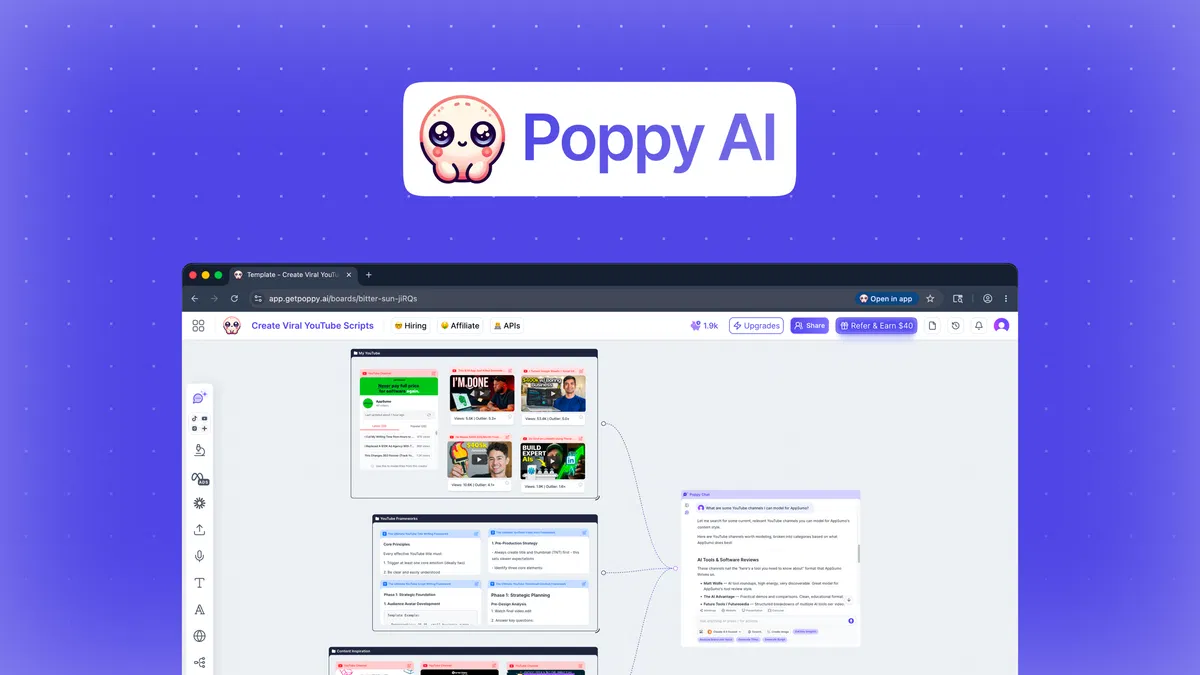
What It Replaces: Jasper AI, Miro (combined into one visual, AI-assisted content workspace)
Why People Pay for the Original Tool
Content teams typically juggle two separate subscriptions to get from “raw research” to “finished post.”
Jasper handles the AI writing but expects you to feed it a blank prompt. Miro handles the visual brainstorming but has zero writing intelligence.
Neither tool actually understands your sources. You’re still watching the YouTube video, reading the PDF, and manually pasting notes before any content gets written.
Why This AppSumo Deal Is Worth Considering
Poppy AI collapses that two-tool workflow into one canvas. You drag in YouTube videos, TikToks, PDFs, voice notes, and links directly onto a board, and the AI reads them for you, pulling hooks, summaries, and angles without you watching or re-reading anything.
It also connects to ChatGPT and Claude within the same workspace, so you’re not tab-switching between research and writing.
The standout feature is brand memory: once set, it remembers your voice and style across every board, so outputs consistently sound like you instead of generic AI. It also supports live team collaboration on the same canvas.
Feature Comparison
| Feature | Jasper AI (Pro) | Poppy AI |
|---|---|---|
| AI writing | Yes | Yes |
| Visual canvas/mind-mapping | No (needs Miro) | Yes |
| Import video/audio/PDF sources | Limited | Yes |
| Brand voice memory | Limited (2 voices) | Yes (3–10+ by tier) |
| Multi-user collaboration | No (1 Seat) | Yes (Tier 4+) |
| API / BYOK access | No | Yes (Tier 4+) |
Pricing Comparison
- Jasper Pro monthly cost: ~$69/month
- Jasper Pro annual cost: ~$708/year
- Poppy AI lifetime cost: $279 (Tier 1, one-time)
Estimated savings after:
- 1 year: ~$429
- 2 years: ~$1,137
- 3 years: ~$1,845
(Savings scale further once you factor in Miro’s separate subscription, which Poppy AI’s canvas also replaces.)
Best For
Content creators, marketing agencies, social media marketers, and solopreneurs who research from video/audio sources and want writing + planning in one place.
2. SendFox
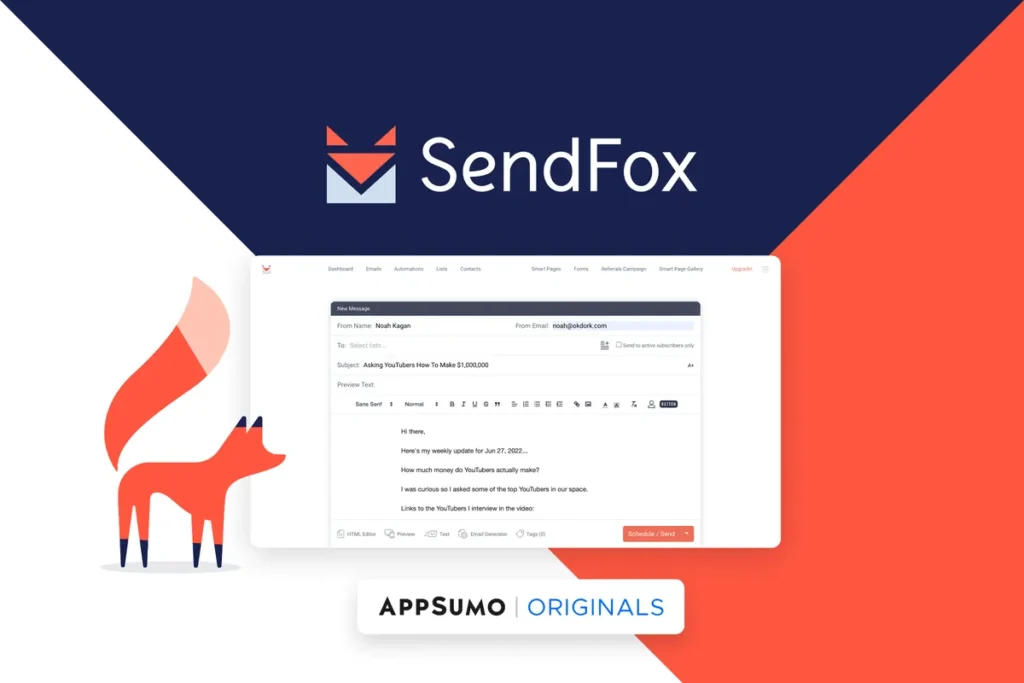
What It Replaces: Mailchimp, ConvertKit, Klaviyo
Why People Pay for the Original Tool
Email marketing pricing is built around one uncomfortable fact: the bigger your list gets, the more you pay, regardless of how often you actually email them.
Mailchimp’s Standard plan jumps to roughly $80/month once you hit 5,000 contacts, and that’s before factoring in unsubscribed contacts, which Mailchimp still counts toward your bill.
For a creator or small business sending a handful of newsletters a month, that pricing model punishes growth instead of rewarding it.
Why This AppSumo Deal Is Worth Considering
SendFox strips email marketing down to what most creators actually need: newsletters, automations, forms, and landing pages, without the contact-count treadmill.
The lifetime deal is built by the AppSumo team itself, which means it had eight years of continuous development rather than a fresh, unproven launch.
It ships with 300,000 lifetime email sends and room for 5,000 contacts, plus unlimited automations, forms, and landing pages at every tier.
Deliverability comes built-in through SendFox’s own sending infrastructure, so there’s no need to configure a separate SMTP server. It also includes API and AI-agent access, letting it connect to tools like Zapier, ChatGPT, or Claude directly.
Feature Comparison
| Feature | Mailchimp (Standard) | SendFox |
|---|---|---|
| Contacts included | 5,000 | 5,000 |
| Monthly cost at 5,000 contacts | ~$80/month | $0 (one-time) |
| Unsubscribed contacts billed | Yes | No |
| Landing pages | Limited | Unlimited |
| Automations | Included | Unlimited |
| API / AI-agent access | Limited | Yes |
Pricing Comparison
- Mailchimp Standard monthly cost: ~$80/month (at 5,000 contacts)
- Mailchimp Standard annual cost: ~$960/year
- SendFox lifetime cost: $29 (one-time)
Estimated savings after:
- 1 year: ~$931
- 2 years: ~$1,891
- 3 years: ~$2,851
Best For
Content creators, podcasters, YouTubers, and solopreneurs who want simple, reliable email marketing without a bill that grows alongside their list.
3. Amical
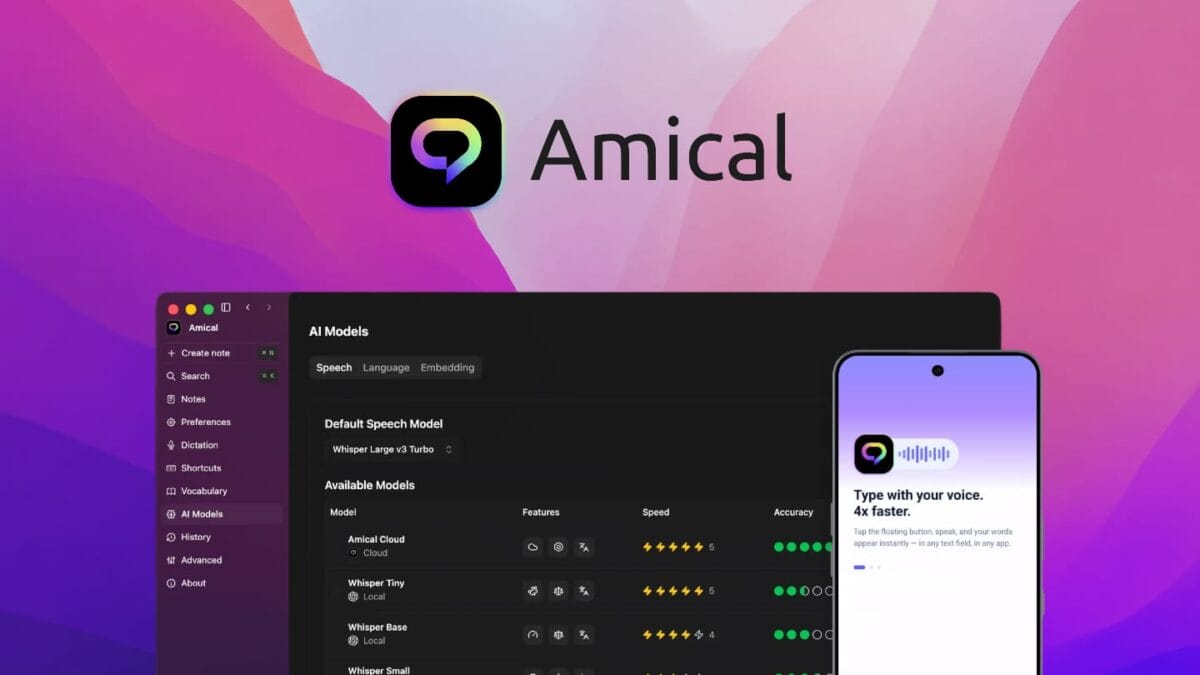
What It Replaces: Grammarly, Otter.ai, Wispr Flow
Why People Pay for the Original Tool
AI dictation and writing-assistance tools have quietly become subscription staples for anyone who writes for a living.
Wispr Flow, one of the more popular voice-to-text tools, charges $15/month (or $144/year on the annual plan) once you exceed its free tier’s weekly word cap, and that’s for one person on one account.
Add a Grammarly subscription for writing polish or Otter.ai for meeting transcription, and a writer or remote worker can easily be paying three separate monthly fees just to get words out of their head and onto the screen.
Why This AppSumo Deal Is Worth Considering
Amical turns speech into formatted text in any app, email, Slack, or social posts, and adjusts its formatting based on where you’re typing, so a WhatsApp message doesn’t come out sounding like a business email.
The standout feature is the choice between local and cloud AI: you can run transcription entirely on-device for privacy, or switch to cloud models for extra speed, with zero audio retention either way.
It supports 100+ languages, including mixed-language dictation in a single session, and it’s fully open-source, which means the company can’t simply vanish and take your workflow with it.
Unlike Wispr Flow, which is cloud-only, Amical gives you the offline option Wispr doesn’t offer at any price.
Feature Comparison
| Feature | Wispr Flow (Pro) | Amical |
|---|---|---|
| Local/offline transcription | No (cloud-only) | Yes |
| Cloud transcription option | Yes | Yes |
| Monthly word cap | Unlimited on paid plan | 200,000/mo cloud, unlimited local |
| Platforms | Mac, Windows, iOS, Android | Mac, Windows, iOS, Android |
| Custom vocabulary | Yes | Yes |
| Open-source | No | Yes |
Pricing Comparison
- Wispr Flow Pro monthly cost: $15/month
- Wispr Flow Pro annual cost: $144/year
- Amical lifetime cost: $49 (Tier 1, one-time)
Estimated savings after:
- 1 year: ~$95
- 2 years: ~$239
- 3 years: ~$383
Best For
Content creators, remote teams, and solopreneurs who write constantly and want a faster, more private alternative to typing.
4. TidyCal
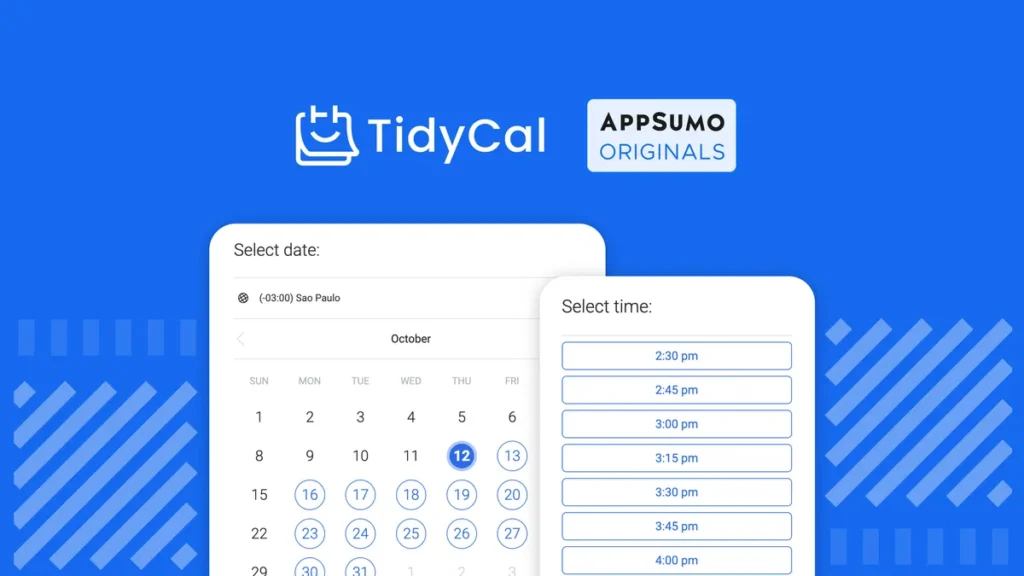
What It Replaces: Calendly, Doodle
Why People Pay for the Original Tool
Scheduling tools feel like a small expense until you add up what Calendly actually charges. Standard runs $10–$12/month per user, and the moment you need payment collection, custom branding, or team scheduling, you’re often pushed toward the Teams plan at $16–$20/month per user.
For solopreneurs and small agencies booking client calls every day, that’s a recurring cost for something as simple as “let people pick a time on my calendar.”
Why This AppSumo Deal Is Worth Considering
TidyCal was built specifically as a simpler, cheaper alternative to Calendly, and the lifetime price reflects that mission directly.
For a one-time $29, you get unlimited booking types, unlimited monthly bookings, paid bookings via Stripe or PayPal, and 10 integrated calendars.
It also includes package and subscription sales, so clients can pay upfront for multiple sessions, plus automatic review collection to build credibility on your booking page.
The team has shipped roughly 200 updates in the first half of 2025 alone, and the product has processed over $9 million in paid bookings for its users.
Feature Comparison
| Feature | Calendly (Standard) | TidyCal |
|---|---|---|
| Unlimited event/booking types | Yes | Yes |
| Payment collection (Stripe/PayPal) | Yes | Yes |
| Package/subscription sales | No | Yes |
| Calendar connections | Multiple | 10 (Individual) / 25 (Agency) |
| Client review collection | No | Yes |
| Team scheduling | Teams plan only | Agency plan |
Pricing Comparison
- Calendly Standard monthly cost: ~$12/month per user
- Calendly Standard annual cost: ~$120/year per user
- TidyCal lifetime cost: $29 (Individual Plan, one-time)
Estimated savings after:
- 1 year: ~$91
- 2 years: ~$211
- 3 years: ~$331
Best For
Online coaches, small business owners, and solopreneurs who book client calls regularly and want to collect payment without paying a monthly scheduling fee.
5. Letterly
What It Replaces: Otter.ai, Wispr Flow
Why People Pay for the Original Tool
Voice-to-text tools tend to split into two camps: dictation apps that turn speech into text as you type, and meeting-recorder apps like Otter.ai that transcribe conversations. Most people end up paying for both.
Otter’s Pro plan alone runs $16.99/month with a 1,200-minute cap and only 10 file imports a month. Hit those limits mid-project, and you’re stuck waiting for a reset or upgrading again.
Add a separate dictation subscription like Wispr Flow at $15/month, and voice-to-text becomes a $30+/month habit for something that used to just be talking.
Why This AppSumo Deal Is Worth Considering
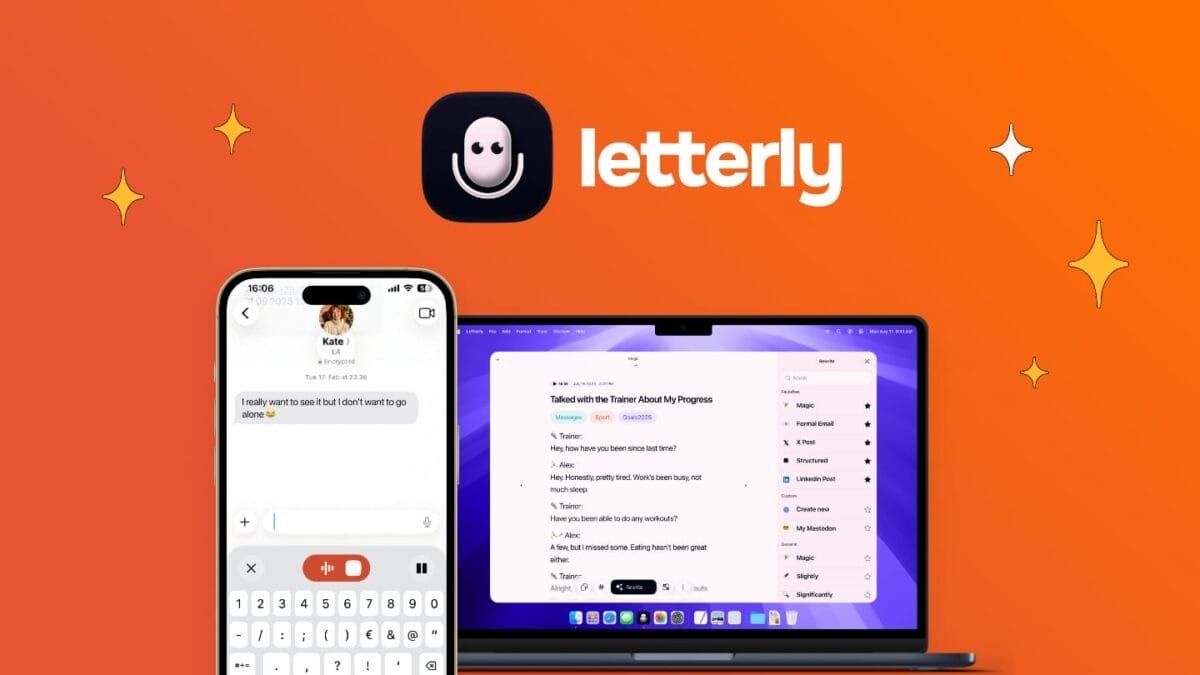
Letterly combines both use cases, in-app dictation and standalone voice recording, into one lifetime purchase, with no word or minute limits on any tier, including the base plan.
You can dictate directly into any app on Mac, Windows, iOS, or Android, or hit record to capture meetings, lectures, or brainstorms and get a structured note back in seconds.
It also connects to Claude and ChatGPT through MCP, letting you prompt an AI to act directly on your notes, and syncs across every device including Apple Watch.
Since its original AppSumo launch, the founders have shipped a Windows app, in-app dictation, and MCP support based directly on user feedback.
Feature Comparison
| Feature | Otter.ai (Pro) | Letterly |
|---|---|---|
| Meeting recording/transcription | Yes | Yes |
| In-app dictation | No | Yes |
| Monthly minute/word limits | 1,200 min/month | Unlimited |
| File imports per month | 10 | Unlimited |
| MCP (Claude/ChatGPT) connection | No | Yes |
| Apple Watch support | No | Yes |
Pricing Comparison
- Otter.ai Pro monthly cost: $16.99/month
- Otter.ai Pro annual cost: ~$99.96/year
- Letterly lifetime cost: $89 (1 Code, one-time)
Estimated savings after:
- 1 year: ~$11
- 2 years: ~$111
- 3 years: ~$211
Best For
C-suite executives, content creators, and marketers who need both quick dictation and full meeting/idea capture without juggling two subscriptions.
6. DM Champ
What It Replaces: Intercom
Why People Pay for the Original Tool
Intercom is one of the most capable customer messaging platforms available, but its pricing is built for scale, not for agencies trying to resell service to multiple clients.
The Essential plan starts at $29/seat/month, and Fin, Intercom’s AI agent, adds $0.99 per resolution on top of that.
For an agency managing five client accounts, that’s five separate seat costs plus unpredictable per-resolution fees, and there’s no built-in way to white-label the platform and resell it under your own brand.
Why This AppSumo Deal Is Worth Considering
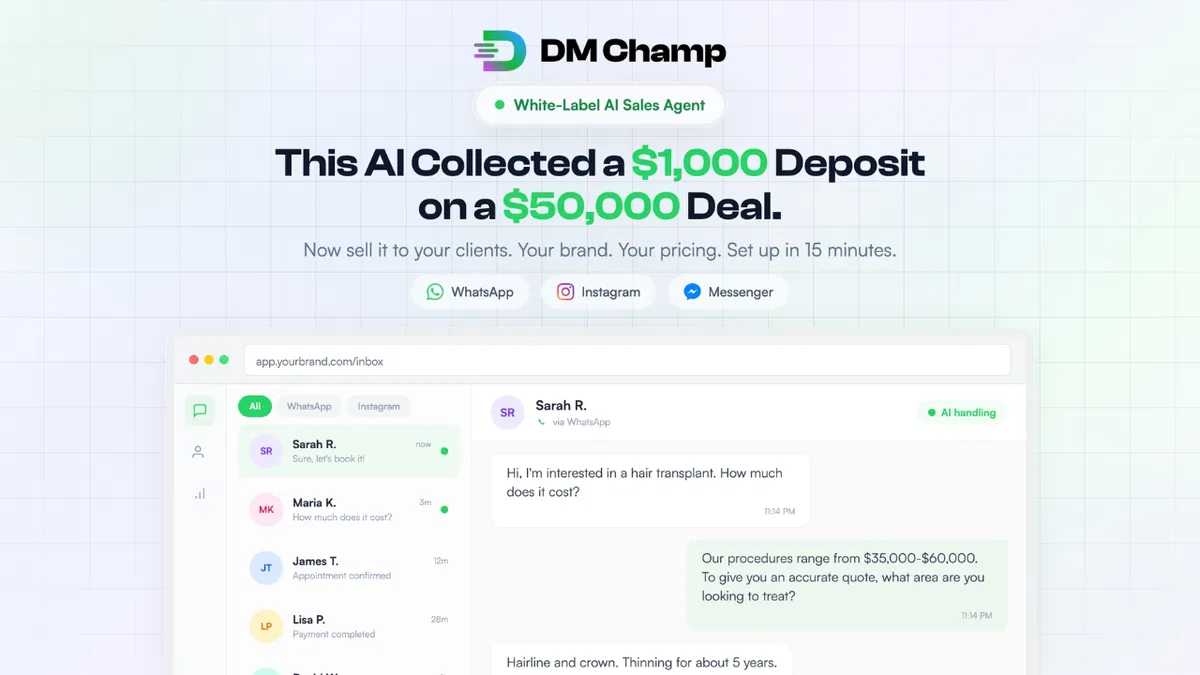
DM Champ flips the model: instead of paying per seat to use a messaging tool, you buy the platform once and resell it to your own clients, keeping 100% of whatever you charge them.
It’s a full AI sales agent that handles WhatsApp, Instagram, and Messenger conversations, qualifies leads, handles objections, books appointments, and can even collect deposits without a human in the loop.
Setup takes about 15 minutes per client since the AI builds its own knowledge base from the client’s website.
Higher tiers unlock full white-label branding, custom domains, and unlimited sub-accounts, meaning an agency owner can run this as their own SaaS product rather than a tool they merely use internally.
Feature Comparison
| Feature | Intercom (Essential) | DM Champ |
|---|---|---|
| Per-seat monthly cost | $29+/seat | $0 (one-time) |
| AI resolution fees | $0.99/resolution | Included in credits |
| White-label reselling | No | Yes (Plan 2+) |
| WhatsApp/Instagram/Messenger | Add-on/limited | Native |
| Appointment booking + deposits | No | Yes |
| Client sub-accounts | No | Yes (Plan 2+) |
Pricing Comparison
- Intercom Essential monthly cost: $29+/seat/month (plus $0.99/resolution)
- Intercom Essential annual cost: ~$348+/year/seat (plus resolution fees)
- DM Champ lifetime cost: $59 (Plan 1, one-time)
Estimated savings after:
- 1 year: ~$289+ (single seat, before AI resolution fees)
- 2 years: ~$637+
- 3 years: ~$985+
Best For
Freelancers, marketing agencies, and solopreneurs who want to sell an AI-powered sales/support tool to their own clients rather than just use one internally.
7. Prompt Architects
What It Replaces: Copy.ai, Jasper
Why People Pay for the Original Tool
AI writing tools like Copy.ai and Jasper charge monthly for something a lot of users could partly solve themselves with better prompts.
They just don’t have time to become prompt engineers. Copy.ai’s entry-level Chat plan runs $29/month, and Jasper’s Pro plan starts around $69/month, both mainly for structured templates and unlimited word generation.
But neither tool actually teaches you to get better results from the AI models you already have access to. They’re locked to their own platform.
Why This AppSumo Deal Is Worth Considering
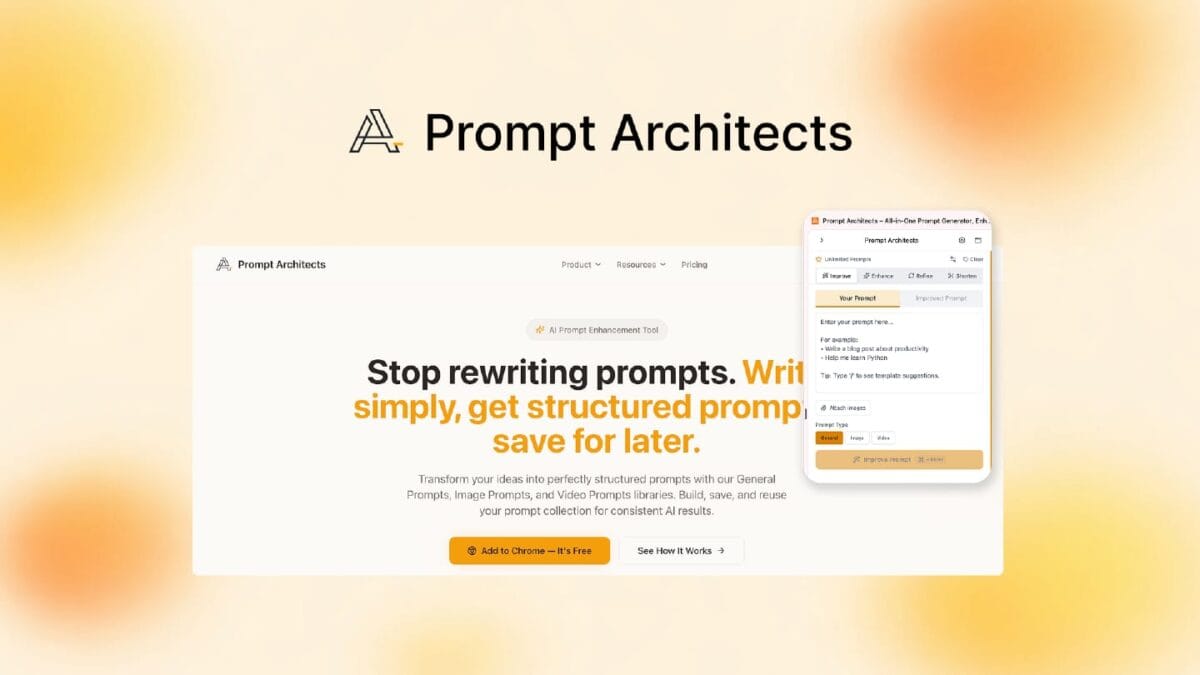
Prompt Architects takes a different approach: instead of being another AI writer, it’s a layer that improves the prompts you feed into ChatGPT, Gemini, or Claude, whichever you’re already using. Type a vague idea, and it restructures it into a fully specified instruction with role, task, format, constraints, and tone defined.
It includes libraries of ready-made templates not just for text, but also image prompts (for DALL-E, Midjourney, Stable Diffusion) and video prompts (for Sora, RunwayML, Kling).
A Chrome extension embeds the tool directly inside ChatGPT, Claude, Gemini, and other AI platforms, so you’re improving prompts without leaving your existing workflow.
Feature Comparison
| Feature | Copy.ai (Chat) | Prompt Architects |
|---|---|---|
| Works across ChatGPT/Claude/Gemini | No (own platform) | Yes |
| Structured prompt enhancement | No | Yes |
| Image prompt library | No | Yes |
| Video prompt library | No | Yes |
| Chrome extension (in-platform) | No | Yes |
| Template library | Yes (90+) | Yes (hundreds) |
Pricing Comparison
- Copy.ai Chat monthly cost: $29/month
- Copy.ai Chat annual cost: ~$288/year
- Prompt Architects lifetime cost: $39 (Tier 1, one-time)
Estimated savings after:
- 1 year: ~$249
- 2 years: ~$537
- 3 years: ~$825
Best For
Content creators, copywriters, and solopreneurs who already use ChatGPT, Claude, or Gemini daily and want sharper results without switching platforms.
8. GoBrunch

What It Replaces: Zoom, ON24
Why People Pay for the Original Tool
Standard video conferencing tools were built for one-way presentations, not engagement. Zoom Webinars requires a paid Zoom Workplace Pro subscription just to unlock the add-on, and running a 500-attendee webinar costs roughly $50/month on top of that base plan, plus overage fees if you exceed your storage or attendee cap.
ON24, built specifically for marketing webinars, runs even higher for teams that want branded, interactive event experiences. Both tools also share the same core limitation: everyone stares at one screen, which is exactly why “Zoom fatigue” became a household phrase.
Why This AppSumo Deal Is Worth Considering
GoBrunch rebuilds the virtual meeting as a space rather than a video grid. Attendees appear in circular seats they can move between, mimicking how people naturally cluster at in-person events.
Hosts get full control over every attendee’s mic and camera, can run up to 15 simultaneous breakout rooms, and can brand the entire virtual space with custom layouts and backgrounds. No downloads are required for attendees to join.
Since its original AppSumo launch, GoBrunch has added paid community membership tools with Stripe integration, letting hosts monetize recurring events directly.
Feature Comparison
| Feature | Zoom Webinars | GoBrunch |
|---|---|---|
| Requires separate base subscription | Yes (Zoom Pro) | No |
| Attendee capacity (entry tier) | 500 | 200–600 by tier |
| Breakout rooms | Limited | Up to 50 per event |
| Room customization/branding | Minimal | Extensive |
| Paid community monetization | No | Yes (Stripe) |
| No-download attendee access | Yes | Yes |
Pricing Comparison
- Zoom Webinars monthly cost: ~$70/month (Pro base + 500-attendee add-on)
- Zoom Webinars annual cost: ~$840/year
- GoBrunch lifetime cost: $89 (Tier 1, one-time)
Estimated savings after:
- 1 year: ~$751
- 2 years: ~$1,591
- 3 years: ~$2,431
Best For
Course creators, event organizers, and small businesses running webinars, workshops, or communities who want more engagement than a standard video call delivers.
9. SalesBlink
What It Replaces: Lemlist, Mixmax, Outreach
Why People Pay for the Original Tool
Cold email platforms typically price per seat, and the cost climbs fast once deliverability tools enter the picture. Lemlist’s Email Pro plan runs $55–$69/user/month, and that’s before add-ons like extra sending mailboxes ($9 each) or email warmup, which Lemlist charges separately.
A small team running multiple senders to protect deliverability can easily land at $200–$400/month just for cold outreach infrastructure, and that’s before factoring in AI personalization or a separate meeting scheduler.
Why This AppSumo Deal Is Worth Considering
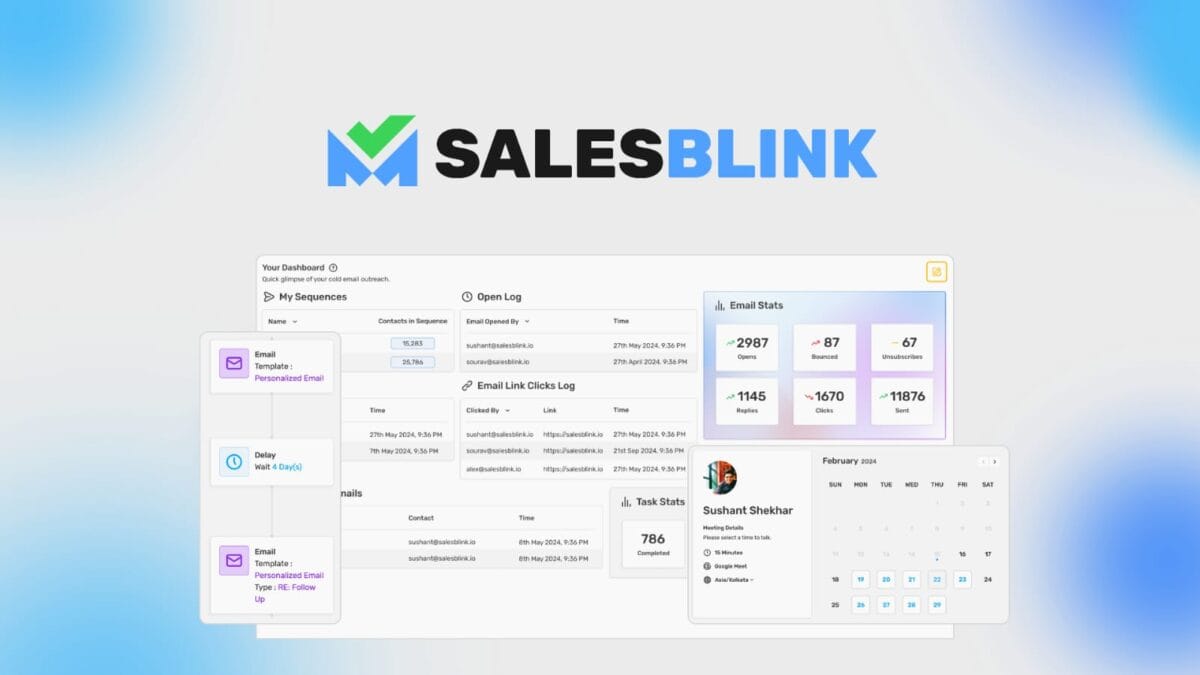
SalesBlink bundles AI-generated cold email sequences, unlimited email warmup, a unified inbox, and a meeting scheduler into one lifetime purchase.
Its BlinkGPT AI drafts personalized sequences from a simple product description, and unlimited email sends are included from Tier 2 up.
The warmup feature draws from a 30,000-address pool to build sender reputation gradually, directly addressing the deliverability problem that pushes people toward Lemlist’s paid warmup add-on in the first place.
It also recently added MCP support, letting you run outreach workflows directly from Claude or other AI agents without opening the SalesBlink dashboard at all.
Feature Comparison
| Feature | Lemlist (Email Pro) | SalesBlink |
|---|---|---|
| Monthly cost per seat | $55–$69 | $0 (one-time) |
| Email warmup included | Add-on ($29/seat) | Included |
| AI sequence generation | Limited | Yes (BlinkGPT) |
| Unified inbox | Yes | Yes |
| Meeting scheduler | Yes | Yes |
| MCP/AI agent access | Yes | Yes |
Pricing Comparison
- Lemlist Email Pro monthly cost: ~$69/month (single seat, plus warmup add-on)
- Lemlist Email Pro annual cost: ~$828/year
- SalesBlink lifetime cost: $79 (1 Code, one-time)
Estimated savings after:
- 1 year: ~$749
- 2 years: ~$1,577
- 3 years: ~$2,405
Best For
Marketers, sales managers, and small businesses running cold outreach who want AI-assisted sequences and deliverability tools without a per-seat subscription.
10. Switchy
What It Replaces: Bitly, Linktree, Rebrandly
Why People Pay for the Original Tool
Link shorteners look like a minor expense until you actually need the features that make links useful for marketing: retargeting pixels, branded bio pages, and real analytics.
Rebrandly’s free plan caps out at 10 links and 100 clicks a month, nearly unusable for real campaigns.
And its Professional tier, which unlocks team features and higher click volumes, runs $27/month ($22/month annually). Bitly and Linktree follow similar patterns, splitting link shortening and bio pages into separate tools or paywalling analytics behind higher tiers.
Why This AppSumo Deal Is Worth Considering
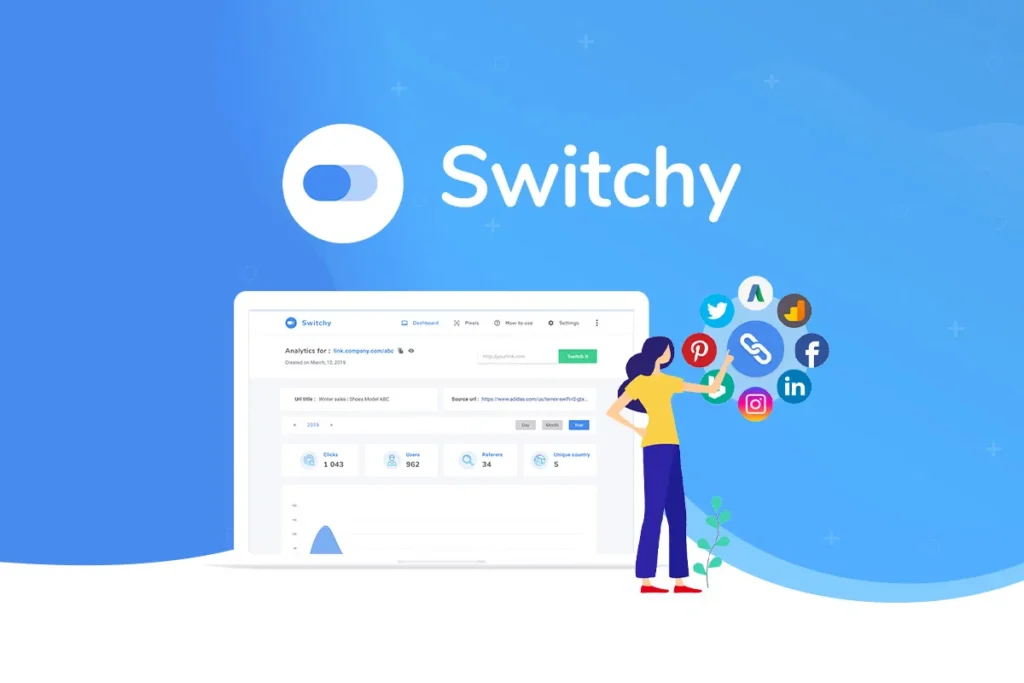
Switchy combines three tools most marketers pay for separately – a link shortener, a Linktree-style bio page builder, and a retargeting pixel manager – into one lifetime purchase.
You can add retargeting pixels to any link without technical setup, using step-by-step guides, and use smart deep links across 150+ platforms to route visitors to app-specific destinations instead of generic web pages.
The Smartpage builder includes over 100 templates and 20+ content block types (forms, countdowns, Shopify products, music embeds) for building bio-link pages, something Linktree charges separately for at its higher tiers.
Real-time analytics let you see link performance without waiting on a dashboard refresh.
Feature Comparison
| Feature | Rebrandly (Professional) | Switchy |
|---|---|---|
| Monthly cost | $27/month | $0 (one-time) |
| Retargeting pixels | Yes | Yes |
| Bio/Smartpage builder | Yes | Yes (100+ templates) |
| Deep linking (150+ platforms) | No | Yes |
| Custom domains | 3 | 8 (Tier 1) |
| Monthly clicks | 25,000 | 30,000 |
Pricing Comparison
- Rebrandly Professional monthly cost: $27/month
- Rebrandly Professional annual cost: ~$264/year (annual billing)
- Switchy lifetime cost: $39 (1 Code, one-time)
Estimated savings after:
- 1 year: ~$225
- 2 years: ~$489
- 3 years: ~$753
Best For
Content creators and marketing agencies who share links across social media and want retargeting and bio-page tools bundled with their link shortener.
11. Hedy AI
What It Replaces: Otter.ai, real-time meeting coaching subscriptions
Why People Pay for the Original Tool
Most AI meeting tools, including Otter.ai, are built to document conversations after the fact, i.e., you get a transcript and summary once the call ends.
That’s useful, but it doesn’t help in the moment when you’re mid-negotiation and can’t remember whether the client already mentioned their budget range.
Hedy AI’s own subscription reflects the value of solving that: Pro runs $12.99/month or $99.99/year for unlimited real-time coaching across meetings, interviews, and calls.
Why This AppSumo Deal Is Worth Considering
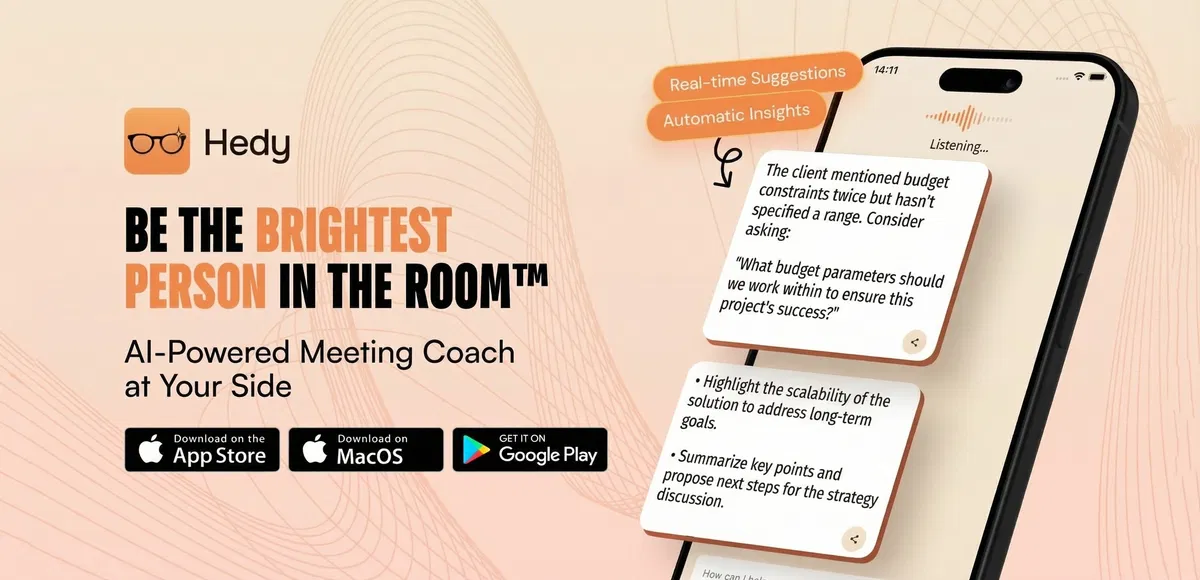
Hedy doesn’t just transcribe; it actively coaches during the conversation, surfacing suggested questions and flagging details you might miss, all without a visible meeting bot joining the call.
It works across Zoom, Google Meet, Teams, phone calls, and in-person conversations since it captures audio from your own device.
The lifetime deal unlocks specialized modes for negotiation, job interviews, healthcare, and coaching, plus automatic prep notes, cross-session Topics that let you ask “what did we agree to last month?” across multiple past meetings, and MCP support to pull Hedy data into Claude.
It runs on iOS, Android, Mac, Windows, web, and Apple Watch, all under one license.
Feature Comparison
| Feature | Otter.ai (Pro) | Hedy AI |
|---|---|---|
| Real-time in-meeting coaching | No | Yes |
| Post-meeting transcripts/summaries | Yes | Yes |
| Works without a meeting bot | No | Yes |
| Specialized conversation modes | No | Yes (11 modes) |
| Cross-session memory (Topics) | No | Yes |
| MCP/Claude integration | Yes | Yes |
Pricing Comparison
- Hedy AI Pro monthly cost: $12.99/month
- Hedy AI Pro annual cost: $99.99/year
- Hedy AI lifetime cost: $179 (one-time)
Estimated savings after:
- 1 year: Break-even in year 2 (Year 1 costs slightly more than annual subscription)
- 2 years: ~$21
- 3 years: ~$121
Best For
Consultants, project managers, and remote workers who want live support during high-stakes conversations, not just a transcript afterward.
12. OnlineCourseHost.com

What It Replaces: Kajabi, Teachable, Thinkific
Why People Pay for the Original Tool
Course platforms scale their pricing along with your success, which sounds fair until you look at the actual numbers.
Teachable’s Builder plan, the first tier without transaction fees, runs $69–$89/month, and its Starter plan charges a steep 7.5% cut of every sale on top of the subscription. Kajabi runs even higher once you factor in email marketing and community features.
For a course creator just getting started, that’s real money going to the platform before a single sale even lands.
Also Check: Best AppSumo Deals for Course Creators [Lifetime Tools Worth Buying]
Why This AppSumo Deal Is Worth Considering
OnlineCourseHost.com bundles course creation, community, and AI assistance into one lifetime purchase with zero platform transaction fees at any tier.
Its AI creator assistant helps write lesson content, generate quizzes, and create thumbnails, while a separate AI student assistant answers learner questions in real time inside the course player.
It includes a built-in community with custom access levels (private, paid, invite-only), bulk email tools, and an affiliate program, all under your own branded domain.
Unlimited students and unlimited storage are included even on the entry tier, which is a meaningful departure from Teachable’s hard student caps.
Feature Comparison
| Feature | Teachable (Builder) | OnlineCourseHost.com |
|---|---|---|
| Monthly cost | $69–$89/month | $0 (one-time) |
| Transaction fees | 0% (Builder+) | 0% |
| AI course creation assistant | Limited | Yes |
| AI student assistant | No | Yes |
| Built-in community | Yes | Yes |
| Unlimited students | Capped at 1,000 | Unlimited |
Pricing Comparison
- Teachable Builder monthly cost: ~$89/month
- Teachable Builder annual cost: ~$828/year
- OnlineCourseHost.com lifetime cost: $99 (1 Code, one-time)
Estimated savings after:
- 1 year: ~$729
- 2 years: ~$1,557
- 3 years: ~$2,385
Best For
Course creators, educators, and online coaches who want a branded, AI-assisted platform with community features and no per-sale fees eating into revenue.
13. Sociamonials
What It Replaces: Hootsuite
Why People Pay for the Original Tool
Social media management tools like Hootsuite bundle scheduling, analytics, and team collaboration into a per-seat subscription that adds up fast.
Hootsuite’s Professional plan runs $99/month (₹3,999 in India) billed annually (or $149/month billed monthly) for a single user managing just 10 social accounts, and that’s before contests, giveaways, or user-generated content campaigns, which Hootsuite doesn’t handle at all.
Marketers who want to run sweepstakes or photo contests typically need a second, separate tool on top of their scheduler.
Why This AppSumo Deal Is Worth Considering
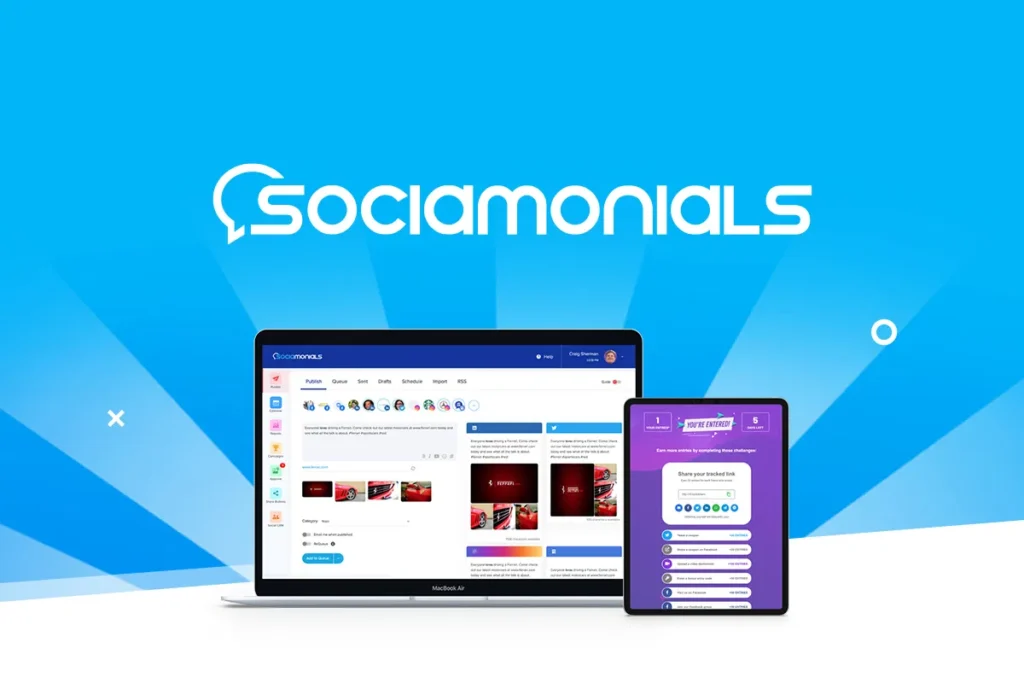
Sociamonials combines automated post scheduling with viral marketing tools Hootsuite simply doesn’t offer: photo and video contests, sweepstakes with bonus-entry mechanics, refer-a-friend programs, and user-generated content syndication across social platforms.
It supports 30 social profiles on its entry tier, triple what Hootsuite’s Professional plan includes, and lets you define your own “optimal post time” based on actual sign-ups, leads, or sales rather than generic engagement metrics.
Social CRM features identify influencers by referred revenue rather than follower count, which is a more useful signal for marketers actually trying to grow the business. Agencies can also unlock a fully white-labeled dashboard by stacking codes.
Feature Comparison
| Feature | Hootsuite (Professional) | Sociamonials |
|---|---|---|
| Monthly cost | $99/month | $0 (one-time) |
| Social profiles included | 10 | 30 |
| Contests/sweepstakes tools | No | Yes |
| User-generated content syndication | No | Yes |
| Refer-a-friend program | No | Yes |
| White-label agency dashboard | No (Enterprise only) | Yes (5+ codes) |
Pricing Comparison
- Hootsuite Professional monthly cost: $99/month
- Hootsuite Professional annual cost: ~$1,188/year
- Sociamonials lifetime cost: $69 (1 Code, one-time)
Estimated savings after:
- 1 year: ~$1,119
- 2 years: ~$2,307
- 3 years: ~$3,495
Best For
Marketers and agencies running social campaigns who want scheduling and contest/UGC tools in one platform instead of paying for two.
14. LeadRocks
What It Replaces: Lusha, ZoomInfo, Salesforce (data enrichment)
Why People Pay for the Original Tool
B2B contact databases like Lusha price by seat and by credit, and both meters run out fast. Lusha’s Pro plan costs roughly $46–$70/month per user for around 600 credits, and since a phone number reveal now costs 10 credits instead of 5, that allowance covers barely 60 direct-dial contacts a month.
ZoomInfo runs into enterprise-contract territory for anything beyond light use. For a sales manager or recruiter doing real volume prospecting, credit scarcity becomes the actual bottleneck, not the database size.
Why This AppSumo Deal Is Worth Considering
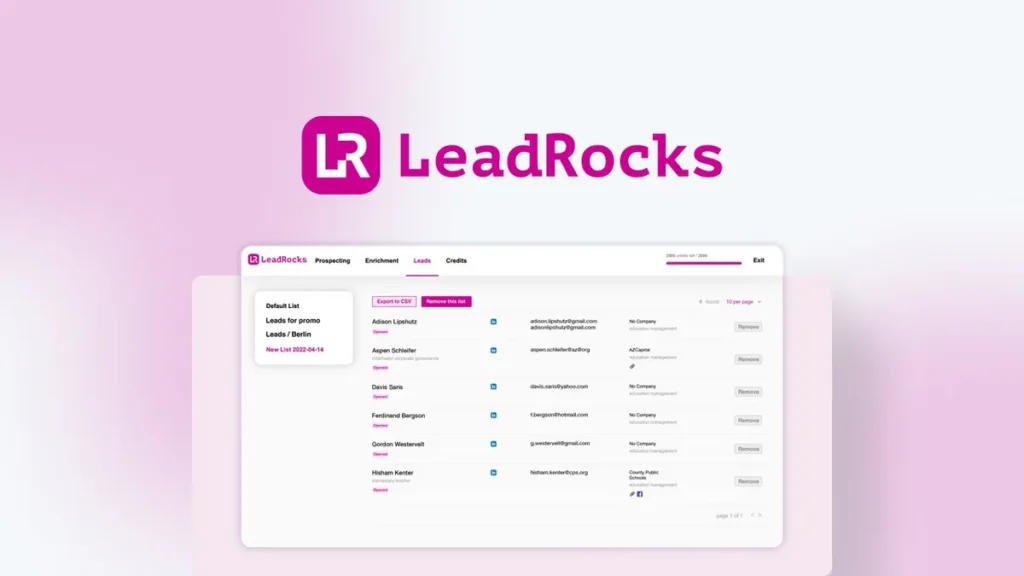
LeadRocks gives you access to a 100M+ contact database with 5,000 contact credits a month on its entry tier, which is roughly 8x what Lusha’s Pro plan includes at a comparable price point, and this is a one-time cost instead of a recurring one.
You can search by job title, company, location, industry, and team size, then export directly to CSV or push results into your CRM or automation tool.
It also includes a LinkedIn URL enrichment tool: upload a list of LinkedIn profiles and pull verified emails and phone numbers directly from them, which is a workflow Lusha and ZoomInfo typically charge extra for.
Higher tiers add email marketing seats and verification credits, letting you run outreach from inside the same platform.
Feature Comparison
| Feature | Lusha (Pro) | LeadRocks |
|---|---|---|
| Monthly cost per seat | ~$46–$70 | $0 (one-time) |
| Contact credits per month | ~600 | 5,000 (Tier 1) |
| Phone reveal cost | 10 credits | Included in standard credits |
| LinkedIn URL enrichment | Limited | Yes |
| Email verification | Add-on | Included (higher tiers) |
| Direct CSV export | Yes | Yes |
Pricing Comparison
- Lusha Pro monthly cost: ~$69.90/month (annual billing, single seat)
- Lusha Pro annual cost: ~$545.4/year
- LeadRocks lifetime cost: $79 (1 Code, one-time)
Estimated savings after:
- 1 year: ~$466.4
- 2 years: ~$1,011.8
- 3 years: ~$1,557.2
Best For
Marketing agencies, recruiters, and sales managers who need volume B2B prospecting without paying per-seat, per-credit fees every month.
15. CutMe Short
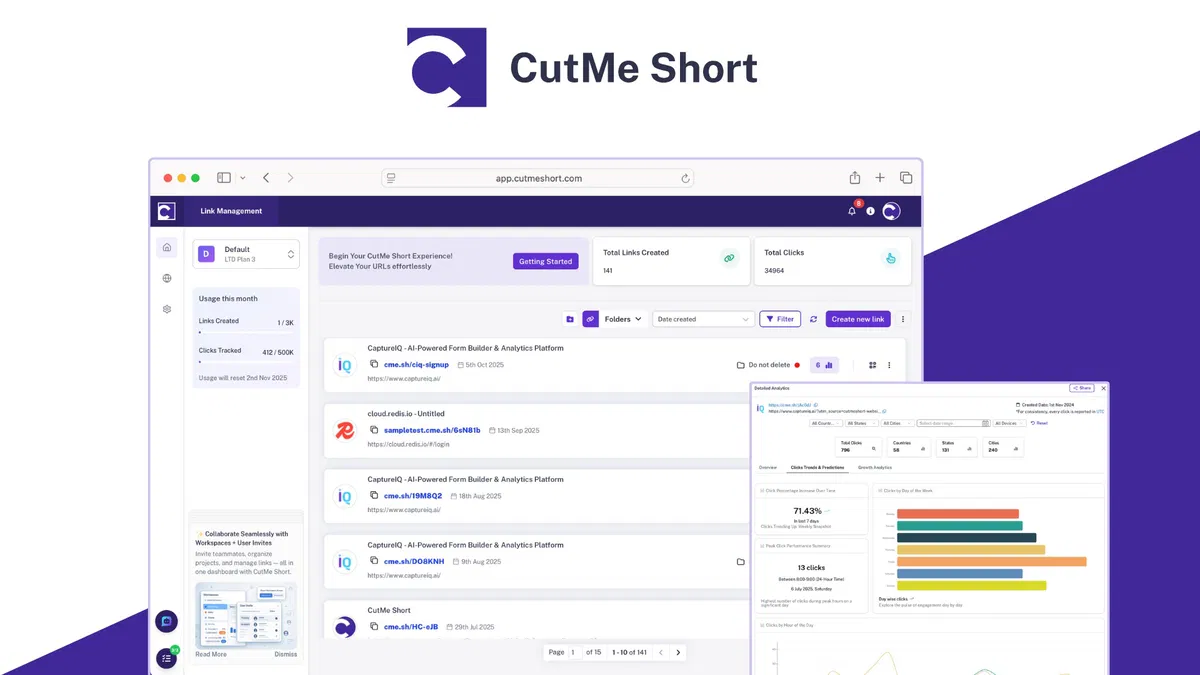
What It Replaces: Bitly, Rebrandly, Zapier (for click-tracking automations)
Why People Pay for the Original Tool
Bitly’s pricing has climbed sharply as the company has repositioned around enterprise buyers.
Its Growth plan, the first tier with custom domains and advanced analytics, runs $29–$35/month per user, and even then you’re capped at 500 links per month with data retention that shrinks the further down the tier list you go.
Rebrandly follows a similar pattern: its Professional plan hits $27/month and still limits you to 25,000 tracked clicks. Marketers who also want automation, like triggering a Zap when a link gets clicked, typically need a third tool layered on top.
Why This AppSumo Deal Is Worth Considering
CutMe Short bundles link shortening, click analytics, and campaign tracking into one lifetime purchase, with unlimited link clicks even on the entry tier, which is a meaningful departure from the click caps that define Bitly and Rebrandly’s pricing.
It includes a Dynamic UTM Builder that automatically adapts UTM parameters based on platform or device, removing the manual re-entry that eats time on multi-channel campaigns.
Link expiry, link rotators for A/B testing destinations, and AI-powered click predictions round out the toolkit. API access and branded QR codes are included from the first tier, both of which Bitly locks behind its higher-priced plans.
Feature Comparison
| Feature | Bitly (Growth) | CutMe Short |
|---|---|---|
| Monthly cost per user | $29–$35 | $0 (one-time) |
| Monthly link limit | 500 | 100 (Plan 1) / higher on Plan 2 – 3 |
| Link clicks | Capped by plan | Unlimited |
| Custom domains | 10 | 10 (Plan 1) |
| Dynamic UTM builder | No | Yes |
| API access | Enterprise only | Included (all tiers) |
Pricing Comparison
- Bitly Business monthly cost: ~$29/month
- Bitly Business annual cost: ~$348/year
- CutMe Short lifetime cost: $59 (Plan 1, one-time)
Estimated savings after:
- 1 year: ~$289
- 2 years: ~$637
- 3 years: ~$985
Best For
Marketing agencies, social media managers, and solopreneurs who want branded links, UTM automation, and analytics without click caps or per-seat fees.
16. INBOX
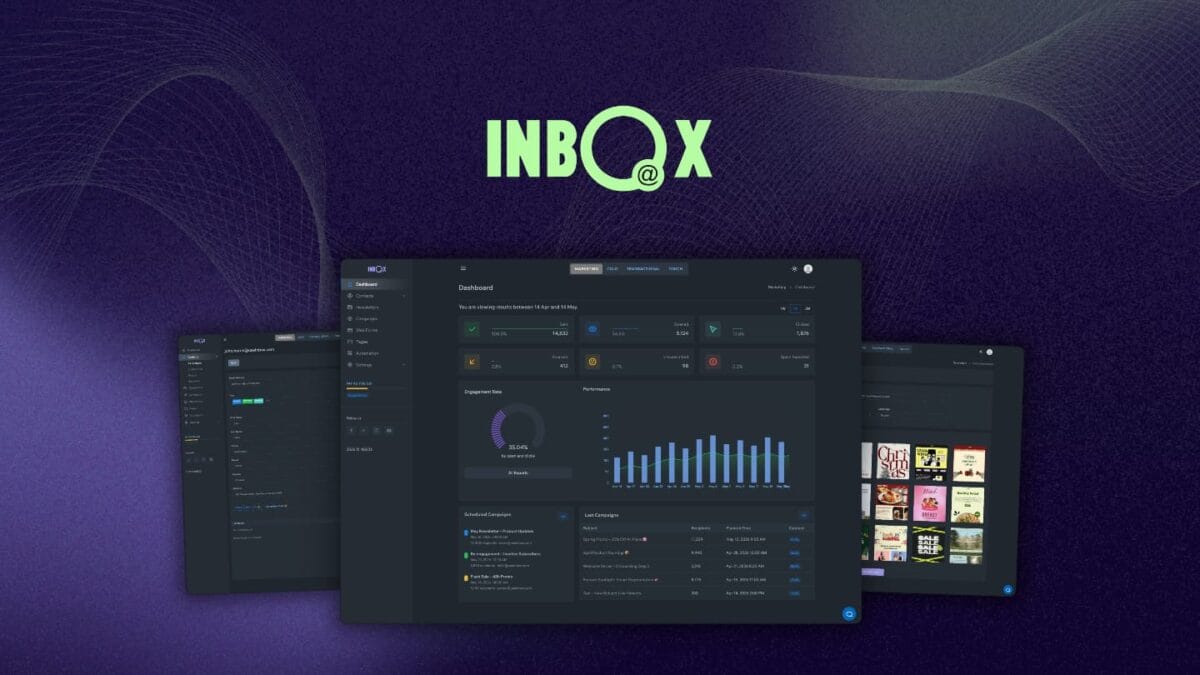
What It Replaces: ActiveCampaign, Mailchimp, MailerLite
Why People Pay for the Original Tool
Marketing automation platforms like ActiveCampaign price aggressively around contact count, and the jump from a basic plan to one with real automation is steep.
ActiveCampaign’s Starter plan starts around $15/month for 1,000 contacts, but it caps automations at just 5 actions each, genuinely limiting for anything beyond simple welcome sequences.
Moving to Plus, which unlocks unlimited automation actions and landing pages, roughly triples the price at the same contact tier, and costs climb further as your list grows.
Related: Best Email Marketing Software You Should Use [Top AppSumo Lifetime Deals Included]
Why This AppSumo Deal Is Worth Considering
INBOX bundles campaign design, marketing automation, contact segmentation, and real-time analytics into one lifetime purchase, with 2,500 contacts and 5,000 cold email credits included on the entry tier.
It includes a drag-and-drop newsletter editor with hundreds of industry-specific templates, automatic contact scoring so you always know who’s most engaged, and A/B testing with auto-resend for underperforming campaigns.
Unlike Mailchimp, which counts unsubscribed contacts against your limit, INBOX’s founders built the platform’s own delivery infrastructure from scratch since 2014, aiming specifically to avoid the “pay more as your list grows” trap that defines most competitors.
Feature Comparison
| Feature | ActiveCampaign (Plus) | INBOX |
|---|---|---|
| Monthly cost (comparable contacts) | ~$99/month | $0 (one-time) |
| Automation action limit | Unlimited (Plus+) | Included |
| Drag-and-drop editor | Yes | Yes |
| Contact scoring | Add-on/higher tier | Included |
| Cold email credits | N/A | 5,000/mo (Tier 1) |
| Own custom domain | Yes | Yes |
Pricing Comparison
- ActiveCampaign Plus monthly cost: ~$99/month (approx. at 2,500 contacts)
- ActiveCampaign Plus annual cost: ~$1,188/year
- INBOX lifetime cost: $99 (1 Code, one-time)
Estimated savings after:
- 1 year: ~$1,089
- 2 years: ~$2,277
- 3 years: ~$3,465
Best For
Ecommerce brands, small businesses, and web design agencies who want full email marketing and automation without a bill that grows alongside their list.
17. ElkQR
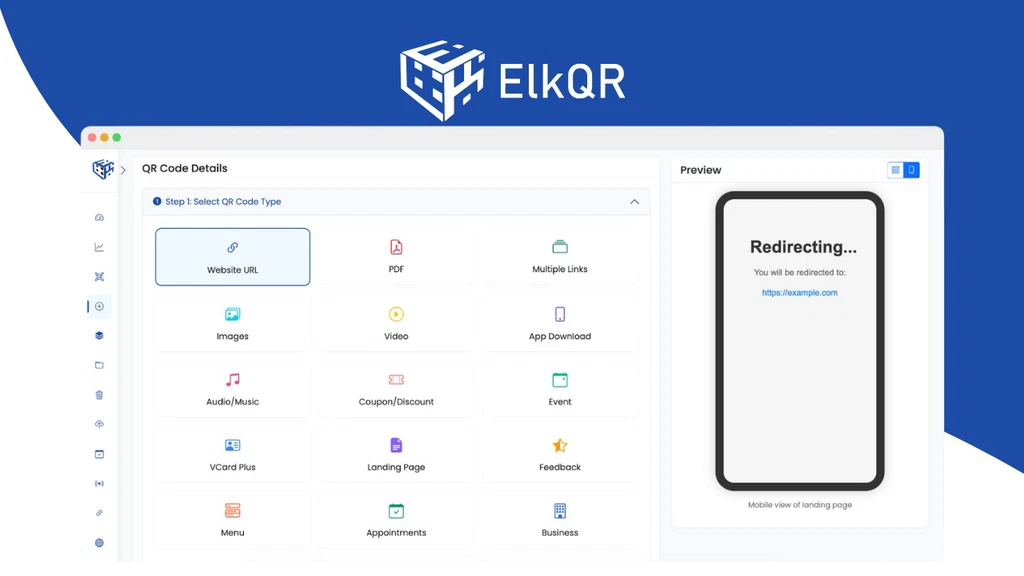
What It Replaces: Bitly, Rebrandly, Uniqode (Beaconstac)
Why People Pay for the Original Tool
QR code platforms have followed link shorteners down the same path: useful free tier, expensive real plan.
Uniqode (formerly Beaconstac), one of the more established players, requires annual billing on every paid tier, and the plan most small businesses actually need, with team access, custom domains, and full analytics retention, runs roughly $49–$99/month.
Scan history also gets deleted after a short retention window on lower tiers, meaning campaign data you might want to reference months later simply disappears.
Why This AppSumo Deal Is Worth Considering
ElkQR includes unlimited QR codes, unlimited scans, and unlimited stat retention on every tier, including the cheapest one, solving the data-deletion problem that pushes Uniqode users toward pricier plans.
It supports both dynamic and static codes, and dynamic codes can be updated after printing without regenerating the code, so a campaign URL change doesn’t mean reprinting physical materials.
Beyond standard link QR codes, it generates codes for VCards, social profiles, and, added since its original launch, native appointment booking, letting a code on a flyer take someone straight to a Calendly-style scheduler.
Custom domains, pixel tracking (Facebook Pixel, Google Analytics), and password protection are included from the first tier, and the founder has shipped a full V3 platform rebuild with AES-256 encryption and SOC 2-ready security since launch.
Feature Comparison
| Feature | Uniqode (mid-tier) | ElkQR |
|---|---|---|
| Monthly cost | ~$49–$99/month | $0 (one-time) |
| Billing flexibility | Annual only | One-time |
| Unlimited scan/stat retention | No (retention limits) | Yes |
| Dynamic + static codes | Yes | Yes |
| Appointment booking QR codes | No | Yes |
| Pixel tracking (Meta/Google) | Limited | Yes |
Pricing Comparison
- Uniqode mid-tier monthly cost: ~$49/month (annual billing required)
- Uniqode mid-tier annual cost: ~$588/year
- ElkQR lifetime cost: $39 (Plan 1, one-time)
Estimated savings after:
- 1 year: ~$549
- 2 years: ~$1,137
- 3 years: ~$1,725
Best For
Ecommerce brands, event organizers, and real estate agents who use QR codes across physical and digital marketing and want analytics that don’t expire.
18. Katteb
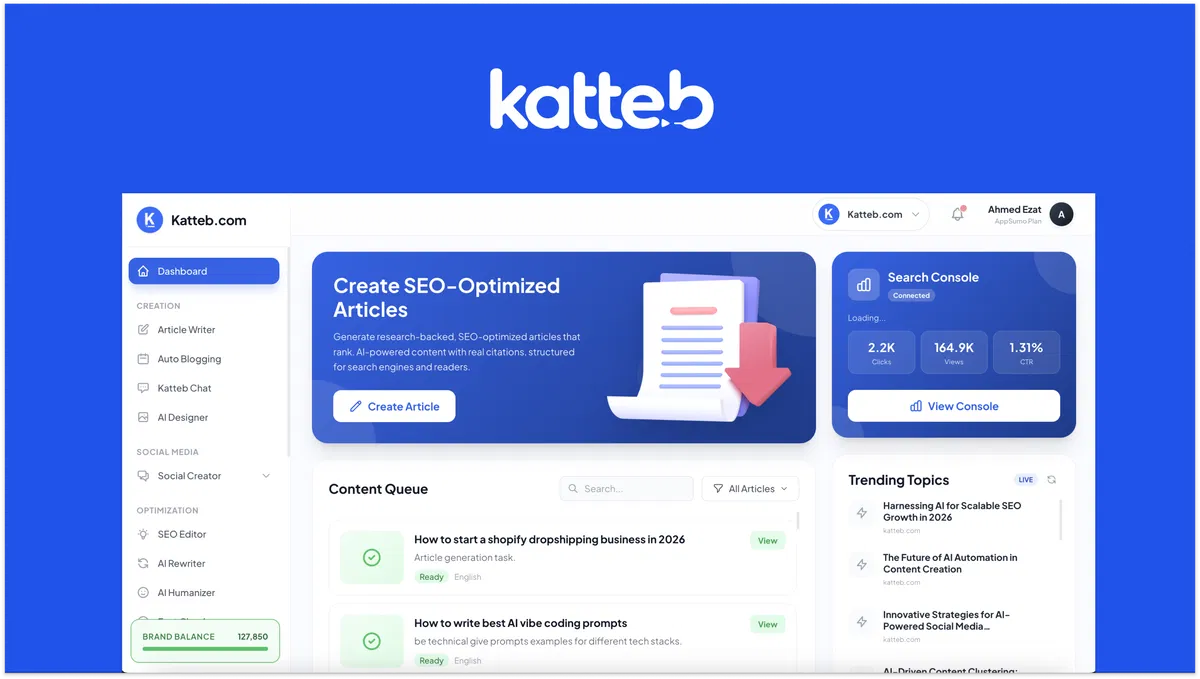
What It Replaces: Copy.ai
Why People Pay for the Original Tool
Generic AI writing tools produce content fast, but “fast” and “actually ranks in search” are two different problems.
Copy.ai’s Chat plan runs $29/month and generates unlimited words, but it wasn’t built with SEO or AI-search visibility as the core focus.
You still need to manually check whether your draft covers what’s actually ranking, and there’s no native path to auto-publishing a content calendar to WordPress.
Why This AppSumo Deal Is Worth Considering
Katteb was rebuilt specifically to compete for visibility in Google AI Overviews and ChatGPT search, not just traditional blue-link rankings.
It clones your actual writing style from your website so output doesn’t sound like generic AI, and its AutoBlogging feature lets you plan a month of topics, schedule them, and auto-publish straight to WordPress without touching each post manually.
While drafting, a live AI SEO score compares your content against the current top 10 ranking pages to flag missing entities and topic gaps.
It also adds citations, expert quotes, and patent references automatically, and as of April 2026, a public API lets agencies automate article generation, fact-checking, and SEO analysis entirely outside the dashboard.
Feature Comparison
| Feature | Copy.ai (Chat) | Katteb |
|---|---|---|
| Monthly cost | $29/month | $0 (one-time) |
| Writing style cloning | Limited | Yes |
| Live AI SEO scoring | No | Yes |
| Auto-publish to WordPress | No | Yes |
| AutoBlogging (scheduled content) | No | Yes |
| Public API access | No | Yes |
Pricing Comparison
- Copy.ai Chat monthly cost: $29/month
- Copy.ai Chat annual cost: ~$288/year
- Katteb lifetime cost: $39 (1 Code, one-time)
Estimated savings after:
- 1 year: ~$249
- 2 years: ~$537
- 3 years: ~$825
Best For
Bloggers, copywriters, and marketing agencies who publish regularly and want content built to perform in both traditional and AI-driven search.
19. TruConversion
What It Replaces: Hotjar
Why People Pay for the Original Tool
Hotjar’s pricing has grown more fragmented since its acquisition by Contentsquare, splitting behavior analytics (Observe), surveys (Ask), and interview recruiting (Engage) into separate subscriptions.
Its Growth tier alone runs about $39–$49/month starting at 7k monthly sessions. Data also gets deleted entirely after 365 days with no paid extension option, meaning historical campaign insights simply vanish.
Read Also: Best Web Analytics Tools To Improve Your Website
Why This AppSumo Deal Is Worth Considering
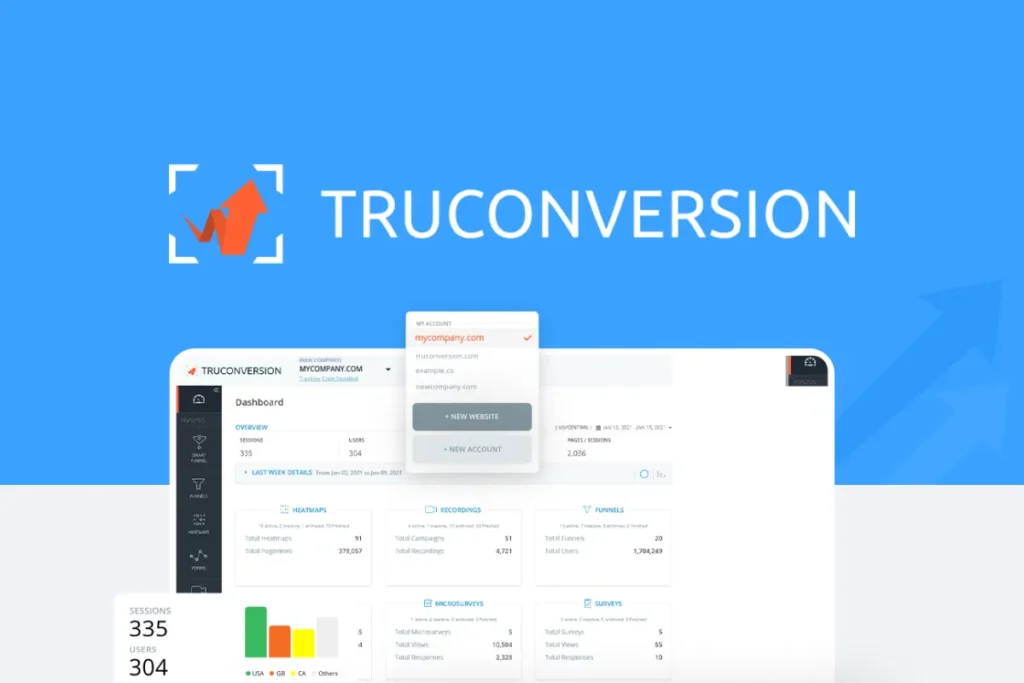
TruConversion bundles funnel tracking, heatmaps, session recordings, form analytics, and micro-surveys into one lifetime purchase.
Its Smart Funnels feature uses a visual builder to flag exactly where visitors drop off, with conversion rate recommendations built in rather than requiring separate analysis.
Form Analytics tracks which specific fields cause abandonment, filterable by device, and Site Pulse AI reports translate raw behavioral data into plain-language insights.
It integrates directly with WordPress, Shopify, Wix, Squarespace, ClickFunnels, and HubSpot via a single tracking code, and the founding team has been actively shipping updates, including a new Site Plus feature for deeper multi-page journey tracking.
Feature Comparison
| Feature | Hotjar (Growth) | TruConversion |
|---|---|---|
| Monthly cost | ~$39–$49/month | $0 (one-time) |
| Products bundled together | Separate (Observe/Ask/Engage) | All included |
| Visual funnel builder | Limited | Yes |
| Form field analytics | Yes | Yes |
| Data retention | 365 days max | Unlimited |
| AI-generated insight reports | Yes | Yes (SitePulse) |
Pricing Comparison
- Hotjar Growth monthly cost: ~$39/month (annual billing)
- Hotjar Growth annual cost: ~$468/year
- TruConversion lifetime cost: $79 (License Tier 1, one-time)
Estimated savings after:
- 1 year: ~$389
- 2 years: ~$857
- 3 years: ~$1,325
Best For
Marketers, project managers, and SaaS teams who want funnel, heatmap, and form analytics in one dashboard without paying for separate Hotjar products.
20. Writeseed
What It Replaces: Copy.ai, Jasper
Why People Pay for the Original Tool
Most AI writing subscriptions charge monthly for what amounts to a word-generation quota.
Copy.ai’s Chat plan runs $29/month, and Jasper’s entry Creator plan starts around $39/month, both scaling higher once you need long-form articles, SEO tools, or a browser extension bundled in.
Content creators juggling blog posts, ad copy, and outreach emails often end up paying for one tool per use case rather than one subscription that covers all of them.
Why This AppSumo Deal Is Worth Considering
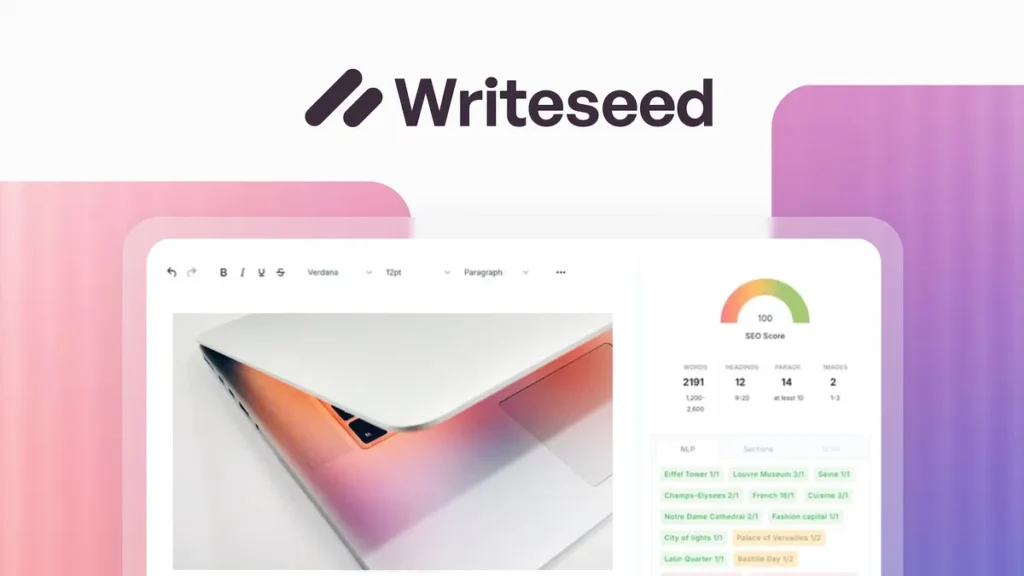
Writeseed bundles 70+ content templates, long-form article generation (2,000+ words), and SEO metrics like keyword density and reading score into a single lifetime purchase, with unlimited words available from the second tier up.
Its Pro-Writer Chrome extension lets you write directly inside Gmail, WordPress, or any text field on the web. Type “++” and the AI drafts a paragraph, an email, or ad copy in place without switching tabs.
A Semantic NLP Editor also boosts existing content for SEO in real time rather than just generating fresh drafts.
Feature Comparison
| Feature | Copy.ai (Chat) | Writeseed |
|---|---|---|
| Monthly cost | $29/month | $0 (one-time) |
| Long-form articles (2,000+ words) | Limited | Yes |
| SEO keyword/reading score metrics | No | Yes |
| Chrome extension (writes in any field) | No | Yes |
| Free stock photos for articles | No | Yes |
| Unlimited words | Credit-based | Yes (Tier 2+) |
Pricing Comparison
- Copy.ai Chat monthly cost: $29/month
- Copy.ai Chat annual cost: ~$288/year
- Writeseed lifetime cost: $44 (Premium Plan, one-time) or $88 for Unlimited Words
Estimated savings after:
- 1 year: ~$200–$244
- 2 years: ~$488–$532
- 3 years: ~$776–$820
Best For
Bloggers, content creators, and copywriters who want long-form writing, SEO tools, and a browser-wide writing assistant in one lifetime purchase.
21. Writecream
What It Replaces: Ahrefs, SEMrush, Yoast SEO
Why People Pay for the Original Tool
Ranking content usually requires stitching together several subscriptions: SEMrush or Ahrefs for competitor and keyword research, a writing tool like Jasper for drafting, and Yoast for on-page optimization.
SEMrush’s entry SEO plan alone runs $139.95/month billed monthly (~$117/month annually) and covers only keyword tracking and site audits.
Content generation and backlink building are entirely separate problems requiring separate tools and separate monthly bills.
Also Check: Best SEO Tools To Enhance Your Website Performance [Expert Picks]
Why This AppSumo Deal Is Worth Considering
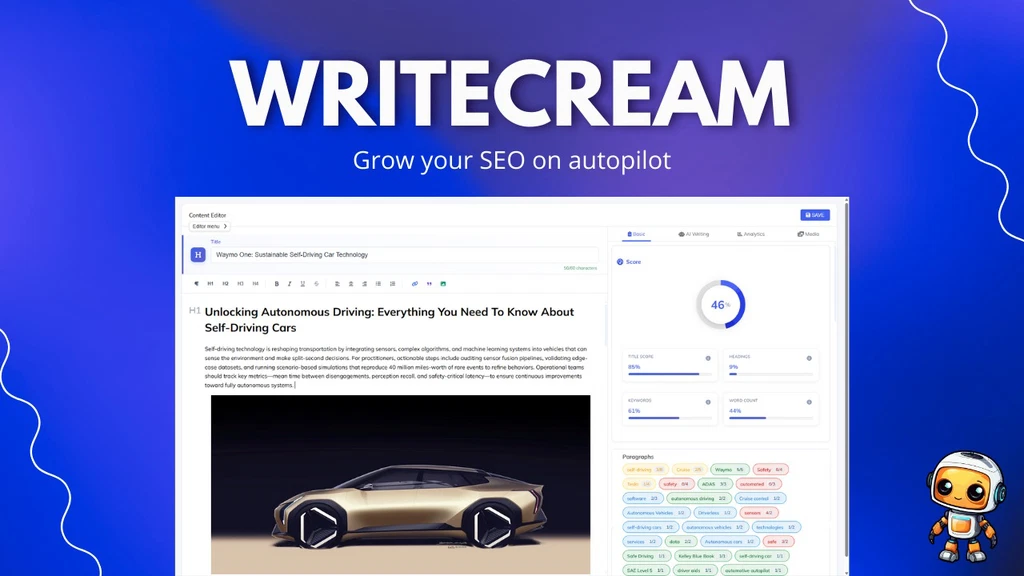
Writecream positions itself as a full SEO agent rather than a single-purpose writer, combining competitor analysis, keyword research, content generation, and backlink building in one lifetime deal.
It deconstructs top-ranking pages to show structure, word counts, and heading strategy, then generates data-driven content briefs before you write a word.
Its standout feature is Backlink Autopilot: your site joins a network of 1M+ users, and Writecream’s AI automatically inserts relevant backlinks to your site while generating content for other network members.
This is a genuinely automated alternative to manual outreach tools like Pitchbox or Snov.io. It also optimizes for AI search visibility (AEO/GEO), aiming to get content cited inside ChatGPT, Gemini, and Claude, not just ranked on Google.
Feature Comparison
| Feature | SEMrush (SEO) | Writecream |
|---|---|---|
| Monthly cost | $139.95/month | $0 (one-time) |
| Content generation | No | Yes |
| Automated backlink building | No | Yes (Backlink Autopilot) |
| AI search visibility (AEO/GEO) | No | Yes |
| Competitor content analysis | Yes | Yes |
| Cold email/LinkedIn outreach copy | No | Yes |
Pricing Comparison
- SEMrush Pro monthly cost: $139.95/month
- SEMrush Pro annual cost: ~$1,408/year
- Writecream lifetime cost: $59 (Plan 1, one-time)
Estimated savings after:
- 1 year: ~$1,349
- 2 years: ~$2,757
- 3 years: ~$4,165
Best For
Bloggers, copywriters, and marketers who want SEO research, content creation, and backlink building bundled into a single lifetime tool instead of three separate subscriptions.
22. Labrika
What It Replaces: Ahrefs, Screaming Frog, SEMrush
Why People Pay for the Original Tool
Comprehensive SEO auditing tools charge premium prices for the depth they provide. SEMrush’s Pro plan runs $139.95/month (~$117/month billed annually) and covers keyword tracking and site audits, but historical data and deeper content optimization tools are locked behind the pricier Pro+ tier at ~$249/month.
Screaming Frog, meanwhile, is a technical crawler with no built-in content optimization or competitor comparison, so serious SEO work often means paying for both a crawler and a rank-tracking platform separately.
Why This AppSumo Deal Is Worth Considering
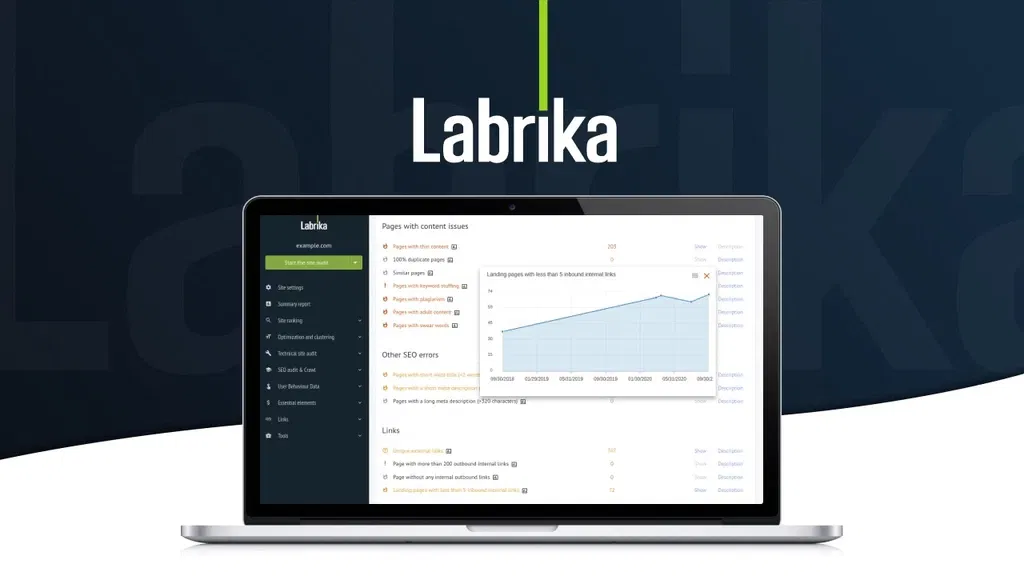
Labrika’s AI-led auditor checks over 230 ranking factors in a single scan and consolidates the findings into one actionable report, rather than requiring you to interpret raw crawl data yourself.
It cross-compares your content against top-ranking competitors on LSI, TF-IDF, and metadata factors to show specifically what’s missing, and its rank checker automatically organizes landing pages by which keyword they rank for.
A historical error-and-change log tracks your site’s SEO health over time, and shareable, white-labelable reports make it usable for agencies presenting to clients.
Unused page-crawling and keyword-ranking credits also roll over month to month rather than resetting, which softens the impact of the credit-based system.
Feature Comparison
| Feature | SEMrush (Pro) | Labrika |
|---|---|---|
| Monthly cost | $139.95/month | $0 (one-time) |
| Ranking factors checked | Fewer, narrower focus | 230+ |
| Competitor content cross-comparison | Limited | Yes |
| Historical error/change tracking | Add-on | Yes |
| White-label shareable reports | No | Yes |
| Unlimited websites | No (project caps) | Yes |
Pricing Comparison
- SEMrush Pro monthly cost: $139.95/month
- SEMrush Pro annual cost: ~$1,408/year
- Labrika lifetime cost: $68 (Plan 1, one-time)
Estimated savings after:
- 1 year: ~$1,340
- 2 years: ~$2,748
- 3 years: ~$4,156
Best For
Marketing agencies, small businesses, and solopreneurs who want a comprehensive, competitor-benchmarked SEO audit tool without SEMrush or Ahrefs-level monthly costs.
Which AppSumo Deal Is Right for You?
The best deal depends entirely on what you’re actually running.
For Bloggers: Katteb or Writeseed for AI-search-optimized content, paired with SendFox for newsletters.
For YouTubers: Letterly to turn talking into transcripts and notes, plus Poppy AI for repurposing video into written content.
For Freelancers: TidyCal for client scheduling and payments, Amical for faster writing and dictation.
For Agencies: DM Champ for white-label client resale, Sociamonials for managing multiple client campaigns, and Switchy for branded client links.
For Startups: FlexiFunnels to launch funnels and courses without stacking three subscriptions, SalesBlink for early-stage outbound.
For Small Businesses: INBOX or SendFox for email marketing, ElkQR for physical-to-digital marketing via QR codes.
For AI Users: Prompt Architects if you already live inside ChatGPT or Claude and want sharper outputs, Hedy AI if you need real-time support during calls and negotiations.
If you only pick one thing from this guide: match the deal to the subscription actually draining your budget right now, not the one with the flashiest feature list. The best lifetime deal is the one that replaces a bill you’re already paying.
Common Mistakes Buyers Make with Lifetime Deals
Even a great deal can turn into wasted money if you buy it the wrong way. Here’s where most people go wrong.
Buying because of FOMO. A countdown timer isn’t a strategy. If you can’t articulate the exact workflow a tool replaces, skip it; the deal will likely resurface later anyway.
Ignoring roadmap quality. A tool with no updates in a year is a warning sign, not a bargain. Check the founder’s update history before buying.
Not checking integrations. A tool that doesn’t connect to your CRM, email platform, or payment processor creates manual work that erases the savings.
Buying overlapping tools. Owning three lifetime deals that all do “AI writing” isn’t a toolkit. It’s clutter. Buy to fill a real gap, not to collect deals.
Underestimating migration effort. Moving years of data or client history isn’t always a clean export. Budget real time for it before committing.
Choosing price over fit. The cheapest deal that does 70% of what you need costs more in workarounds than a slightly pricier tool that does the whole job.
Buy for the workflow, not the discount.
Also Read: AppSumo for Beginners: How to Pick Deals That Are Actually Worth It
When You Should NOT Replace Premium SaaS
This guide is about smart replacements, not replacing everything. Sometimes the premium tool is genuinely the right call, and pretending otherwise isn’t good advice.
Enterprise workflows. If your business runs on deeply customized processes built over years inside a tool like Salesforce or HubSpot, ripping that out to save on a subscription usually costs more in rebuilding time than it saves.
Mission-critical automation. If a tool sits at the center of revenue-generating or safety-critical operations, the support SLAs and uptime guarantees of an established SaaS provider are often worth the monthly cost.
Large teams. Lifetime deals are typically built for solopreneurs, freelancers, and small teams. Once you’re coordinating 50+ users, permission structures, and admin controls, enterprise-tier SaaS is usually built for that scale in a way lifetime tools aren’t.
Compliance-heavy industries. Healthcare, finance, and legal work often require certifications (HIPAA, SOC 2 Type II, specific data residency) that smaller lifetime-deal companies haven’t yet earned.
Advanced API requirements. If your stack depends on a mature, well-documented API with guaranteed rate limits, an established platform is usually the safer long-term bet.
When in doubt, match the tool’s maturity to how much your business depends on it.
Frequently Asked Questions
Are AppSumo lifetime deals really worth it?
Yes, for tools with active development, real user feedback, and clear feature parity with what they replace. Skip deals from inactive founders or products with no recent updates.
Can AppSumo replace expensive SaaS tools?
Often, yes, especially email marketing, scheduling, funnels, and SEO tools where lifetime alternatives now match 80-90% of premium features. Full enterprise-grade replacement is rarer, so evaluate feature parity before switching entirely.
Do AppSumo lifetime deals include future updates?
Most include all future updates to the specific plan tier you purchased, though feature limits (contacts, credits, seats) usually stay fixed unless you stack additional codes. Always check the deal terms.
What happens if the product shuts down?
You lose access with no refund beyond the standard 60-day window. This is the core risk of lifetime deals. Mitigate it by choosing established founders with consistent update histories and healthy review counts.
Is AppSumo good for startups?
Yes, particularly pre-revenue and early-stage startups needing to control burn rate. One-time costs replace recurring subscriptions during the highest-risk growth phase, freeing monthly cash flow for marketing, hiring, or runway extension.
Should freelancers buy lifetime software deals?
Generally yes, for tools matching a freelancer’s steady, ongoing workflow like scheduling, invoicing, writing. Avoid deals for tools tied to a single client project, since the lifetime value only pays off with continued use.
Final Verdict
Twenty-two deals, twenty-two SaaS bills; that’s what this guide really comes down to. Some, like SendFox or Writecream, pay for themselves before your next paycheck.
Others, like Hedy AI, take a year to pull ahead but keep saving long after. None of that matters if you buy on impulse.
So don’t buy from this list today. Open your bank statement instead, find the subscription charge that annoys you most, and match it to the tool here that replaces it.
Buy that one deal, run it through the 60-day refund window on a real project, and only then decide if it earns a permanent spot in your stack.
That’s how you actually save money on software: one deliberate swap at a time, not twenty-two impulse buys.
Related Articles
Best AppSumo Lifetime Deals for Marketers in [Top Software Picks by Category]
Best AppSumo Lead Generation Tools for Small Businesses – Top Lifetime Deals You Shouldn’t Miss
8 Best AppSumo Lifetime Deals I Actually Recommend
Best AppSumo Deals Under $100 for Bloggers, Marketers & Creators

TechnicalStudies was started by Neeladrinath with one simple idea — give Indian students a reliable place to figure out what’s actually worth their time and money. Every recommendation here is backed by careful research, real student feedback, and honest analysis. We cover online courses, laptops, smartwatches, software deals, and learning resources — all looked at from a student’s perspective, so you can spend less time guessing and more time learning.